Single Object View
Purpose
The Single Object View is a view that always displays a single file with a large image preview.
The user is able to configure an object type for single object view and decide about preview upscaling.
In that way user can define in which contexts (page plugins) the single object view can be used
Possible Usage of the plugin
Single Object View plugin can be used in:
-
FSNavigation Page plugin
-
AdvancedSearch Page plugin
-
FormbasedSearch Page plugin
Supported plugins
The Single Object View plugin supports the following plugins:
-
QR Code Reader Function plugin
-
AnnotationTool Function plugin
-
3D Viewer Function plugin
-
360° Viewer Function plugin
-
AssetView Function plugin
-
Preparing Function plugin
-
ProductView Function plugin
-
Show-In Navigation Function plugin
General configuration
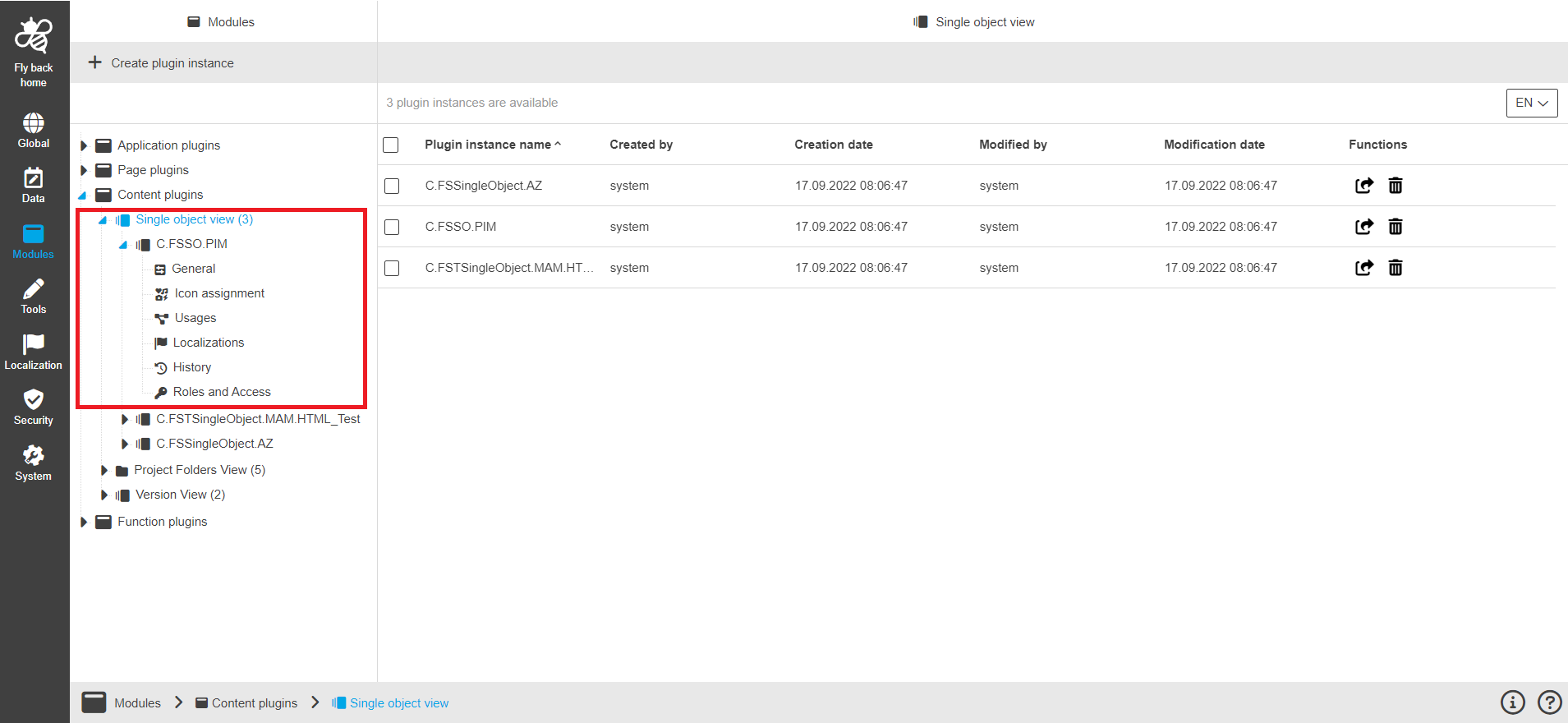
The configuration of Single Object View includes the following parts:
| Tab name | Description | Note |
|---|---|---|
General |
On this page the user can select the object type for viewing. |
See more details "General" |
Icon assignment |
On this page the user can assign an icon for the Single Object View plugin to visualize the function buttons appearing in the Frontend. |
|
Usages |
On this page the user can see the relations of the Single Object View plugin to other plugins. |
|
Localization |
On this page the user can localize their own Single Object View plugin to see desired terms in the UI of Single Object. |
See more details Localization tab of the plugin instances |
History |
On this page the user can overview all modifications made in the Single Object View and have an initial state available as a file to understand who, when and what changed within the configuration. |
|
Permissions |
On this page the user can restrict the access to the plugin for certain roles. |
| Management of the plugin instances is done in the same way throughout the whole Configuration Client. The details on this common concept can be found here. |
Appearance in the frontend
All details of the Single Object View plugin in the frontend can be found here.