Reporting
With the Reporting module, every authorized user has the possibility to independently generate and download (predefined) current reports on various issues. These can be used in the following two formats:
-
Tables in Online Media Net
-
Export as CSV file
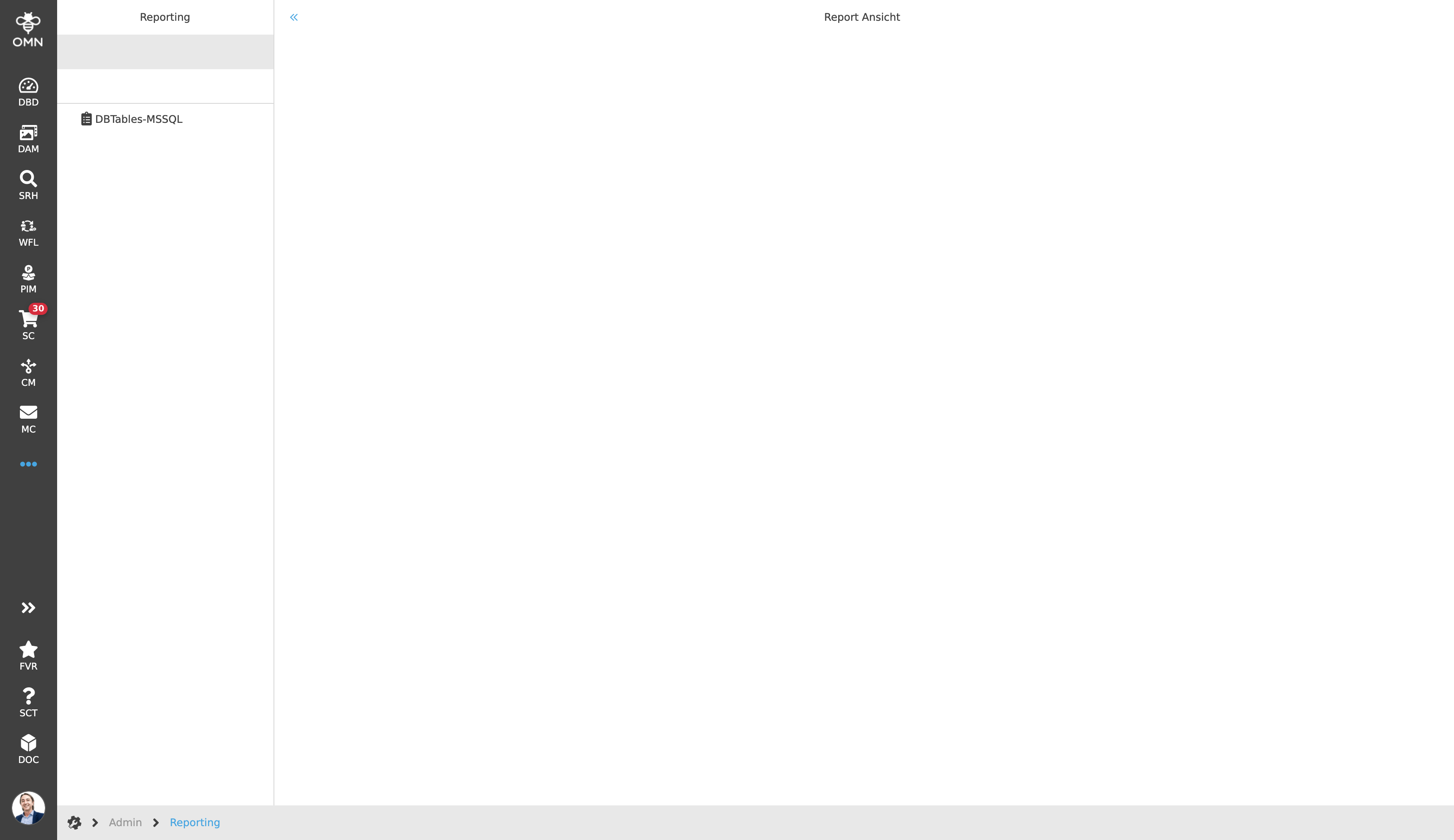
To generate a report, the reporting module must first be opened.
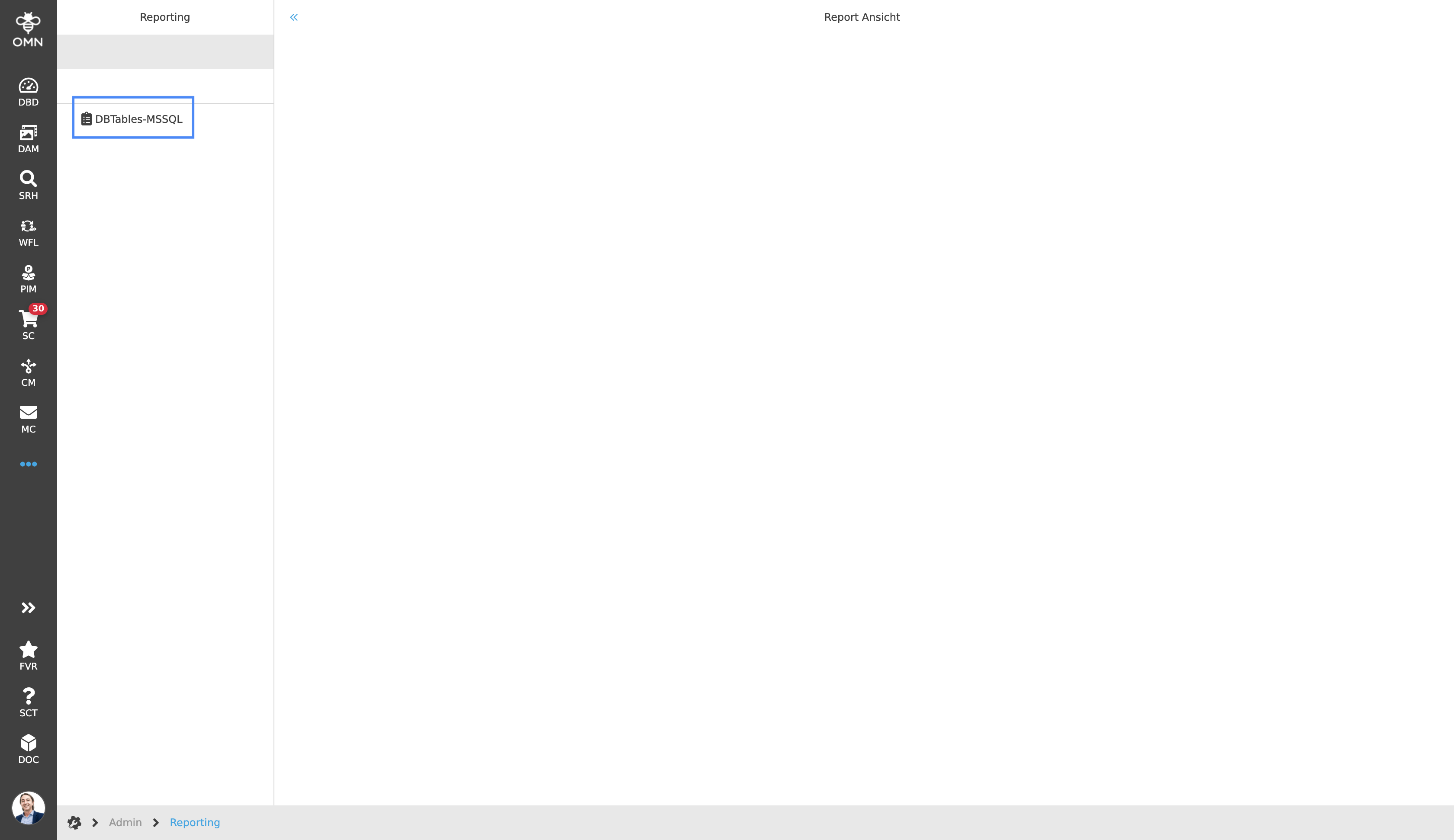
In the next step, the desired report is selected in the left view. Depending on the role, different reports can be available to the user.
Depending on which report was previously selected, the user is presented with an input mask with different settings, such as a specific time frame within which the downloads are to be recorded in the report.
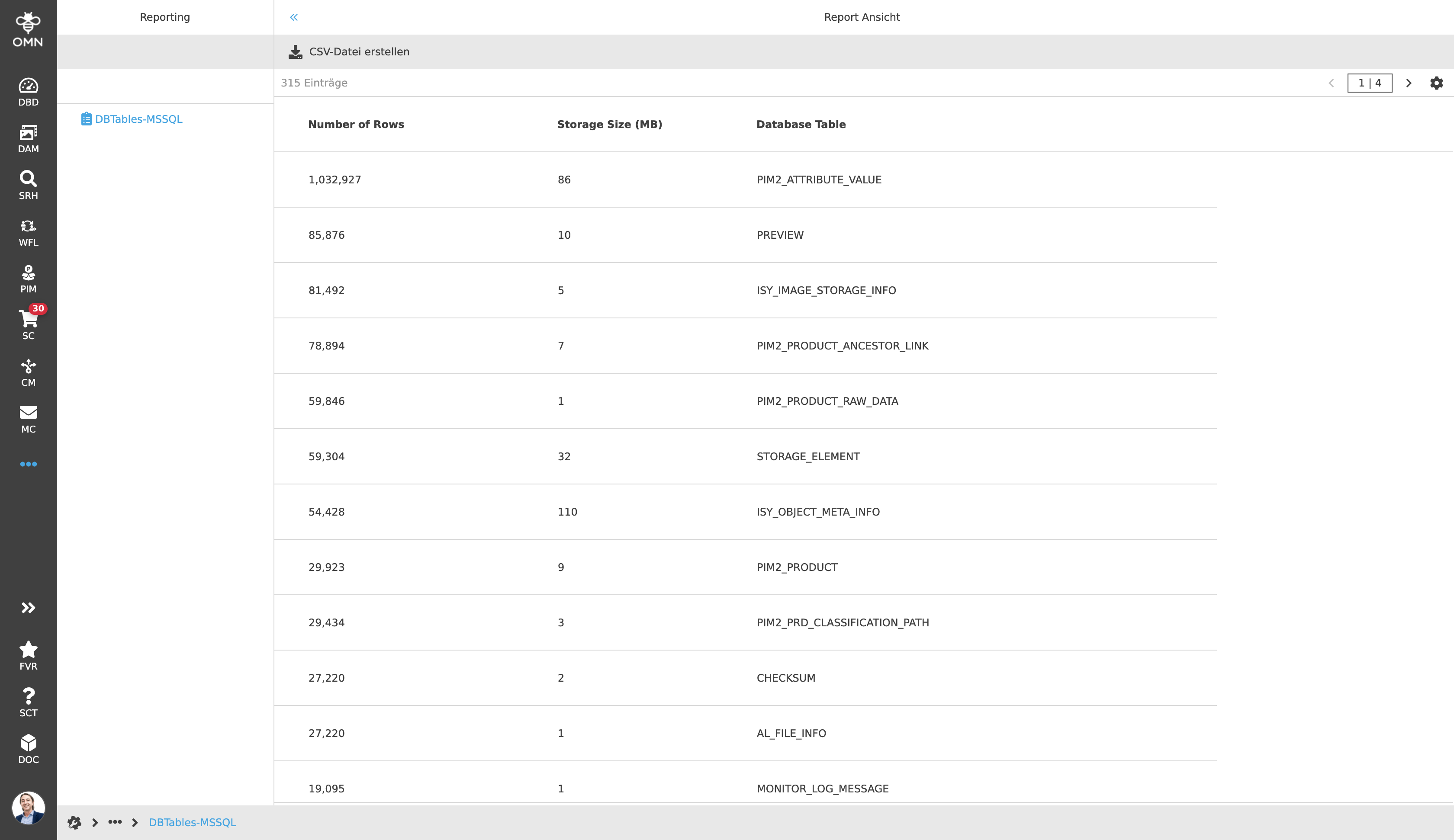
As soon as all settings have been entered, the result is displayed in a table in the center view.
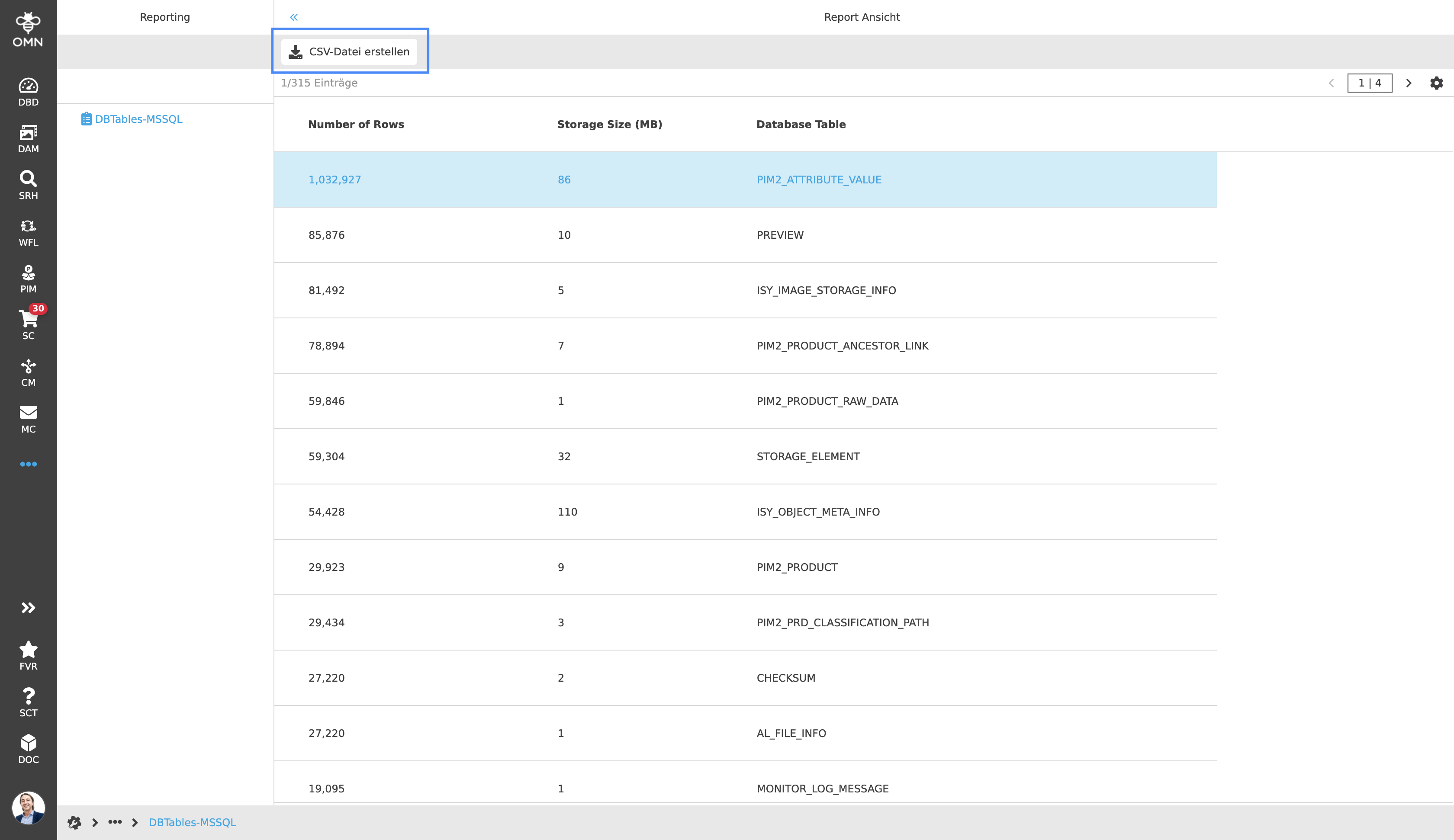
Afterwards, it is possible to save the result of the report locally on the computer by using the "Generate CSV Report" function. This will download the report as a CSV file.