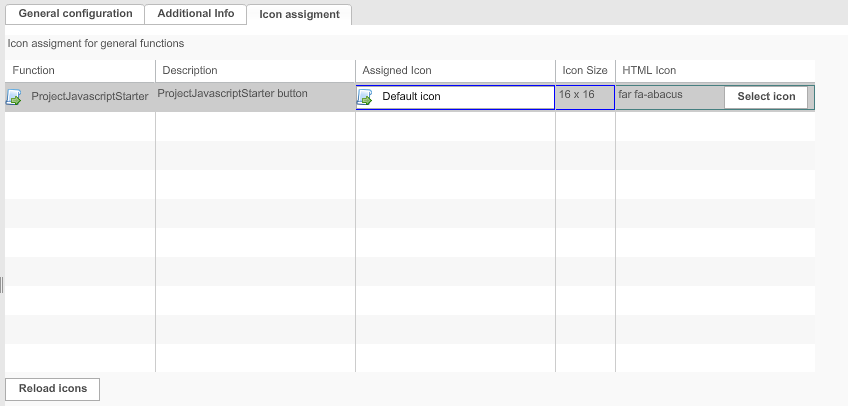
ProjectJavascriptStarter (Function Plugin)
The plug-in allows to start Javascripts directly on a project.
-
Access the plug-in via Mandators → <Mandator name> → Function plug-ins → ProjectJavascriptStarter
| For each Javascript, a new configuration of the plug-in is needed |
You can use the plug-in as follows:
-
ProjectNavigation Page Plugin
Configuration overview
Configuration of the ProjectJavascriptStarter function plugin looks like this:
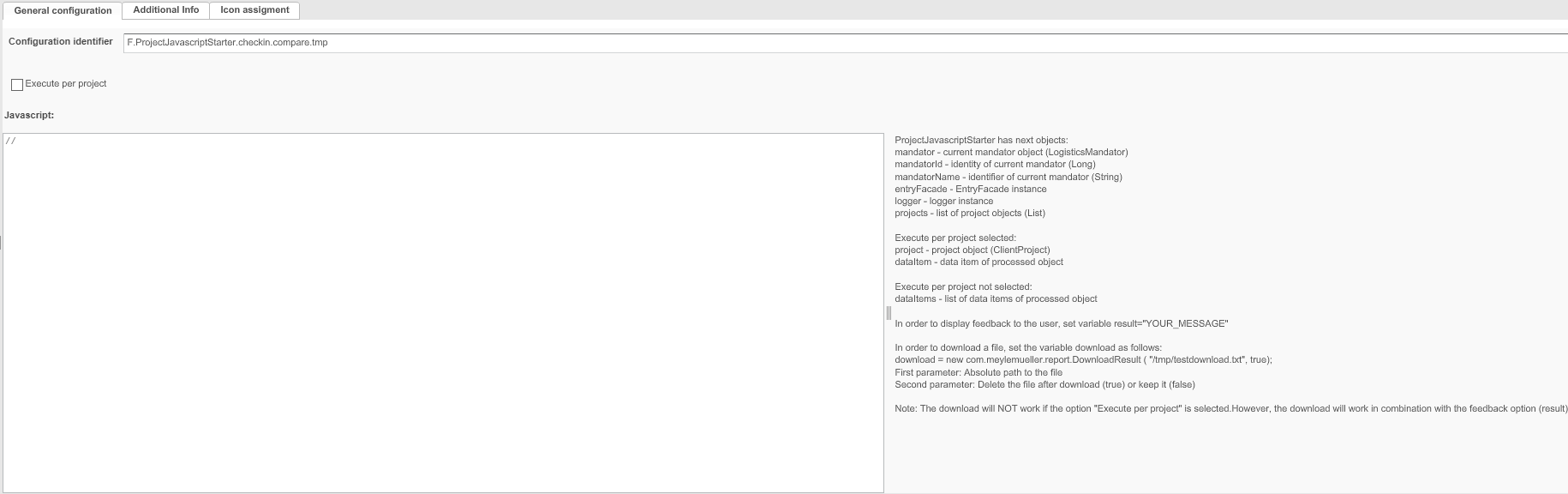
In the table below you can find a short description of shown configuration tabs.
| Field | Description | Notice |
|---|---|---|
General configuration |
General configuration of the plug-in |
|
Additional Info |
For adding additional information. |
|
Icon assignment |
For assigning an icon for the plug-in |
General configuration
General configuration of the ProjectJavascriptStarter plug-in.
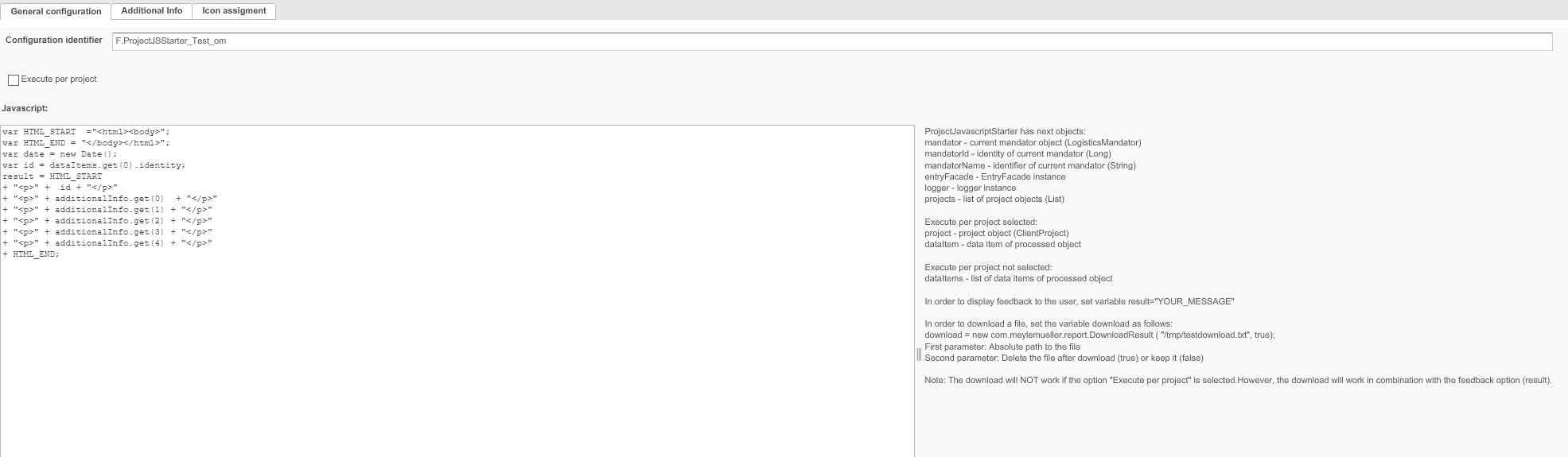
You can find short descriptions of available options in the table below:
| Field | Description | Notice |
|---|---|---|
Configuration Identifier |
Name of the specific configuration of the plug-in |
The name appears as tool-tip in the Frontend. |
Execute per project |
Option that influence display of the script result. When activated, the script is running in background and you will not get result in a popup or download result. |
Deactivate it, if you want to get the result synchronous in a popup (or download) |
Javascript |
Area for entering the Javascript |
Additional info
Configuration of Dialogs used for configured ProjectJavascriptStarter plug-in:
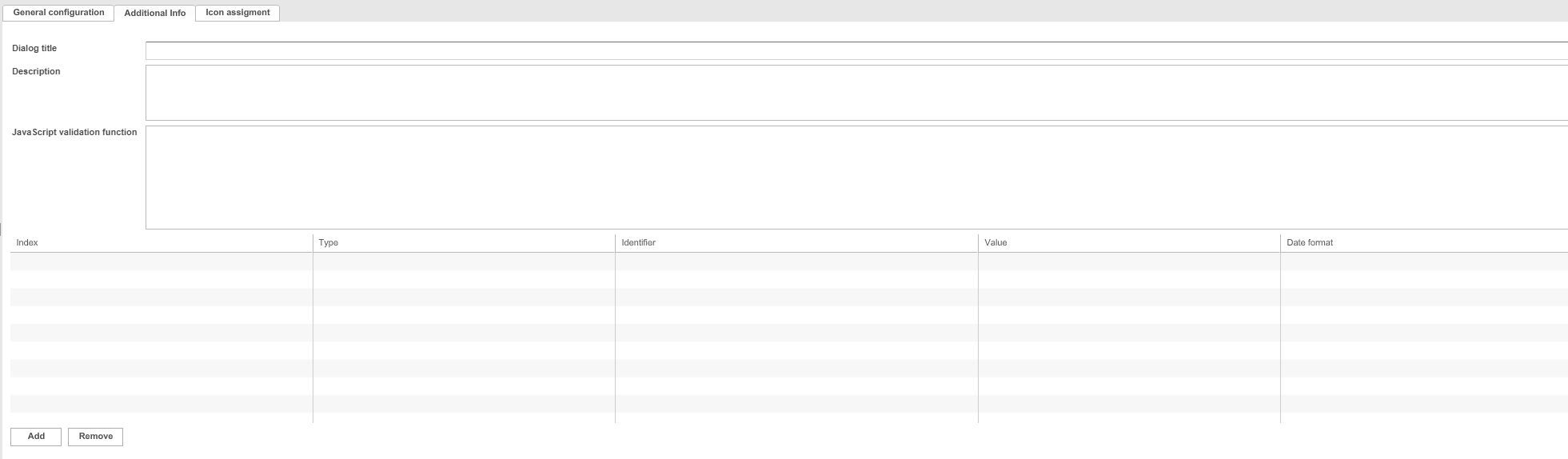
More details on configuration options can be found in the next table:
| Field | Description | Notice |
|---|---|---|
Dialog title |
Name of the specific configuration of the plug-in |
|
Description |
Additional Description which is used in the dialog |
|
Javascript validation code |
For entering a Javascript validation code. |
|
Parameter Section |
Parameter section defining parameters which need to be filled/will be used when ProjectJavascript is executed
|