Views and Functions
This page gives you the possibility to configure the view of the EAI Import Profile page. Also here you select the functions that should be available in the view.
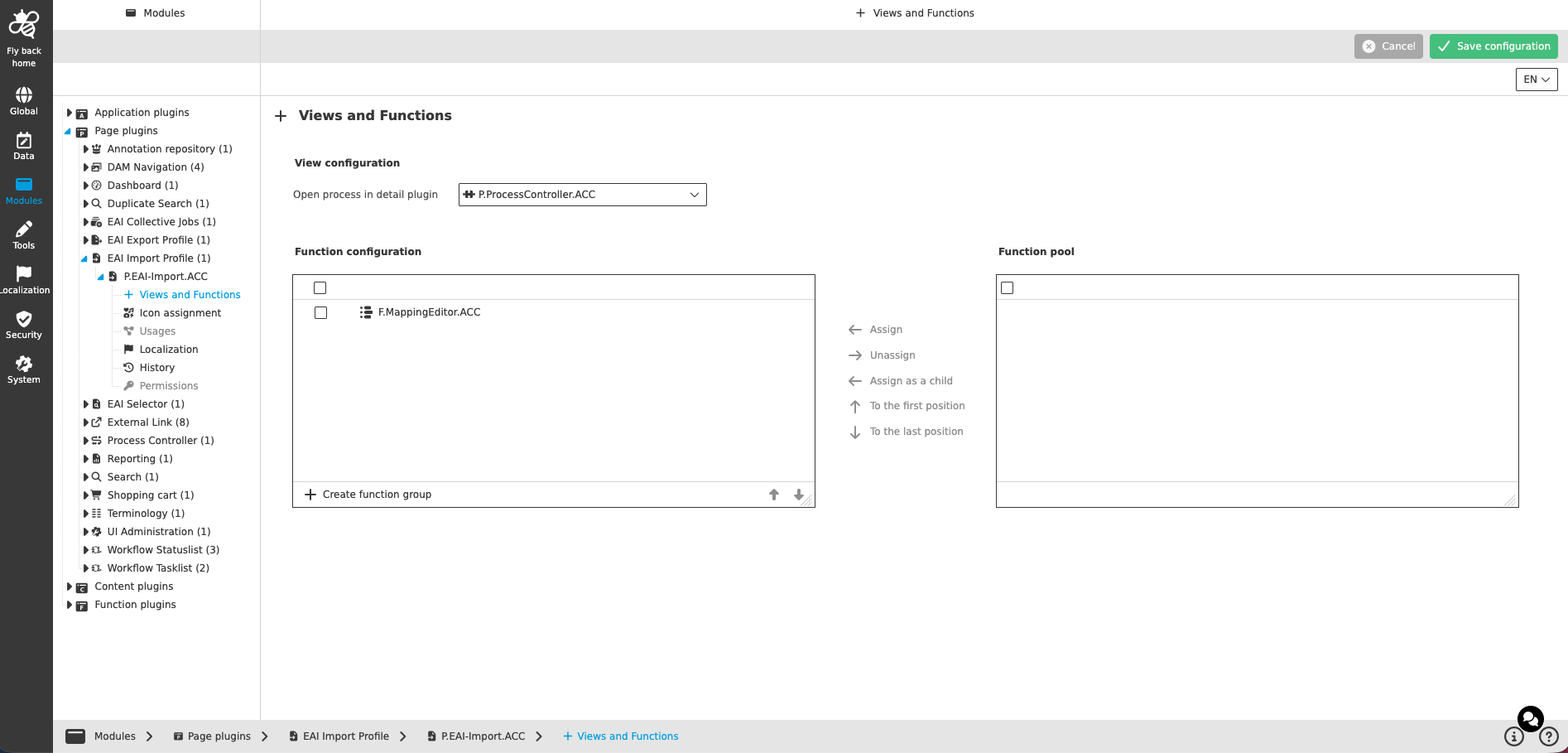
View configuration
| Name of option | Description | Note |
|---|---|---|
Open process in detail plugin |
The dropdown lists all Process Controller page plugin instances that are configured on the system. The setting defines which Process Controller instance is opened when clicking on the "Jump to Process History" function. |
The dropdown supports single select, can be searched and resized. |
Function configuration
The concept of adding functions to content views is the same throughout the whole Config Client, detailed description can be found here.
|
Configuring the views and functions for EAI Import Profile, mind that:
|