Views and Functions
This page gives you the possibility to define which content views should be available in the UI on the Shopping Cart page.
Also here you select the functions that should be available in each of the views.
The Shopping Cart Views and Functions configuration is clustered in two parts. One sub-entry is available to add functions to the left view.
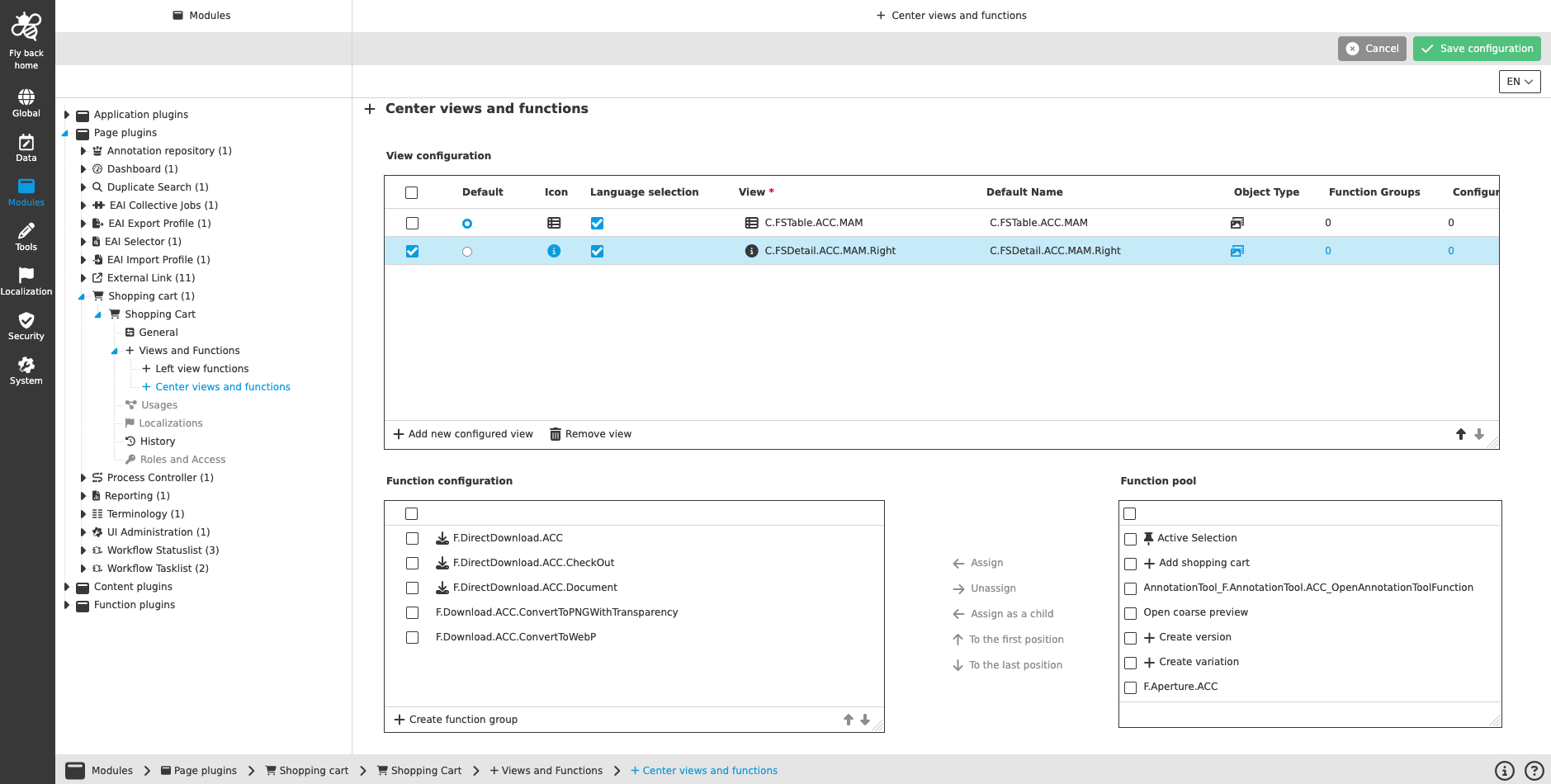
The other sub-entry is available to add views and functions to the center panel.
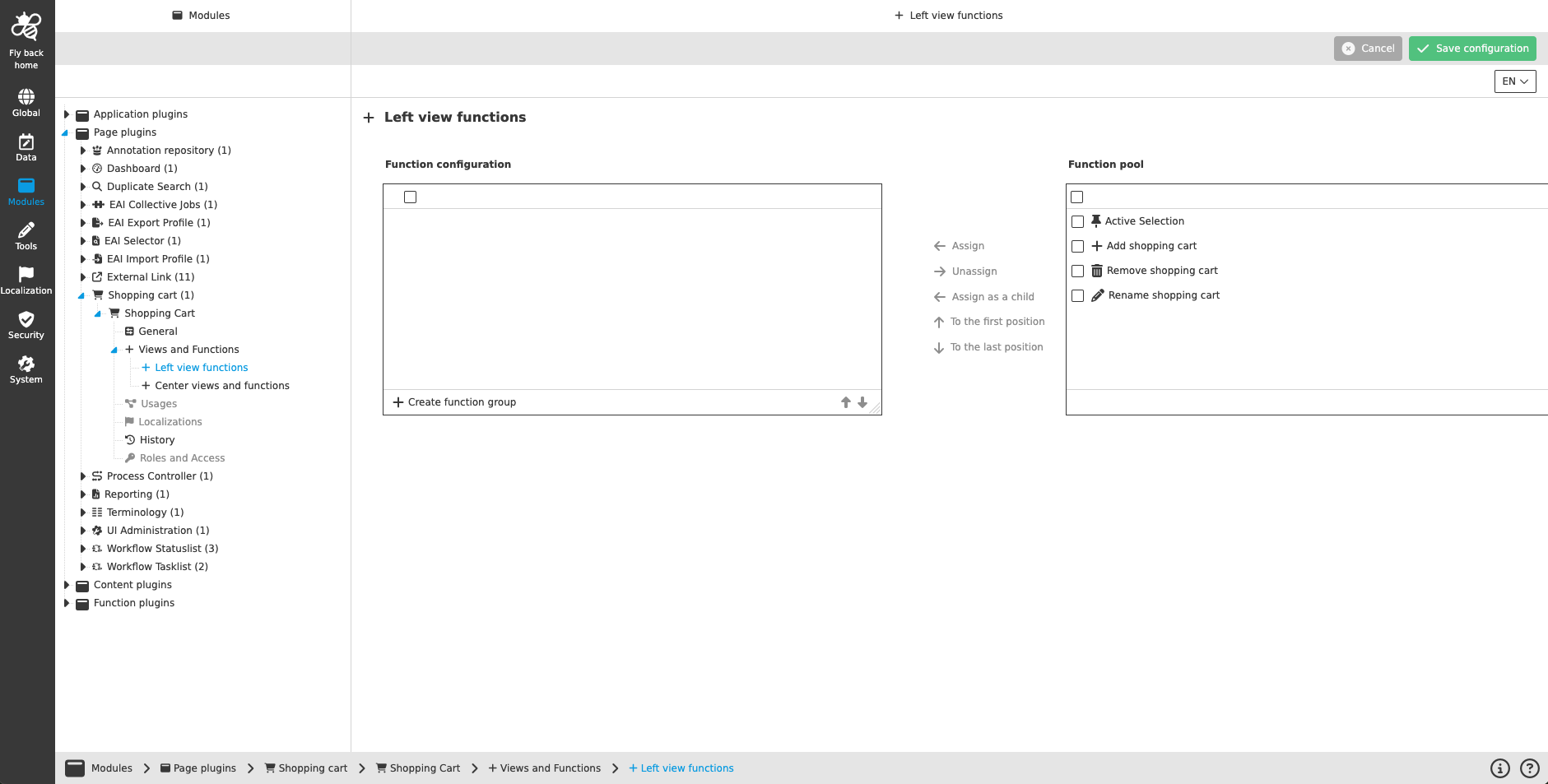
Adding functions to the left view
The concept of adding functions to left views is the same throughout the whole Configuration Client, detailed description can be found here.
Adding content views
The concept of adding the content views to a page is the same throughout the whole Configuration Client, detailed description can be found here.
|
Configuring the views for Shopping Cart, mind that:
|
Adding functions to a content view
The concept of adding functions to content views is the same throughout the whole Configuration Client, detailed description can be found here.