General
This page gives the possibility to configure general view settings for the Shopping Cart page plugin.
This includes the width of panels, allowing duplicates, the asset selection behavior and max. available items in the Shopping Cart.
Furthermore, it is possible to define the suffix for the shared Shopping Carts.
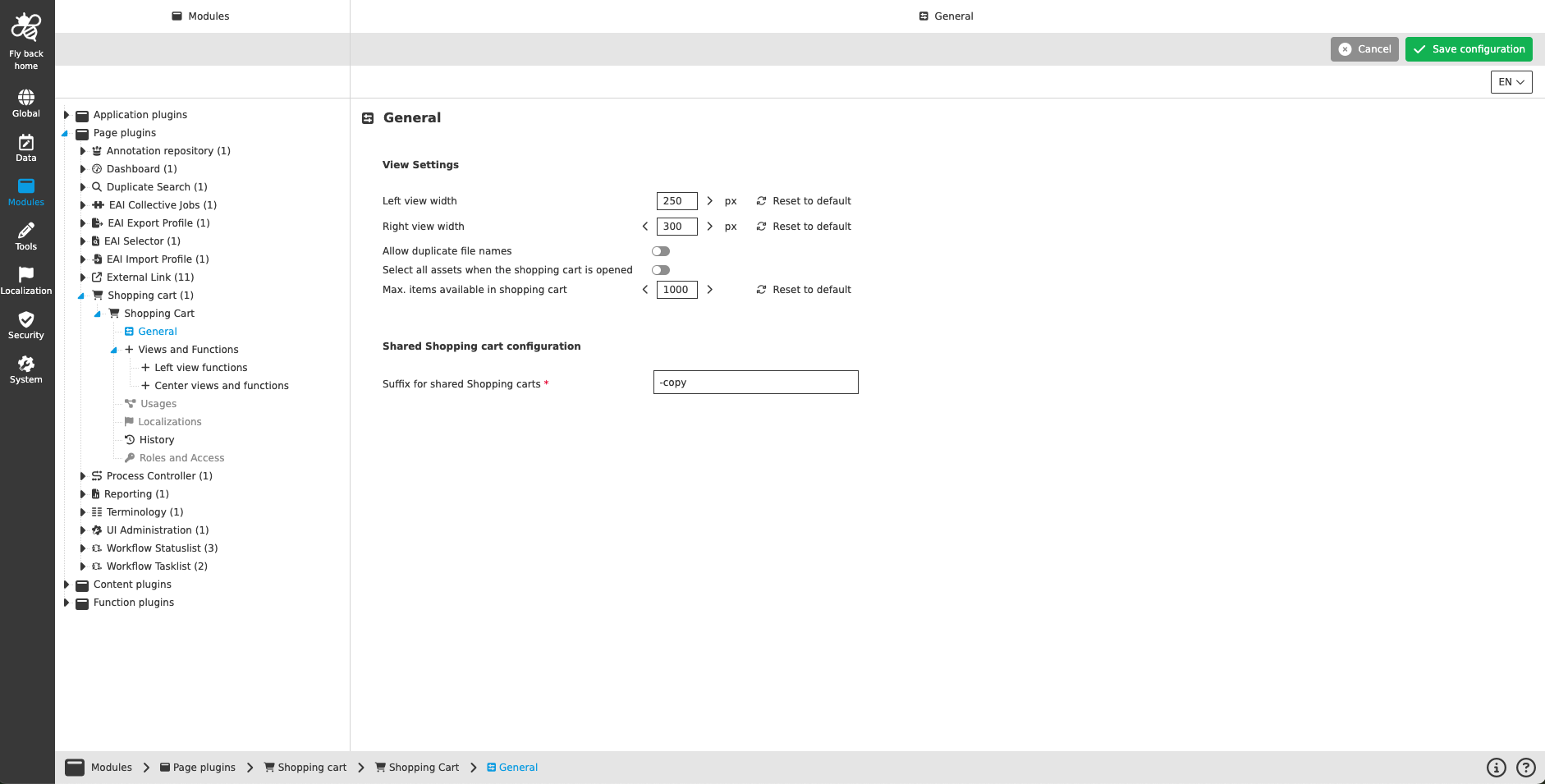
| Name of option | Description | Note |
|---|---|---|
Left view width |
Input stepper to define the width of the left view in px |
The min. size for the left view are 250px and the max. size for the left view are 1000px |
Right view width |
Input stepper to define the width of the right view in px |
The min. size for the right view are 250px and the max. size for the right view are 1000px |
Reset to default |
Inline button to restore the default value for the left/right view width |
by clicking the button the default value of 250px for the left view and 300px for the right view, is restored |
Allow duplicate file names |
|
The toggle is turned off by default |
Select all assets when the Shopping Cart is opened |
|
The toggle is turned off by default |
Max. items available in Shopping Cart |
Input stepper to define the max. amount of items shown in the Shopping Cart |
The default max. amount is 1000 items and the input allows values between 1 and infinity |
Reset to default |
Inline button to restore the default value for the max. items available in Shopping Cart |
by clicking the button the default value of 1000 items is restored |
Suffix for shared Shopping Carts |
This mandatory field input defines the name of a shared Shopping Cart. Shopping Carts can be shared by a UI function configurable under left view functions. |
The default value "-copy" is available |