Exclusions
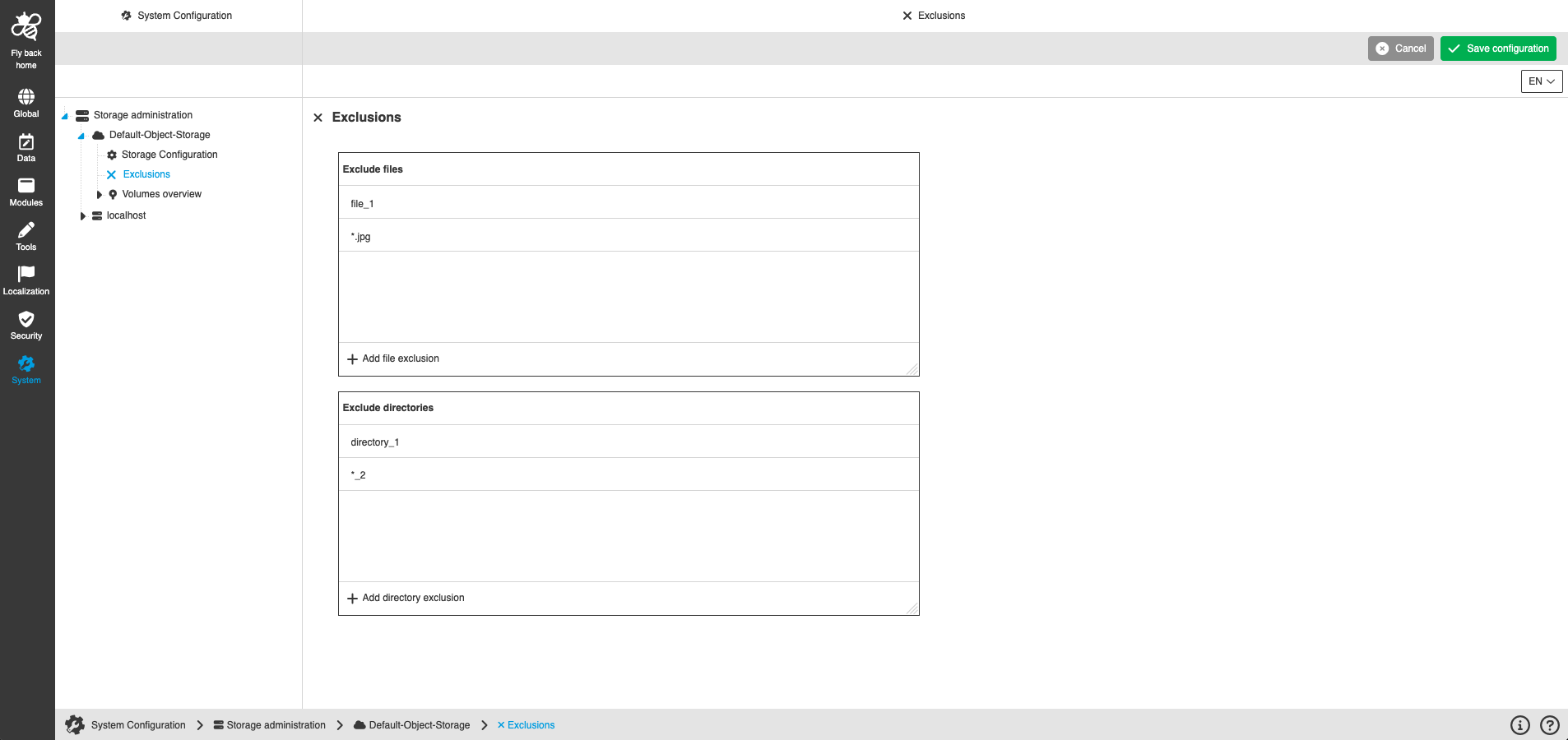
The access to specific files and directories within the OMN system can be restricted. Excluded folders and files are not displayed in the user interface navigation.
The files and directories are still available on direct storage access. The configuration only affects the display within the OMN system.
Exclusions can be made at both, the storage and volume level.
| Name of option | Description | Note |
|---|---|---|
Exclude files |
Clicking on the 'Add file exclusion' function creates a new entry in the exclusion list. By entering a specific file name, access to the named file is restricted in the user interface. |
The wildcard '*' can be used, which is a placeholder for any amount of characters. Example: *.jpg will exclude all files with the suffix ’.jpg’ |
Exlclude directories |
Clicking on the 'Add directory exclusion' function creates a new entry in the exclusion list. By entering a specific directory name, access to the named directory is restricted in the user interface. |
The wildcard '*' can be used, which is a placeholder for any amount of characters. |
| In a later version, storage-level exclusions will be inherited by default at the volume-level, reducing maintenance effort. It will still be possible to add or remove volume-level exclusions. |