Installation for CI HUB Drive
The following steps are required to set up CI HUB Drive
-
Install the CI HUB Drive program
-
Current installer:
-
For MAC OS and Windows the installer download can be found under ci-hub.com
-
For Windows the installer download can also be found under apps.microsoft.com
-
-
-
Open CI HUB Drive application
-
Once the application is open, the CI HUB logo appears in the MacOS top menu
-
-
Log in with CI HUB Login
-
A CI HUB test account can be requested directly on the CI HUB website
-
A corresponding license is required for productive use - see also here
-
-
Connect to OMN system in CI HUB Drive application
-
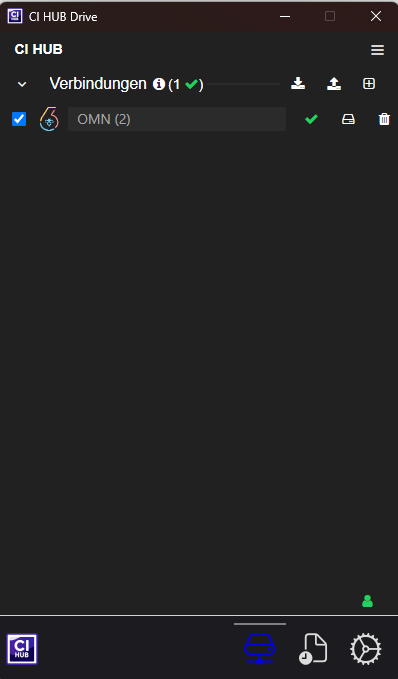
In Accordion, establish connection via (+) Connection ("Verbindung") to a DAM system (see screenshot)
-
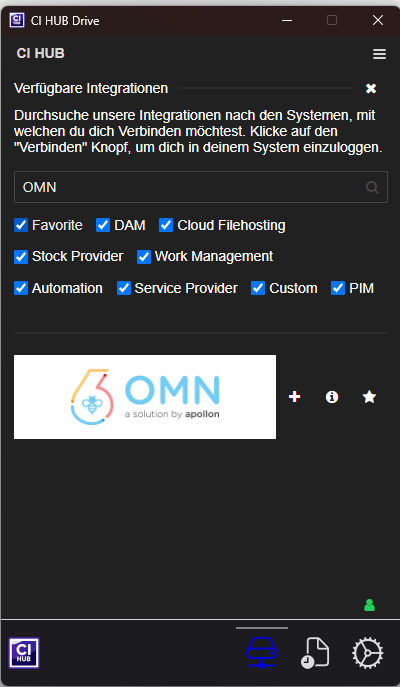
Select OMN in the list and add via + (search for OMN in search)
-
In the browser window that opens, enter the URL of the OMN system to which CI HUB Drive should connect
-
Log in to the site using the OMN login credentials (the privacy policy on the login page must be confirmed before the first login)
-
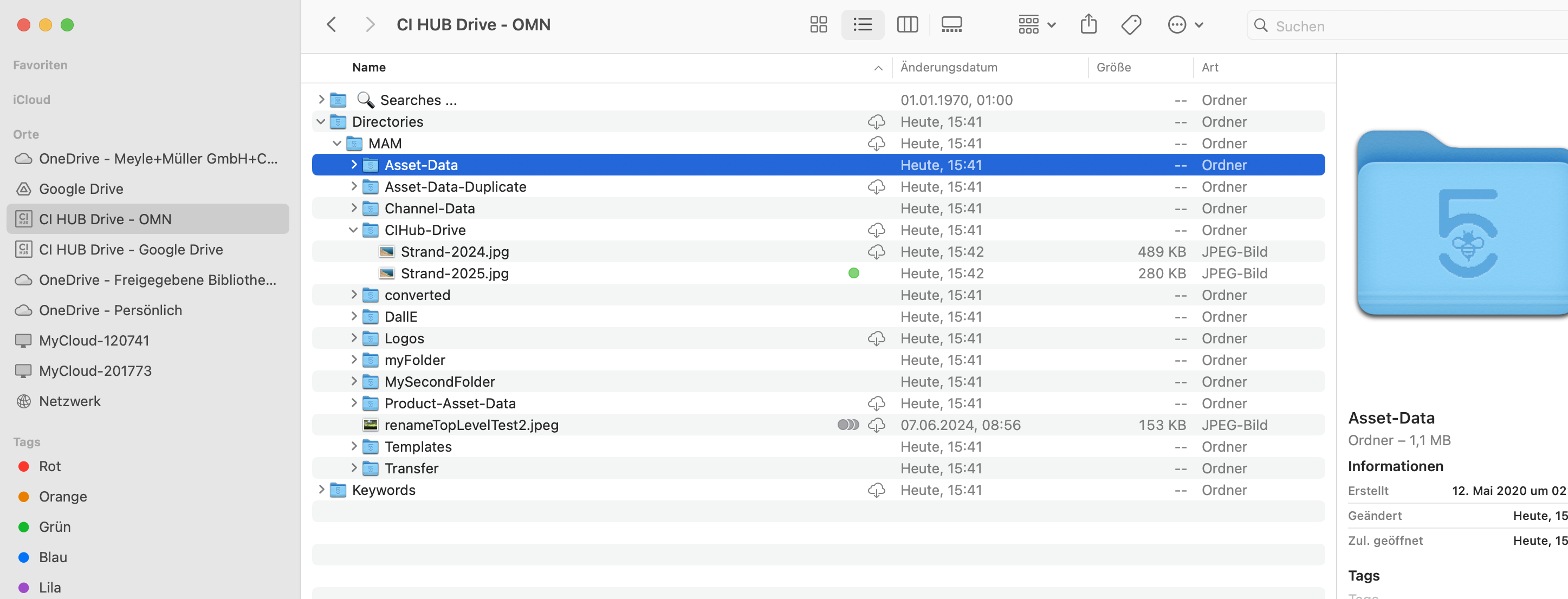
After successful login, CI HUB Drive is available as a drive directly in the Mac Finder or Windows Explorer and allows you to navigate, open, upload and download files stored in OMN directly from the desktop.
Further information on operation can be found in the CI HUB manual.