General
This page provides the possibility to configure Annotation Tool related settings for user settings and icon from library tool in the Annotations Application Plugin.
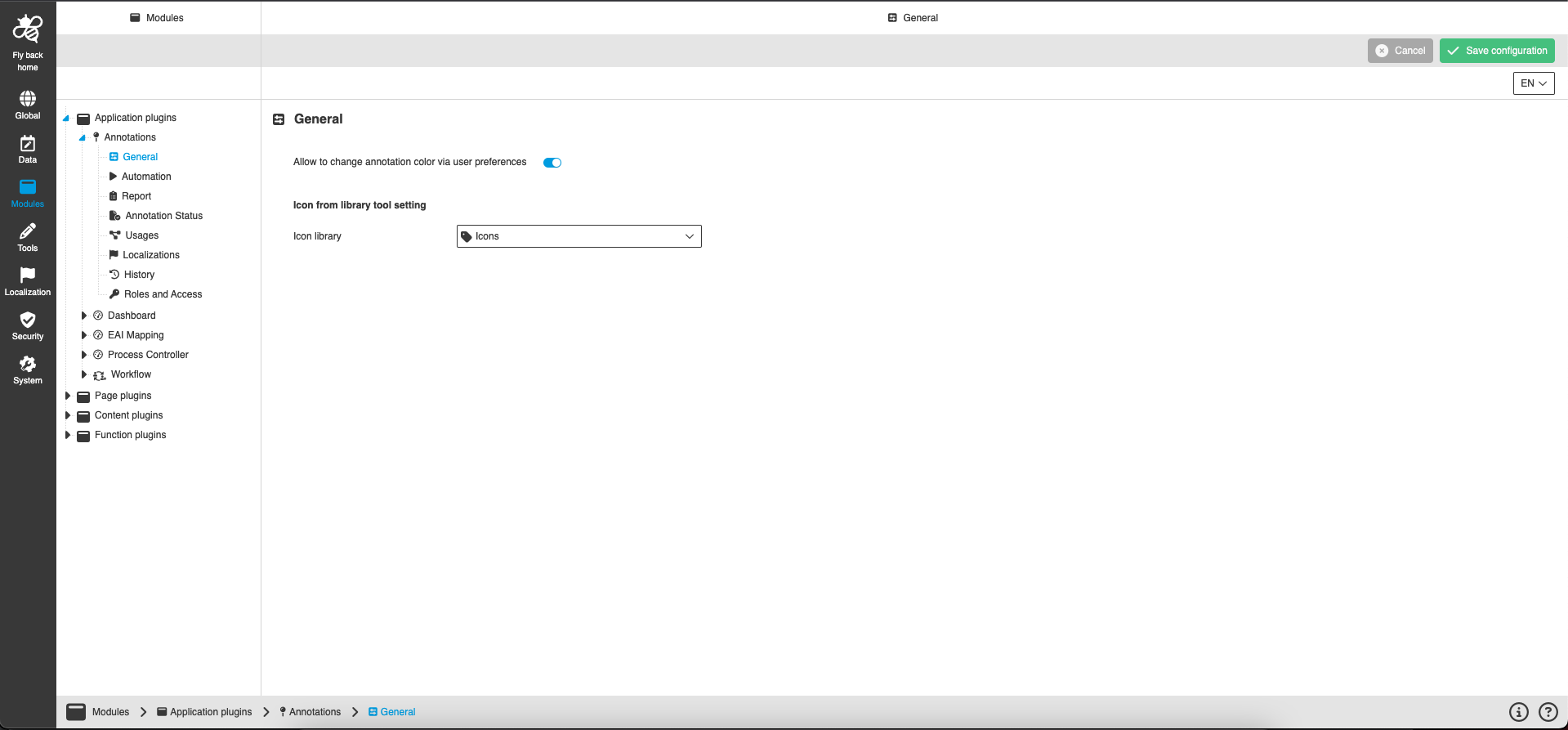
| Name of option | Description | Note |
|---|---|---|
Allow to change annotation color via user preferences |
If this setting is activated, the option to define a personal comment default color appears in the user settings, which colors the annotation boxes. If the toggle is deactivated - the setting is not available in the user settings. |
The toggle is turned off by default. |
Icon from library tool setting
The option provides the possibility to select a keyword under which the annotation icons are stored. The keyword must be selected in order to be able to use the 'Icon from Library' tool in the Annotation Tool.
| Name of option | Description | Note |
|---|---|---|
Icon library |
The dropdown shows the available keyword structure configured in the UI. |
|