Annotations
General
The Annotation tool is a plugin to create annotations on asset objects.
Annotations created in OMN have an annotation type and are stored in a central annotation table, that can be displayed via the AnnotationRepository plugin. (information on its configuration is available here)
In order to use the Annotation tool in the frontend, at least the following configurations must be available:
-
AnnotationTool function plugin
-
Activated configuration of AnnotationTool function in page plugin (e.g. FSNavigation) for a ContentPlugin like Lighttable, FSTable or FSSingleObject
The following functionality related to Annotations can be configured additionally:
-
AnnotationRepository page plugin (will show the database of all available annotations)
-
Annotations widget in FSDetail (will show available annotations for selected assets in FSDetail)
Configuration of Annotations application plugin
Here you can see how the configuration of Annotations application plugin looks like:
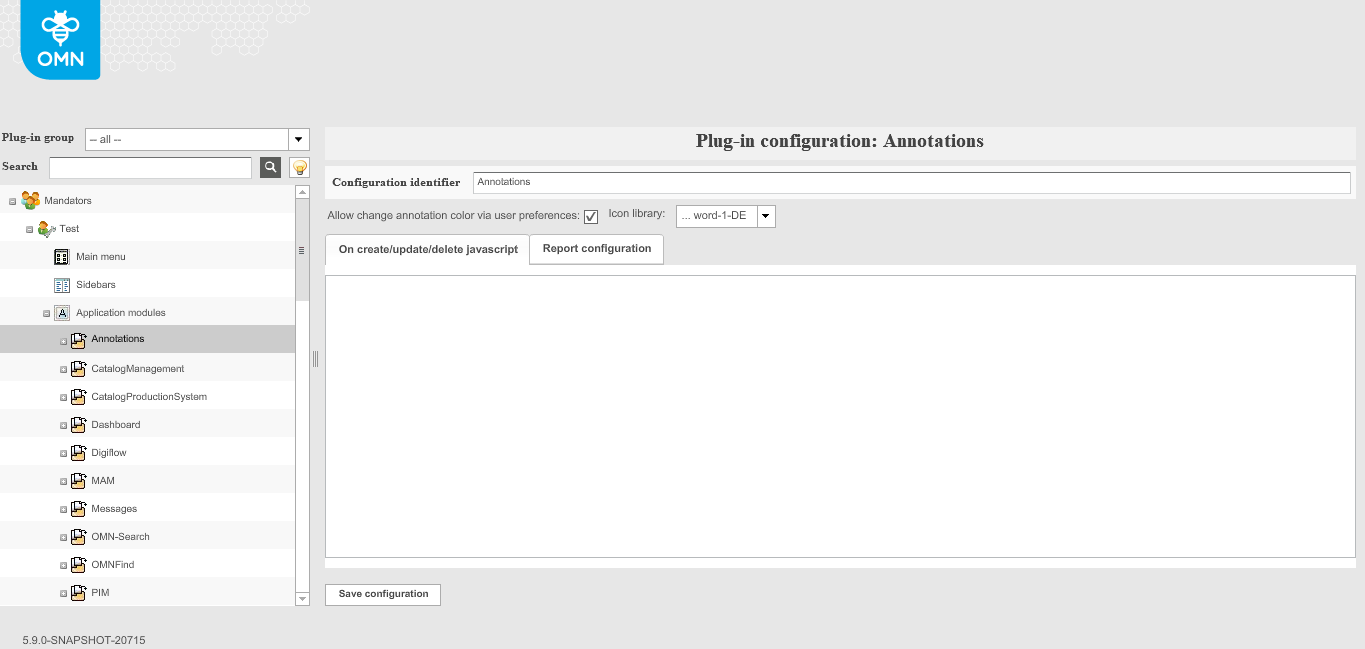
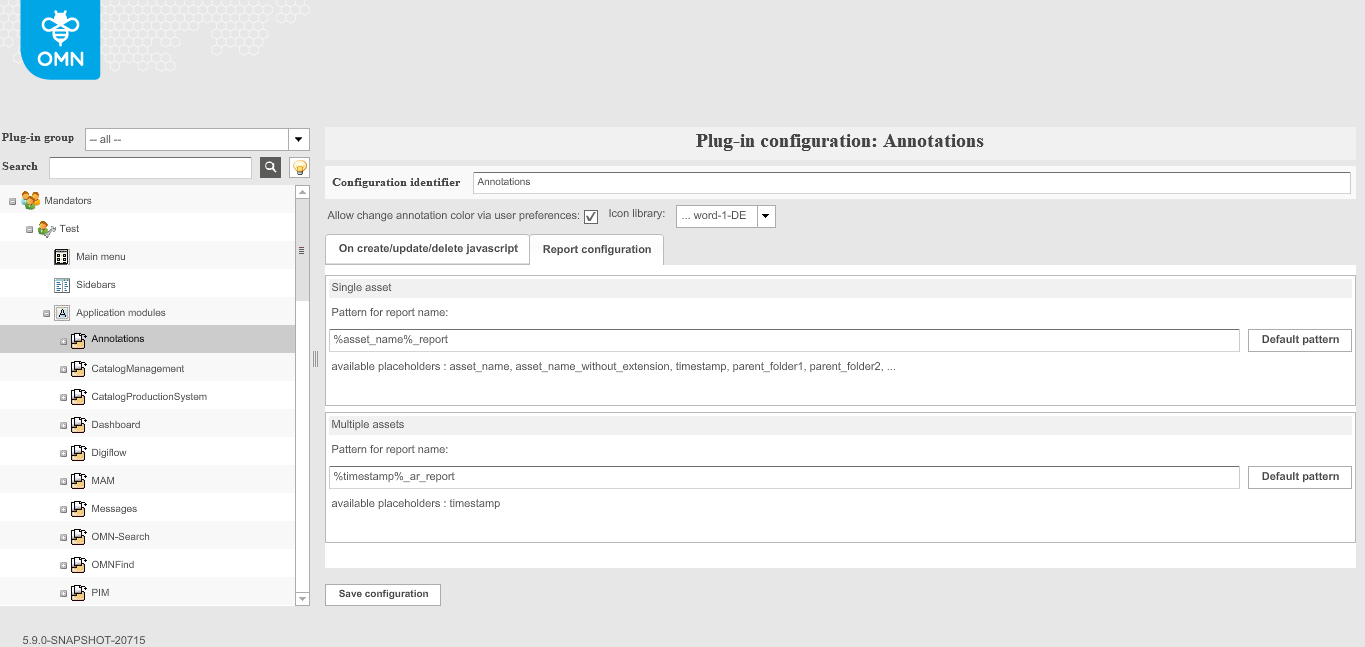
Annotations application plugin has the following configuration options and is related to function plugin AnnotationTool:
-
Allow to change annotation color via user preferences
-
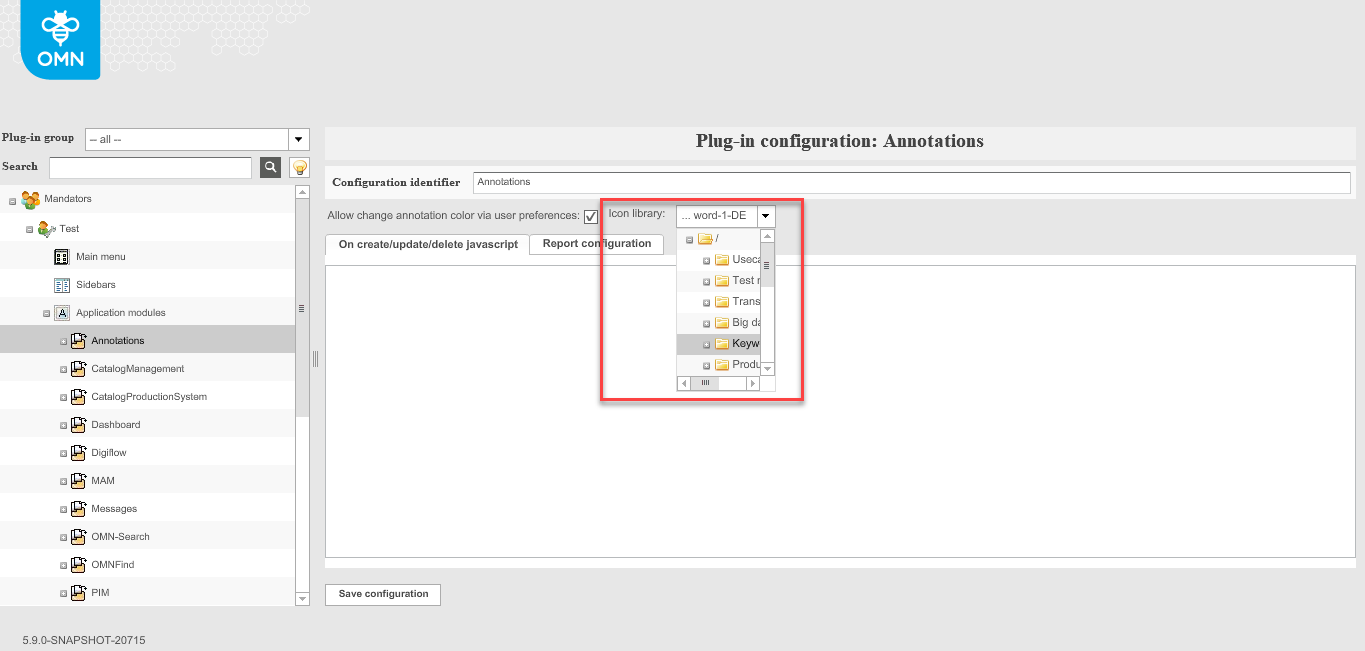
Icon library
-
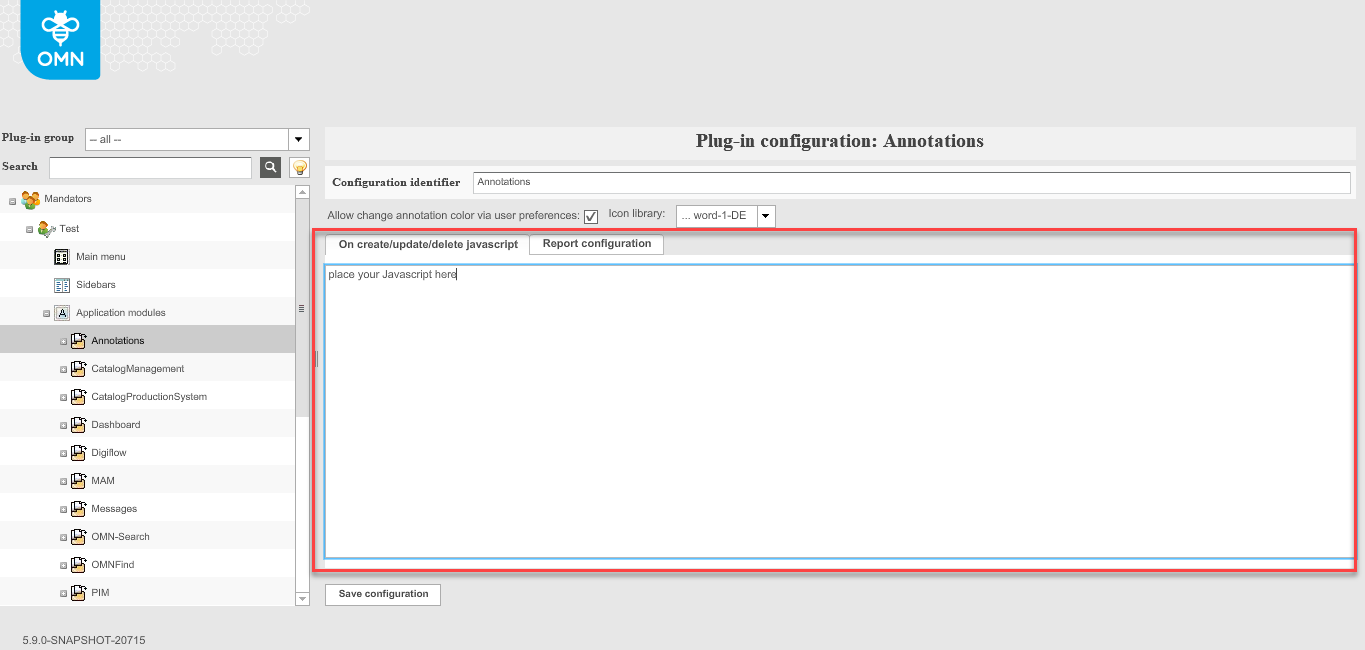
On create/update/delete javascript
-
Report configuration
| Annotations application plugin cannot be used directly in the frontend and can therefore not be included as a sidebar item. It contains base parameters for AnnotationTool function plugin(s). |
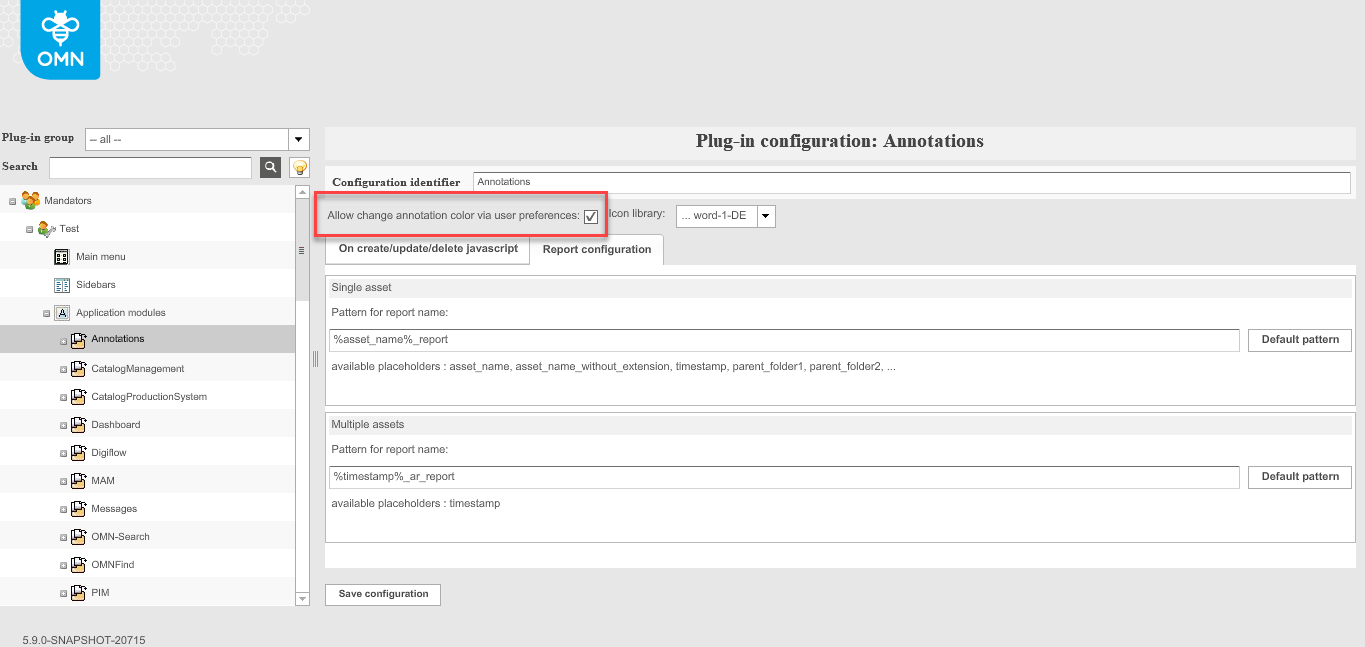
Allow to change annotation color via user preferences
The option activates the possibility to define a personal annotation tool color in the user settings by means of a color picker, which is used by default when creating an annotation.
Tip:
Annotation tool colors can also be changed later in the annotation tool.
Icon library
In this area, you can select a path in the file system (RNC) under which annotation icons are stored. This path must be configured in order to be able to use the "Icons from Library" annotation type.
The configuration of the type can be found in the Function Plugin Annotationtool → Button Availability Tab → Icons from Library Tool. More information on the page.
On create/update/delete javascript
In this area, you can store javascripts that are executed in the annotation tool for Create, Delete and Update events.
Report configuration
This option allows to configure patterns for available annotation reports on base of placeholders for single and multiple assets.
The configuration refers to Export functions configured under Function Plugin AnnotationTool → Toolbar function configuration (more details on configuration can be found on the page)