Assigning icons
Icons can be assigned to visualize the function buttons appearing in the Frontend.
These icons are part of a pool of icons (Icon Registry).
Old Client approach
In the old client each mandator has its own Icon Registry consisting of two parts:
-
A global part, accessible from all mandators. It is filled by default by the system after installation. This part cannot be changed, i.e. icons cannot be added or removed
-
A local part for each mandator. This part can be filled and contains all icon files stored in <OMN-Home>/catalinabase/webapps/static/<Mandator name>
HTML Client approach
In new HTML Client, approach for icons is different and uses icons from fontawesome library – see (https://fontawesome.com).
Here is the example of icon assignment (on base of Sidebar configuration):
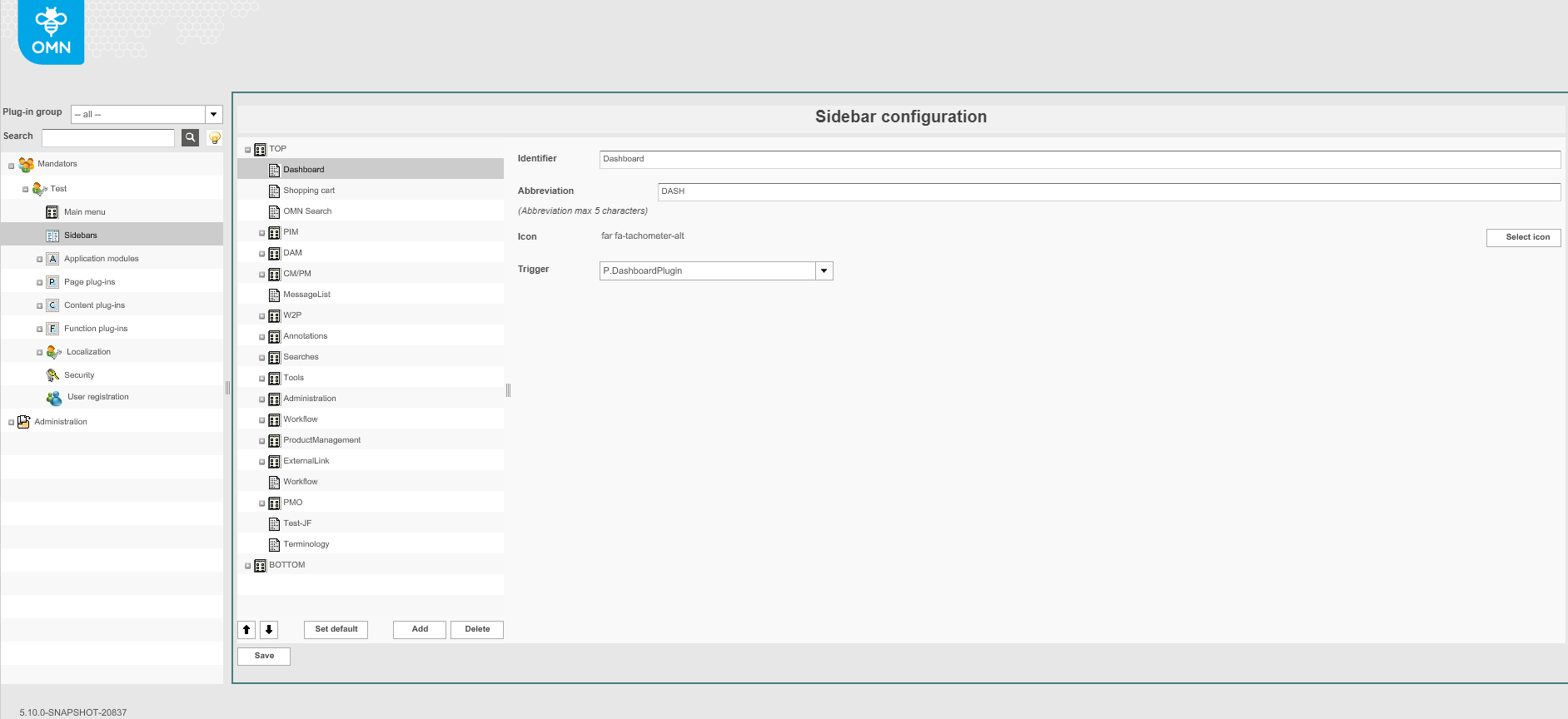
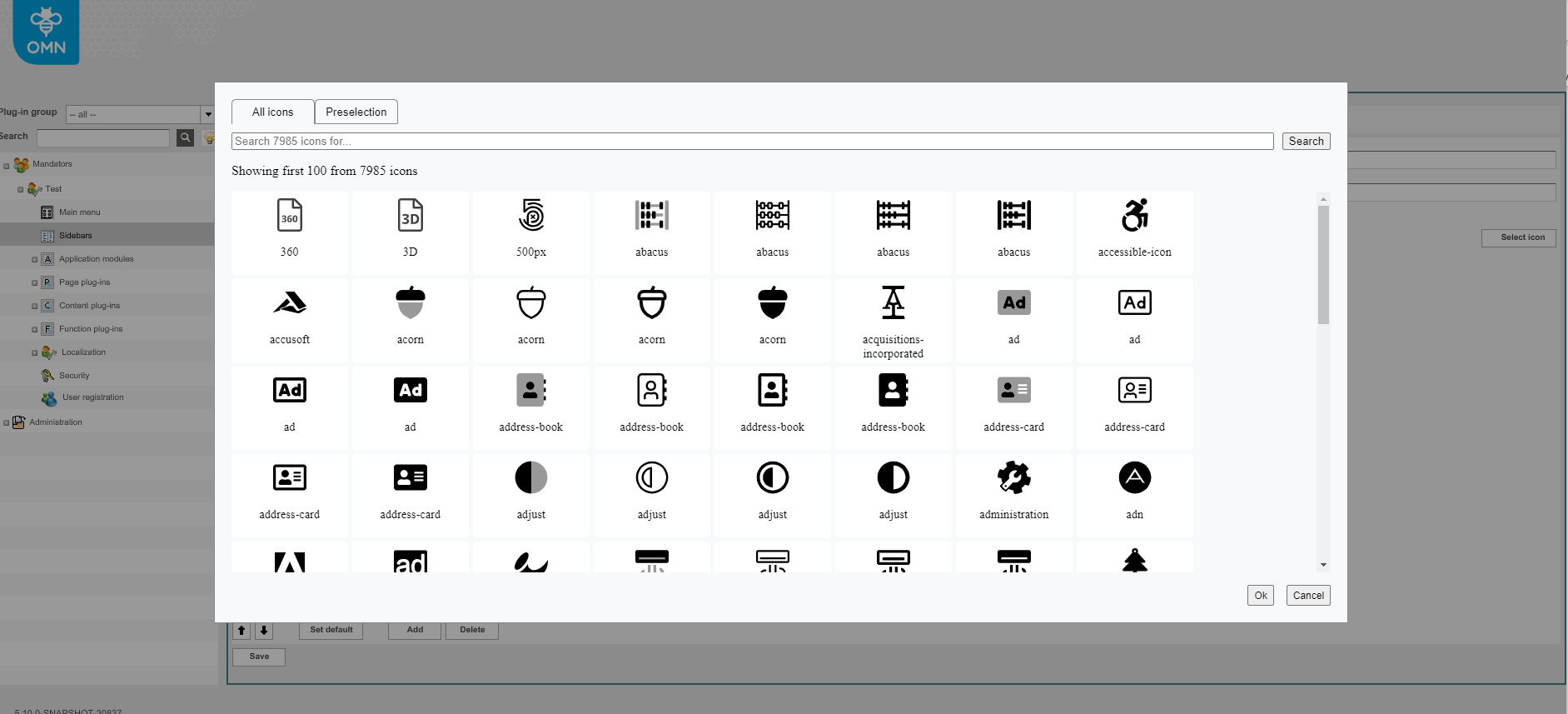
1. Open the Select Icon function in the related place of configuration client.
2. New Window will be opened
3. Choose the desired icon in All Icons tab
Note: for some functions a 2nd tab Preselection is available to suggest appropriate icons from product point of view
4. To save the configuration and all changes made, click OK and then Save the related plugin configuration.