General
This page provides the possibility to configure all download relevant settings.
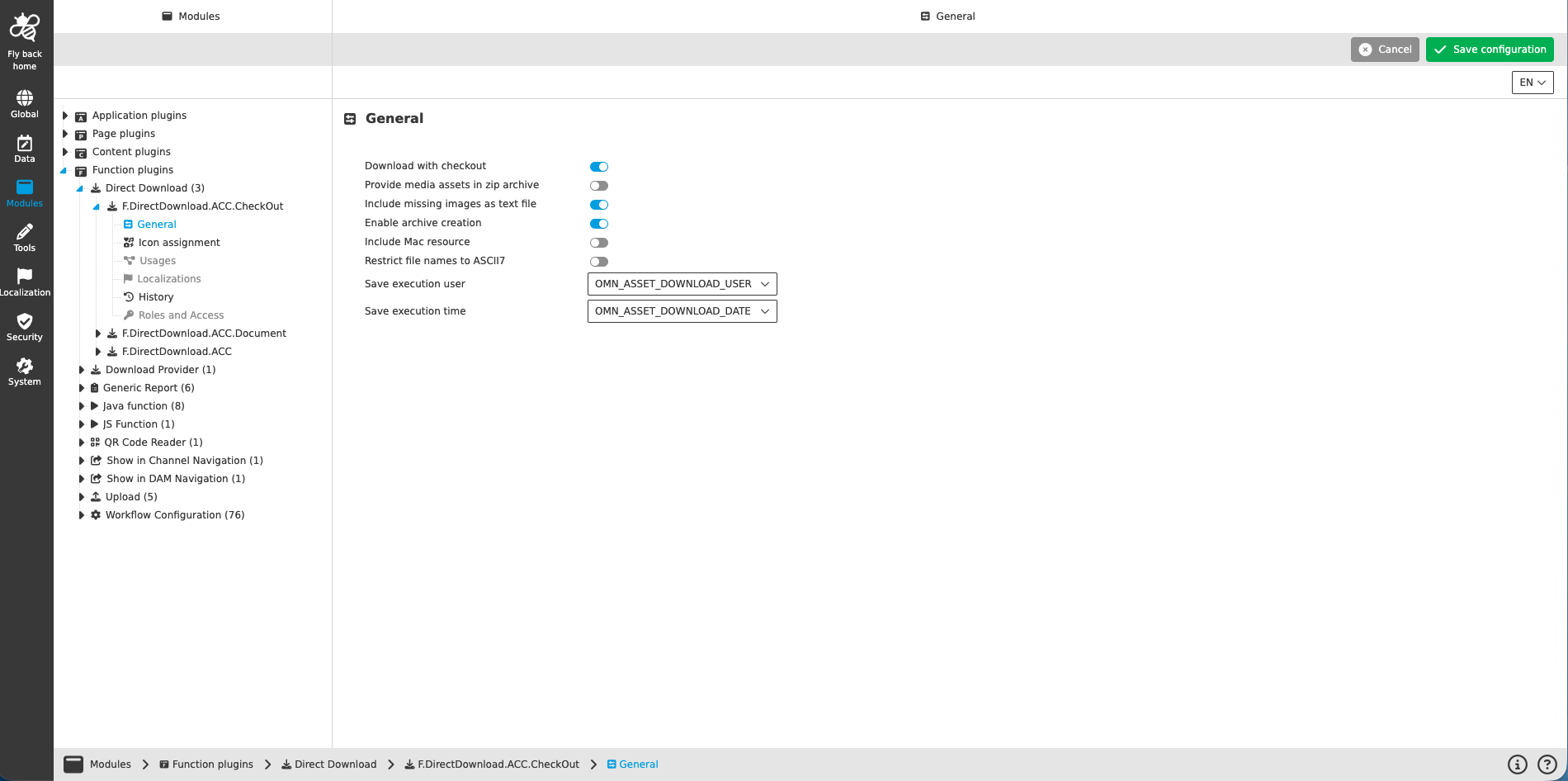
| Name of option | Description | Note |
|---|---|---|
Download with checkout |
A user may download a file for modification. If the toggle is activated, the system stores the download user and locks the corresponding file for other users. That means no other user may download the same file for modification. If the download user has finished his work and uploads the file again (using “Checkin”), the write lock of the file will be removed. |
The toggle is turned off by default |
Provide media assets in zip archive |
If the toggle is turned on and multiple media assets are selected for the direct download, they are downloaded as a zip file. |
The toggle is turned off by default |
Include missing images as text file |
If toggle is turned on, all images of an InDesign file are downloaded as a zip file. If the images are not available in OMN, they are made available as a text file. |
|
Enable archive creation |
If toggle is turned on, single or multiple files are downloaded as a zip file. |
The toggle is turned off by default |
Include Mac resource |
If toggle is turned on, in addition to the actual file, a Mac resource file is downloaded. |
The toggle is turned off by default |
Restrict file names to ASCII7 |
If toggle is turned on, all characters that are not covered with ASCII7 notation are removed or replaced by ASCII7-compatible alternatives. |
The toggle is turned off by default |
Save execution user |
Choose an attribute in the dropdown in which the name of the user who downloaded an object last (with this configuration) is saved. |
The dropdown supports single-select |
Save execution time |
Choose an attribute field in the dropdown in which the name of the user who downloaded an object last (with this configuration) is saved. |
The dropdown supports single-select |