Feature Details
Accelerator
General
Annotation-Tool - Changing color of Annotations in editor not possible
General Tags |
OMNA-595 |
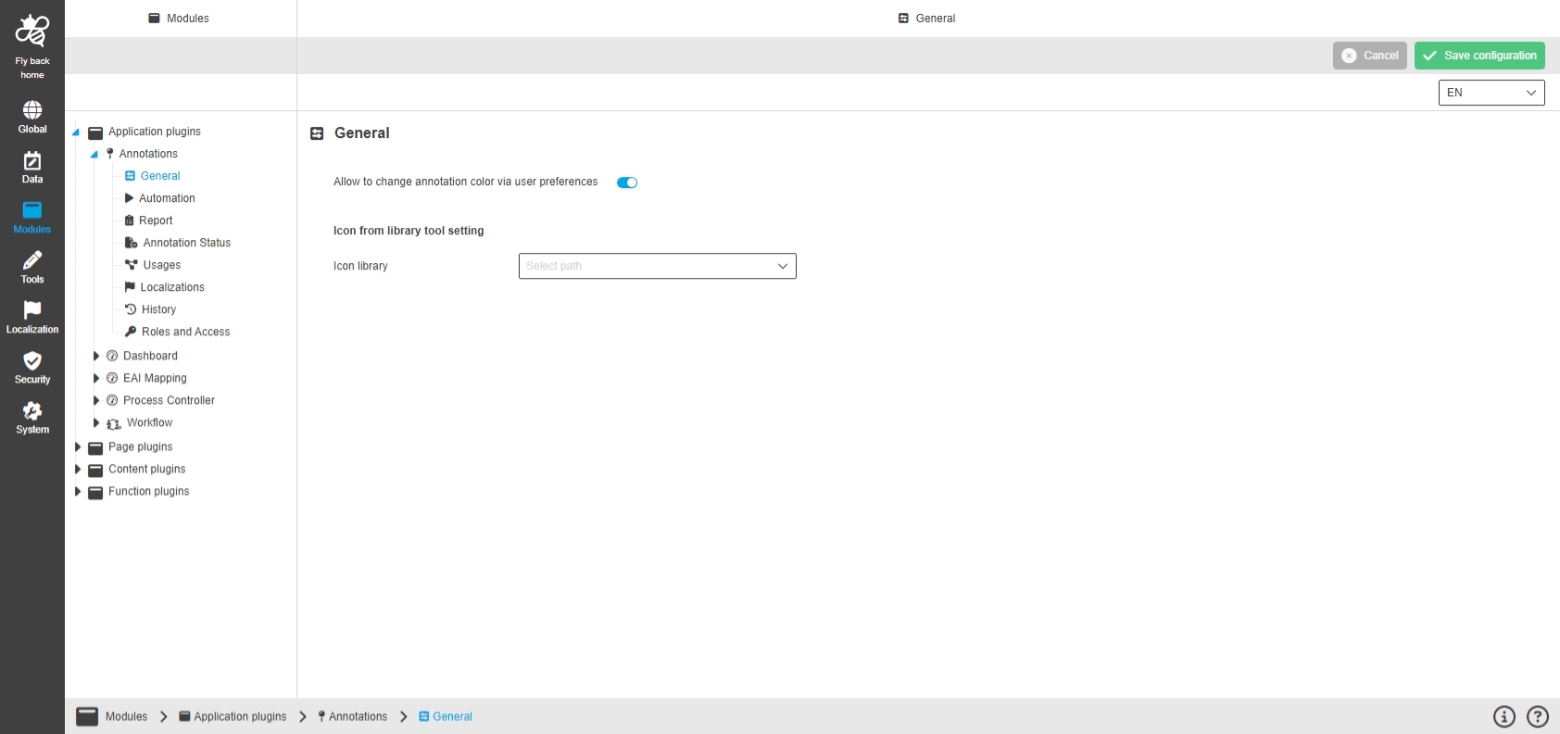
Possibility to change the color of the Annotation numeration, to highlight or differentiate certain Annotations
User Settings
-
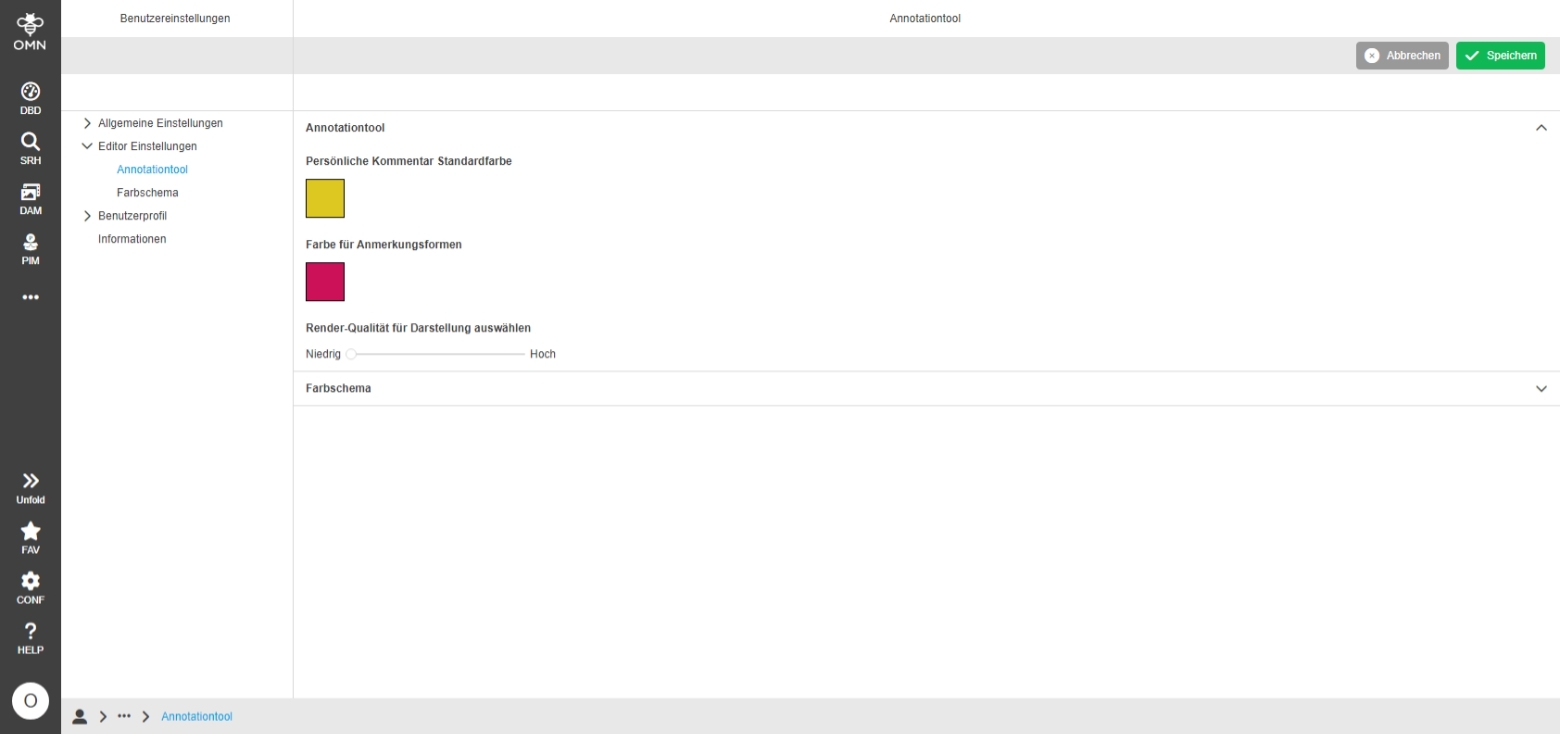
user can select Annotation Color in User Settings
Annotation-Tool
-
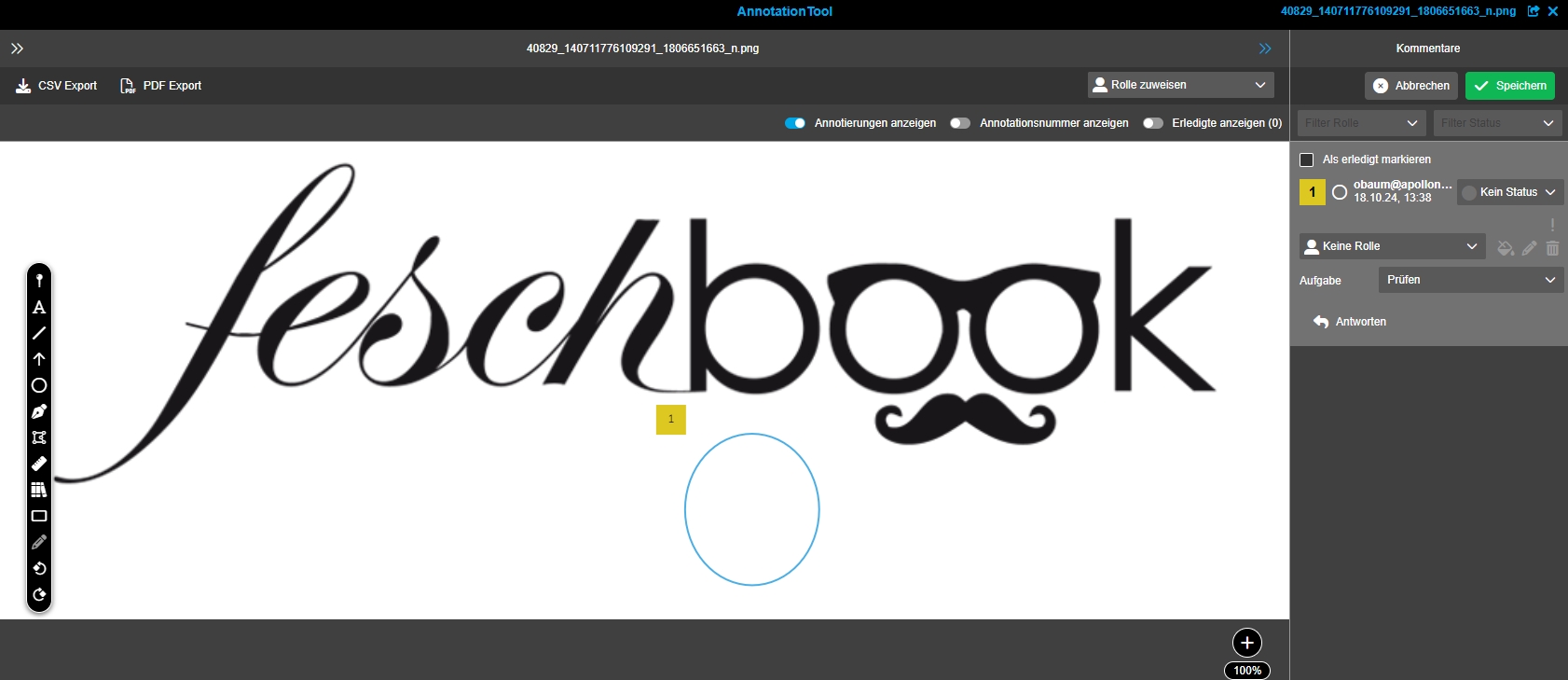
Annotation-Tool shows user-defined colors
Precondition
-
Setting to "Change Annotation Color" is enabled in configuration of Annotation-Tool plugin
Improve localization import process
General Tags |
OMNA-1736 |
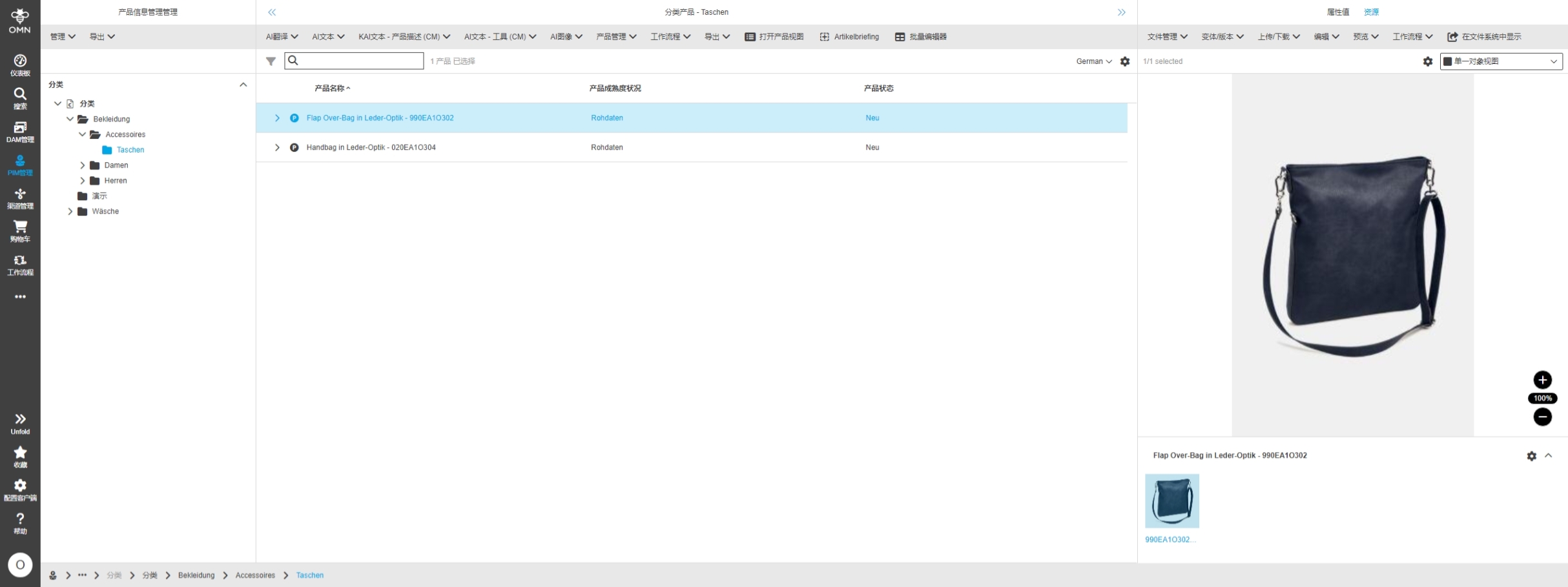
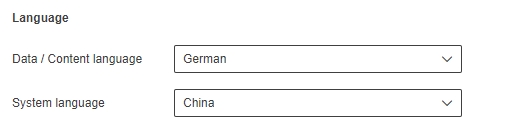
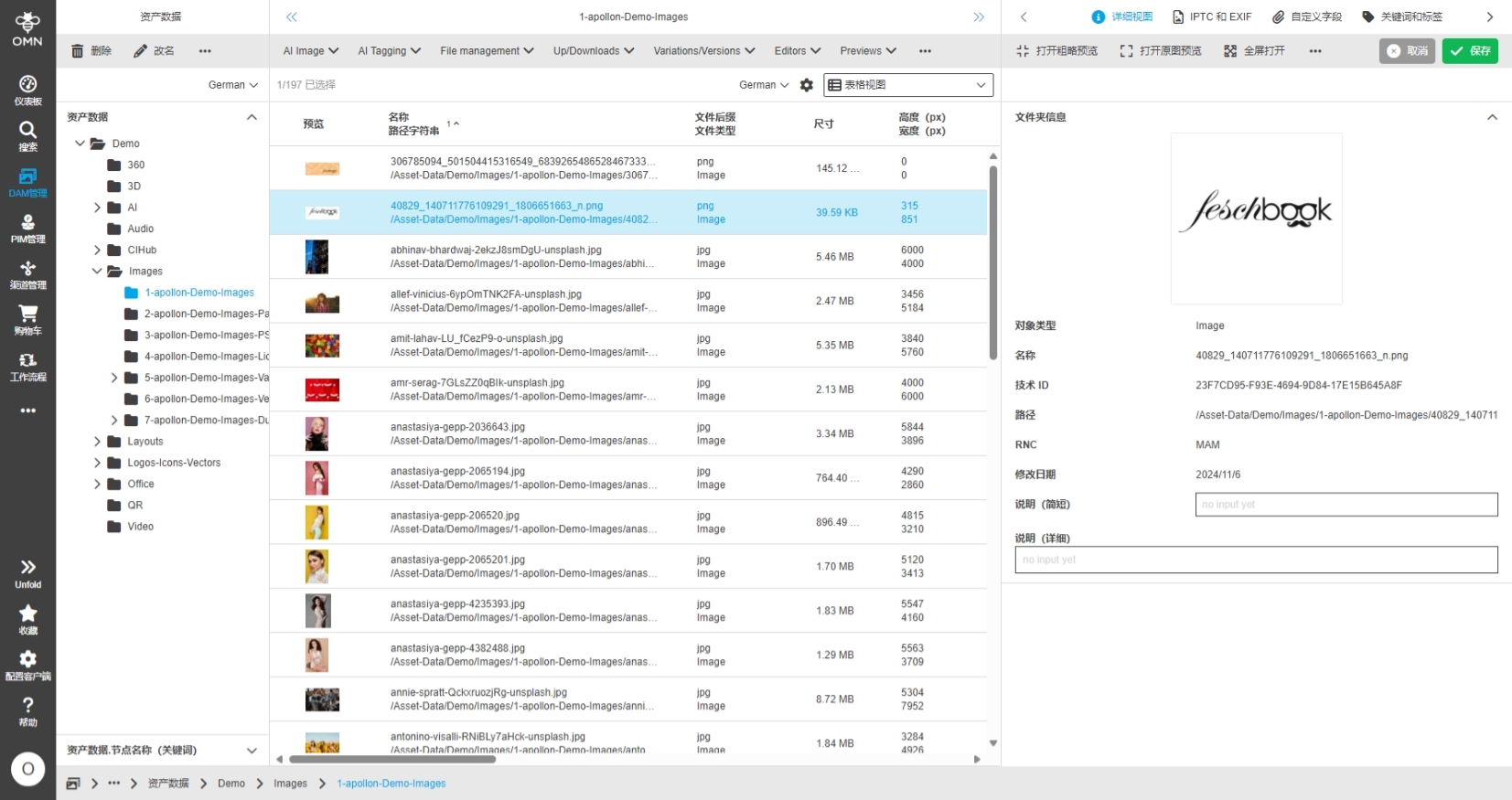
The localization procedure in case of adding new system languages to OMN Accelerator is improved, so setting up an ACC instance on base of Accelerator with additional languages will take 50% less time
DAM
AI
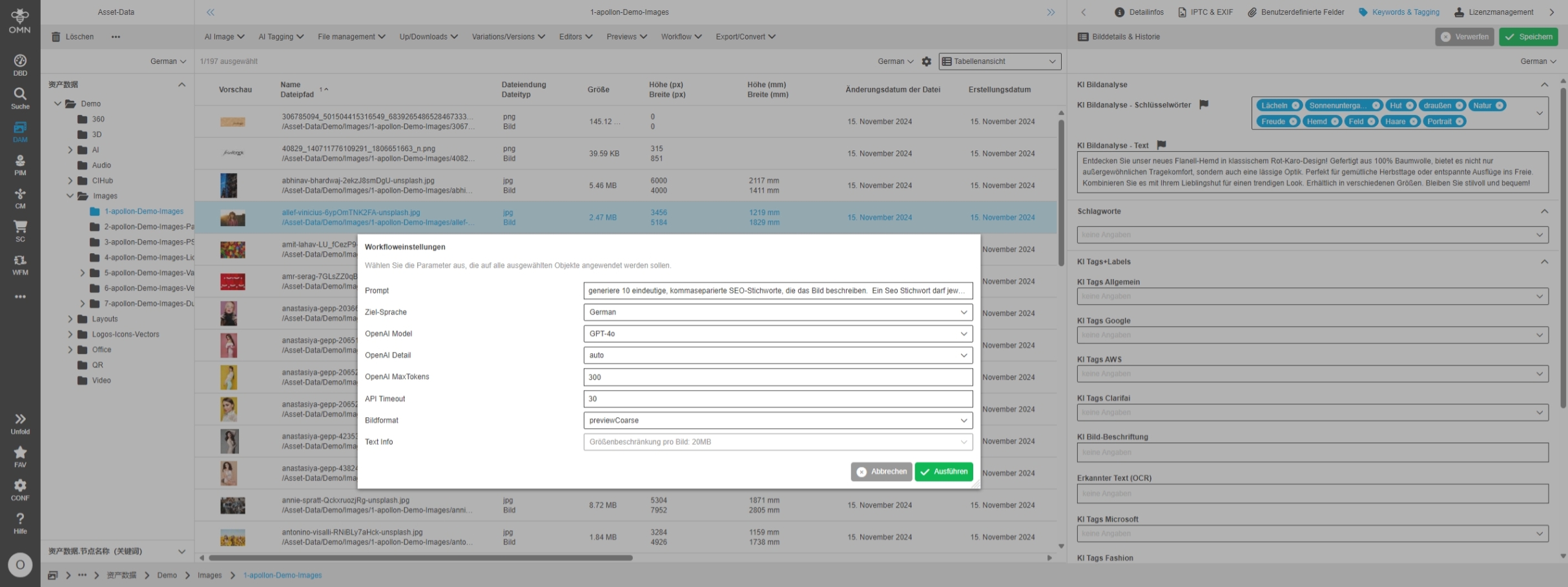
Remove "gpt-4-vision-preview" model from AI Image Analysis
General Tags |
OMNA-1715 |
The old model “gpt-4-vision-preview“ which is used for Image Analysis is replaced by new Models GPT-4o
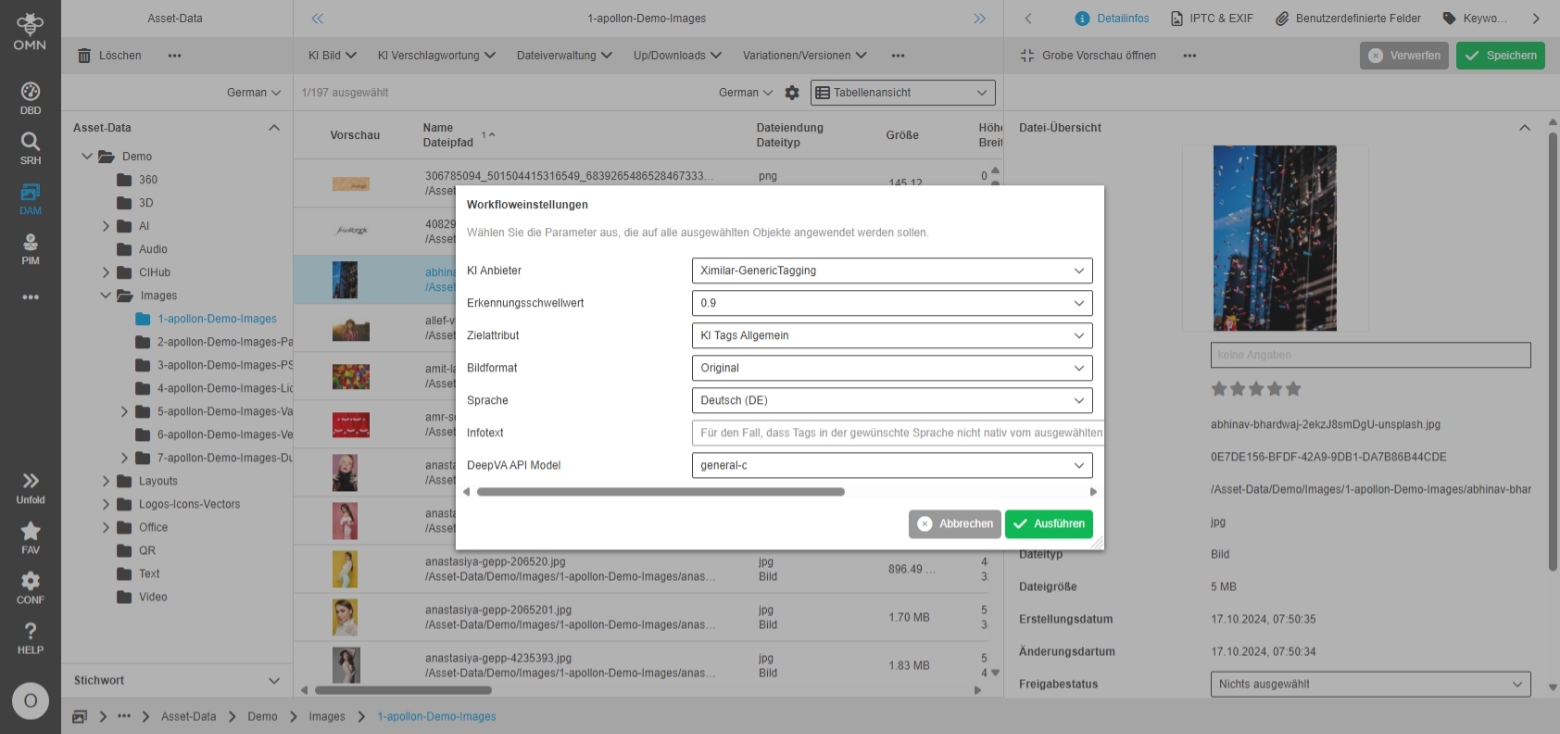
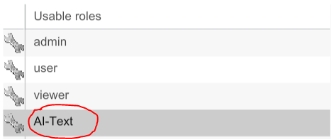
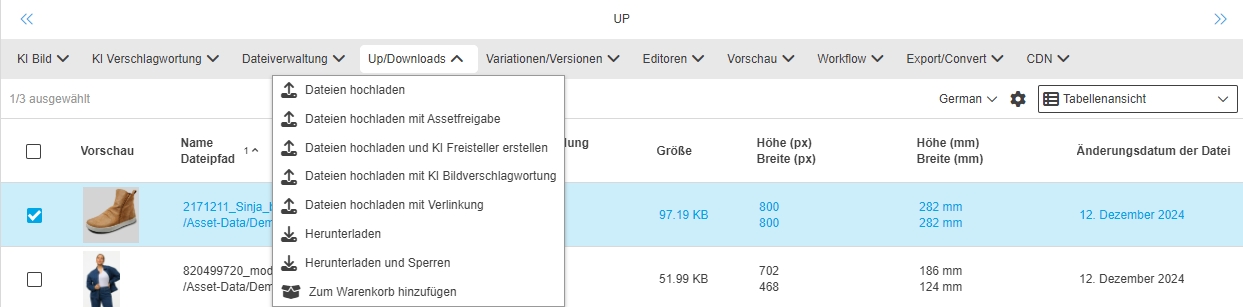
Example configuration of upload with workflow in fashion profile
General Tags |
OMNA-1500 |
New variants for advanced upload functionality is provided in ACC profile
-
Upload: Standard-Upload
-
Upload with Asset approval: starts asset approval process on uploaded asset
-
Upload with AI-image:what-is-new: Creates Photoshop path for uploaded images (API Key must be configured)
-
Upload with AI-Image-Tagging: Creates Tags for uploaded images (API Keys for different providers must be configured)
EAI UI module is now part of ACC fashion profile configuration
General Tags |
OMNA-1664 |
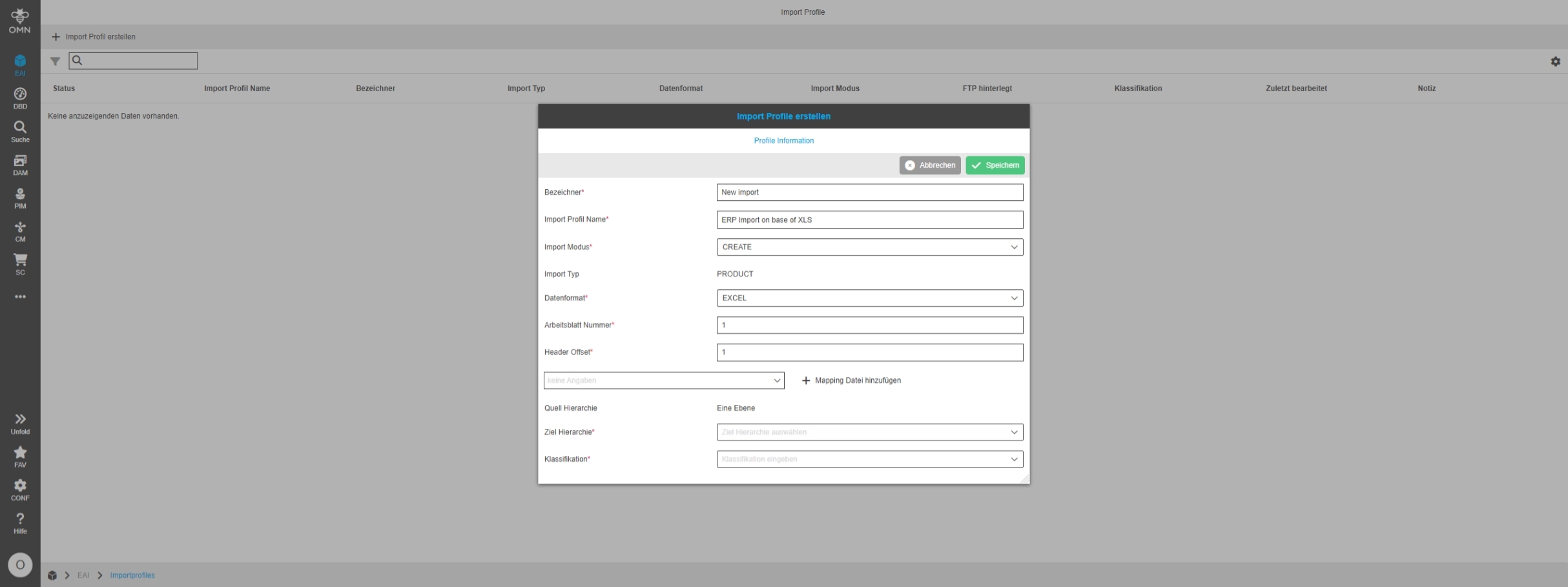
OMN Accelerator Fashion profile now provides EAI UI for Import so that the user can use functionality without need to configure the plugins in ACC fashion systems
The configuration includes:
-
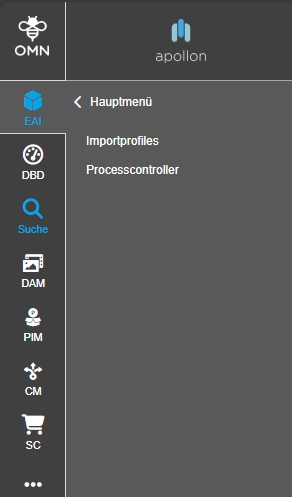
"Import Profiles" functionality to create import profiles for PIM2 imports
-
"Process Controller" to control import processes