Feature Details
General
Update to the latest Font Awesome 6.6.0 (sept 24)
General Tags |
OG-15139, OMN-11184 |
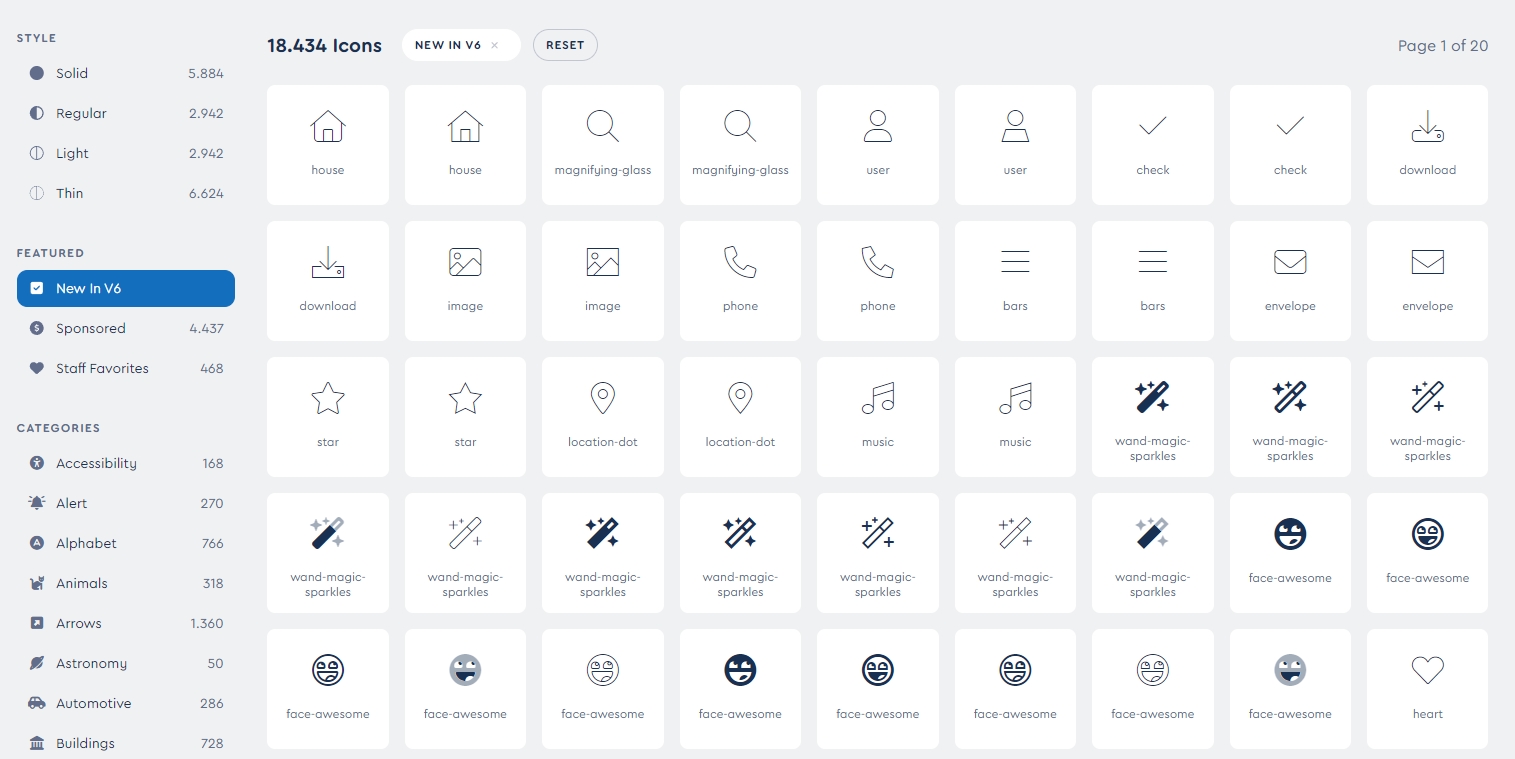
OMN now uses the latest Font Awesome library v6.6.0 providing new Icons which can be used in with OMN configuration
-
new Icons are shown here: https://fontawesome.com/search?new=yes&o=r
User Type & IDP & Role should be visible in User Profile
General Tags |
OG-15340 |
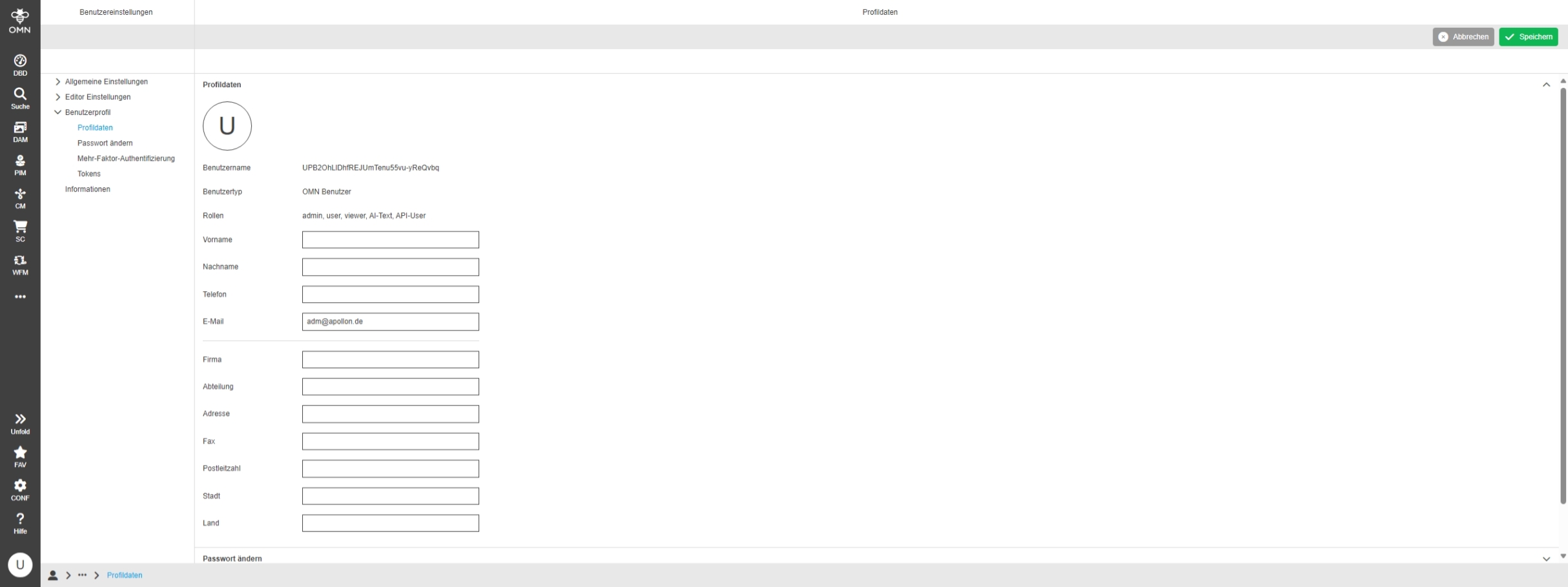
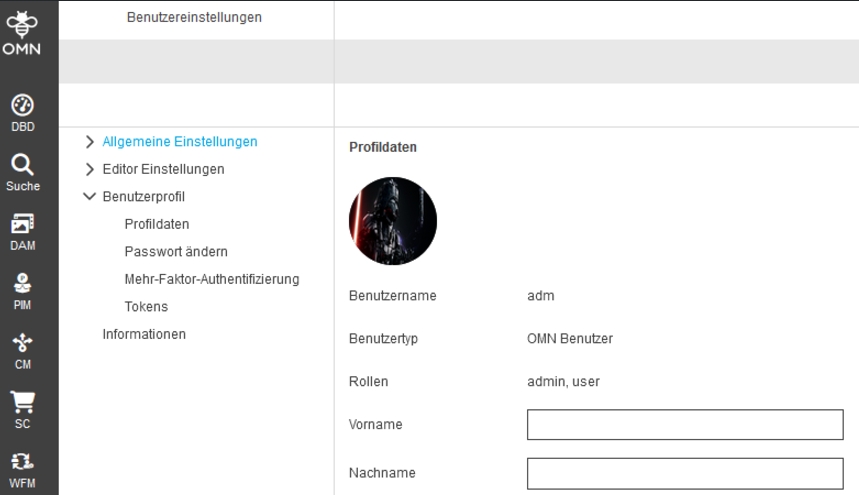
The role(s) to which a user belongs are now also displayed in the user profile
User Settings - User Profile - Profile data - Upload for profile picture is stored on RNC on base of new params
General Tags |
OMN-11220, OG-15405 |
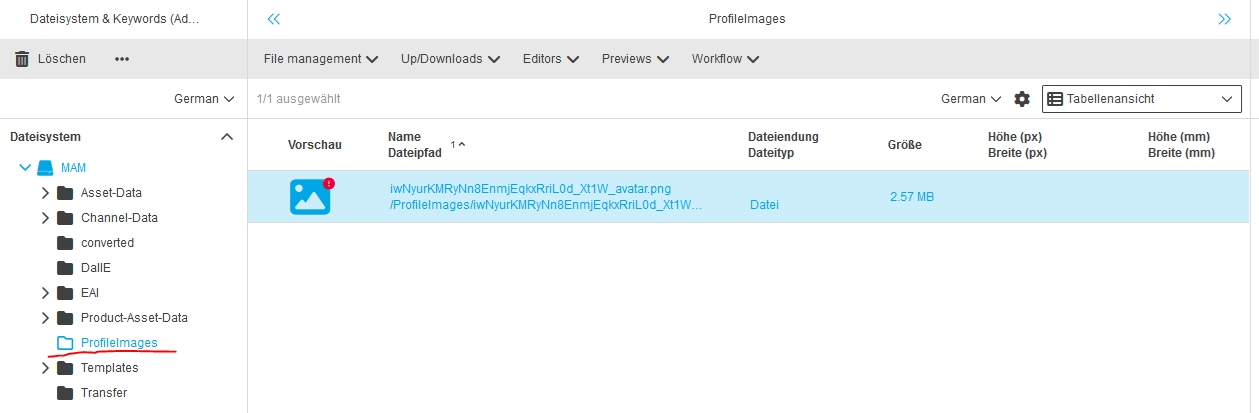
Profile Image Upload is now using chunked upload and consider property where profile image is stored
-
Folder in DAM according to property where profile images are stored (the folder is not checked in and the images not searchable)
DAM
General
Original asset state can be lost in Versioning
General Tags |
OMN-10121 |
Improvements in Version Management of OMN
-
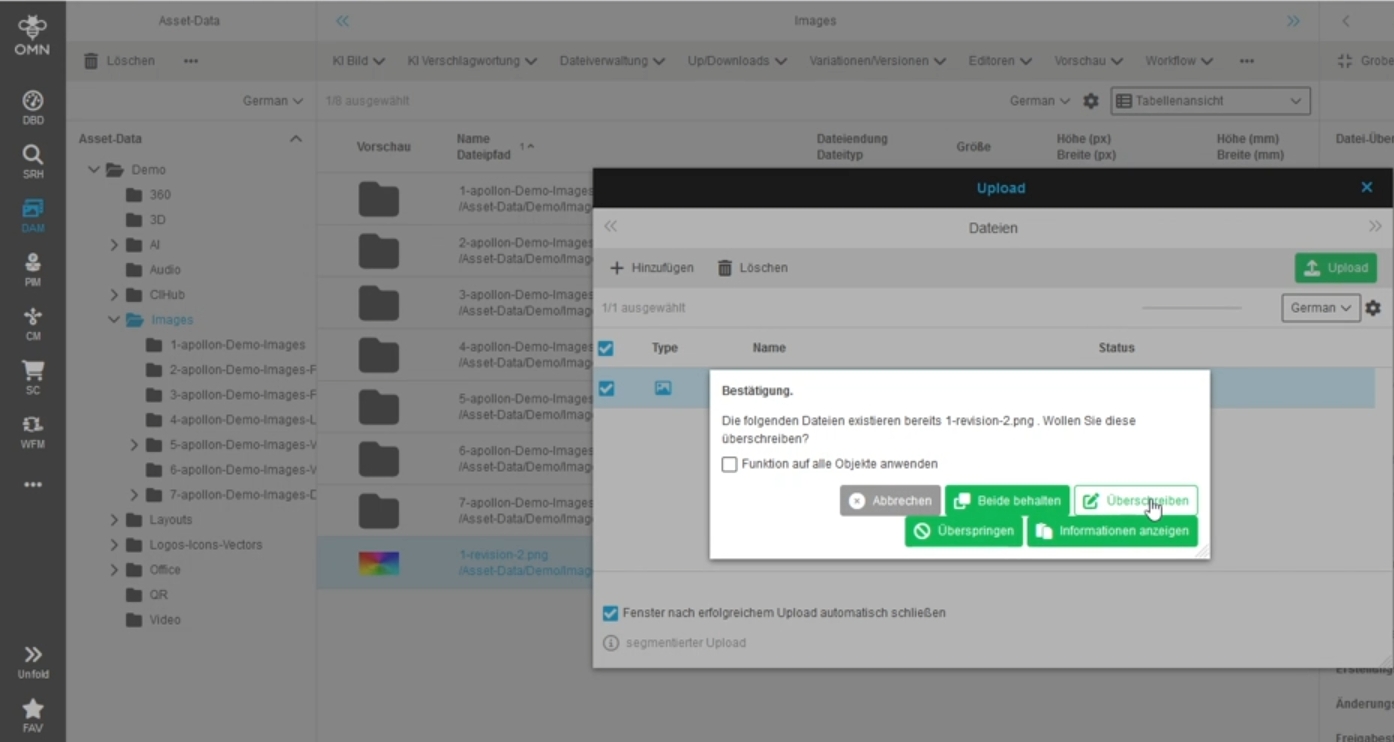
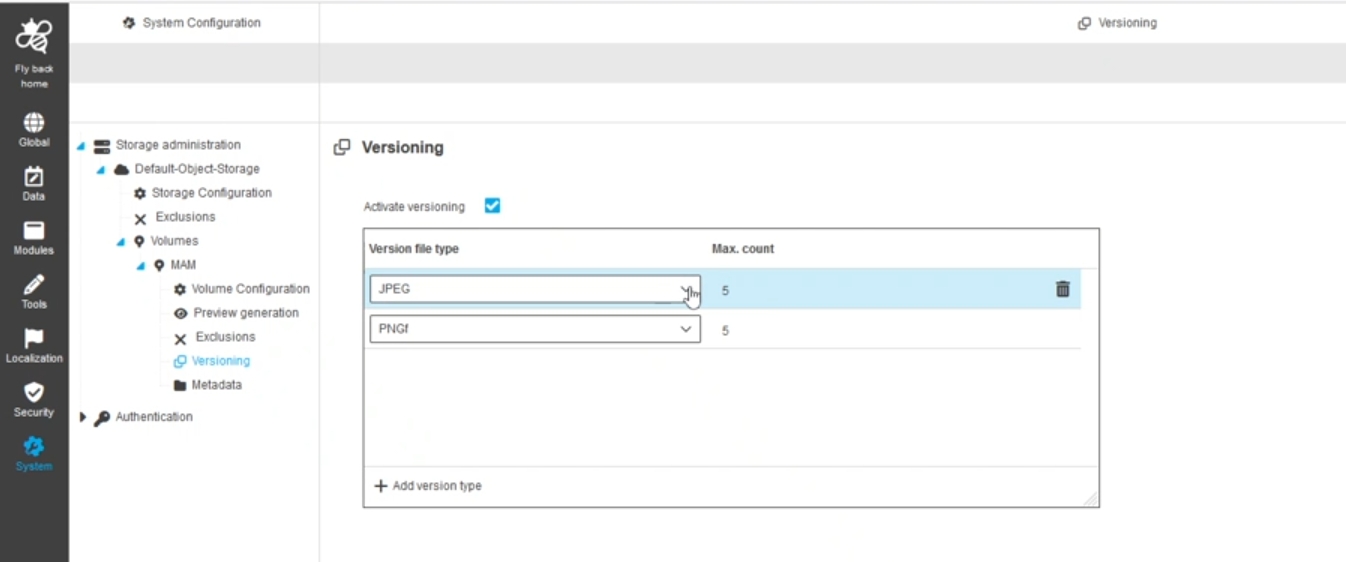
If versioning is activated, OMN should check if there is at least one version for the asset before overwriting it with a new version.
-
If there is none, OMN should automatically create one before overwriting the original state
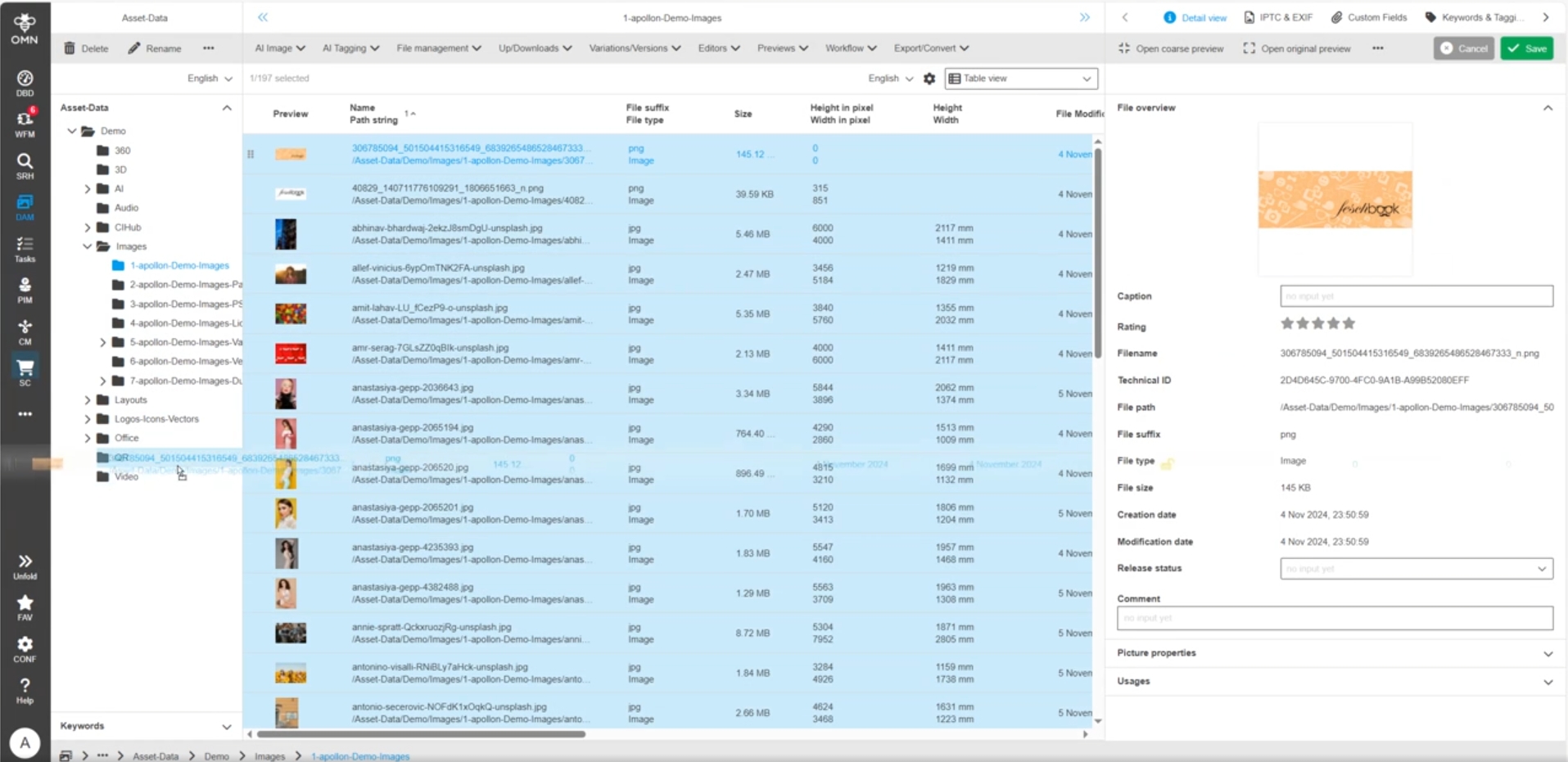
CDN
OMN CDN Delivery Service using CDN API
General Tags |
OMN-11047 |
Base-Requirement |
OR-1614 |
Possibility to publish assets stored in the OMN DAM with additional metadata to an AWS Cloudfront CDN based on S3 Bucket via a special OMN CDN API
-
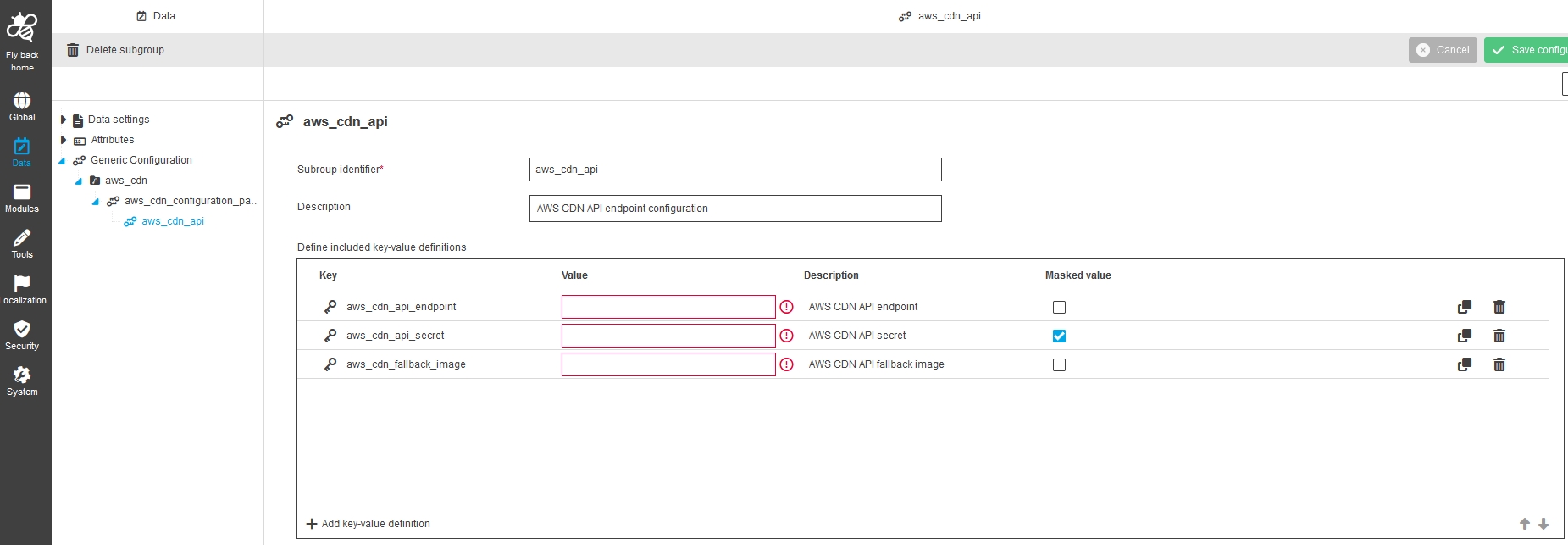
enabling the new property "cdn.aws.enabled" will create a special parameters as Generic Config Project (accessible in Configuration Client) which contains parameters needed for the API to publish an asset to AWS Cloudfront related S3 Bucket
-
Parameter for S3 Bucket
-
Parameter for fallback image (value must contain the OMN Asset TID) - the fallback image can be used by Lambda function if the asset requested from Cloudfront is not available
-
Configuration Project
OMN CDN API
The API itself contains following methods to publish, update, delete or get status of an asset in CDN S3 Bucket and set fallback image for Lambda function
-
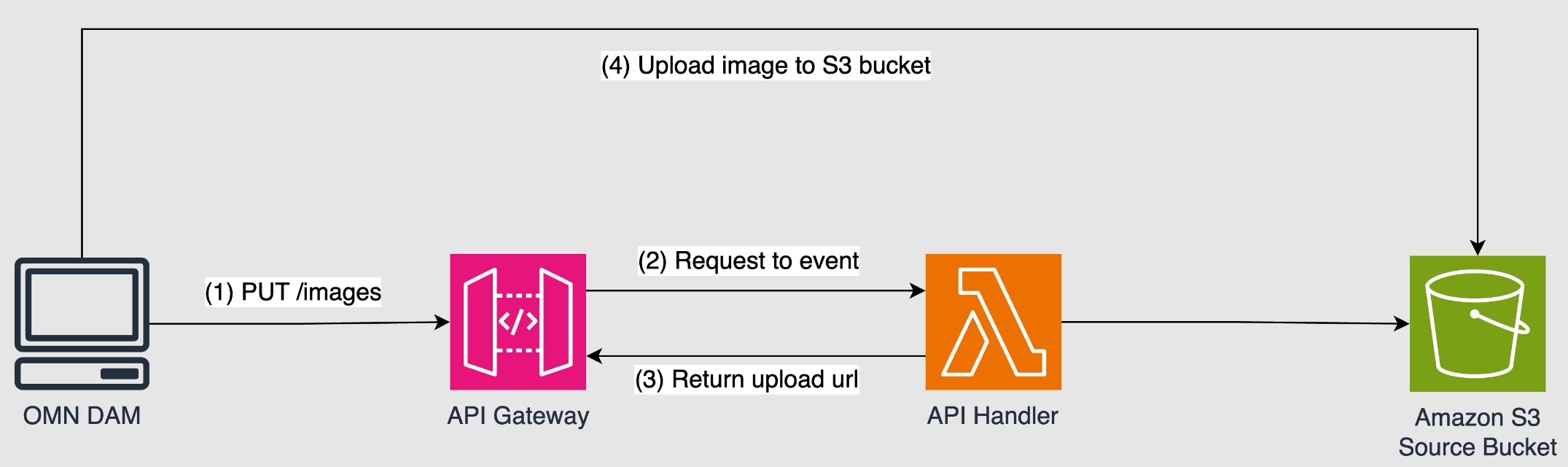
Upload/Update - PUT /images**: Create an upload URL to the input bucket. The request body is a JSON object with a defined structure
-
Delete - DELETE /images/{tid}**: Delete an image from the input bucket and invalidate the cache. The response will always be 204 No Content, even if the image doesn’t exist
-
Get CDN-Asset Status – GET /images/{tid}**: Get status information about an image in CDN
-
Get Config – Get/Config/Status**: Get The current configuration of the environment variables
-
Set Fallback Image for Lambda – PUT/Config/fallback**: Set the fallback image to be used when an image is not found in the input bucket
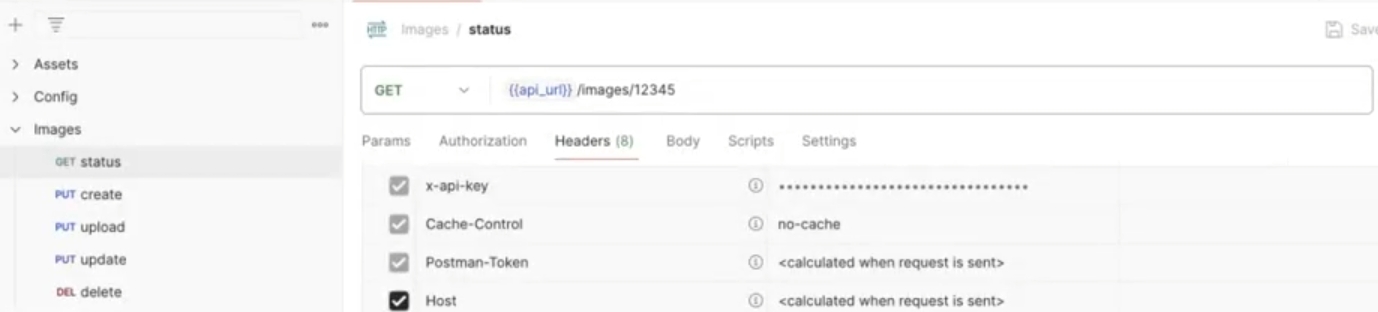
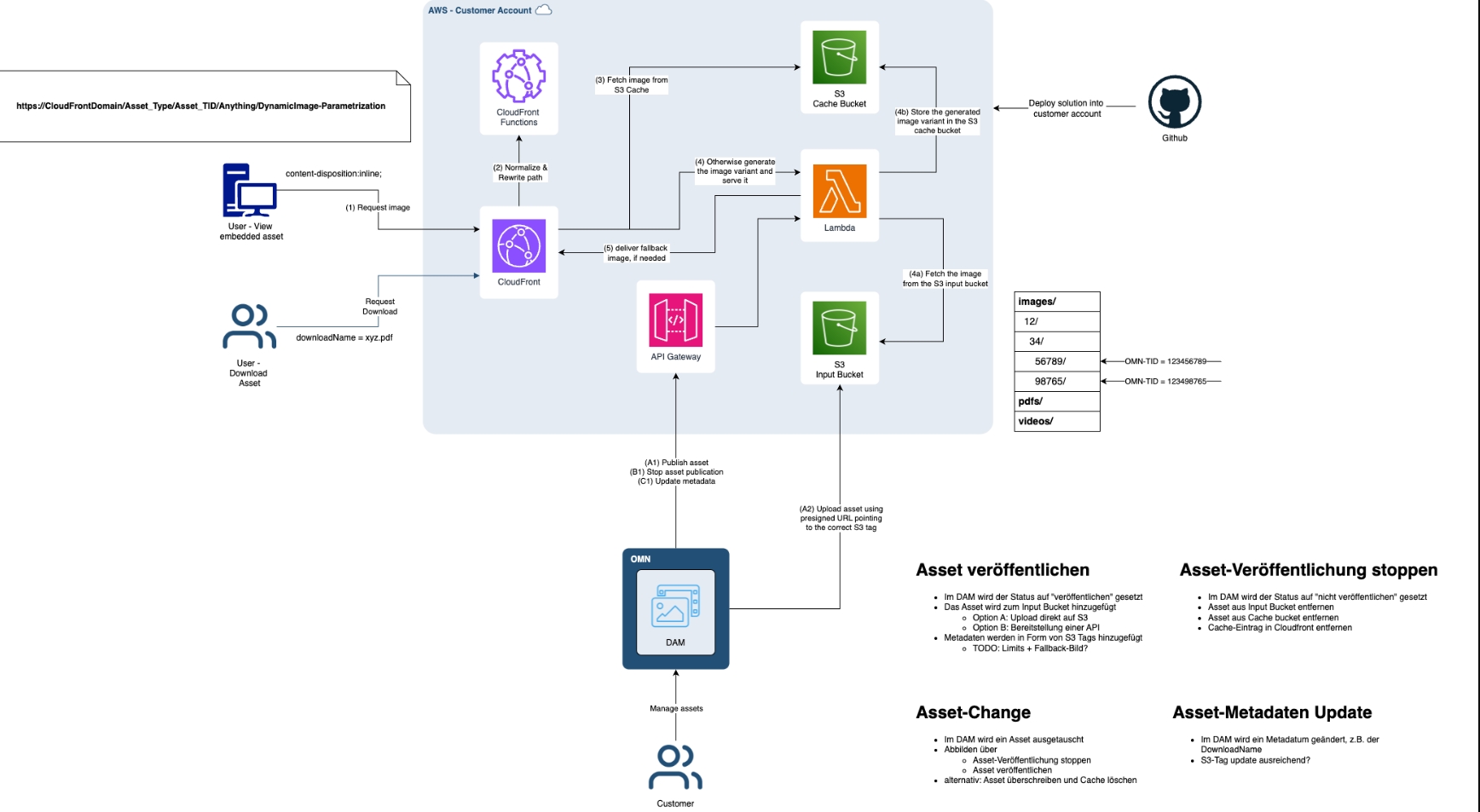
The following image shows principle architecture
AWS Cloudfront Lambda Functions
General Tags |
OMN-11053, OMN-11210, ODOCU-1516 |
Base-Requirement |
OR-1552 |
Apollon offers an AWS Cloudfront Service with dynamic image transformation capability via a so-called Lambda Service as a project solution/service that can be operated for a customer and further customized if required.
-
A CDN (Content Delivery Network) in conjunction with a Lambda service enables fast and scalable image transformation, e.g. for the web store, by processing and delivering images close to the end user.
-
Assets can be integrated/retrieved, e.g. in the webshop, using the following URL pattern: https://CloudFrontDomain/assets/Asset_TID/Anything?Parameters
-
The Lambda service works in AWS in combination with AWS Cloudfront and the corresponding S3 Bucket for original images and images calculated by the Lambda service
-
The Lambda service offers various format and size transformations for the following pixel-based formats: JPEG, PNG, WebP, AVIF, SVG and GIF. The default format is WebP, e.g. https://customer.cloudfront.net/images/BA1EDEBA-0386-49B1-899A-CD38B87EECA3/?F=JPEG&S=924
-
Other formats like videos or PDFs are delivered as original
-
The prerequisite for using assets in the CDN is that the images are stored in OMN DAM and transferred from there to Cloudfront. The basis for communication is the unique OMN ID, which is used to retrieve an asset in the CDN. For the provision of assets, OMN provides its own special CDN API for uploading, updating or deleting assets in the corresponding S3 Cloudfront bucket.
-
The following diagram shows the overall architecture schematically:
Local Open Function
General Tags |
OR-1597 |
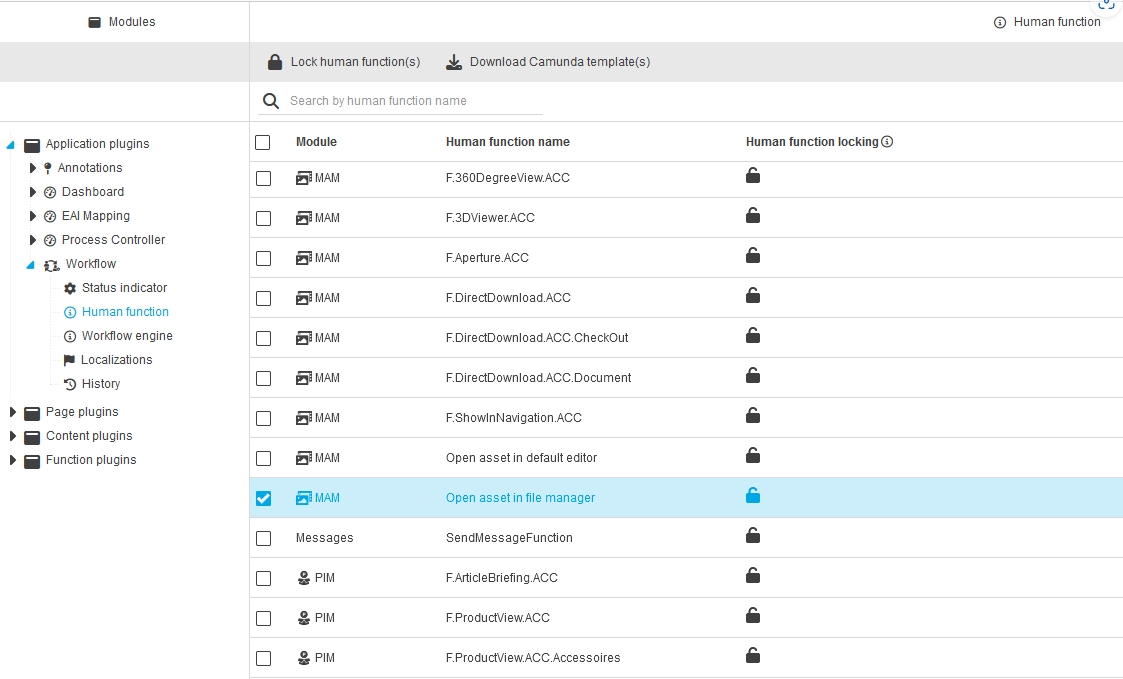
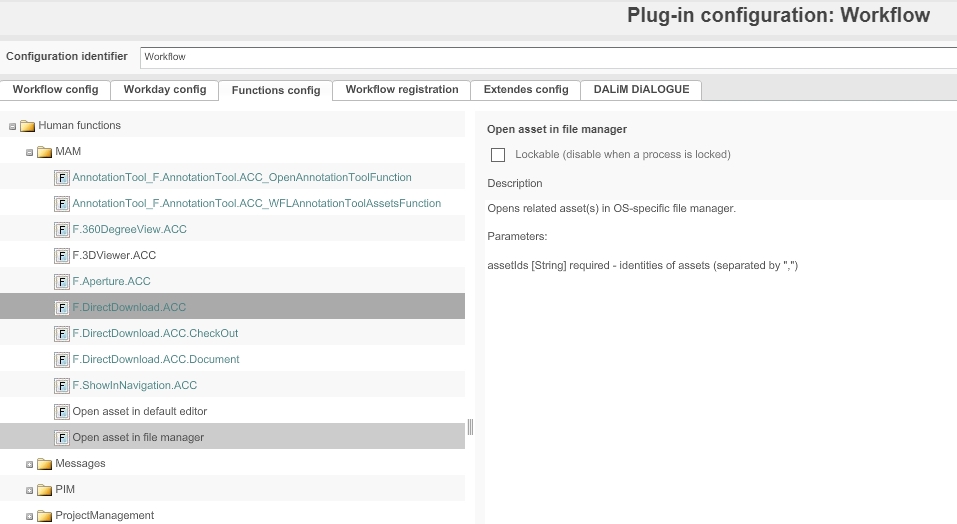
Introduce new human function for open asset in file manager
General Tags |
OMN-11036, OG-15159 |
Possibility to configure human function to open asset in file manager to use it in Camunda workflow
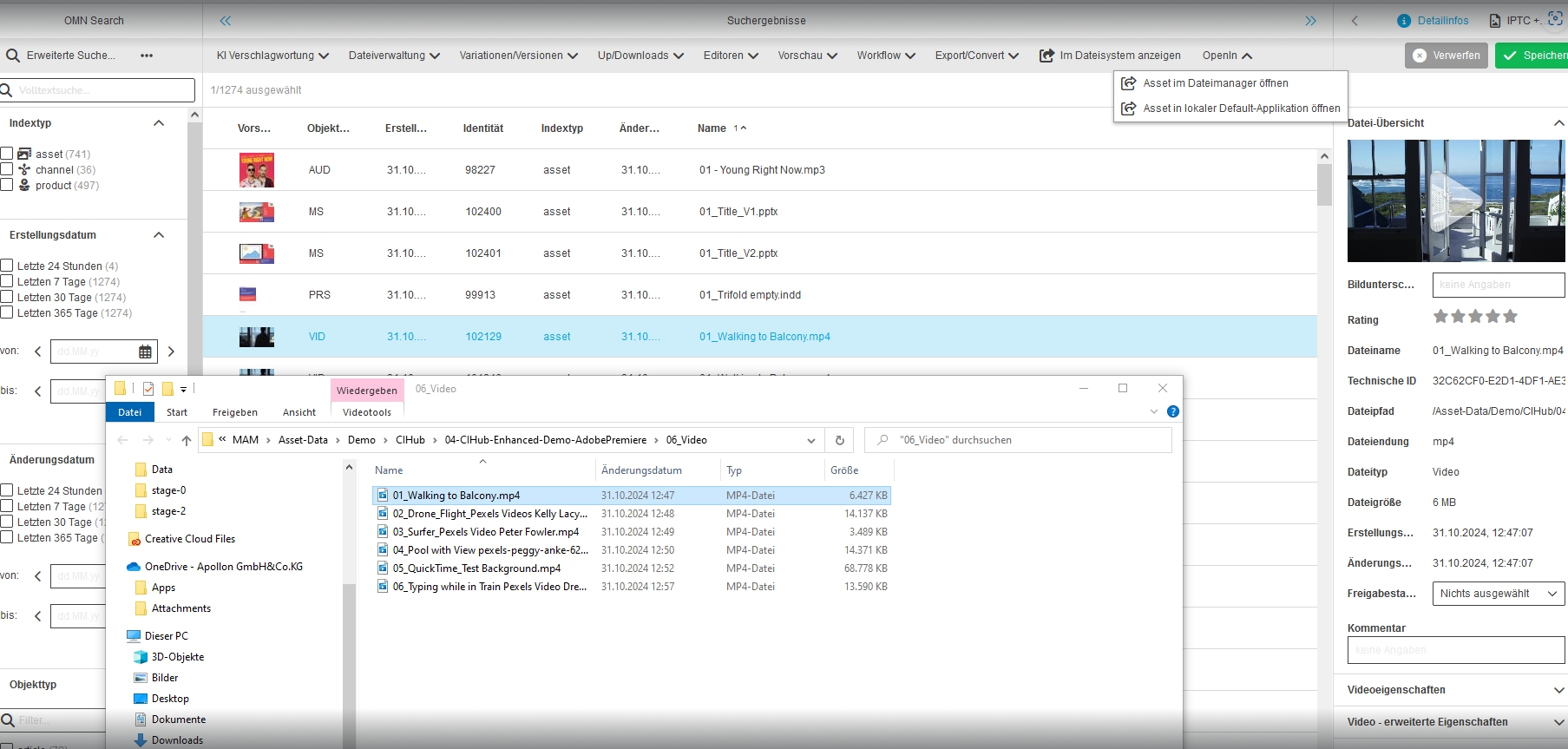
Possibility to configure toolbar and asset function to open selected asset in file manager and in default editor within Advanced Search
General Tags |
OMN-11033, OG-15162, OG-15163 |
Possibility to use new functions for opening/editing assets from Search locally on computer
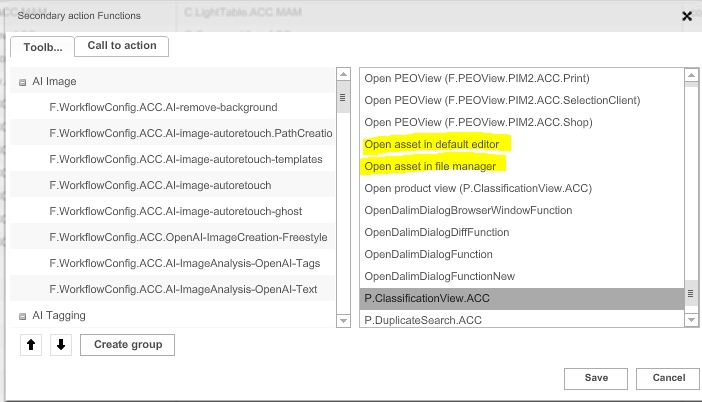
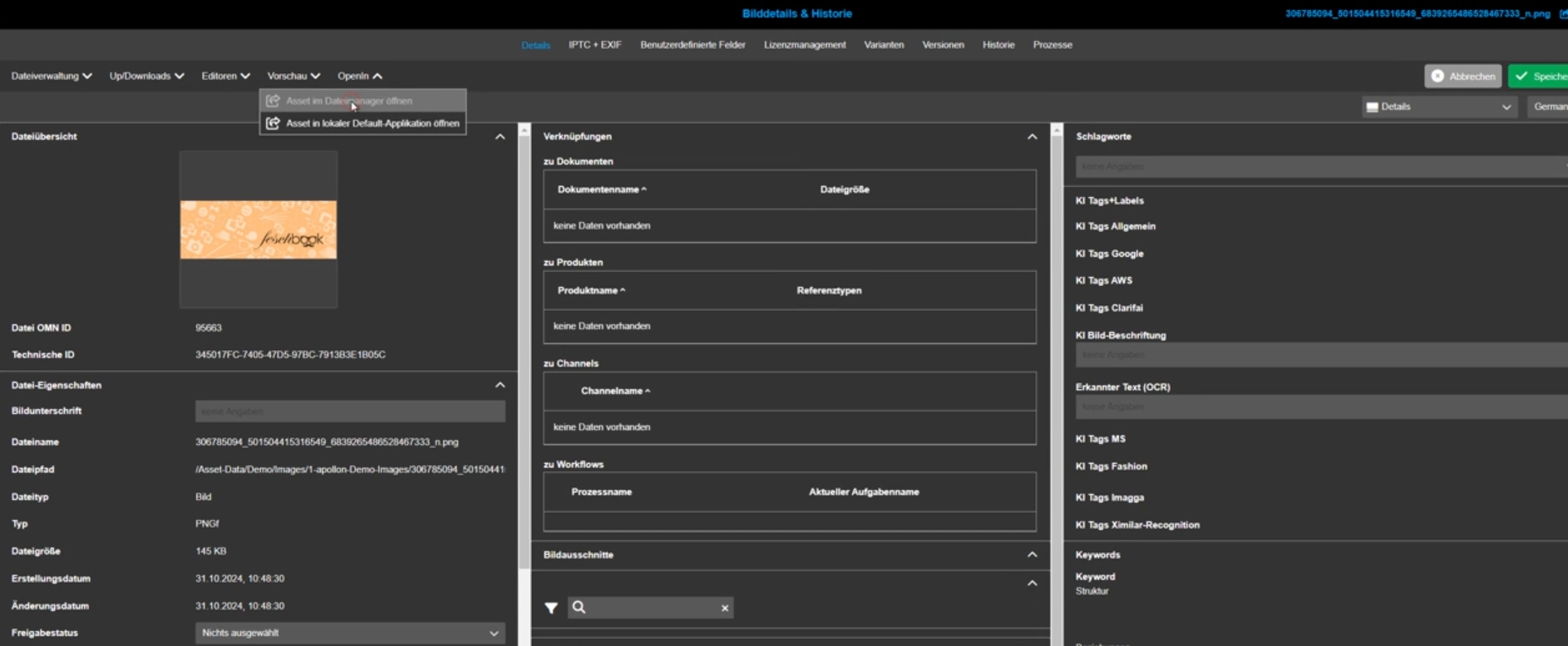
Possibility to configure toolbar function to open selected asset in file manager and in default editor within Asset View editor
General Tags |
OMN-11034, OG-15151 |
Possibility to configure new open functions for opening/editing assets locally from the Asset View Editor
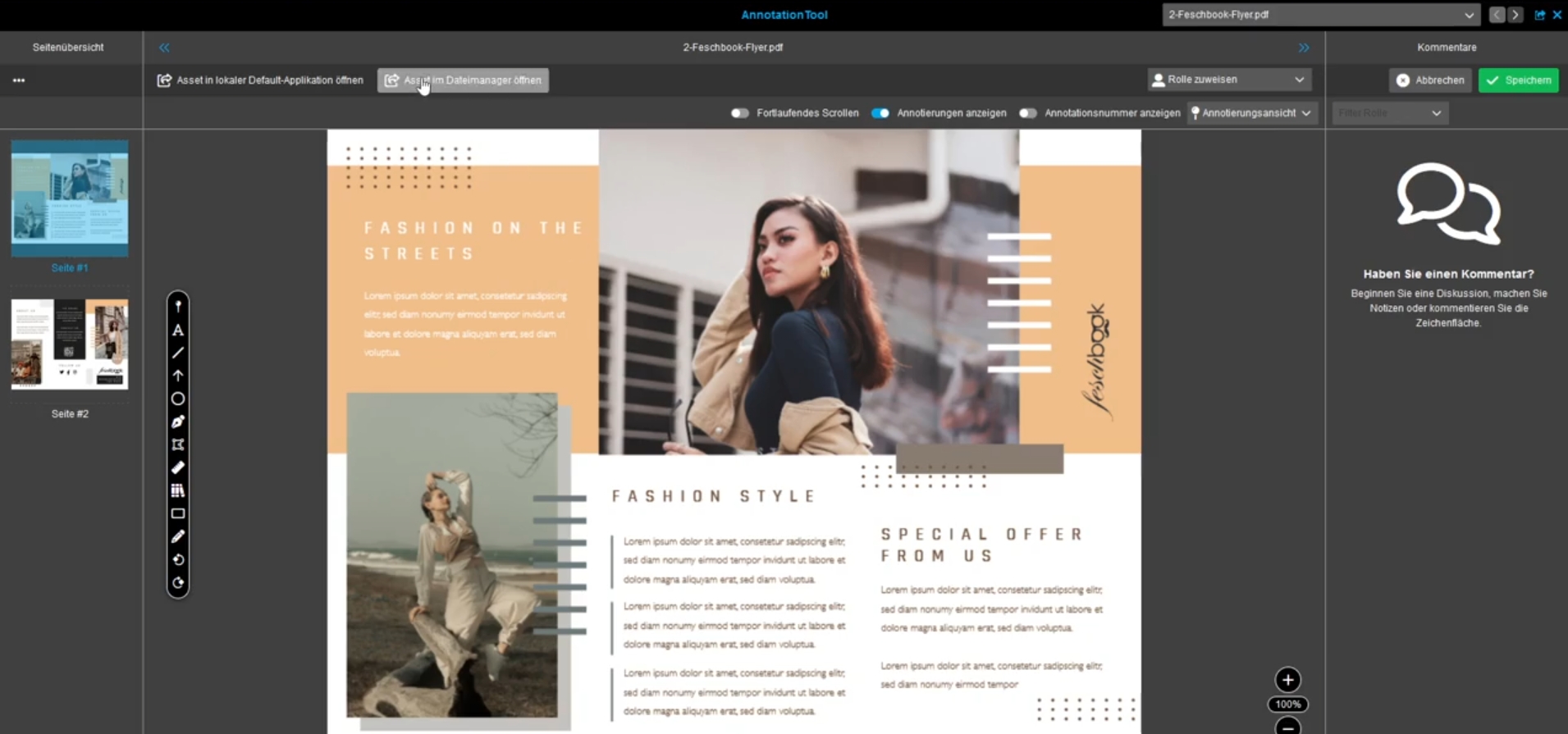
Annotation-Tool - Toolbar function to open selected asset in file manager
General Tags |
OMN-11035, OG-15153, OG-15152 |
New configurable toolbar function to open the related asset locally from Annotation-Tool in desktop tool
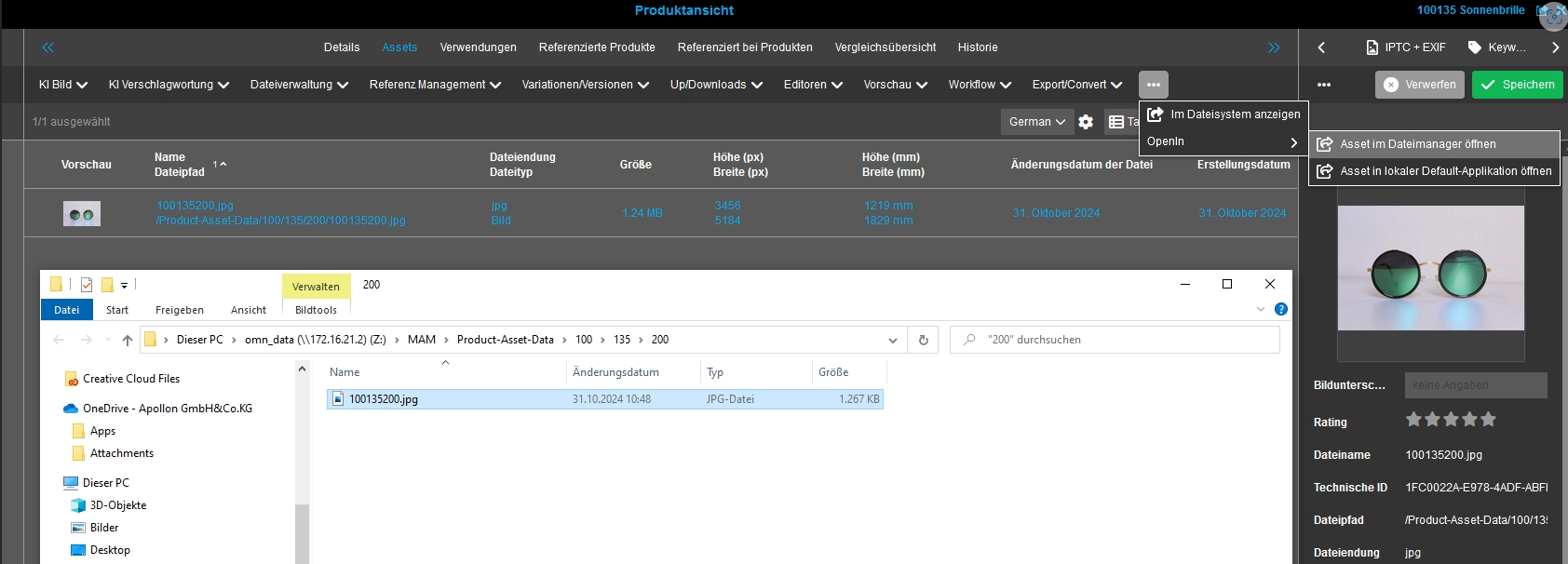
Possibility to configure toolbar function to open selected asset in file manager and in default editor within Product View editor
General Tags |
OMN-11038, OG-15161, OG-15160 |
Possibility to use new functions for opening/editing assets locally on my computer from the Product View Editor
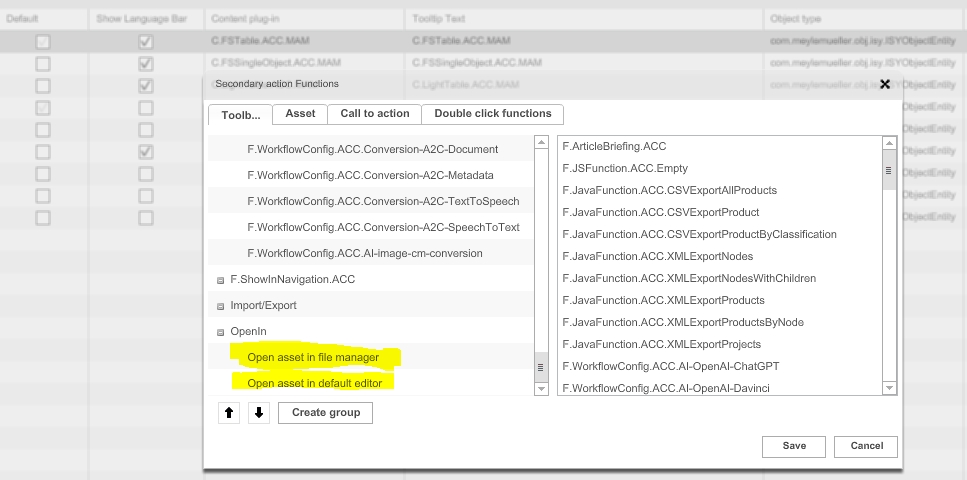
Possibility to configure toolbar and asset function to open selected asset in file manager and in default editor within FSNavigation
General Tags |
OMN-11040, OG-15149, OG-15147, OG-15146 |
Possibility to configure new functions for editing assets locally on the computer in the FS Navigation Plugin
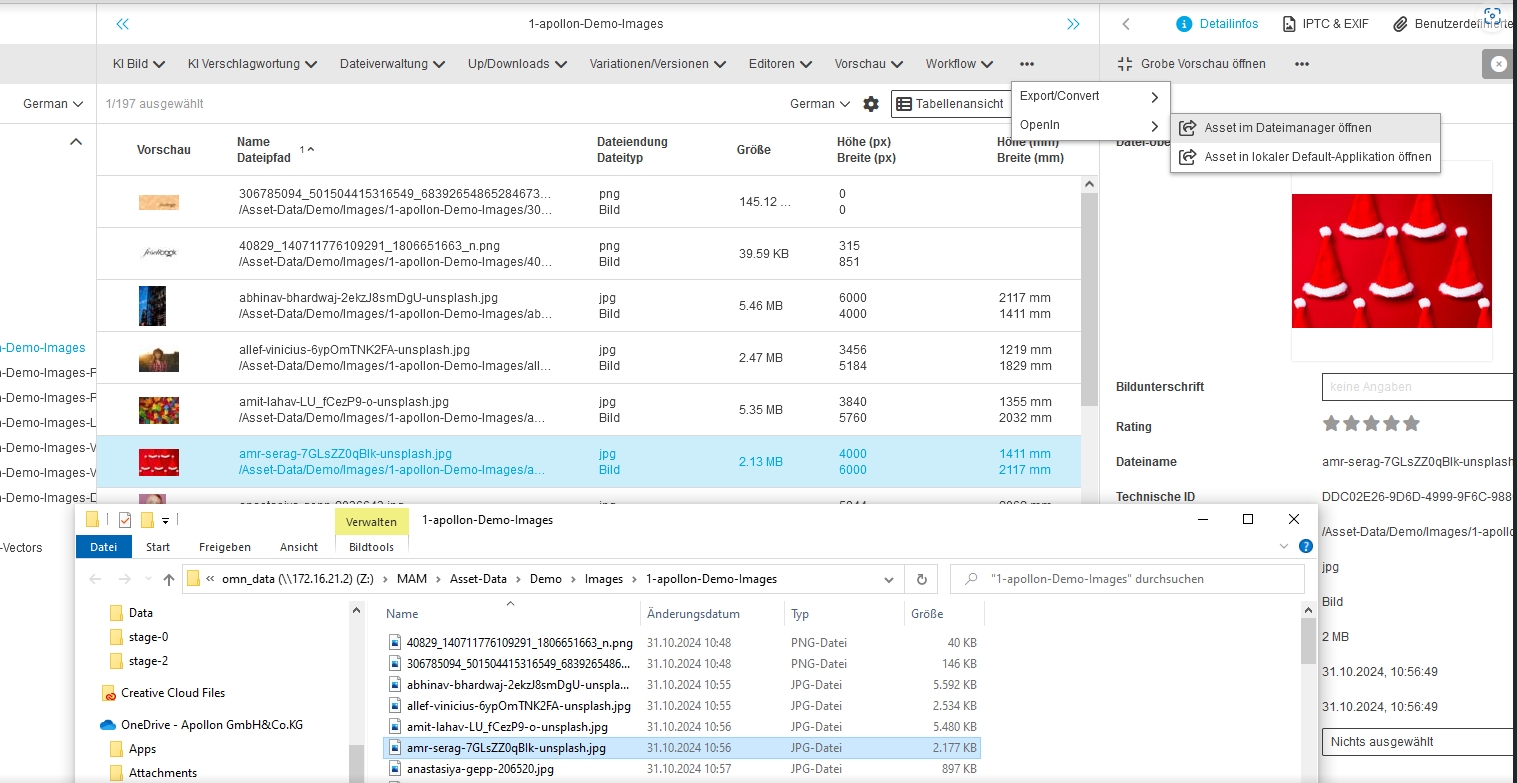
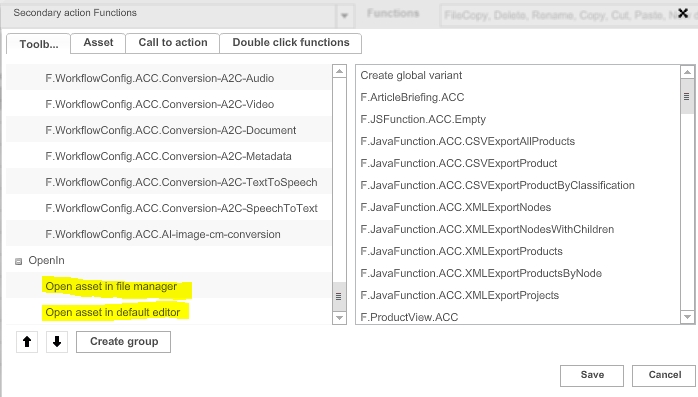
Possibility to configure toolbar and asset function to open selected asset in file manager and in default editor within form-based Search
General Tags |
OMN-11041, OG-15164, OG-15165 |
Possibility to use new functions for editing/opening assets locally on the computer from the form-based search plugin
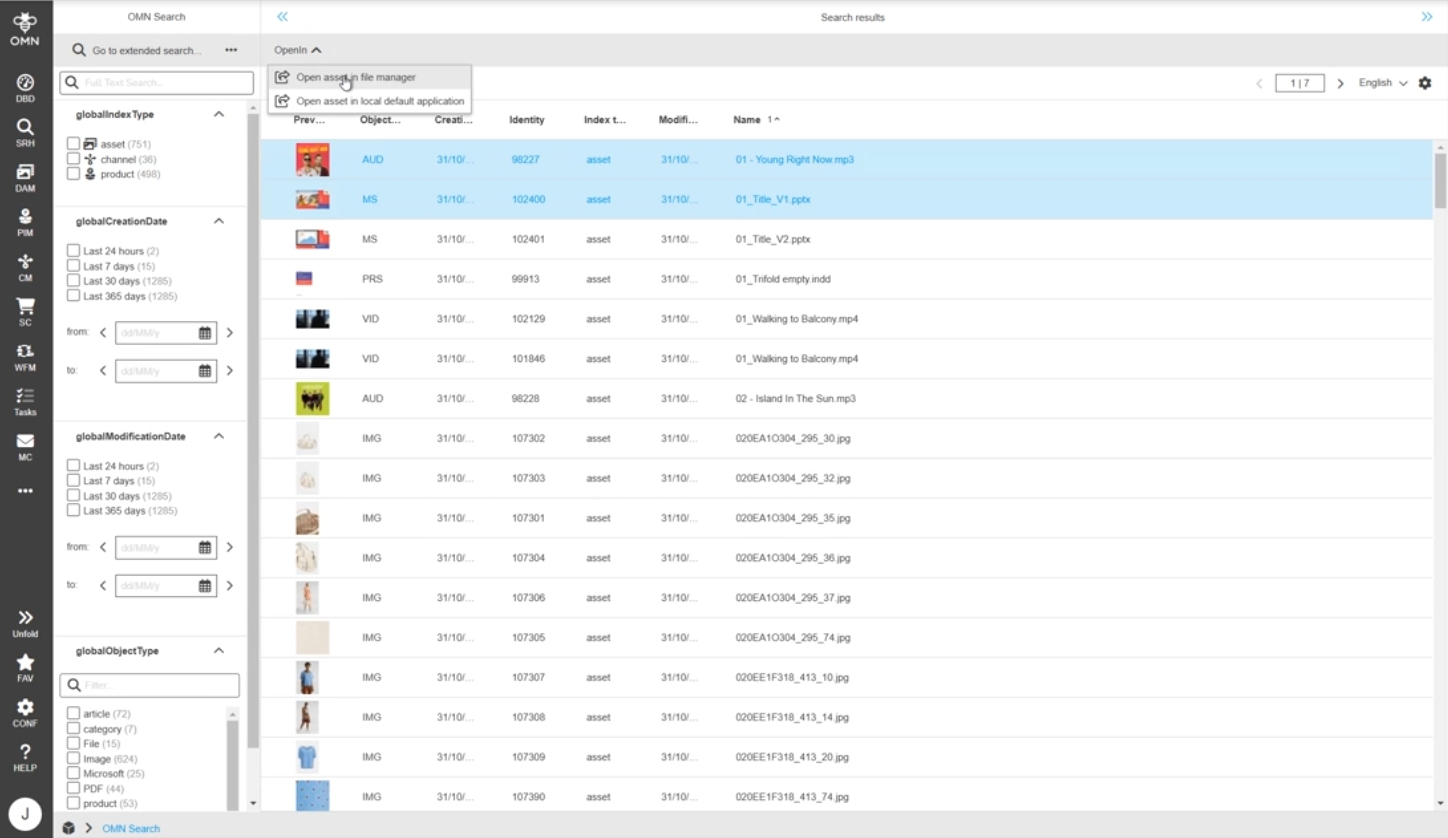
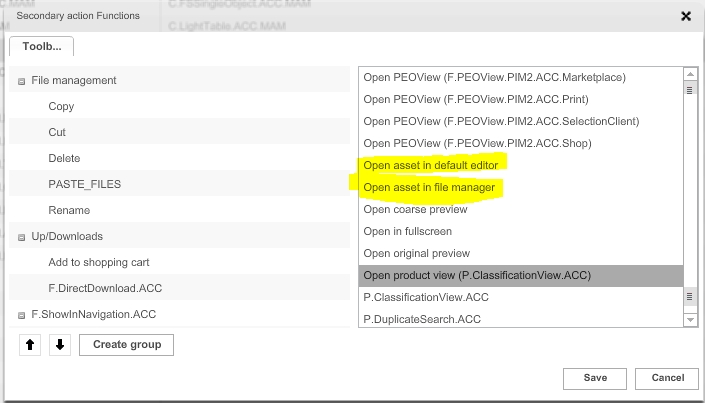
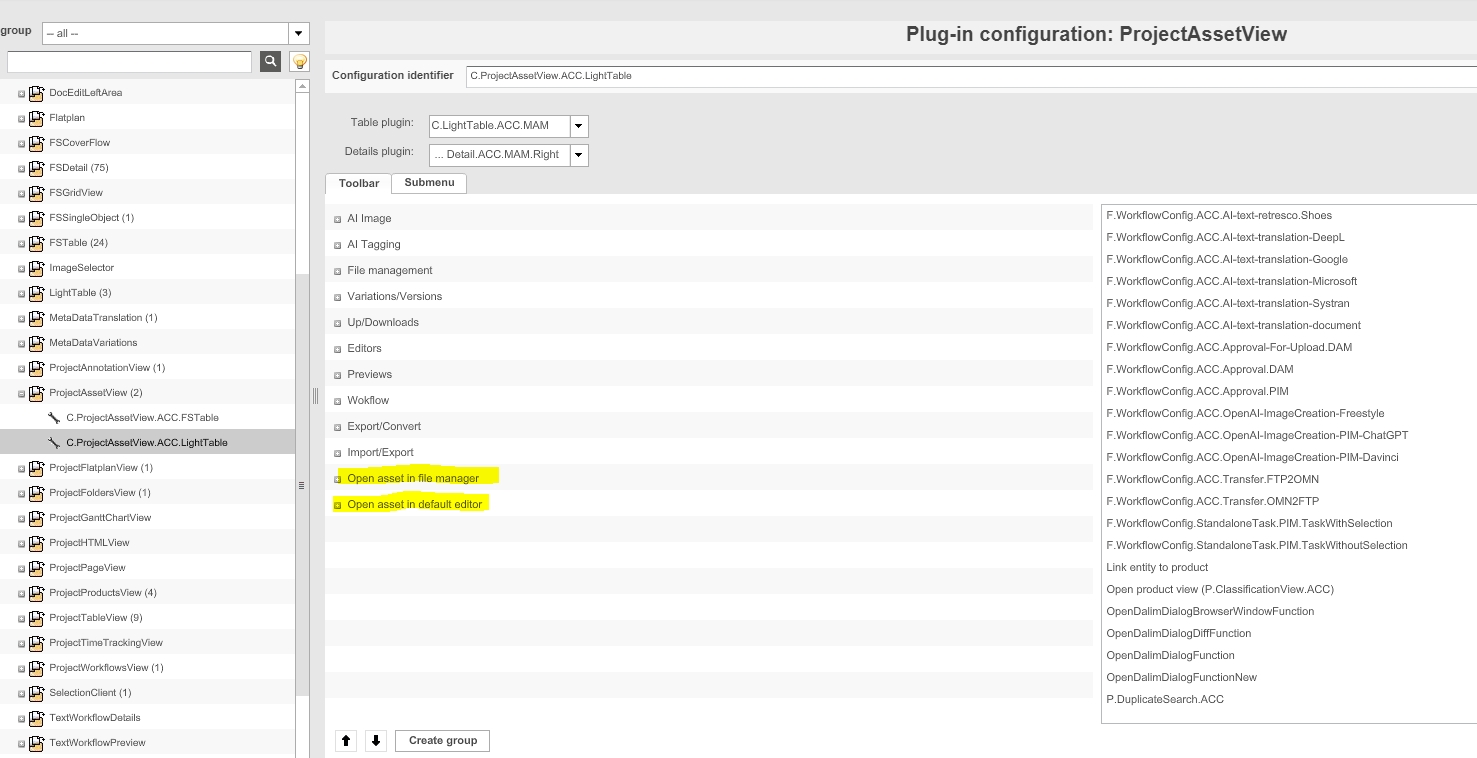
Possibility to configure toolbar and asset function to open selected asset in file manager and in default editor within Project Asset View
General Tags |
OMN-11042, OG-15168, OG-15169 |
Possibility to configure new functions for opening/editing assets locally on computer from the FSNavigation plugin
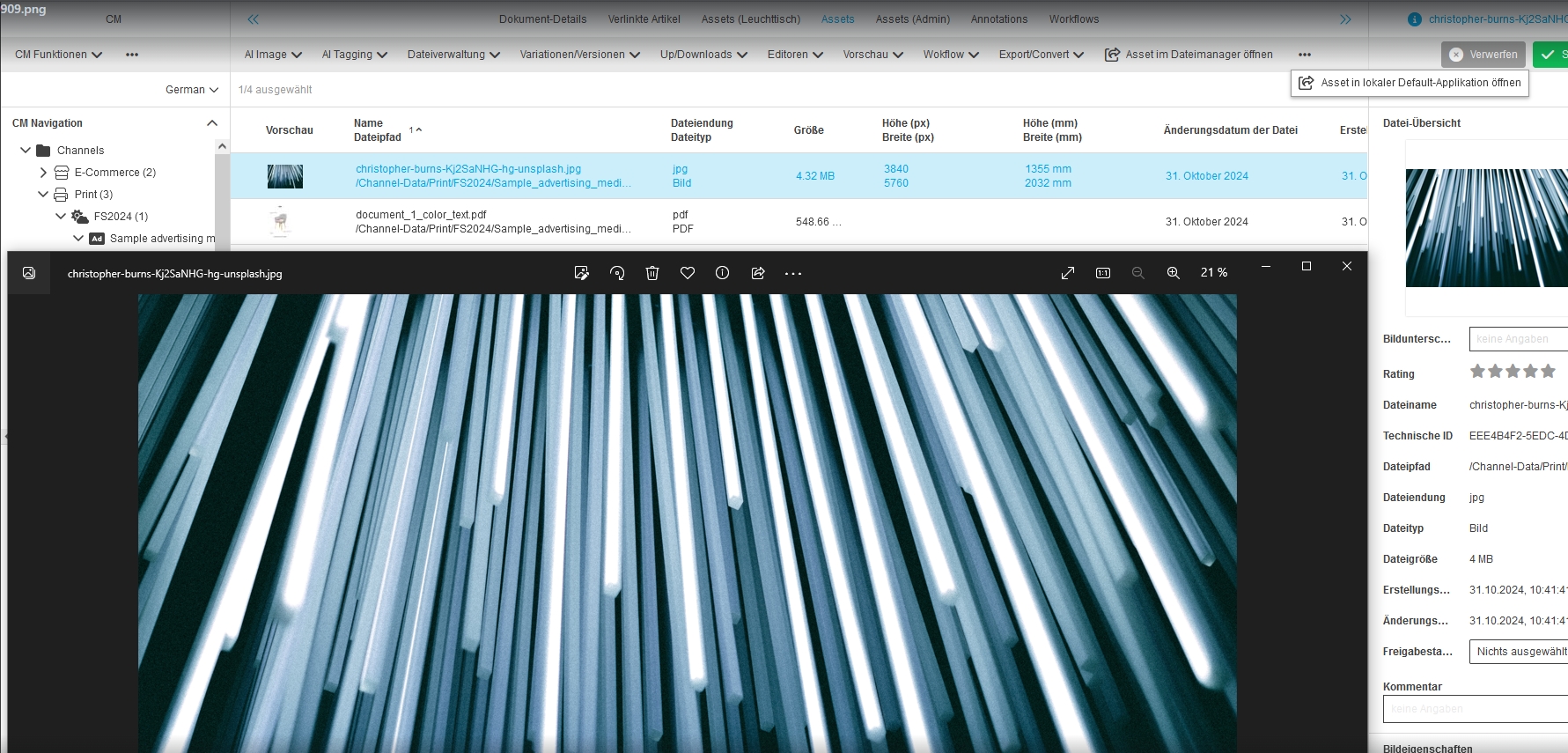
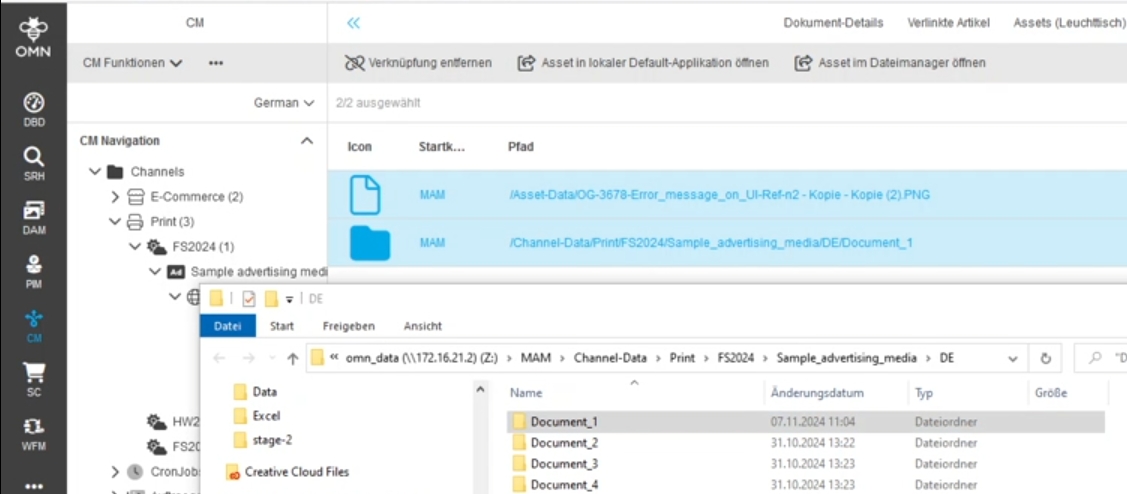
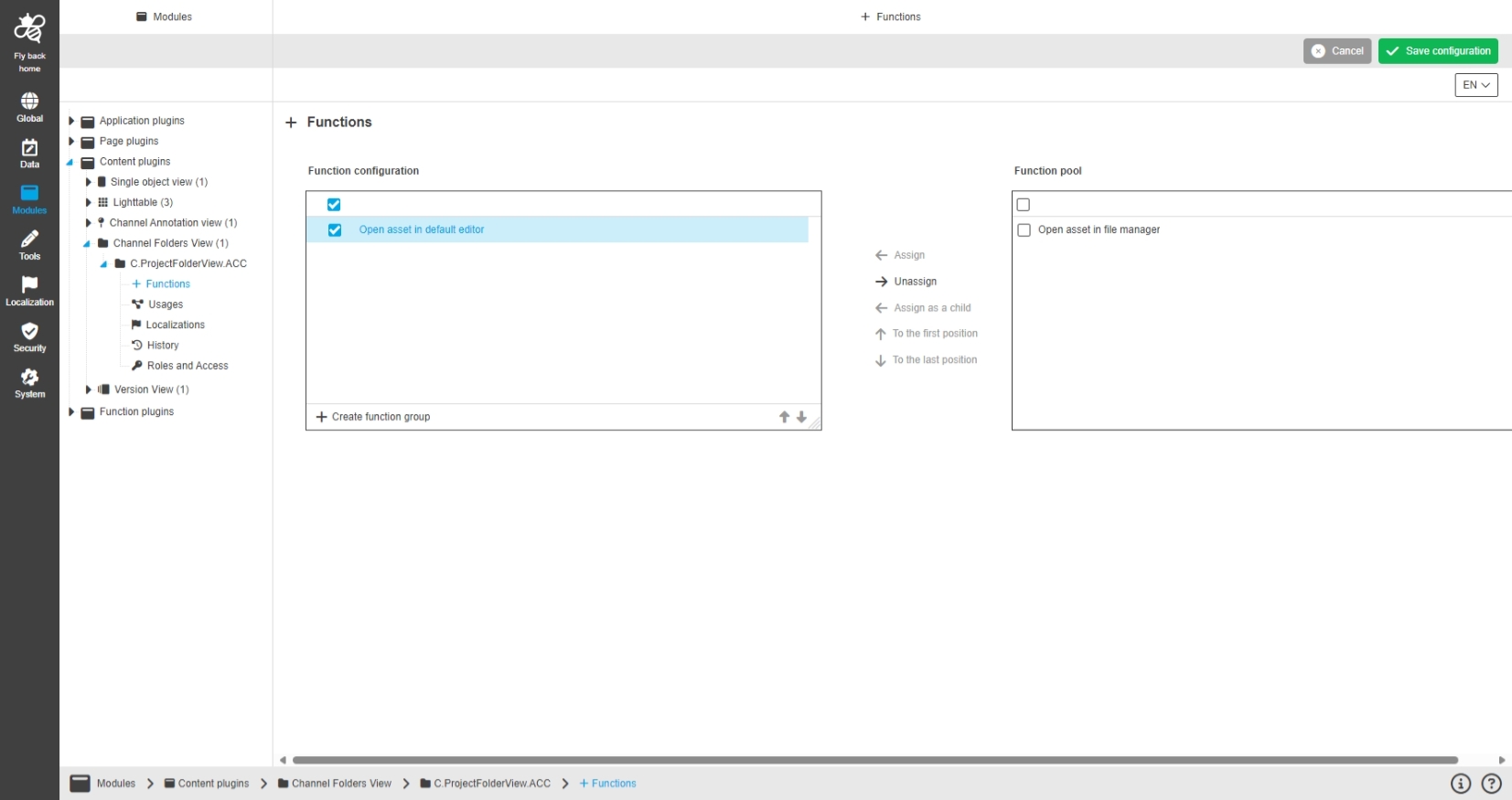
Project folder view - Toolbar function to open selected asset in file manager
General Tags |
OG-15166 |
Possibility to use new functions for opening/editing assets locally on computer from the ProjectFolderView
Light table - Asset function - open selected asset in default editor
General Tags |
OG-15148 |
Possibility to configure new functions for editing assets locally on the computer in the Light Table plugin
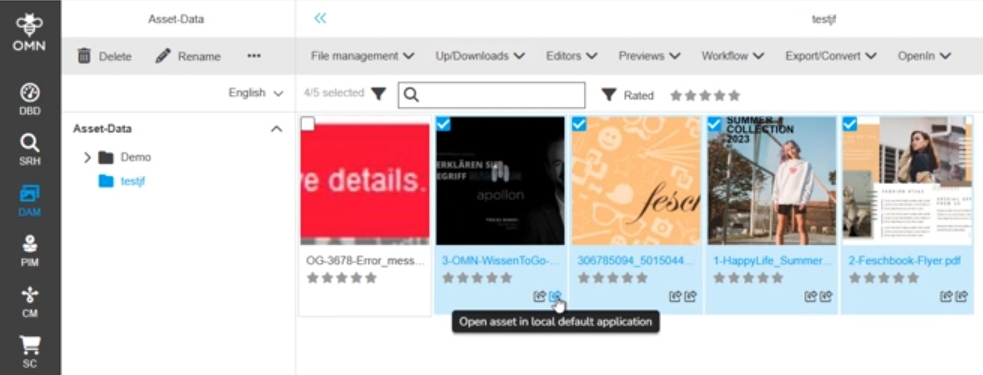
Introduce new human function for open asset in local default application
General Tags |
OMN-11037, OG-15158 |
Possibility to use a new configurable Open Asset function as human function in a Camunda workflow in order to use function in a Camunda workflow
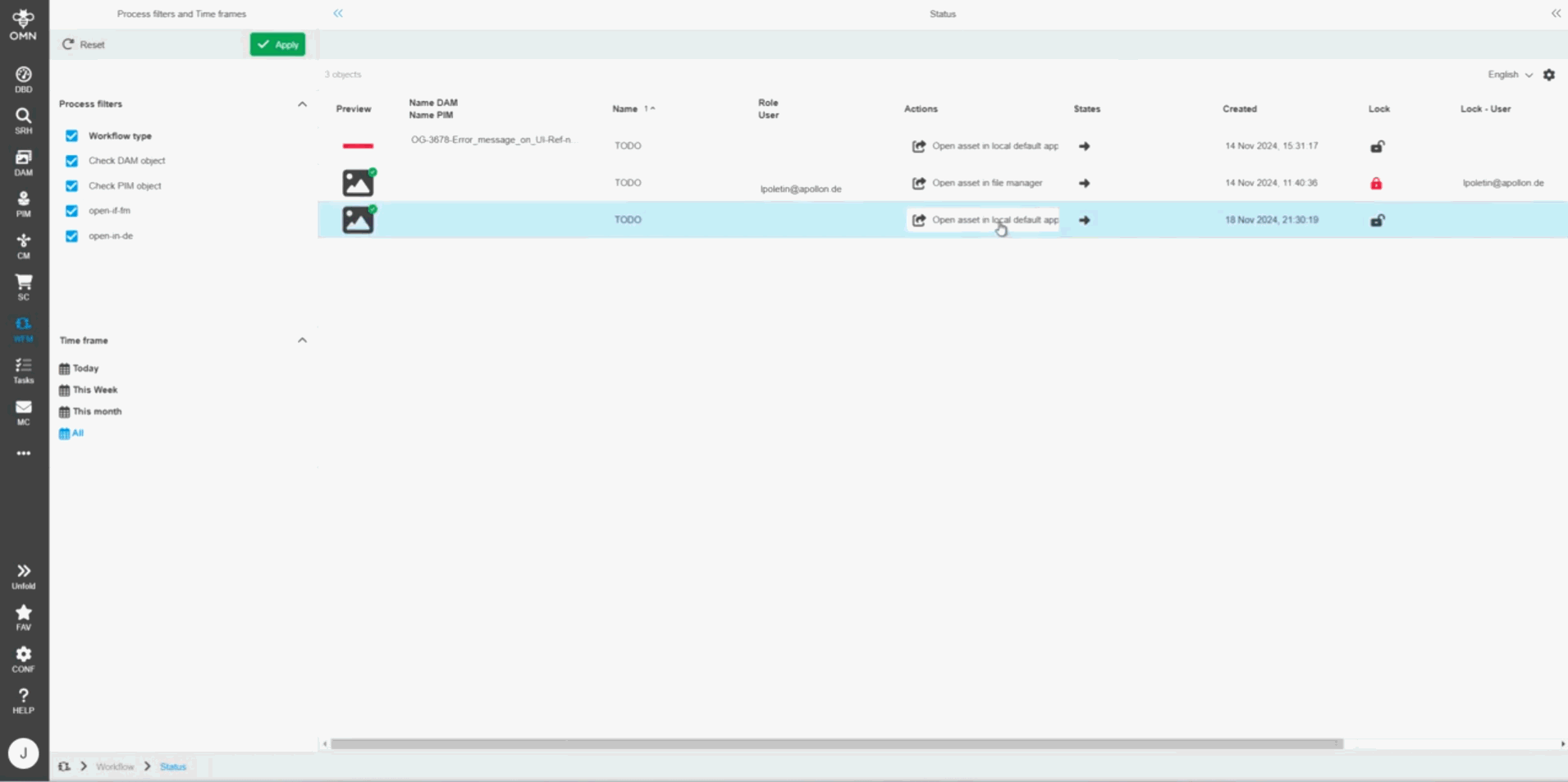
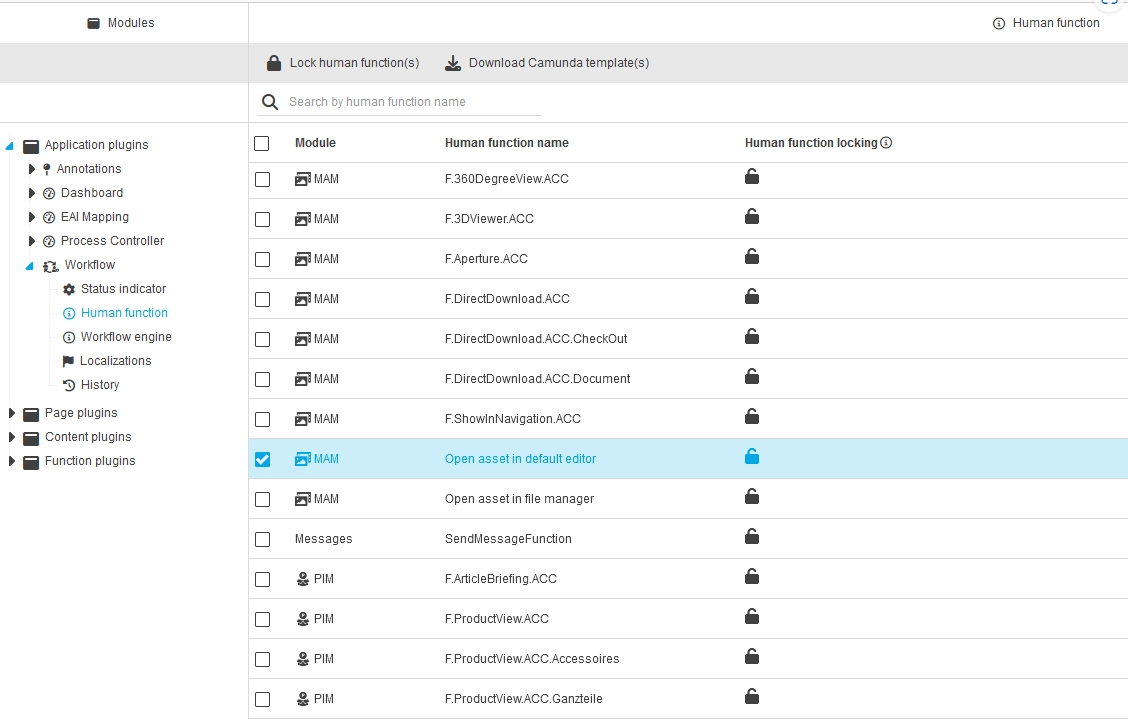
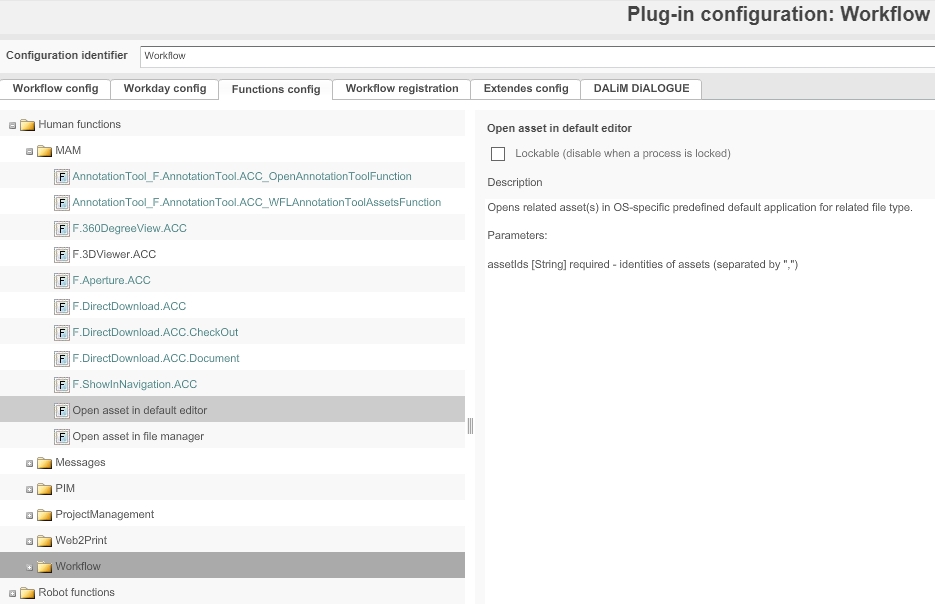
Mapping for "Open in file manager" function for OMN to client path via Generic Configuration
General Tags |
OMN-11169 |
Possibility to configure mapping of open in file manager functionality to open selected file(s) in local OS file Manager
-
following general OMN parameter must be enabled in order to access configuration in generic configuration
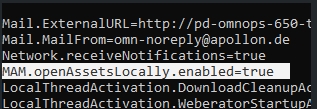
-
Set the Windows access path for access through local open function
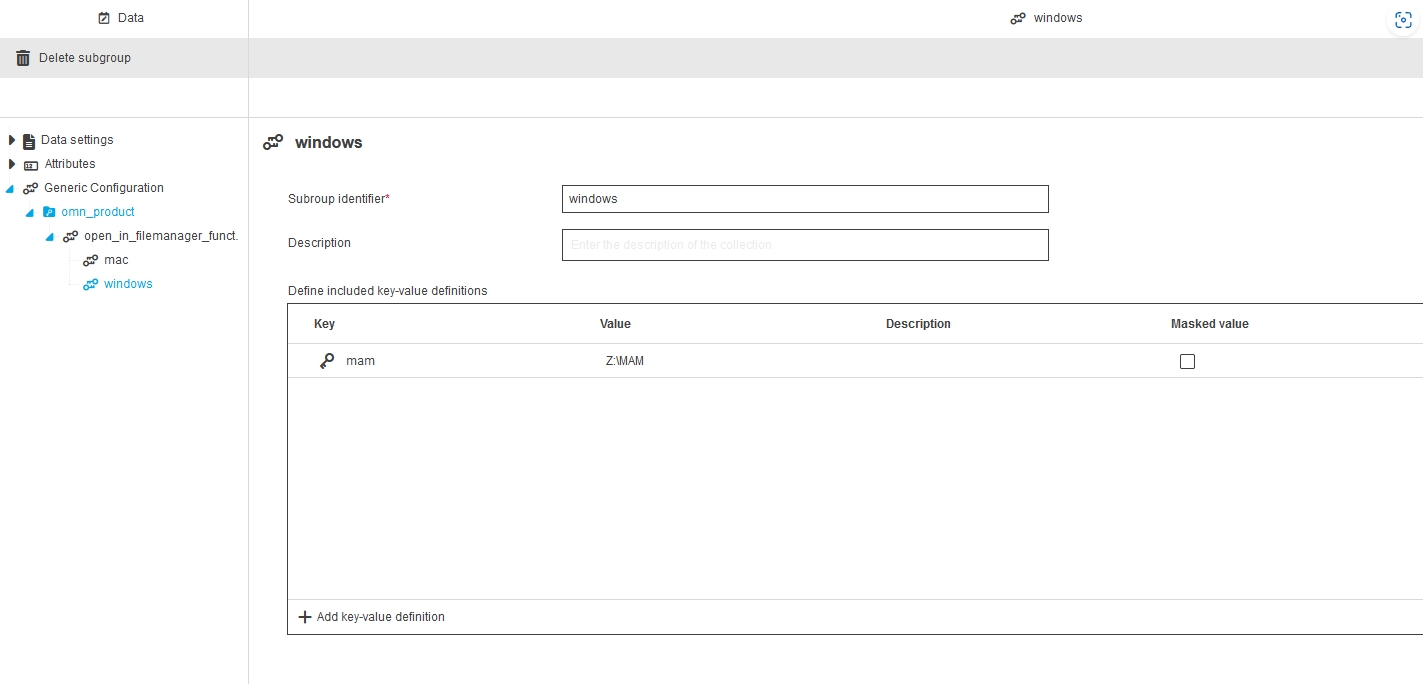
-
Set the Mac access path for access through local open function
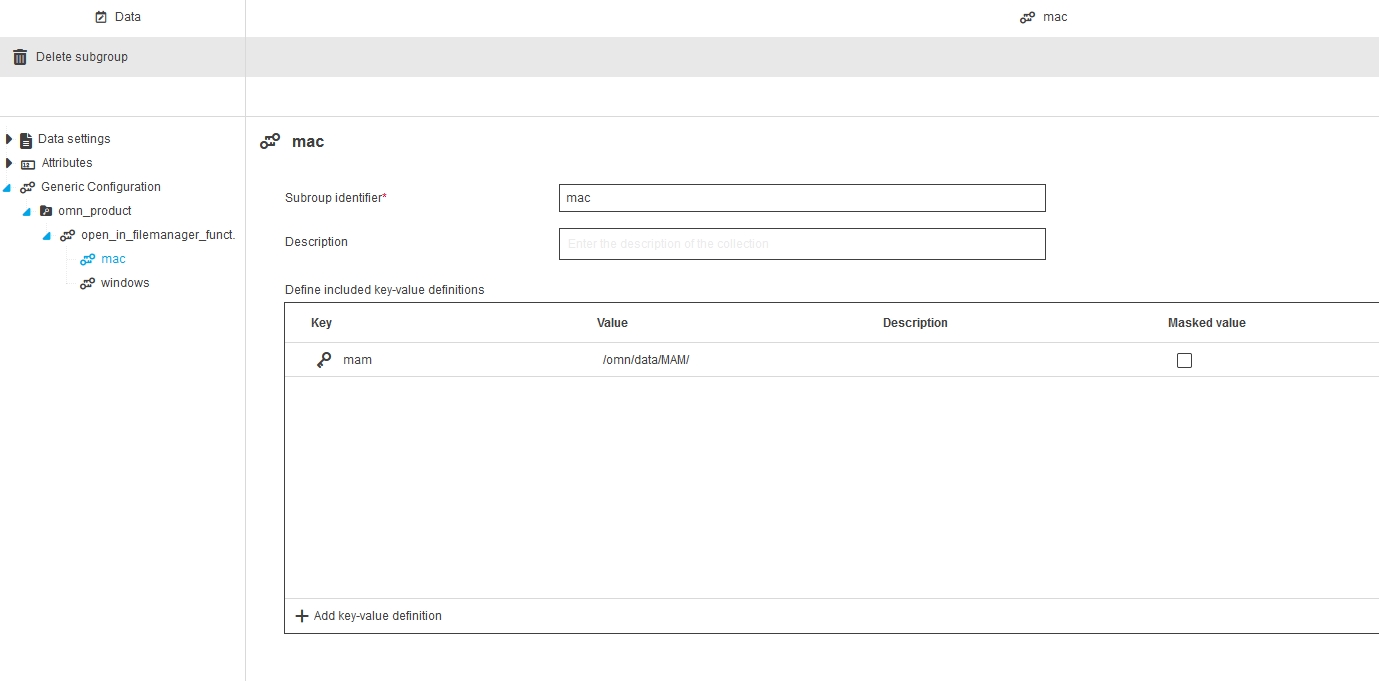
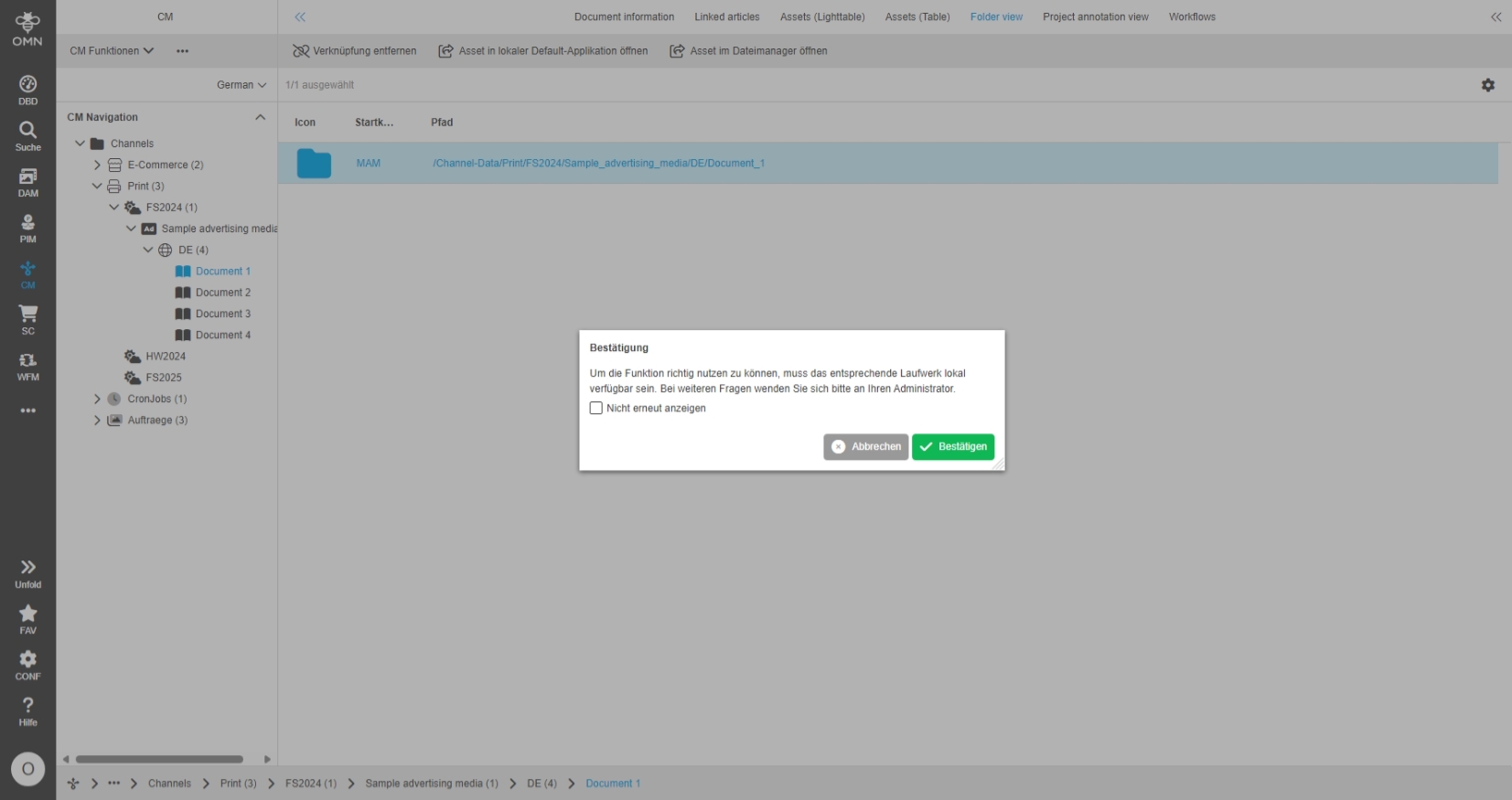
Channel folder View - Toolbar function to open selected asset in default editor
General Tags |
OG-15167 |
Possibility to open the related asset(s) from ChannelFolderView in the default editor defined on the local OS by new Open Function
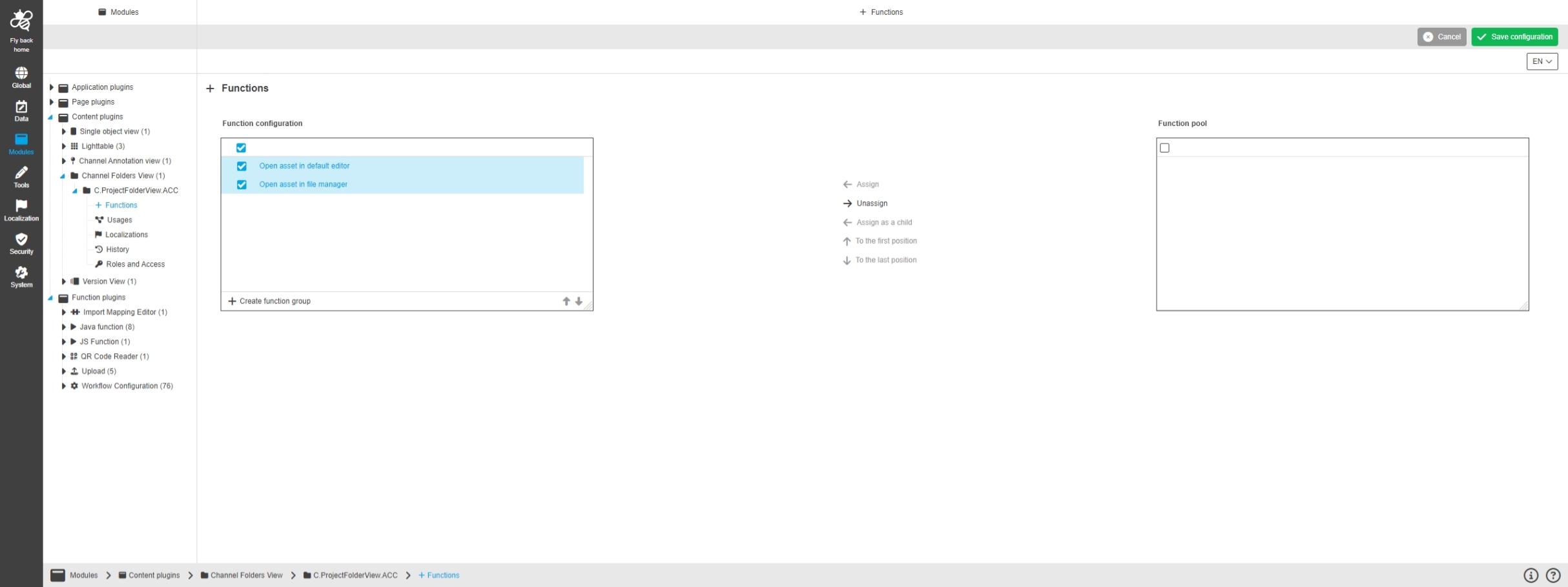
FSNavigation - Content view function - Open in functions - Improvement for keywords
General Tags |
OG-15393 |
Possibility to see the open in functions in an understandable way in case that keywords are selected in FSNavigation, because keywords itself are no valid object for executing the function
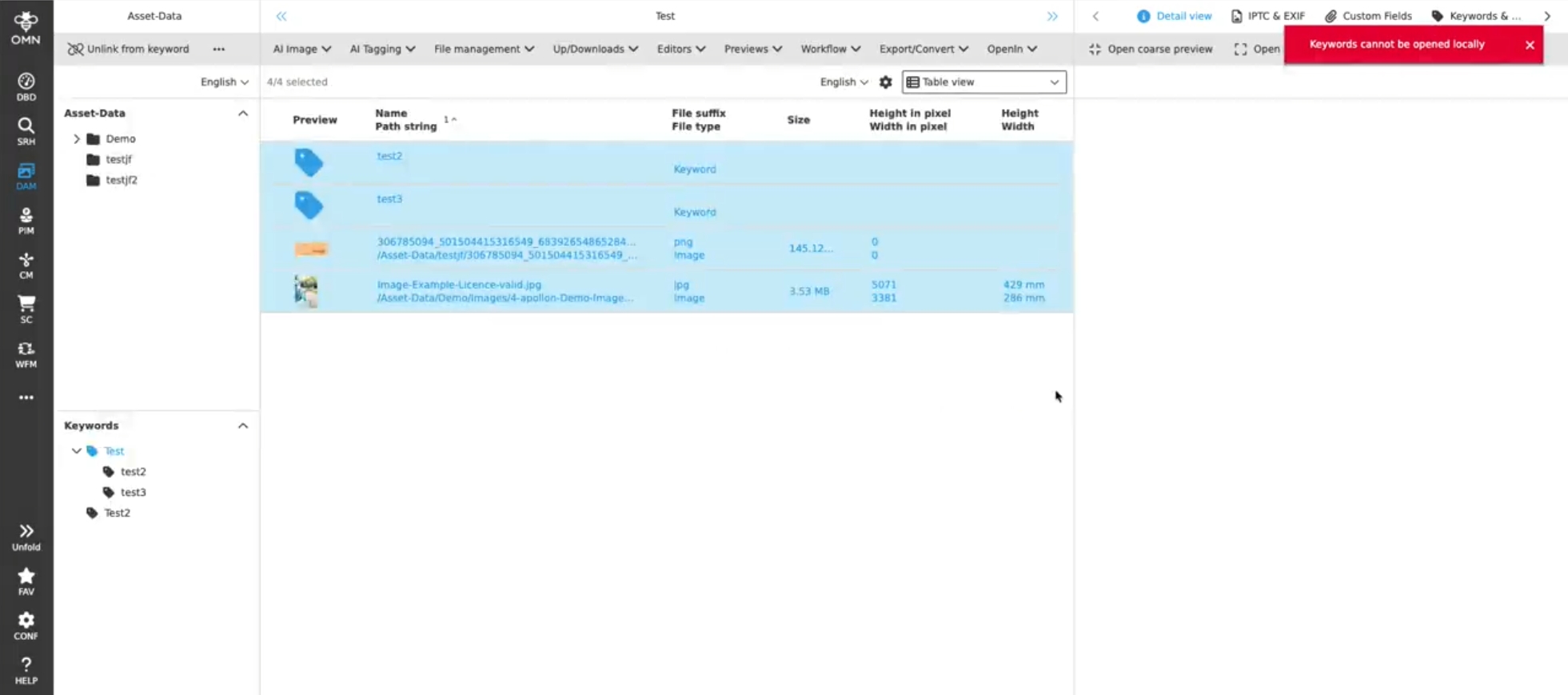
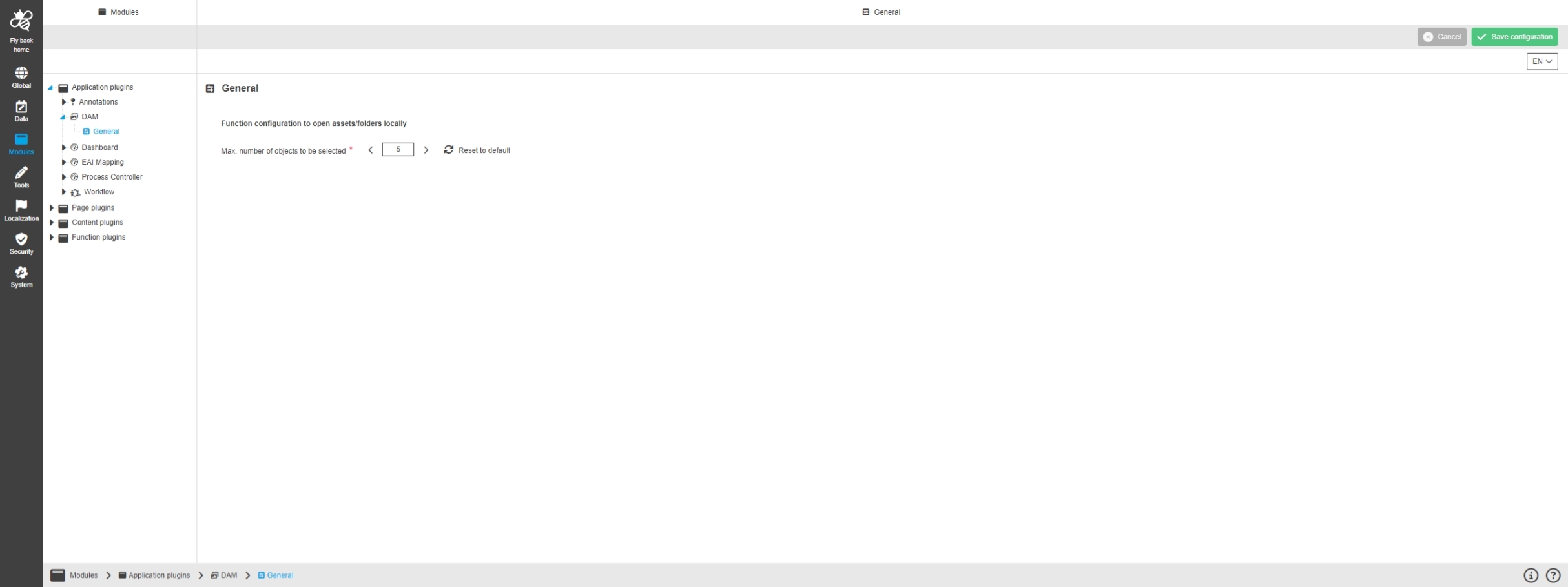
Open in functions - Improvement for UI about max. amount of selectable objects
General Tags |
OG-15398, OMN-11236 |
Possibility to limit the amount of openable assets by new local open in function
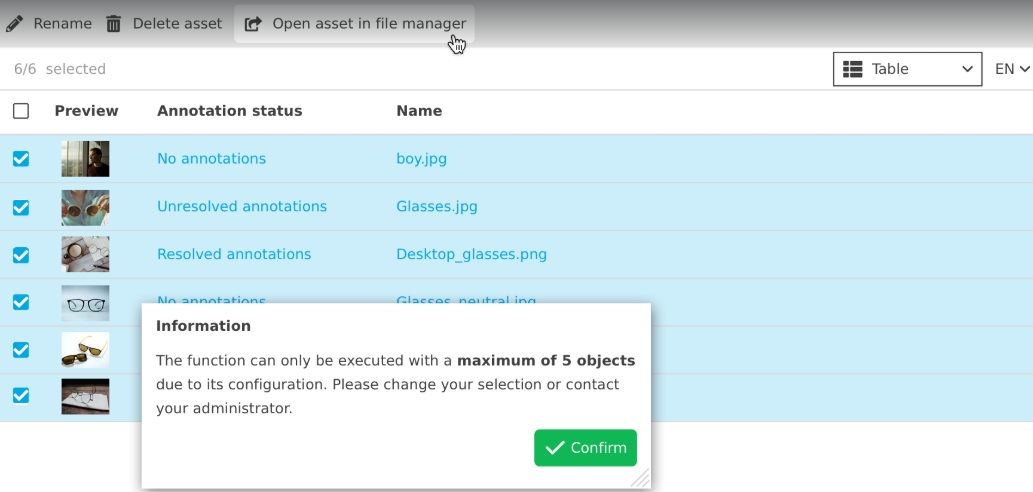
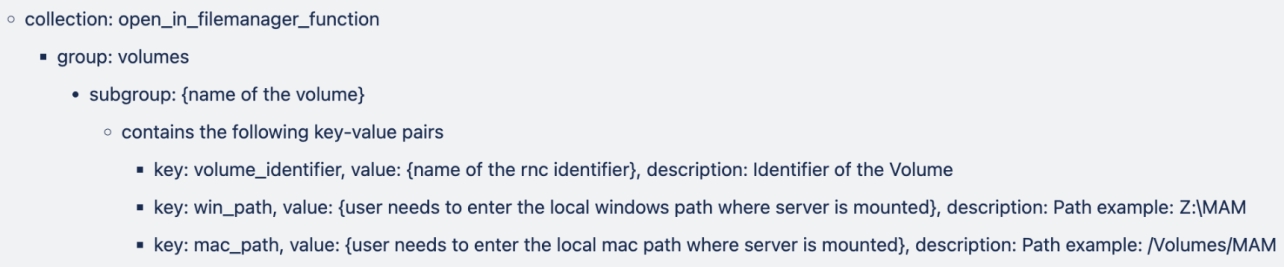
Mapping for "Open in file manager" function for OMN to client path via Generic Configuration
New generic configuration on base of generic config parameters to define local mount paths for Mac and WIN in order to use open function with on premise installation of OMN
-
in order to use open function the user must have local network access to volume, otherwise open function will not work
-
for each OMN RNC (Volume) there must be a definition of the local network mount path for WIN and Mac
-
Example of mount paths for WIN and MAC vor RNC (Volume MAM)
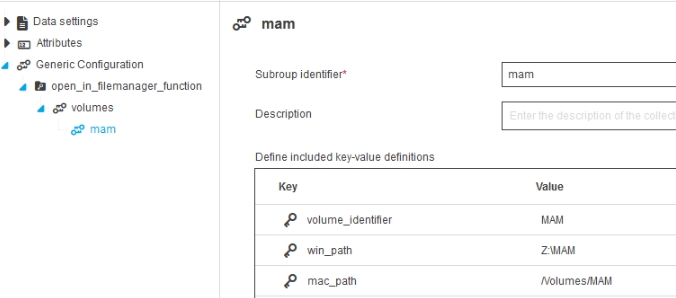
The structure of Generic Configuration for "open_in_filemanager_function" needs to follow the following structure:
+
Search
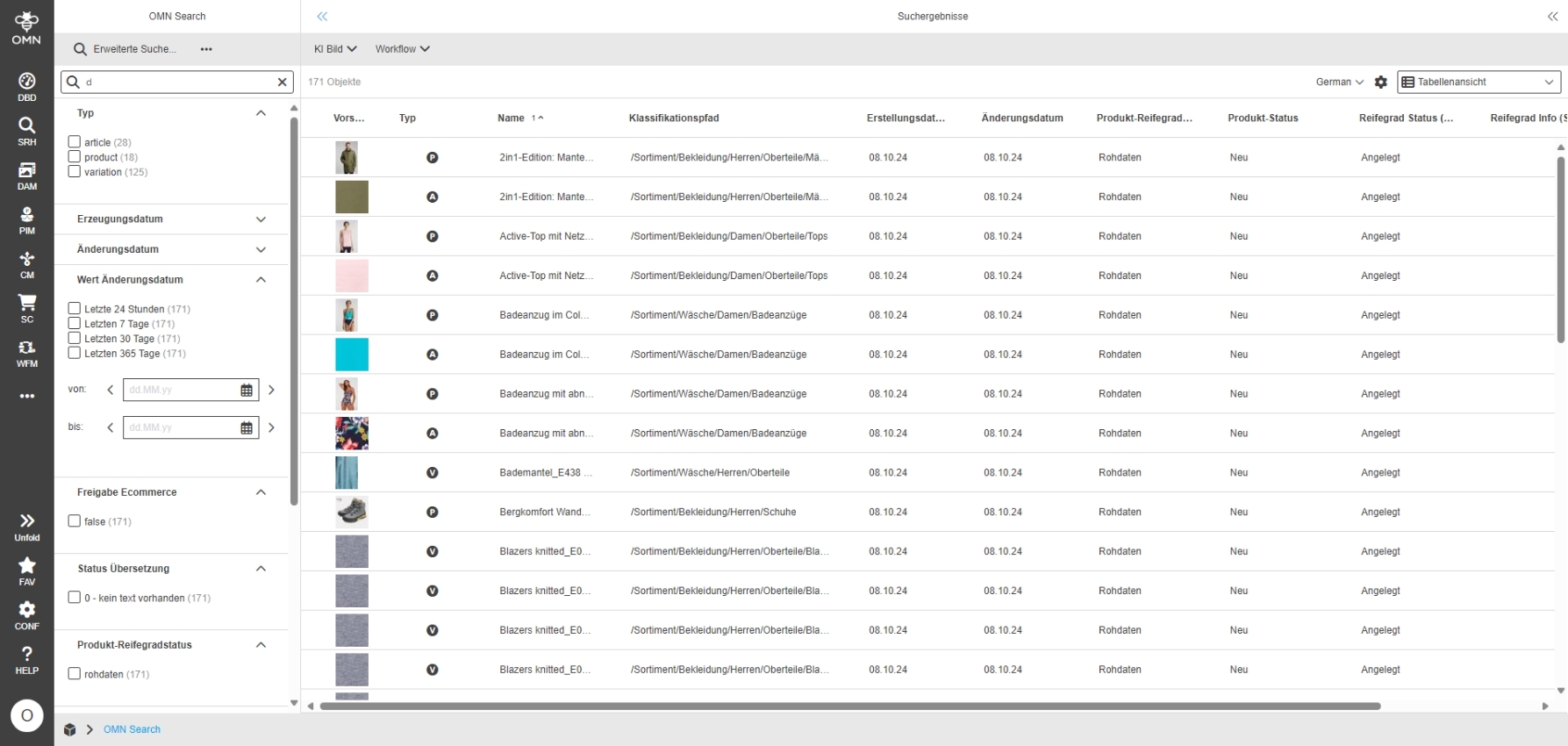
OMN Search - Form-based and Advanced Search - UX improvement for accordions in left panel of search result pages (independent from user-based settings)
General Tags |
OG-14006 |
Improvement in OMN Search to have the state of accordions in the OMN Search left panel saved when automatic refresh is performed, so that the user can see for example my last facets still in focus which I activated/deactivated
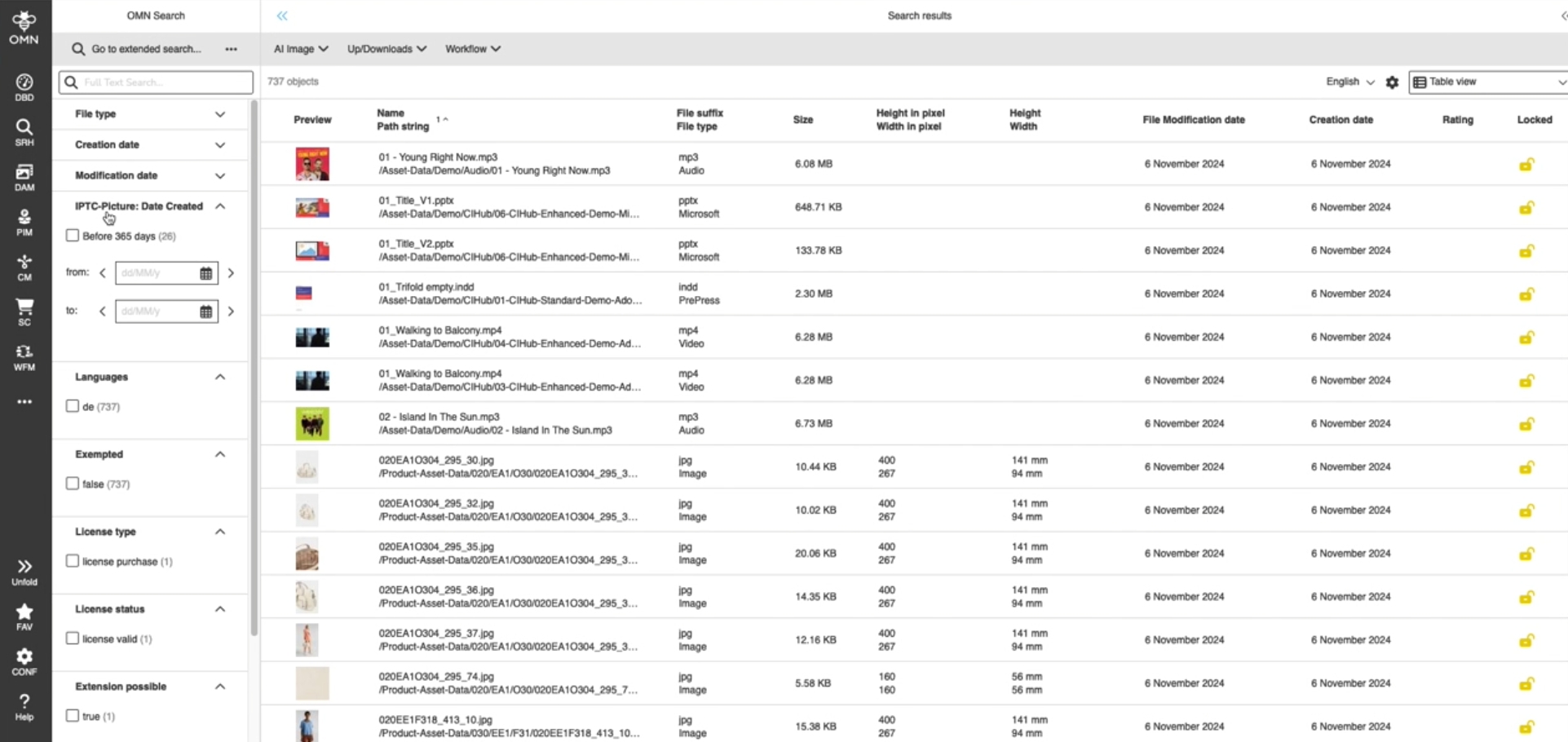
OMN Search - Form-based and Advanced Search - Keep custom settings in left panel of search result page
General Tags |
OG-13961 |
User-based settings in OMN Search are now available in left panel also, so for example state of accordions is saved
-
precondition: user-based settings are enabled in user settings
Annotation-Tool
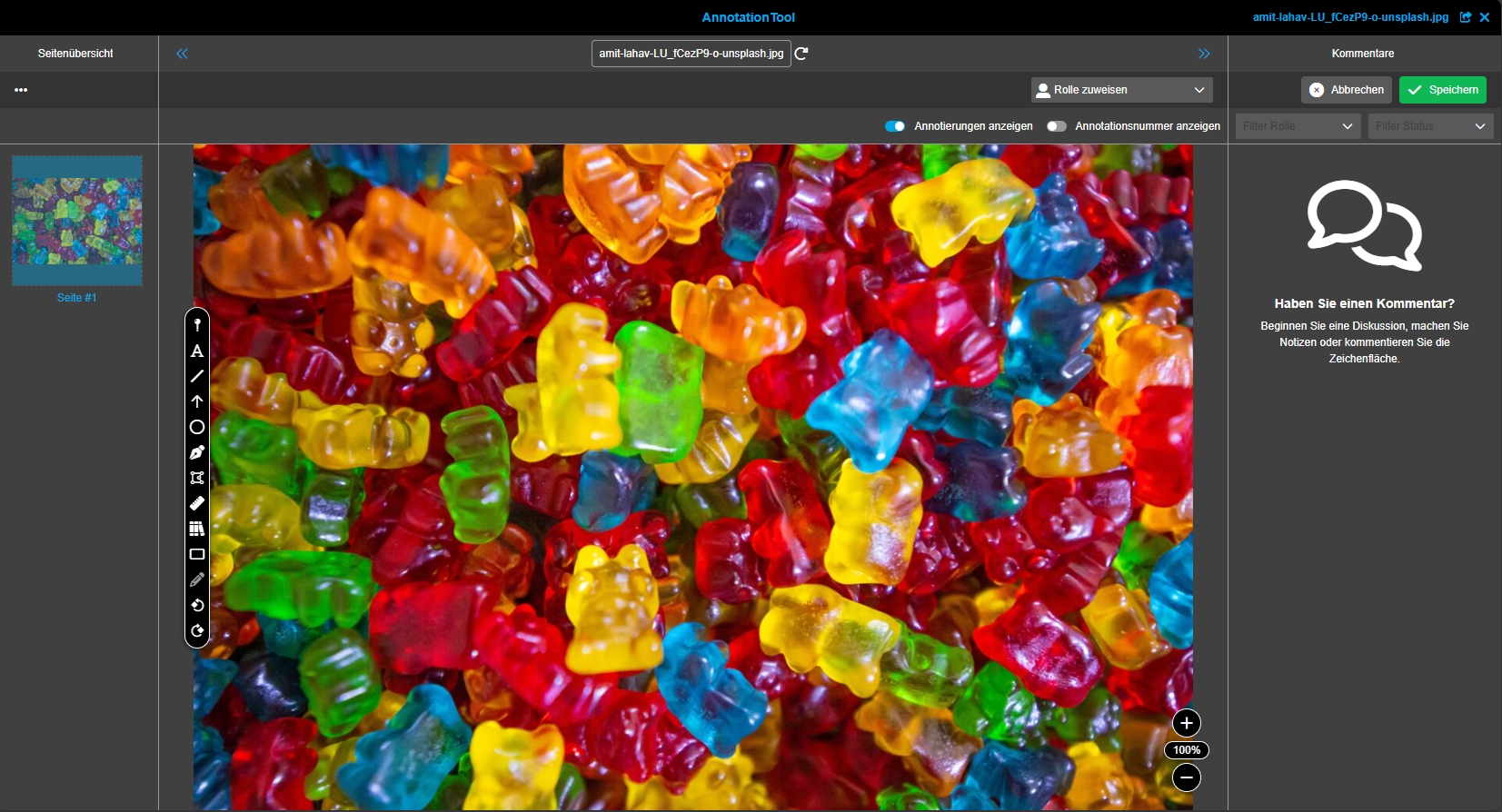
Annotation-Tool - Annotation View - Behavior and UX improvements
General Tags |
OG-14916 |
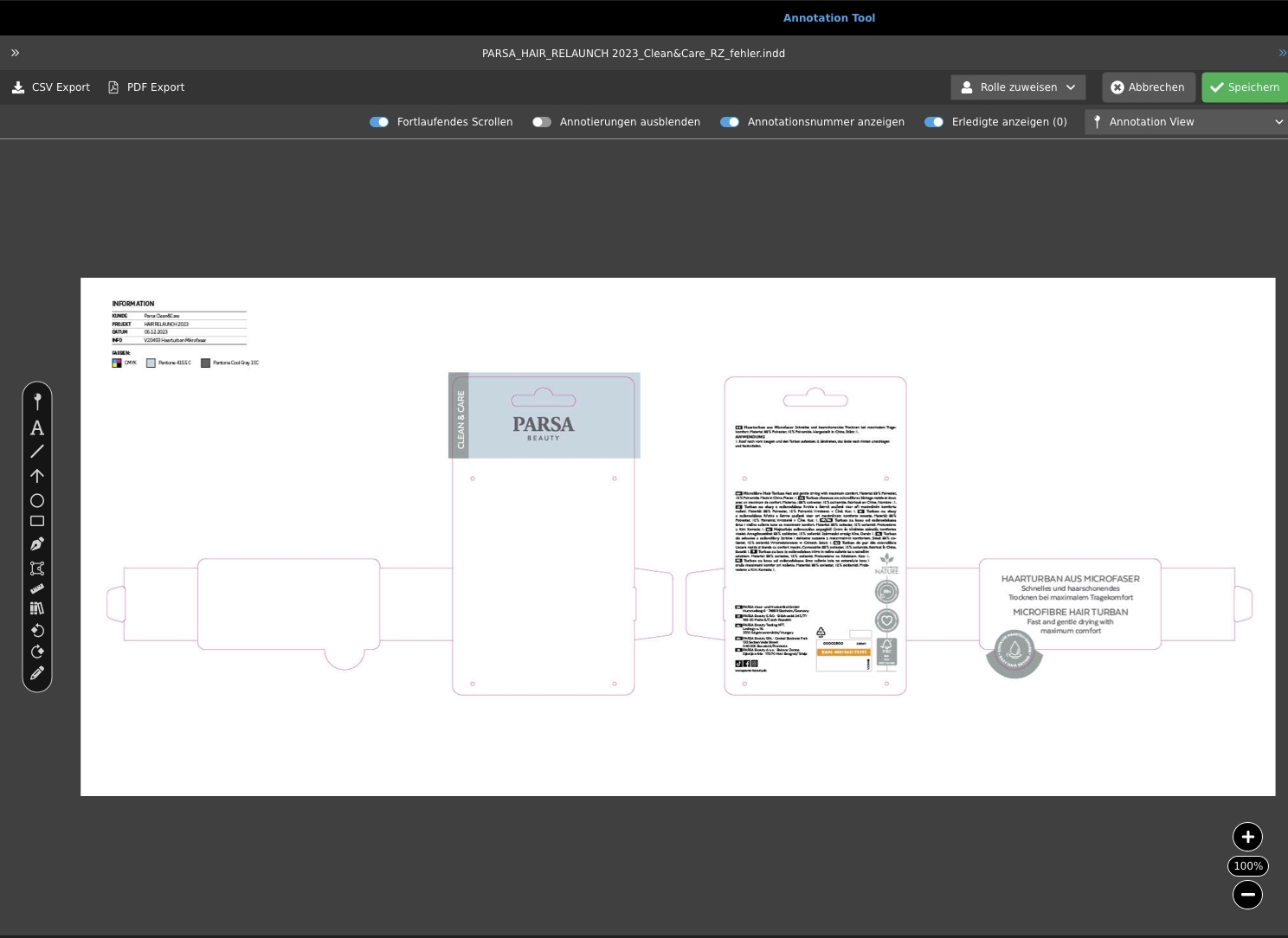
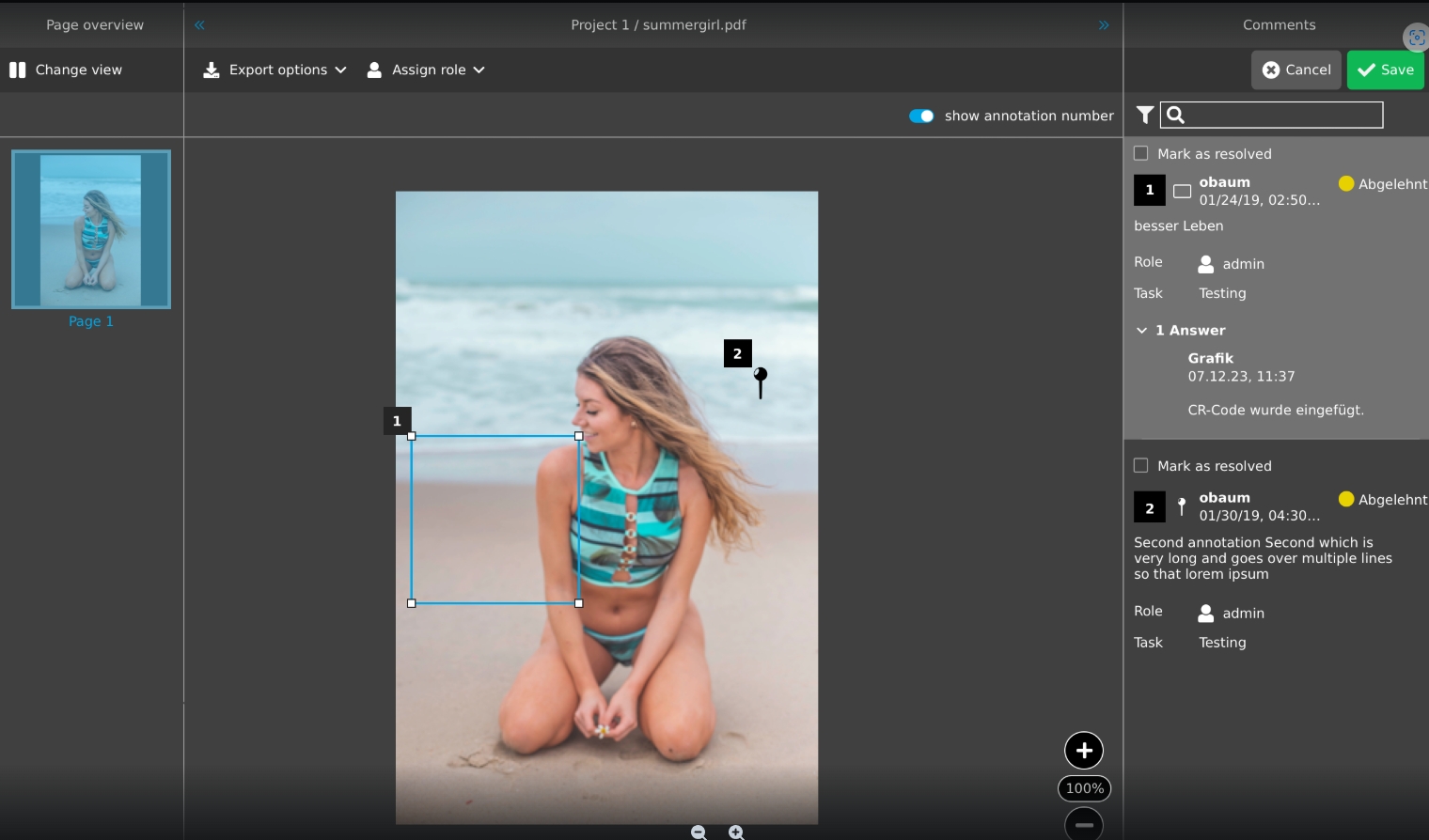
Extensions of Annotation-Tool which provides a standard mode called 'Annotation view' where the user can annotate assets as usual and but have some additional functionality
-
continuous Scrolling which allows scrolling through all available pages
-
Display of annotations toggle (on/off)
-
Show Annotation numbers (on off)
Annotation-Tool - General layout - Refresh
General Tags |
OG-5706 |
Possibility to refresh content inside Annotation-Tool, so that the user can see if some data changed
Annotation-Tool - Support of Text formats
General Tags |
OG-14942 |
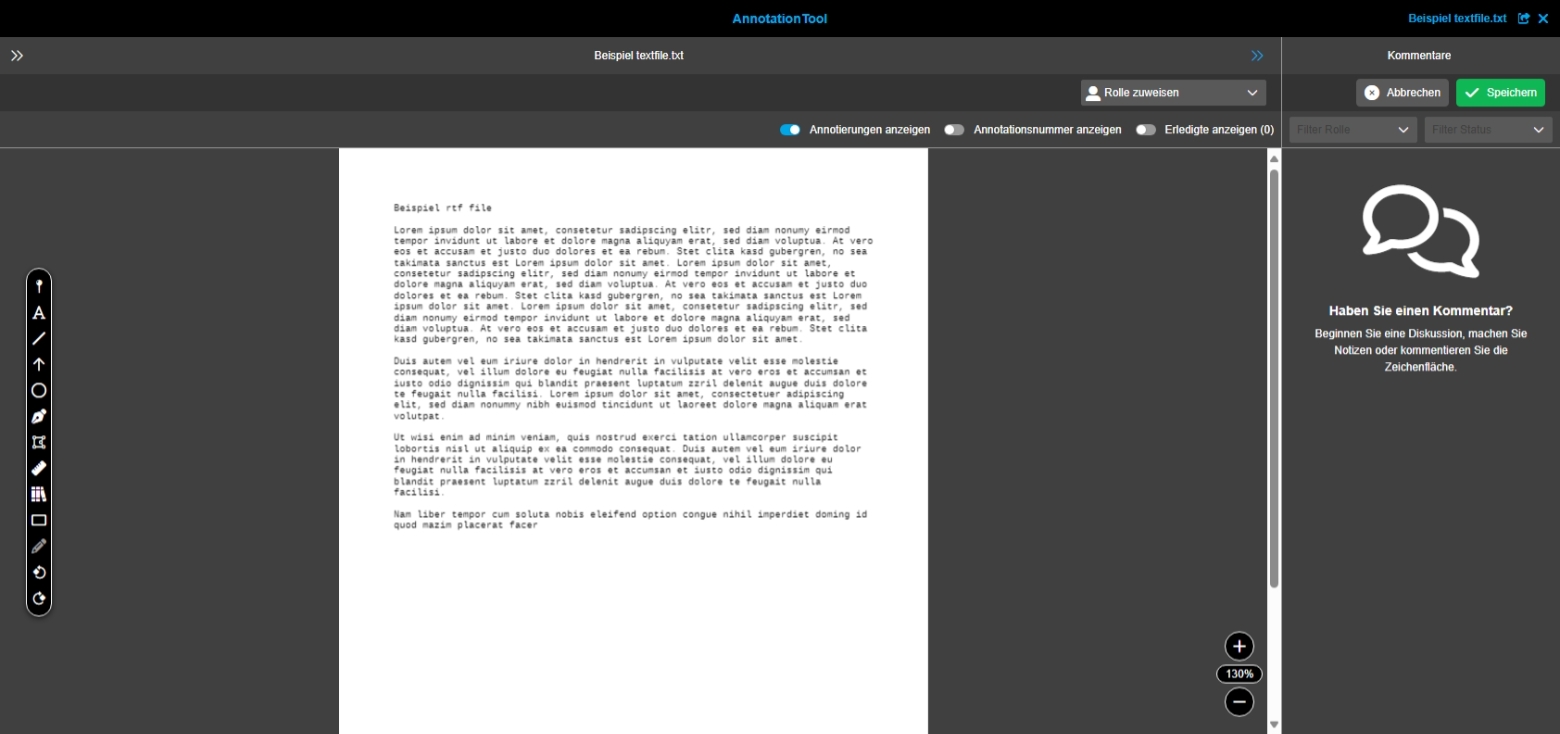
Possibility to open text files in Annotation-Tool to do annotations on them and persist those
-
txt
-
rtf
-
XML
Annotation-Tool - Comment view - Restriction of characters (Improvement)
General Tags |
OG-4555 |
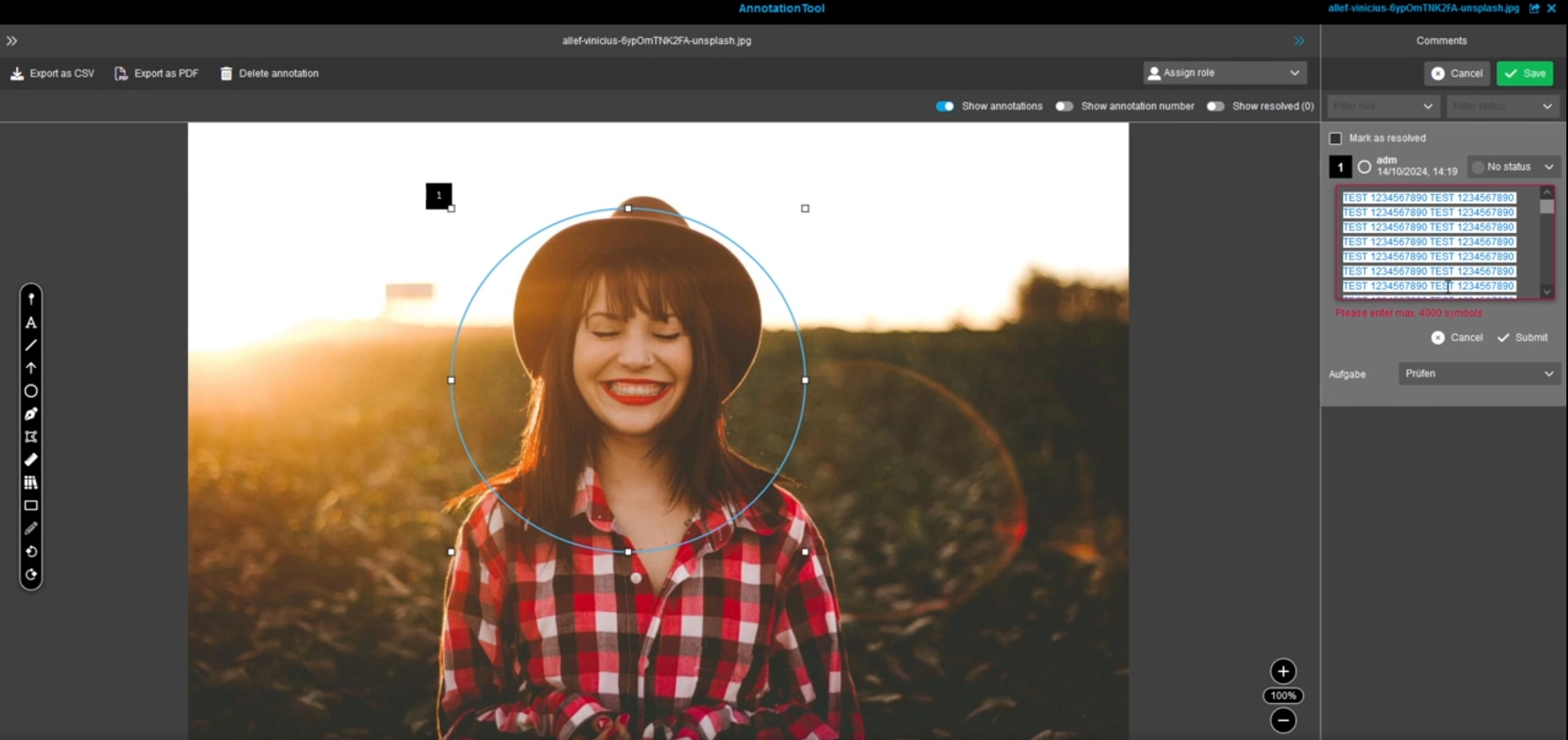
Improvement in Annotation-Tool to make clear in the frontend, that there is a restriction on the server-side that only 4000 characters long comments/replies can be stored, so that the user knows when he has to shorten comment/reply
Annotation-Tool Annotation status availability and resolved state mapping for statuses
General Tags |
OMN-11185, OG-13956 |
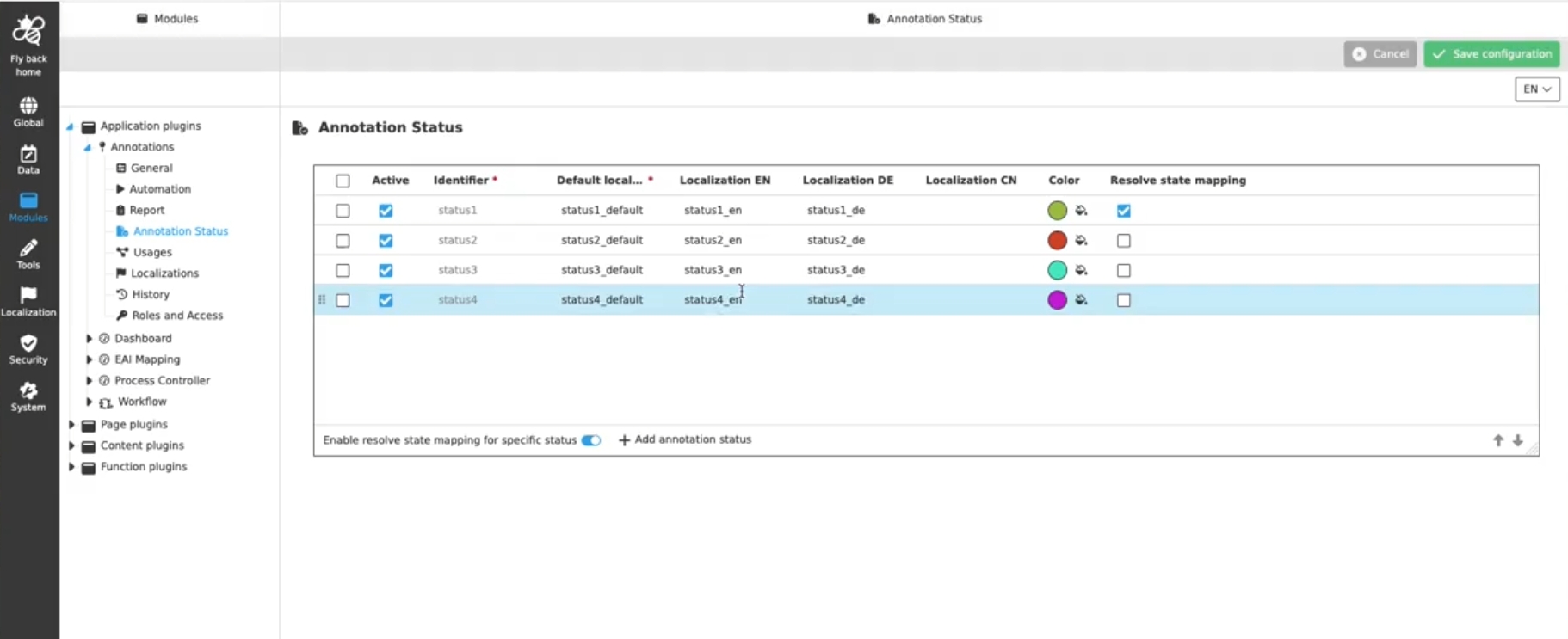
Possibility to see only specific annotation statuses in the UI, which are relevant for the configured Annotation-Tool and its purpose (for example textcorrection process) and also set annotation in the resolved state if the user sets a certain status, so Annotation-Tool is more optimized to my specific use case
Annotation-Repository
Workflow
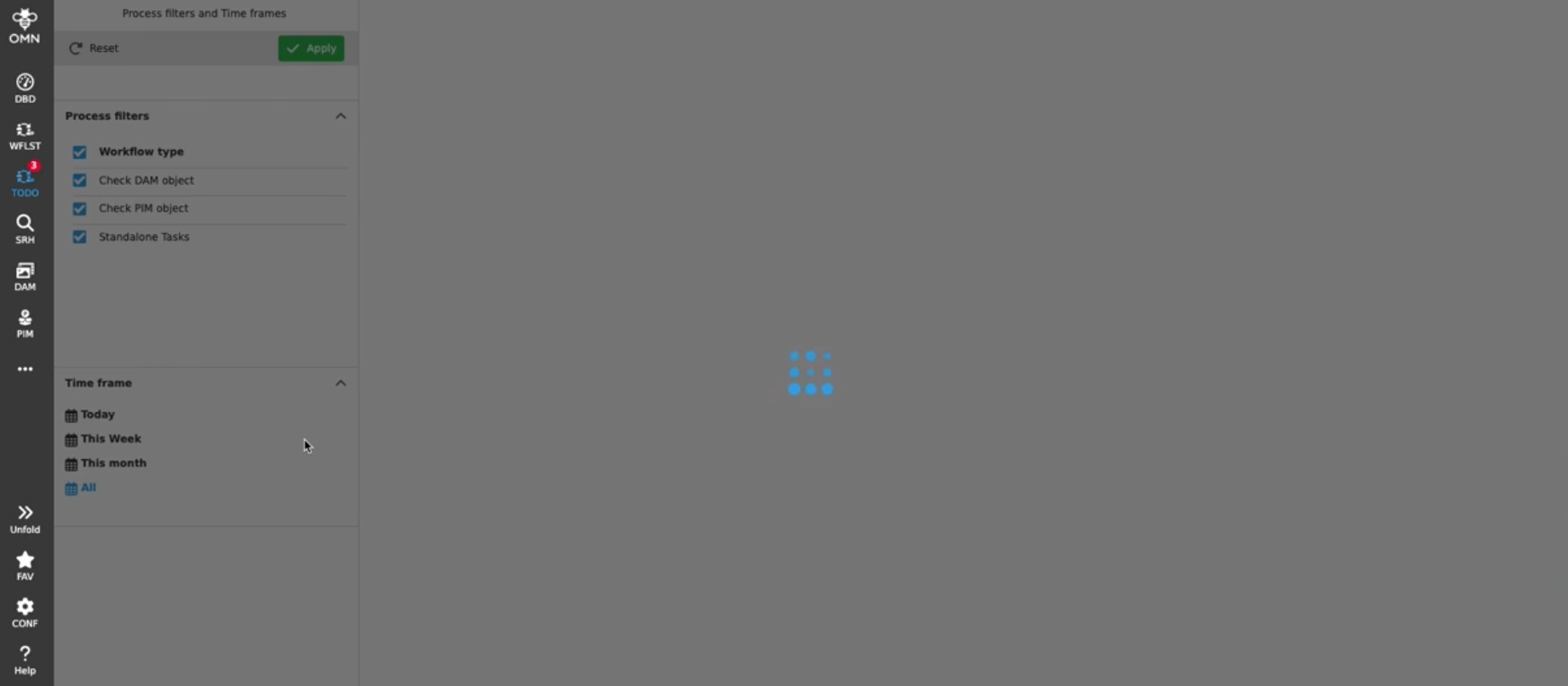
Wfl Todo List - Badge visualization for open Todos in sidebar
General Tags |
OG-15183 |
Possibility to see directly in the sidebar the amount open workflow todos the user has
Important note:
-
The feature does not work in Accelerator configuration right now because precondition is, that only one Workflow-Plugin is configured
-
Feature will be improved in later versions
FSDetail - Camunda - Improve information types for boolean workflow attributes in FSDetail configuration
General Tags |
OMN-11252, OG-15419 |
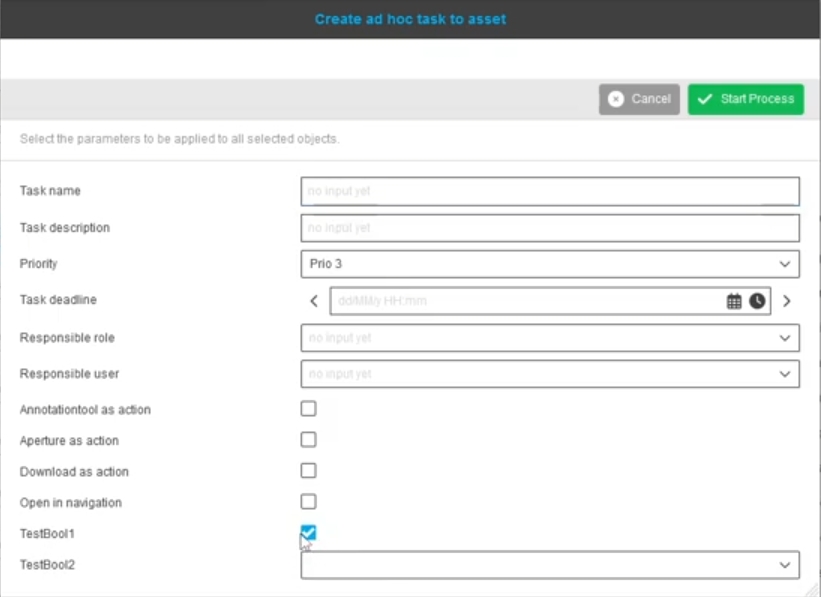
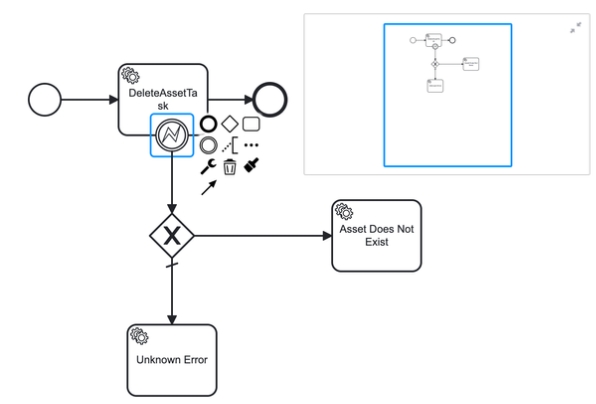
Improvement for visualization of a boolean attribute in FSDetail from object type Camunda with information type checkbox, so that user can quickly set true or false in the UI
Security
Security Permission Functions for Annotation-Tool
General Tags |
OG-15225, OMN-11085, OMN-11192 |
Introduction of several new security permission configurations for Annotation-Tool have been introduced, which limits the available options in the UI of Annotation-Tool
-
AnnotationChangeFunction
-
AnnotationChangeReplyFunction
-
AnnotationChangeStateFunction
-
AnnotationDeleteFunction
-
AnnotationDeleteReplyFunction
-
AnnotationToolChangeAnnotationFunction
-
AnnotationToolChangeReplyAnnotationFunction
-
AnnotationToolCreateAnnotationFunction
-
AnnotationToolDeleteAnnotationFunction
-
AnnotationToolDeleteReplyAnnotationFunction
-
AnnotationToolExportToPDFFunction
-
AnnotationToolExportForCSVFunction
-
AnnotationToolReadWriteModeAnnotationFunction
-
AnnotationToolReplyAnnotationFunction
-
AnnotationToolSetAnnotationStateFunction
-
AnnotationToolSetViewAnnotationFunction
-
AnnotationToolSetViewWorkflowButtonFunction
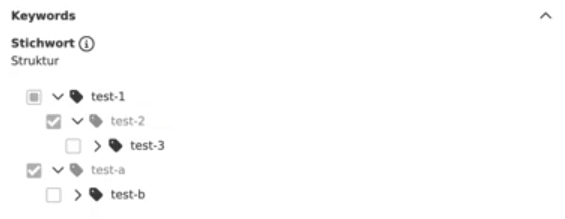
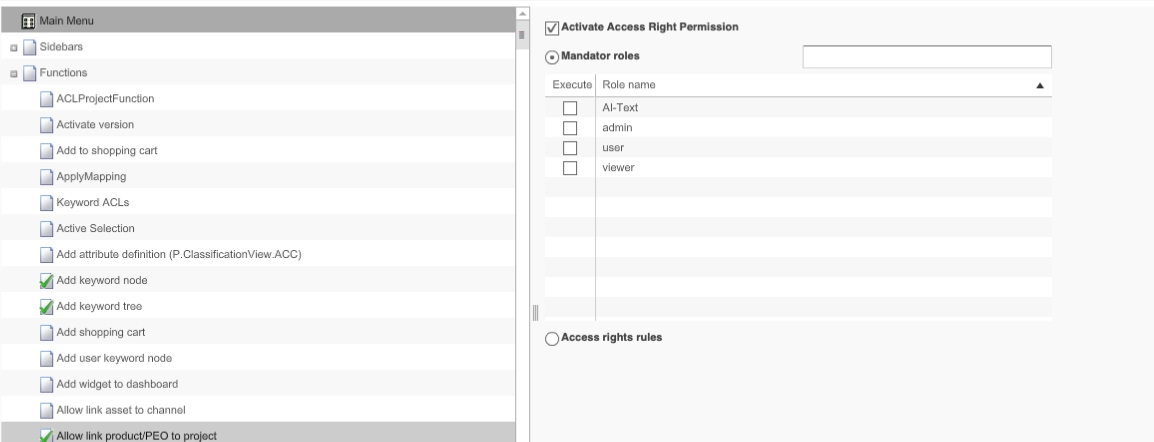
Security Permission Functions Link asset to keyword
General Tags |
OG-15222, OMN-11083 |
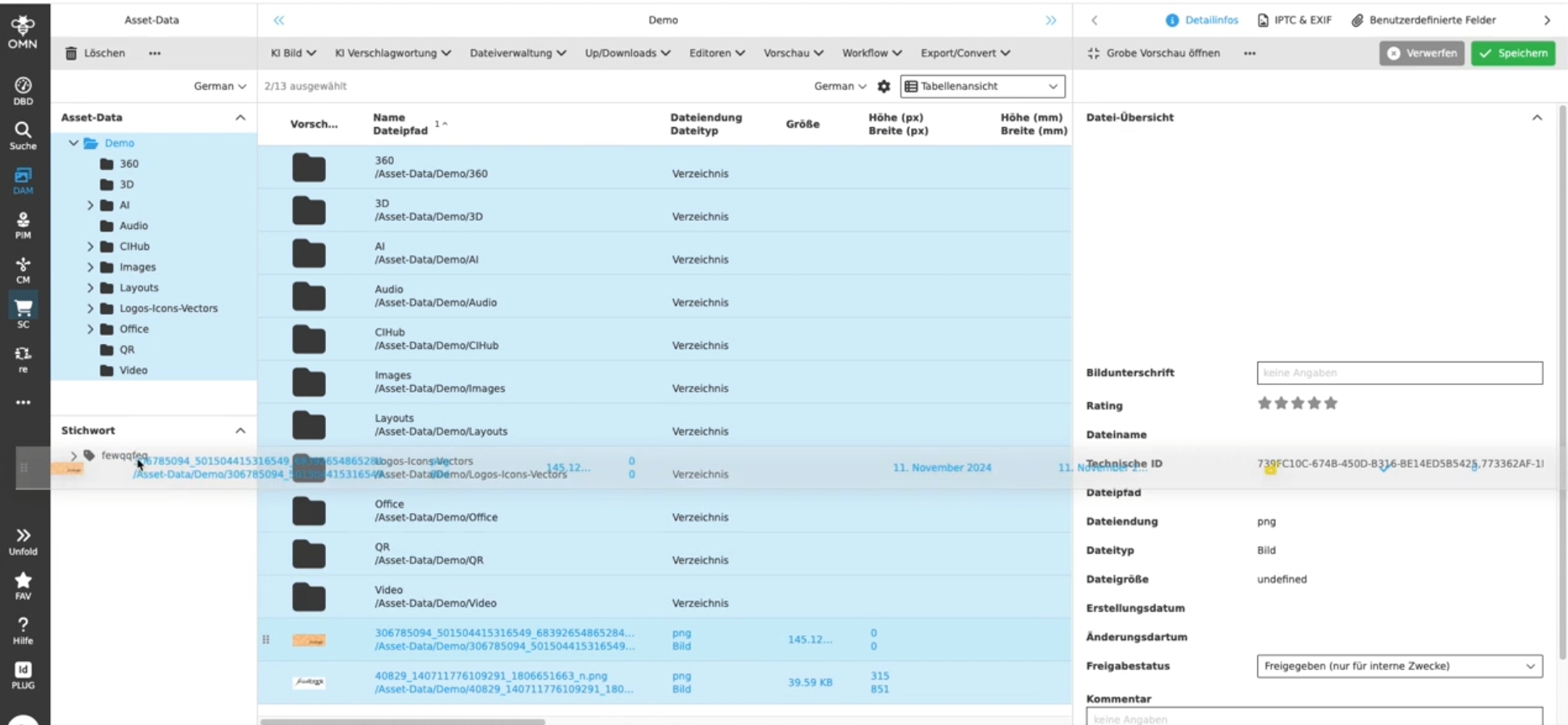
Possibility to prevent in the UI that unauthorised colleagues can link assets to a keyword by permissions
Security Permission Functions Link asset to channel
General Tags |
OMN-11084, OG-15227 |
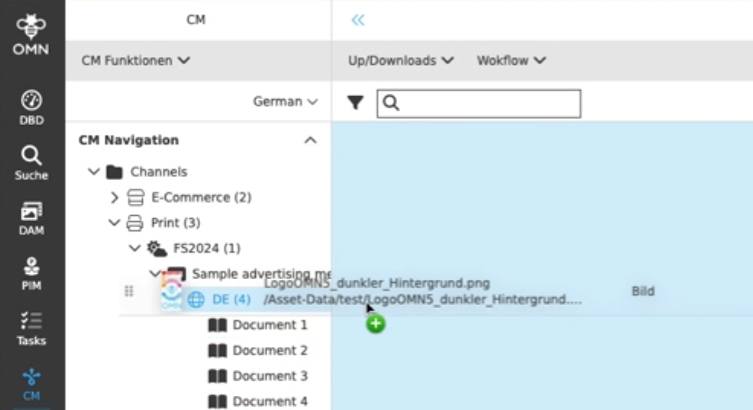
Get feedback via UI, if the user is not allowed to link assets to channels because of permissions, so that the users understand why DnD action is not possible
FSDetail - Keyword widget - Behavior if link assets to keyword is restricted by permissions
General Tags |
OG-15223, OMN-11203 |
Possibility to prevent in the UI that unauthorised colleagues can link assets to a keyword by new security rule
-
new permission rule "Link keyword to asset" regulates if user can assign assets to keywords by Keyword Widget
-
in case of assignment is not allowed, the widget is opened with disabled options for assignment
Integration
AI Tag
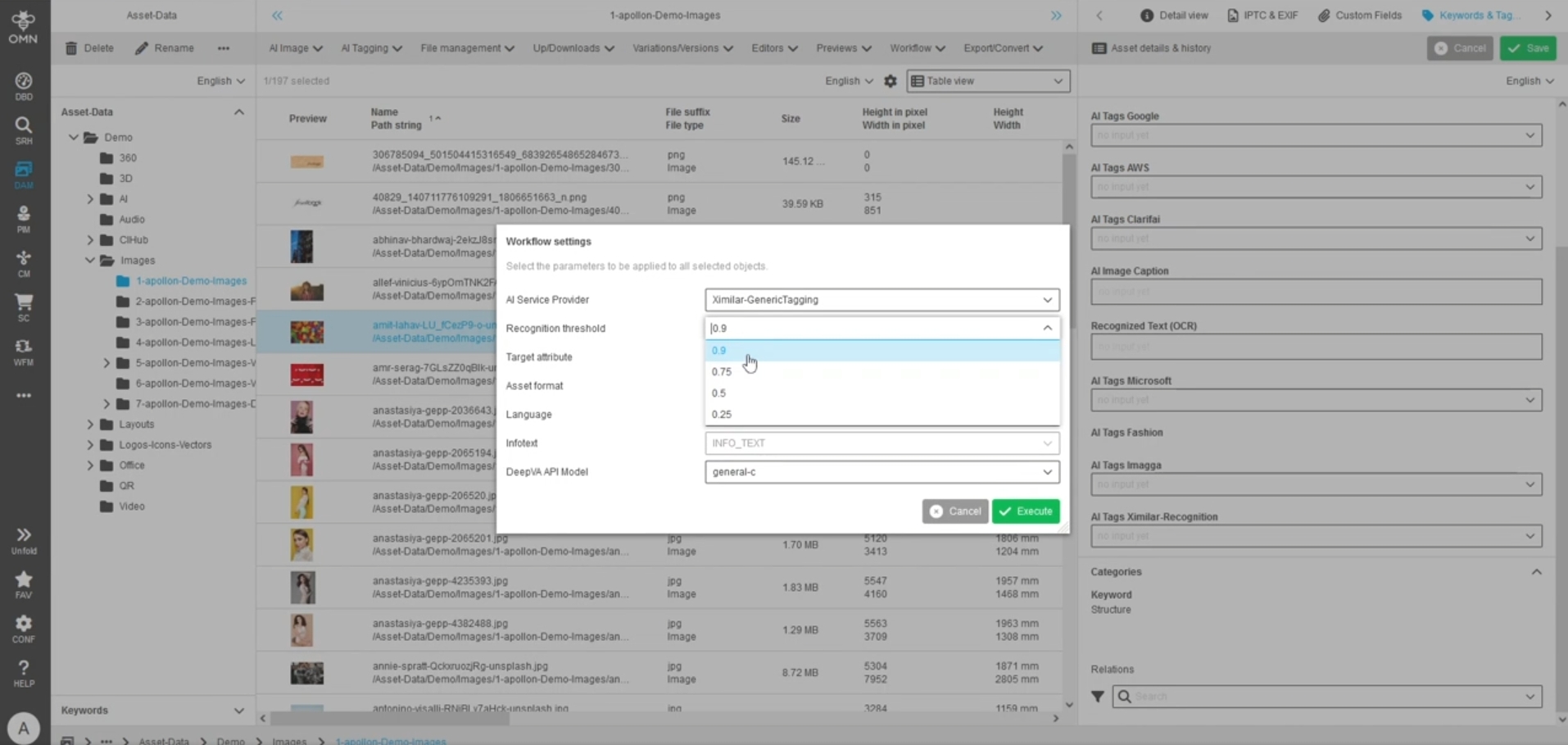
Improve AI Tagging usability with Translation
General Tags |
OW-927 |
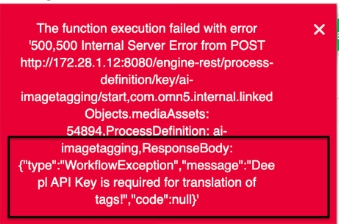
Improvement so that it is more clear to the user why AI generated tags can not be generated in a certain language and when and why DeepL API Key is needed
-
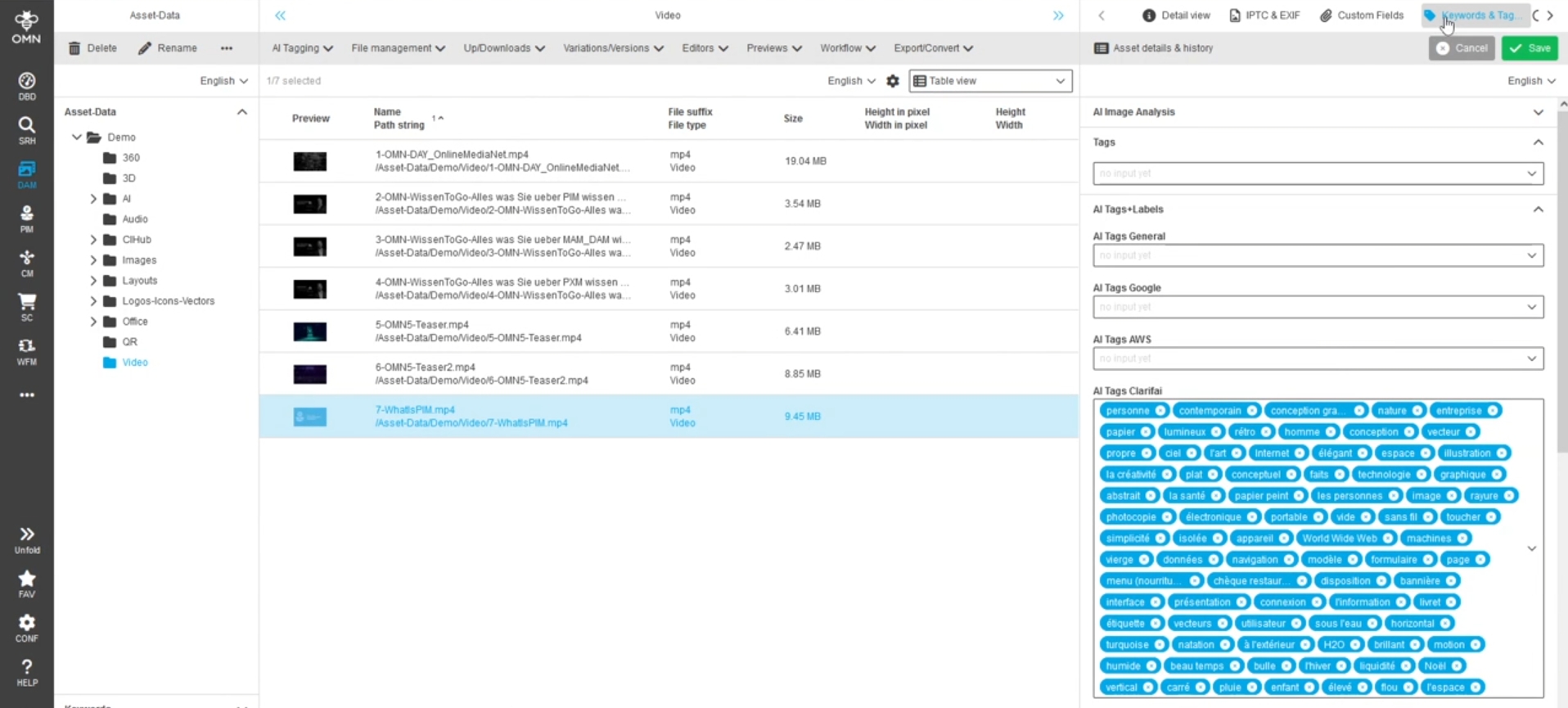
the following message will be displayed in notification when translation cannot be executed because API key for translation service is missing
AI Text
Change default API URL for Neuroflash
General Tags |
OW-979 |
The new Neuroflash API URL is the default one on the BPMN which is provided by OMN Profile
Former API URL is https://backofficeapi.neuro-flash.com/api/v1
New URL: https://app.neuroflash.com/api/v1
Codeware-Xactuell API Interface
General Tags |
OR-1190 |
New Interface between OMN and Codeware Xactuell based on OMN Rest API
-
requires OMN from Version 6.2
-
Xactuell 11 (already available)
-
the old Soap interface is no longer supported with Xactuell 11 and OMN 6
-
the interface supports usage in combination with OMN PIM module and OMN CM module
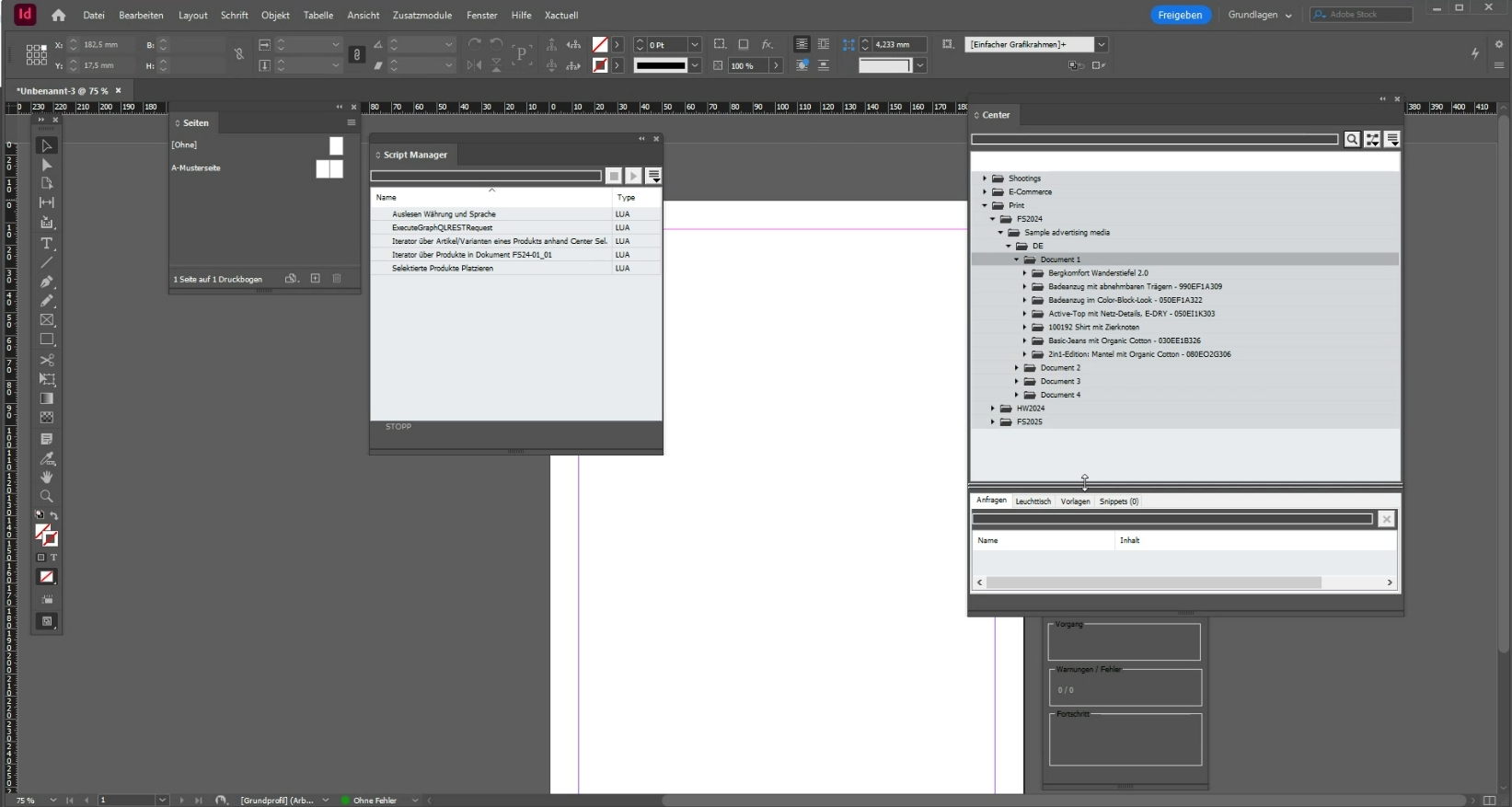
Configuration
Page
EAI UI
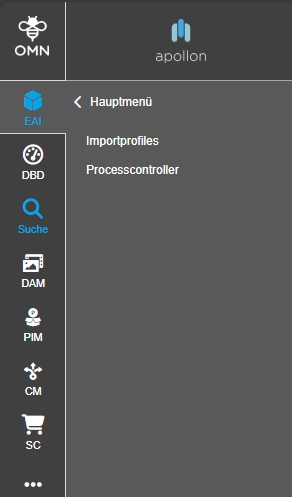
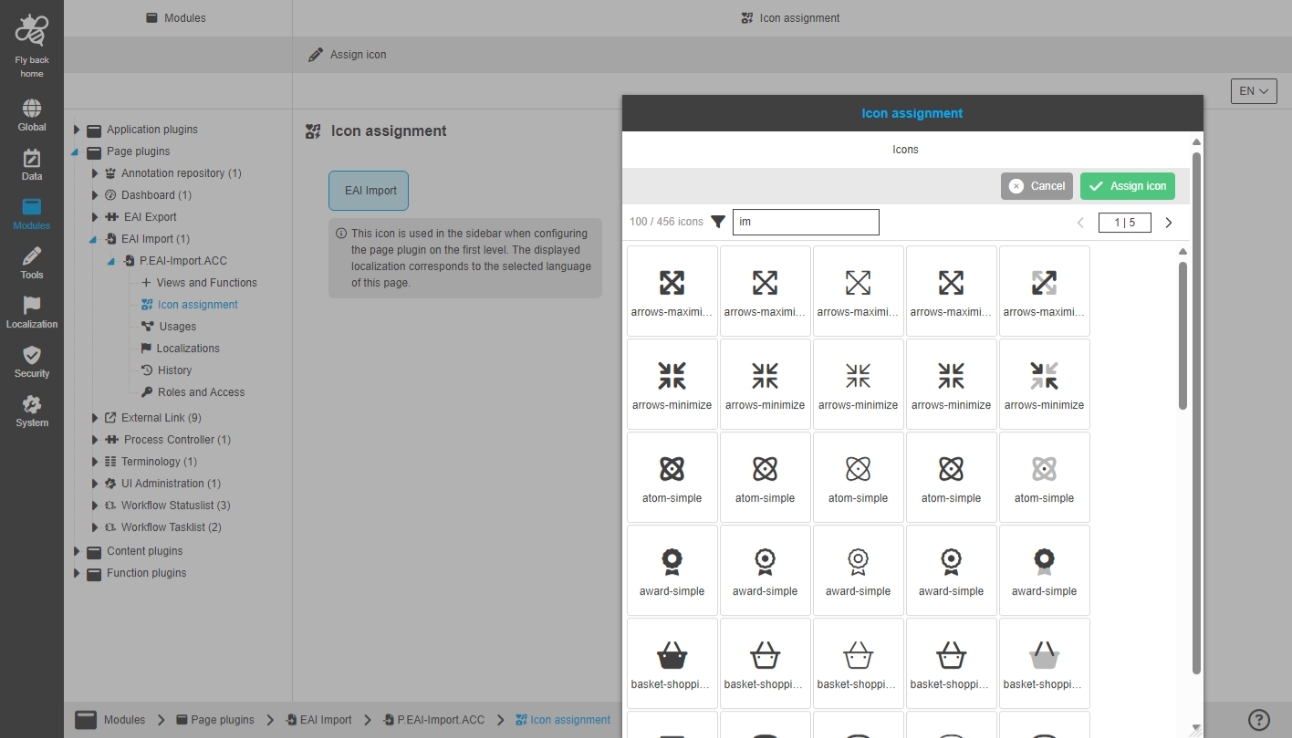
Tools - Import Mapping Editor - Icon assignment
General Tags |
OUCC-1482 |
Possibility to assign an icon for EAI Import Mapping Editor
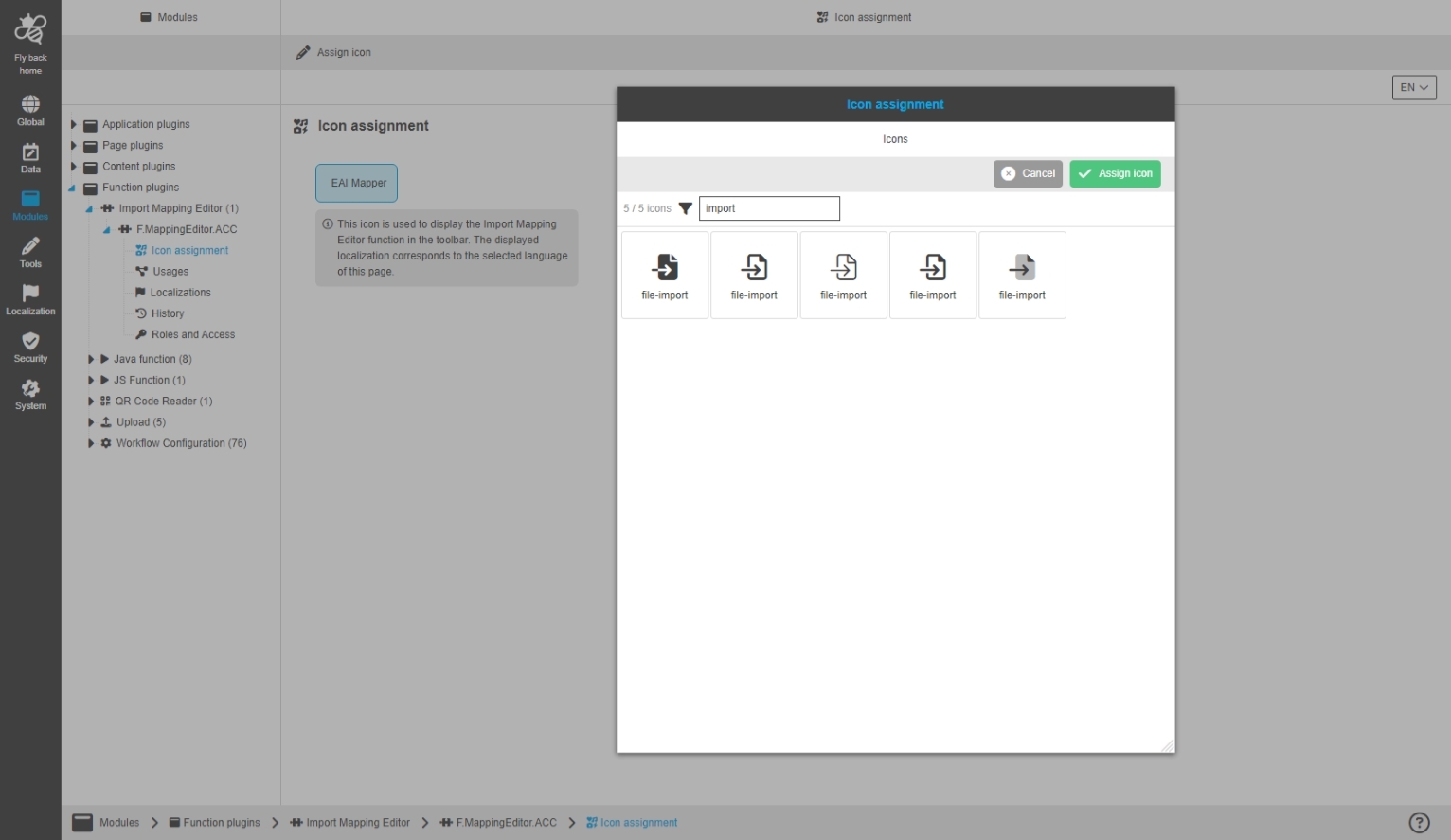
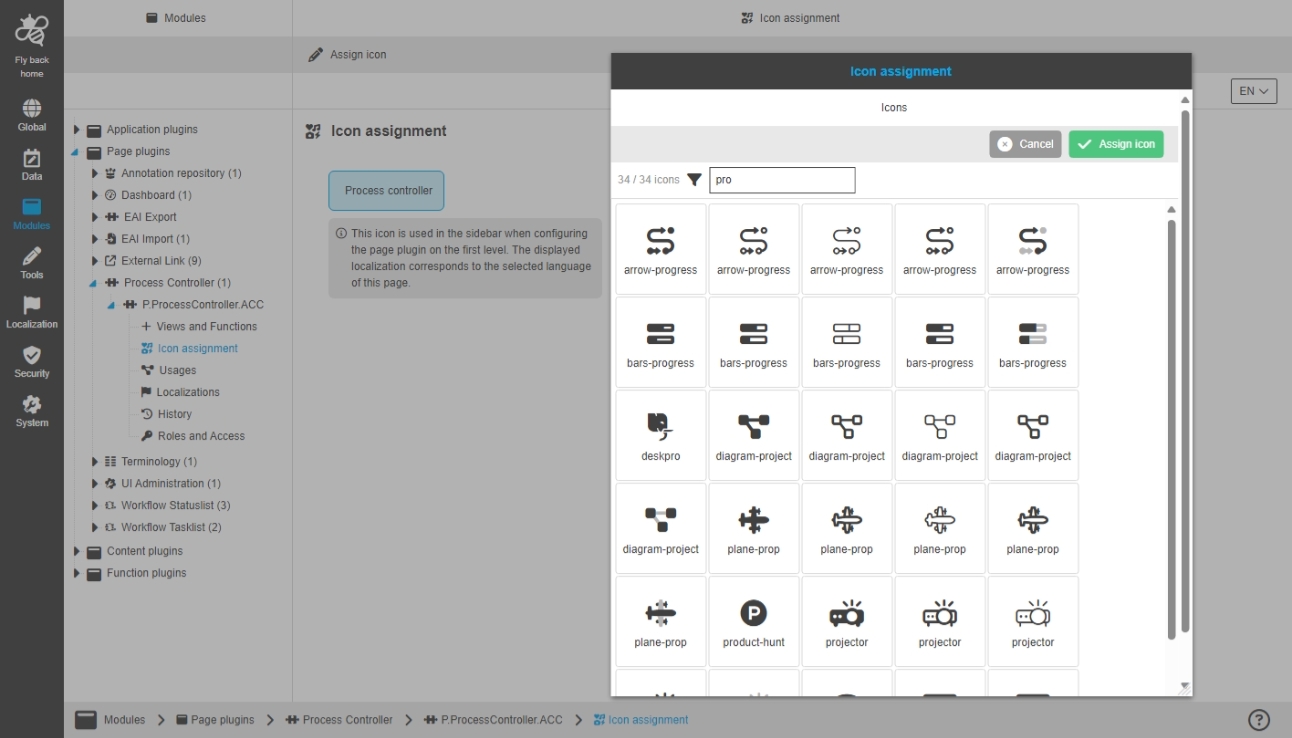
Modules - Page plugin - Process Controller - Icon assignment
Possibility to assign an icon for Process Controller plugin instance, so that the icon is shown for the corresponding page plugin in the UI
Annotations
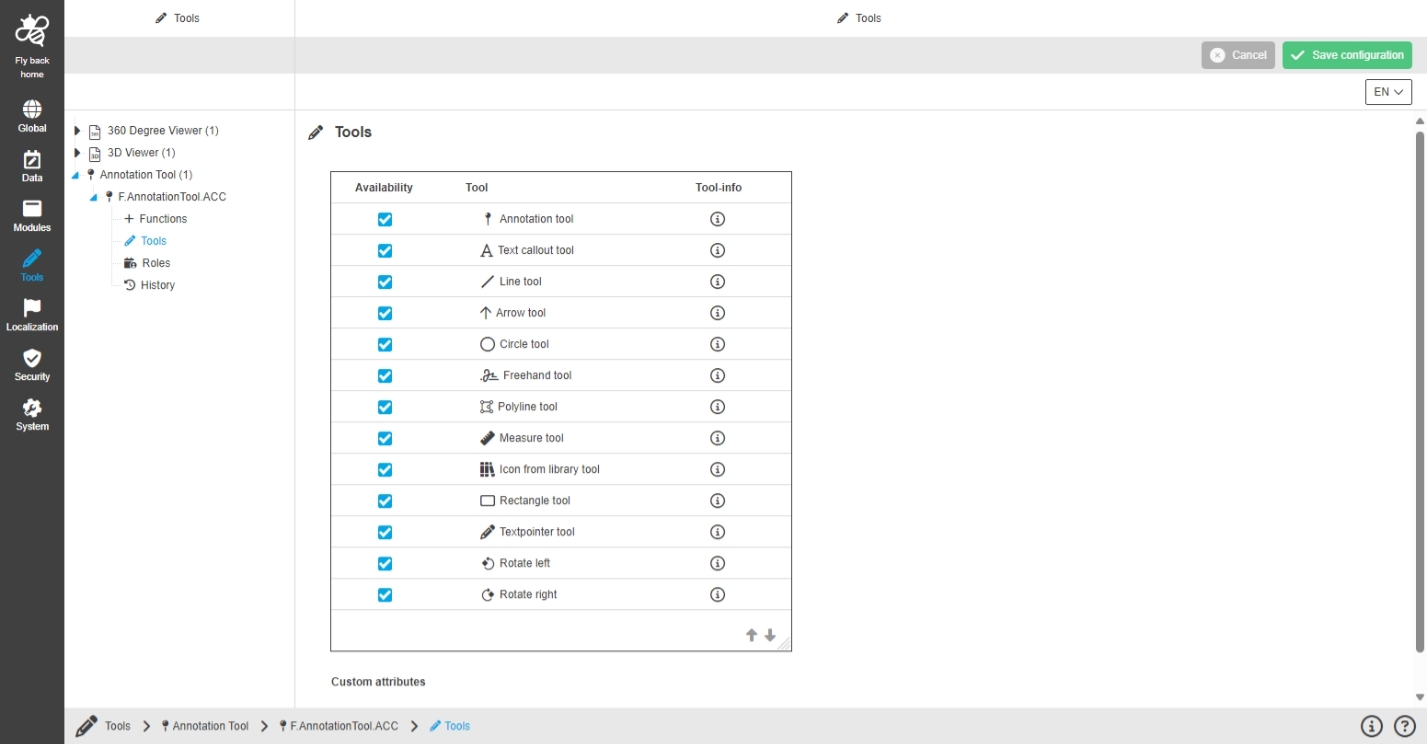
Modules - Application Plugin - Annotations
General Tags |
OUCC-1203 |
Possibility to configure annotations application Plugin to influence different aspects of the annotation process in Annotation-Tool and Annotation Repository in new Configuration Client
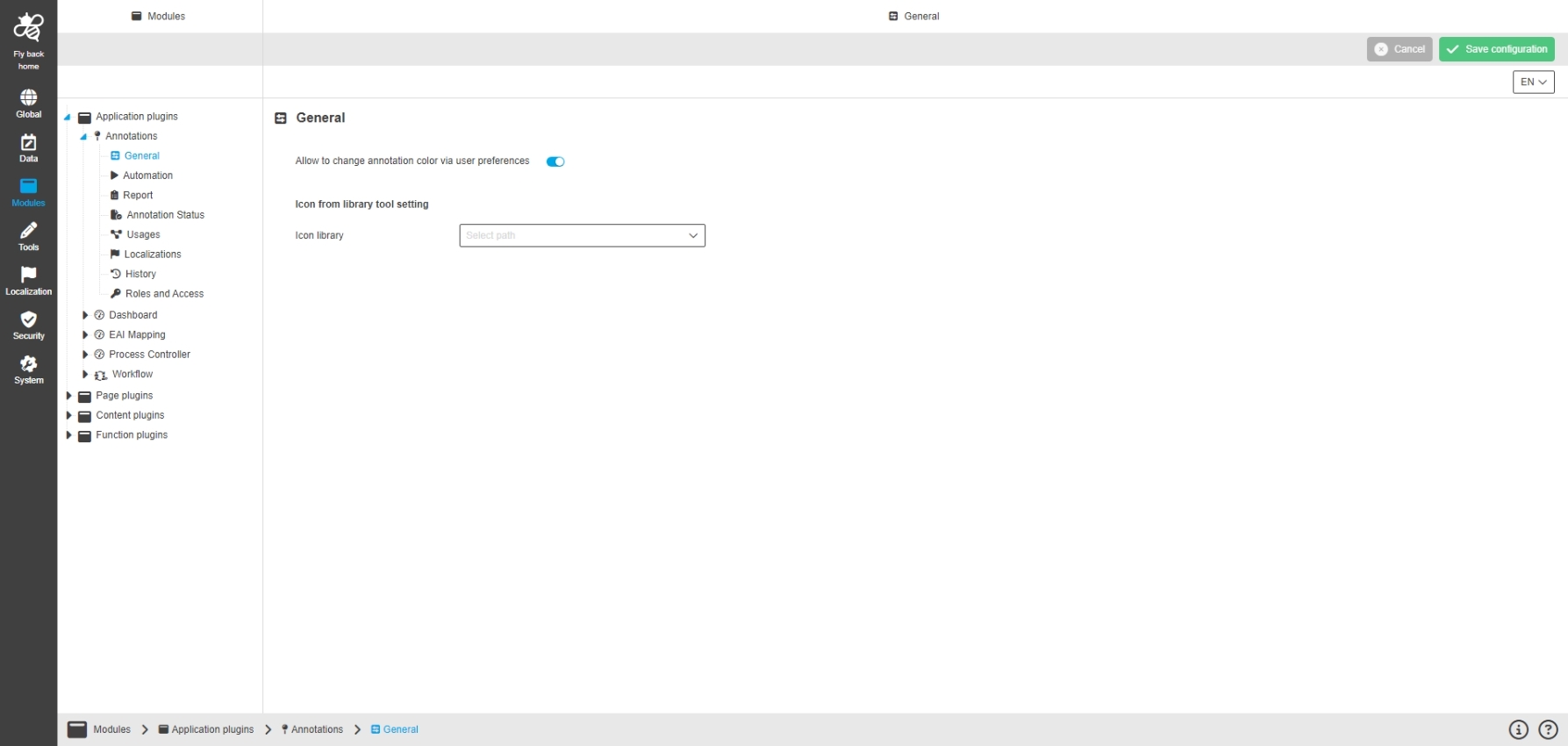
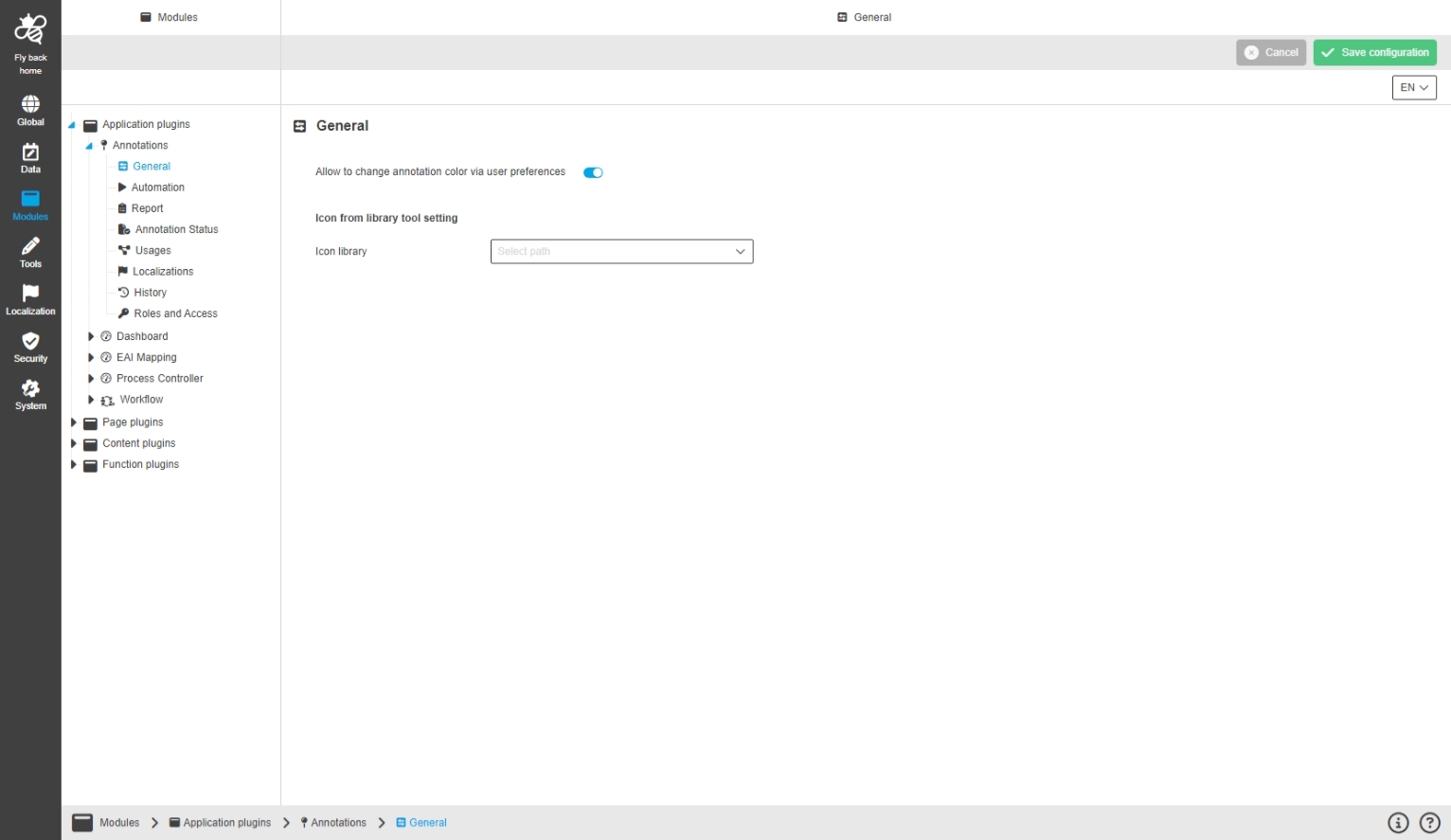
Modules - Application Plugin - Annotations - General
General Tags |
OUCC-1204 |
Possibility to configure Annotation-Tool-related settings for user settings and icon from library tool in the annotation’s application plugin
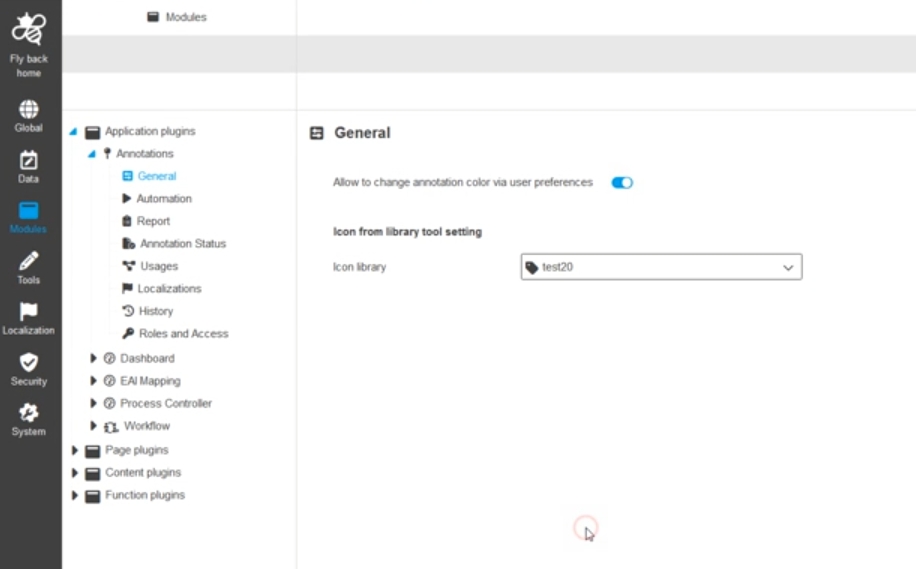
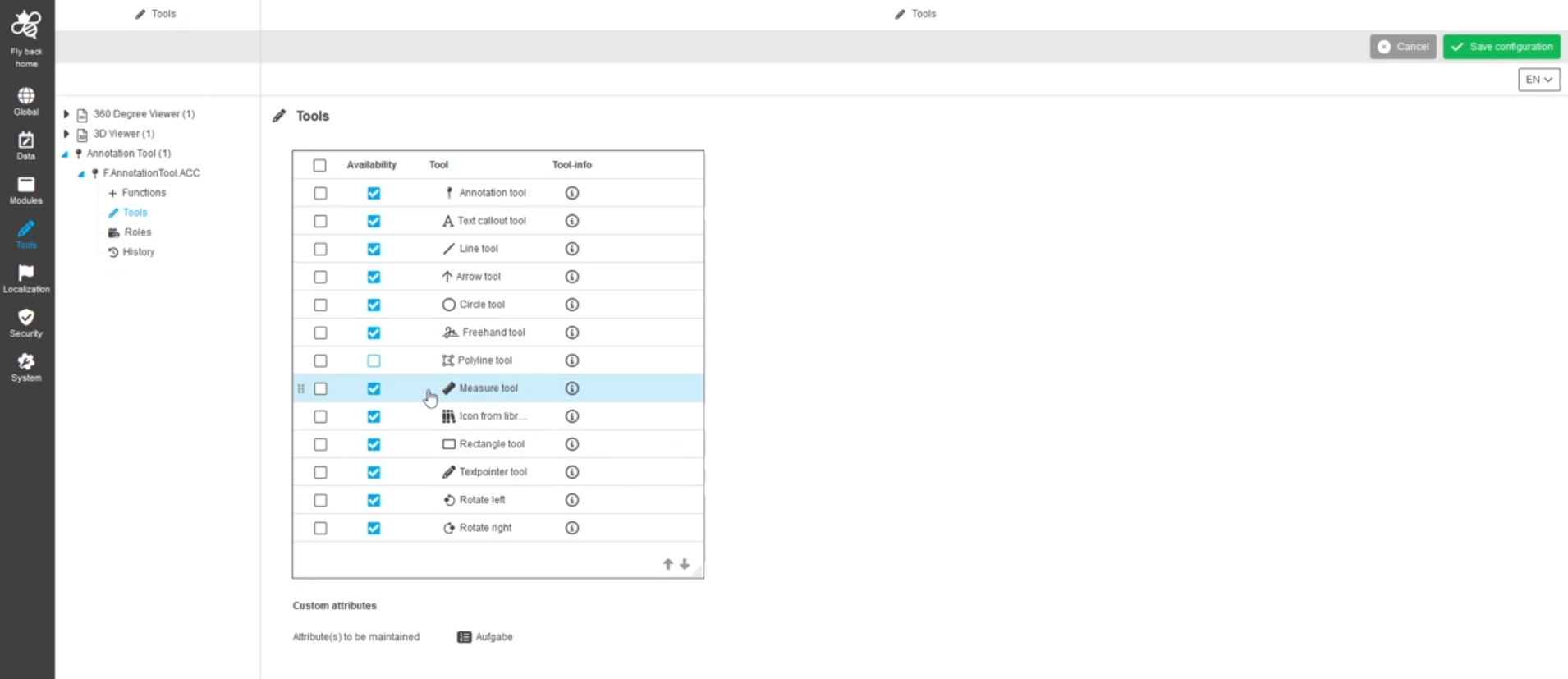
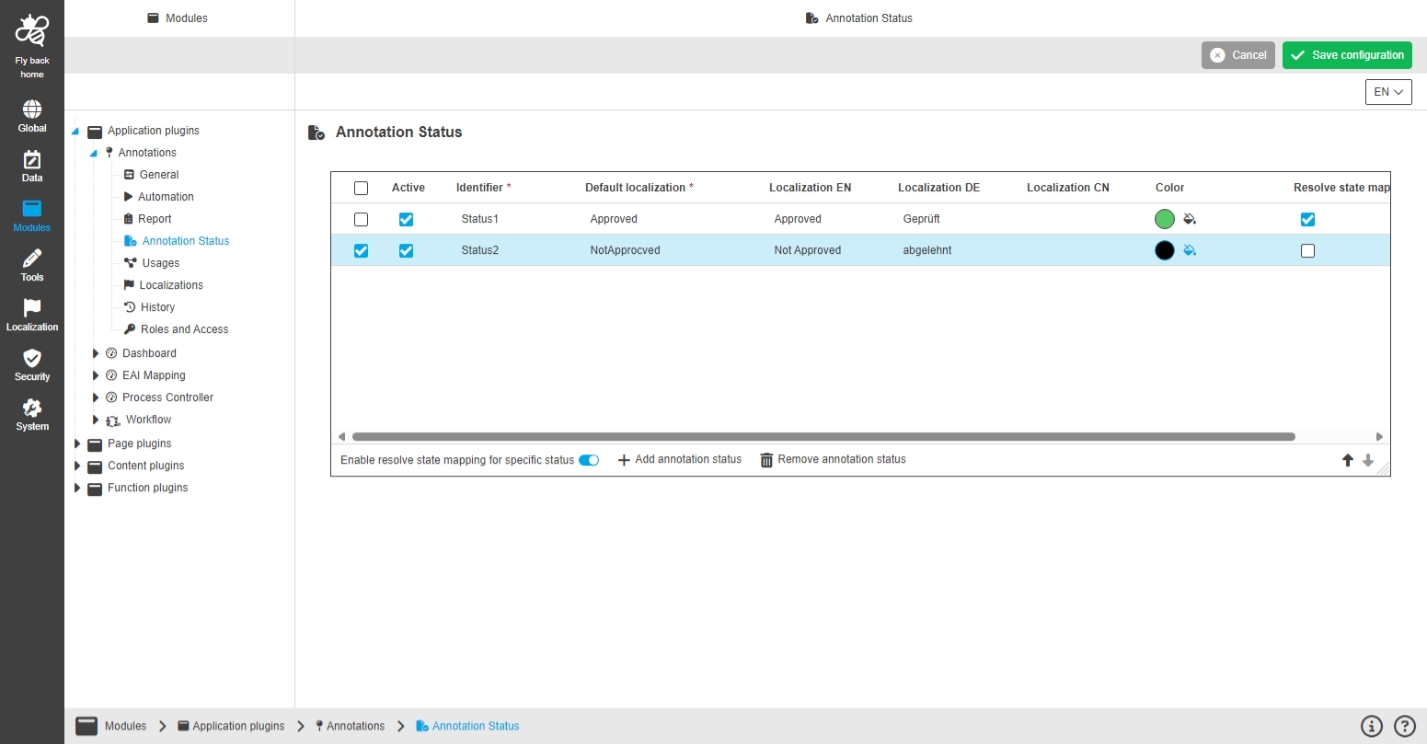
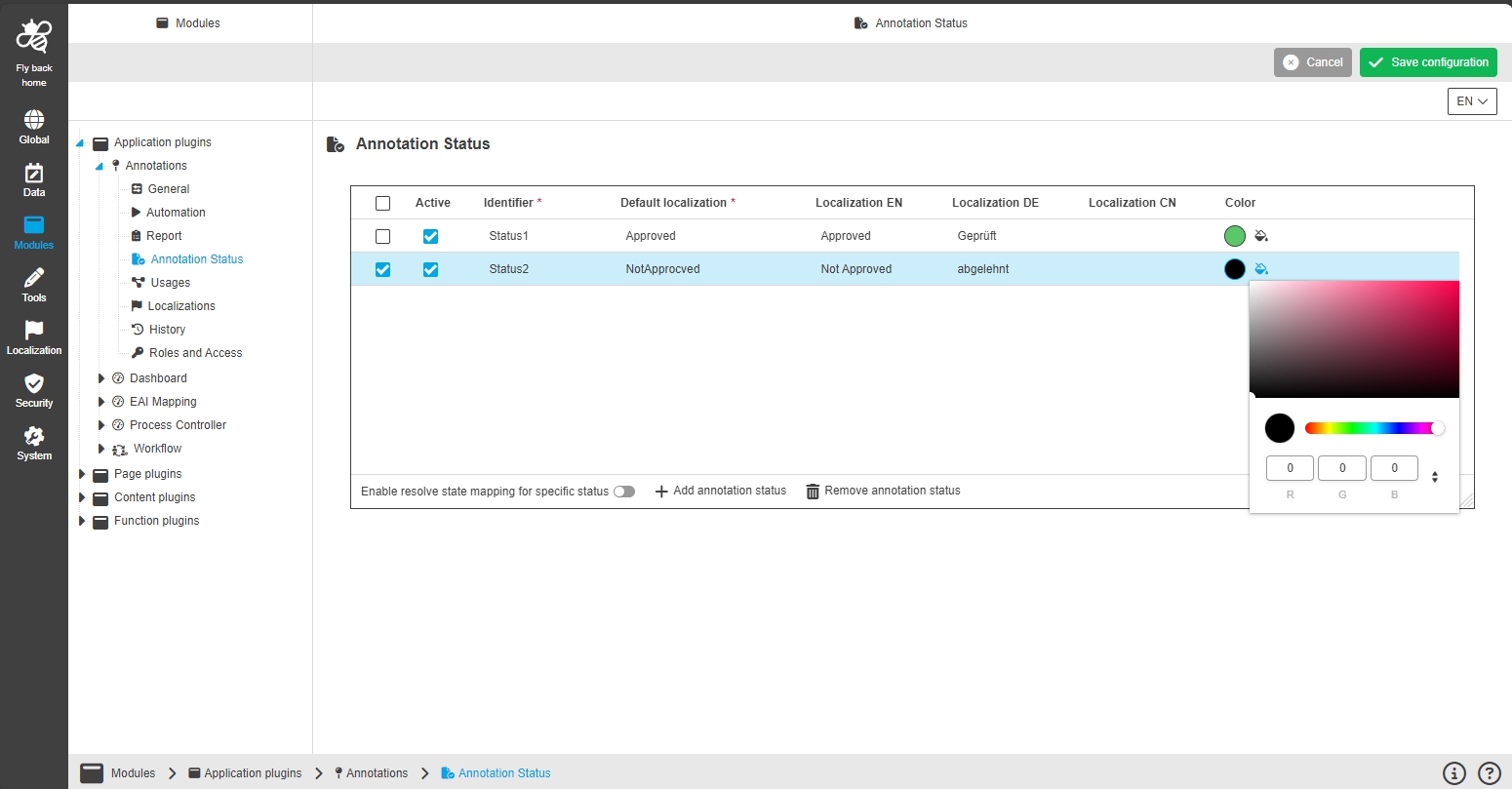
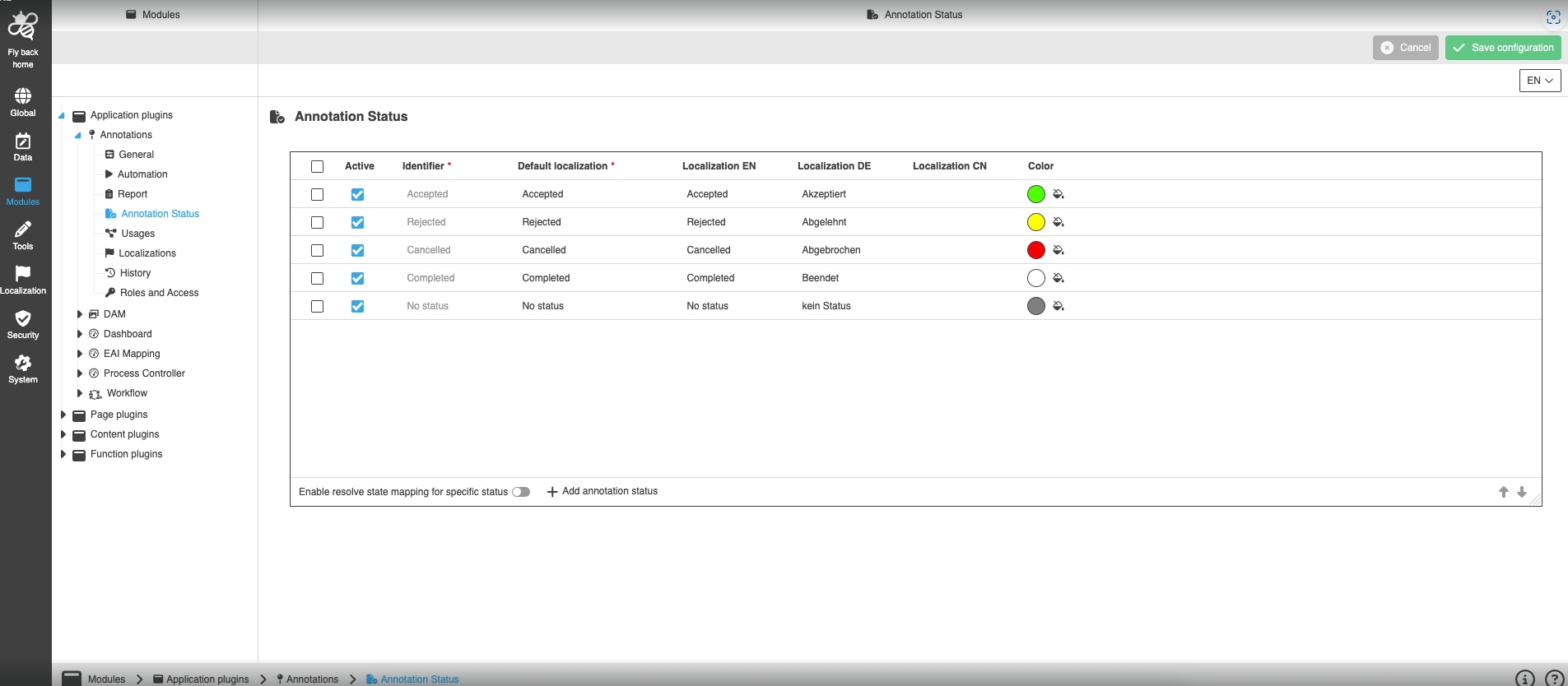
Configuration Client - Tools - Annotation-Tool - Annotation Status
General Tags |
OUCC-253, OUCC-302 |
Possibility to define individual use case-related annotation status, which is mapped to a resolved state of annotations, so that the admin can define my own status and therefore Annotation-Tool process
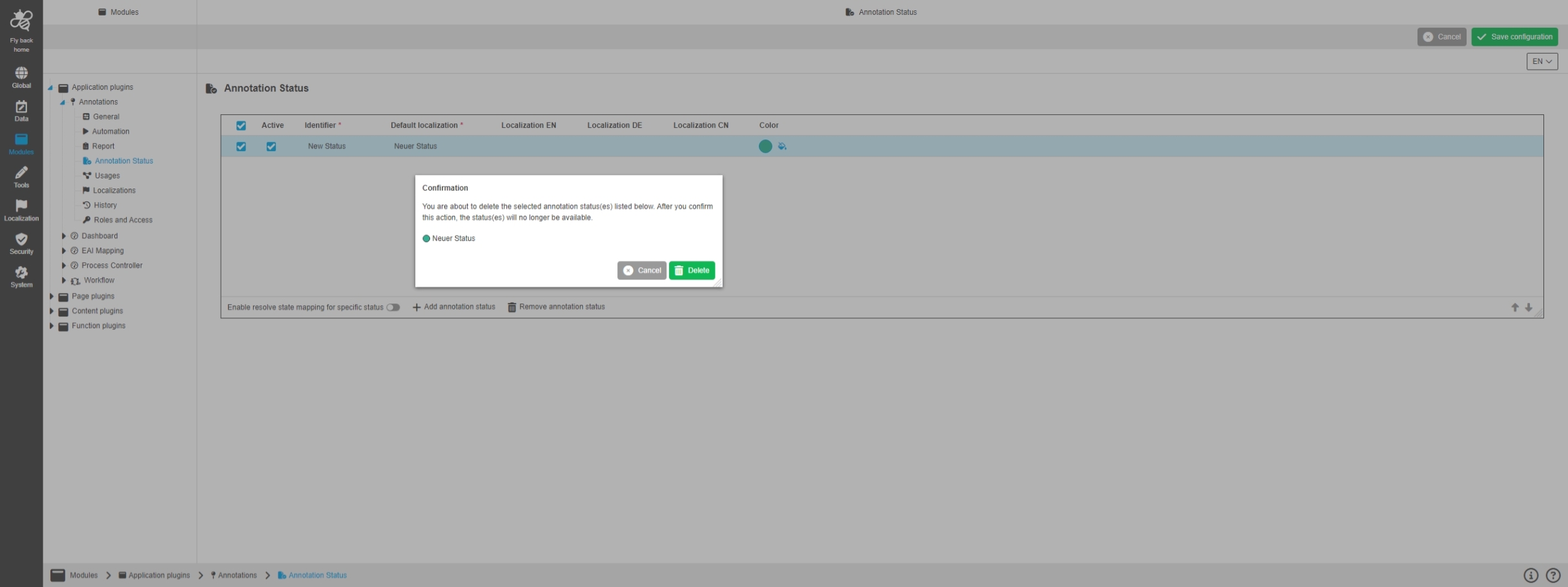
Modules - Application Plugin - Annotations - Remove Annotation Status
General Tags |
OUCC-303 |
Possibility to remove configured annotation status from 'Annotation status' table, so this status is not longer available for Annotation-Tool
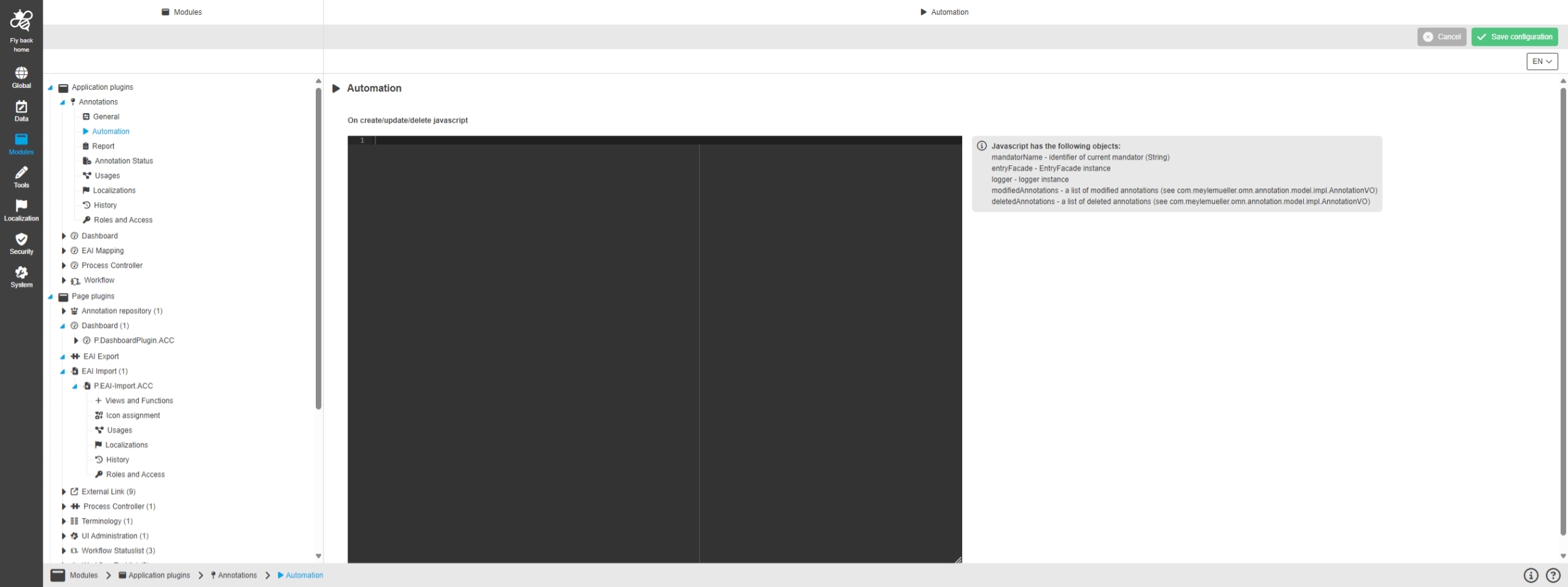
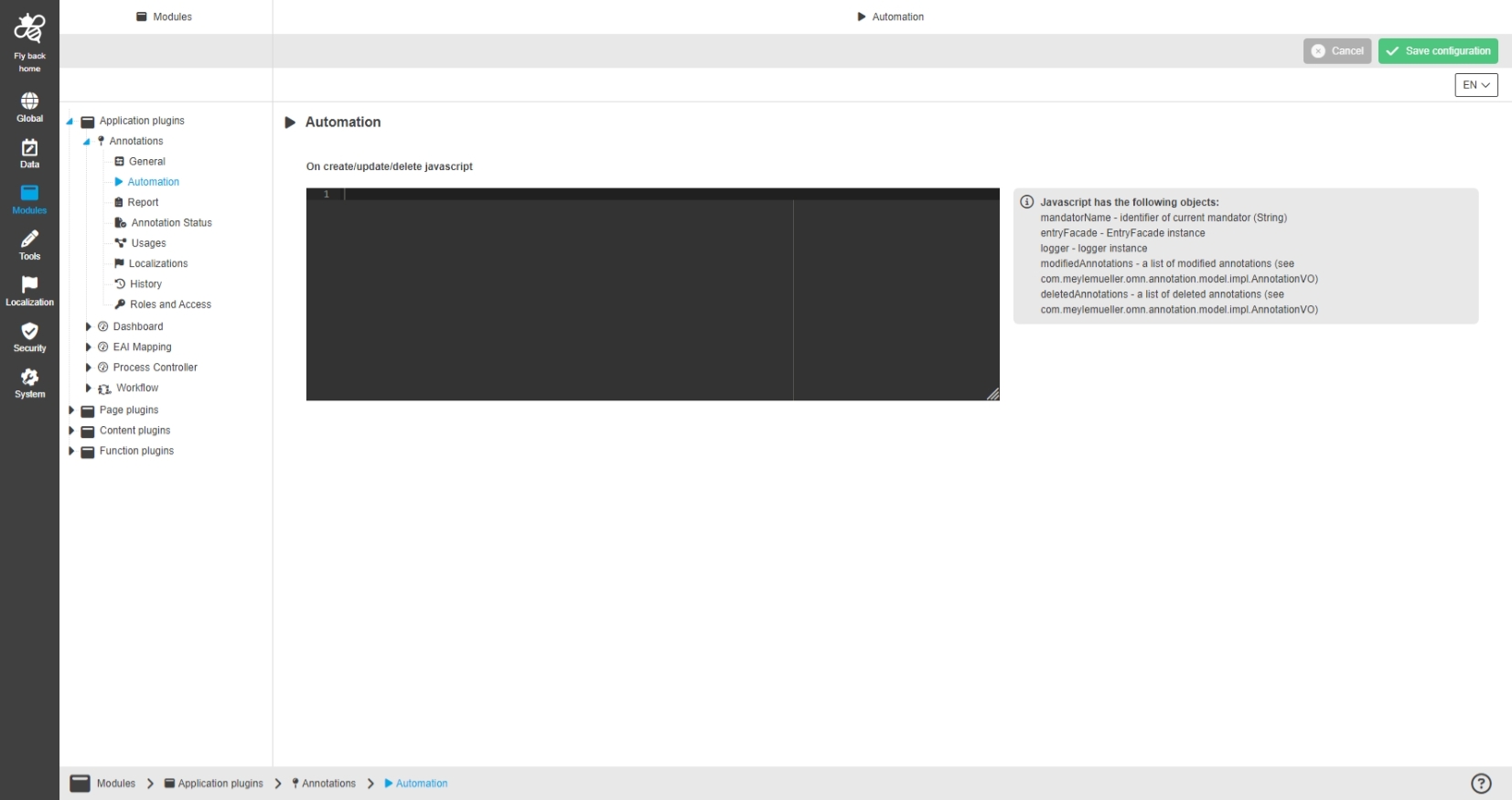
Modules - Application Plugin - Annotations - Automation
General Tags |
OUCC-1205 |
Possibility to use JavaScript in annotations application plugin to influence behavior on create, update and delete
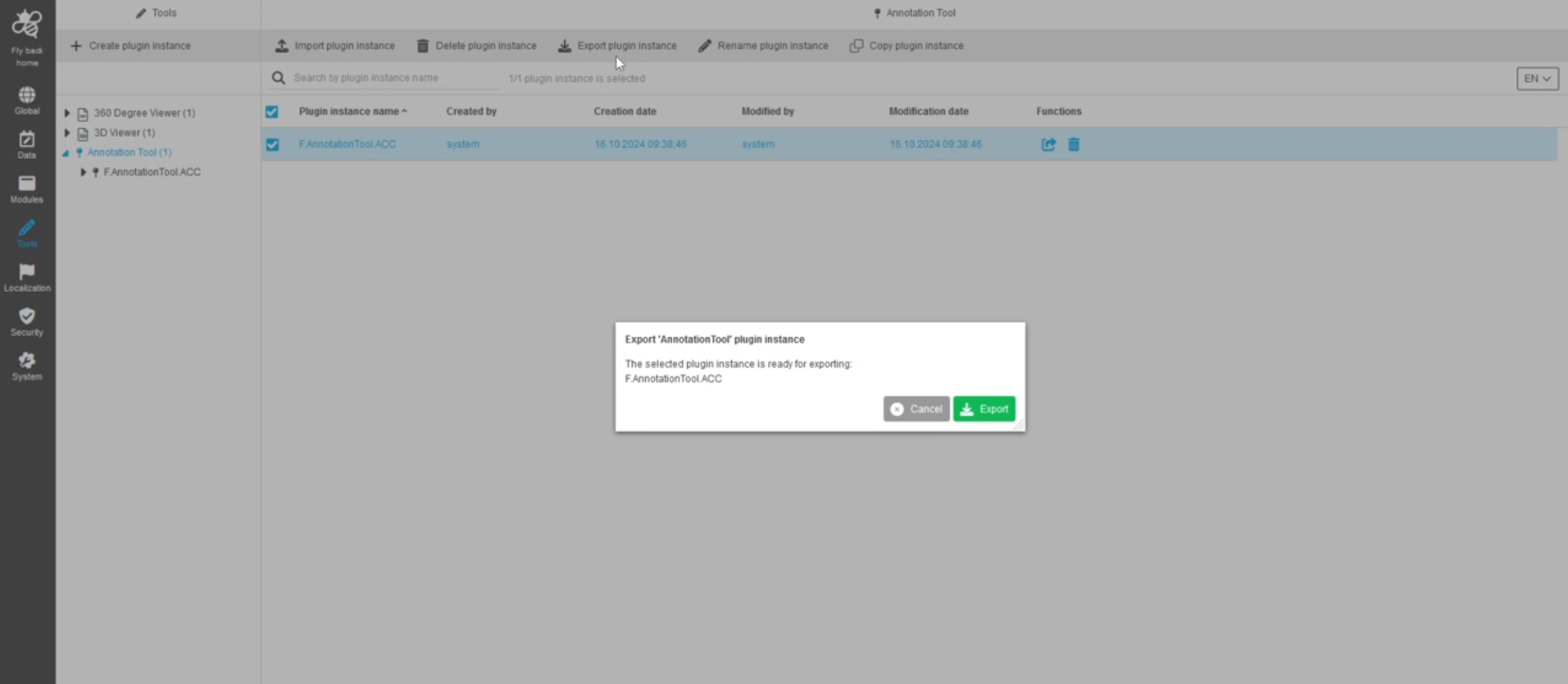
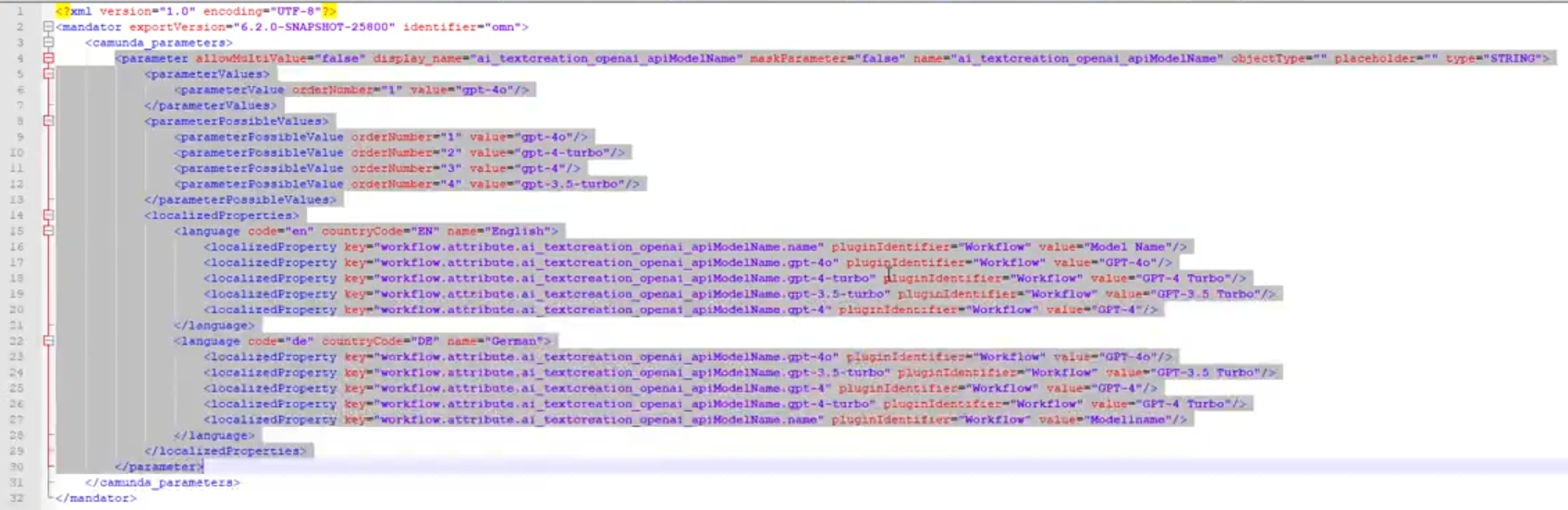
Export annotation attributes from new Configuration Client
General Tags |
OMN-10223 |
Configuration Rest API to export all or specific Annotation Attributes from the new Configuration Client
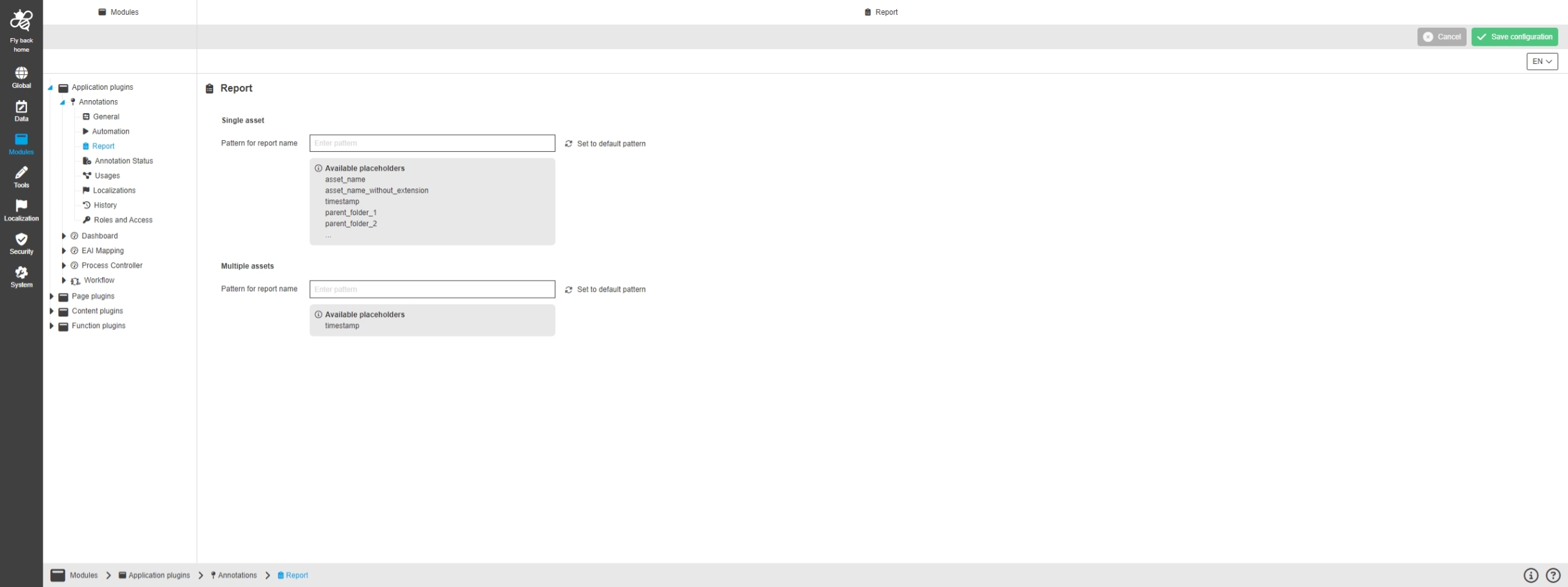
Modules - Application Plugin - Annotations - Report
General Tags |
OUCC-1206 |
Possibility to configure pattern von Annotation-Tool report
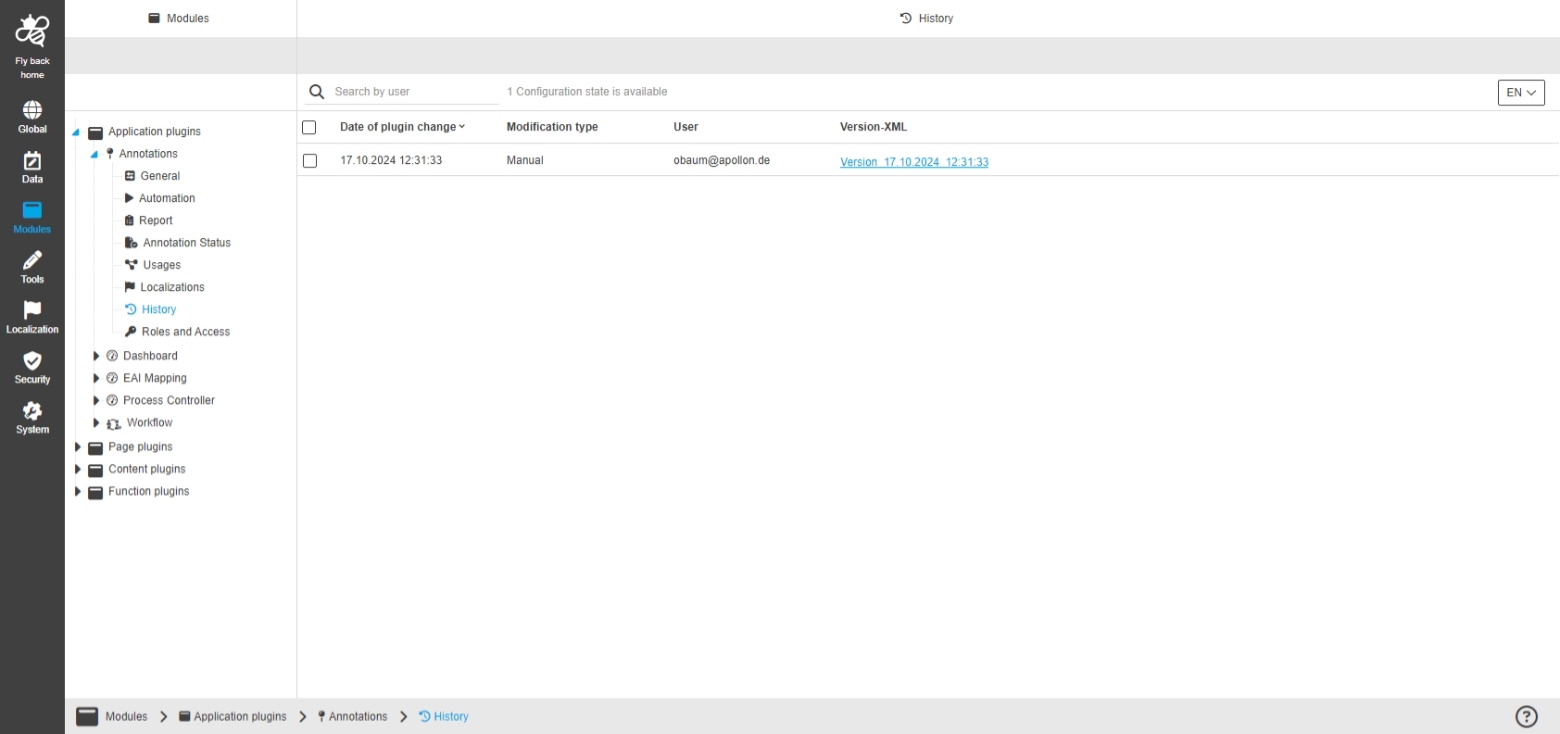
Modules - Application Plugin - Annotations - History
General Tags |
OUCC-1209 |
Overview of all modifications made in the Annotations application plugin and have an initial state available as a file to understand who, when and what changes within the configuration were made
Implement java function for Annotation plugin
General Tags |
OCA-140 |
New Rest API to configure Annotations plugin
Content Plugins
Keycloak

Licence server
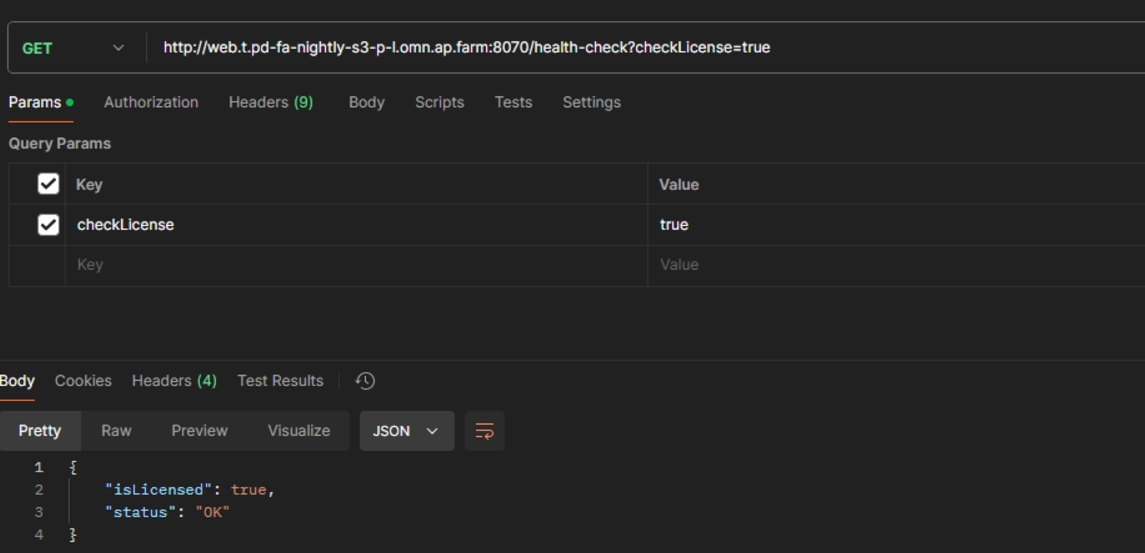
Add endpoint for health check
General Tags |
OMN-11227 |
New OMN endpoint to check Health Status for OMN licence
Endpoint URL: ../healthCheck (get method)
-
If no query parameter is specified just return Http-Status 200 (Ok)
-
queryParam: isLicensed
-
Retrieves the license status: true:false
-
Expiration time if license check was not successful
Accelerator
General
Annotation-Tool - Changing color of Annotations in editor not possible
General Tags |
OMNA-595 |
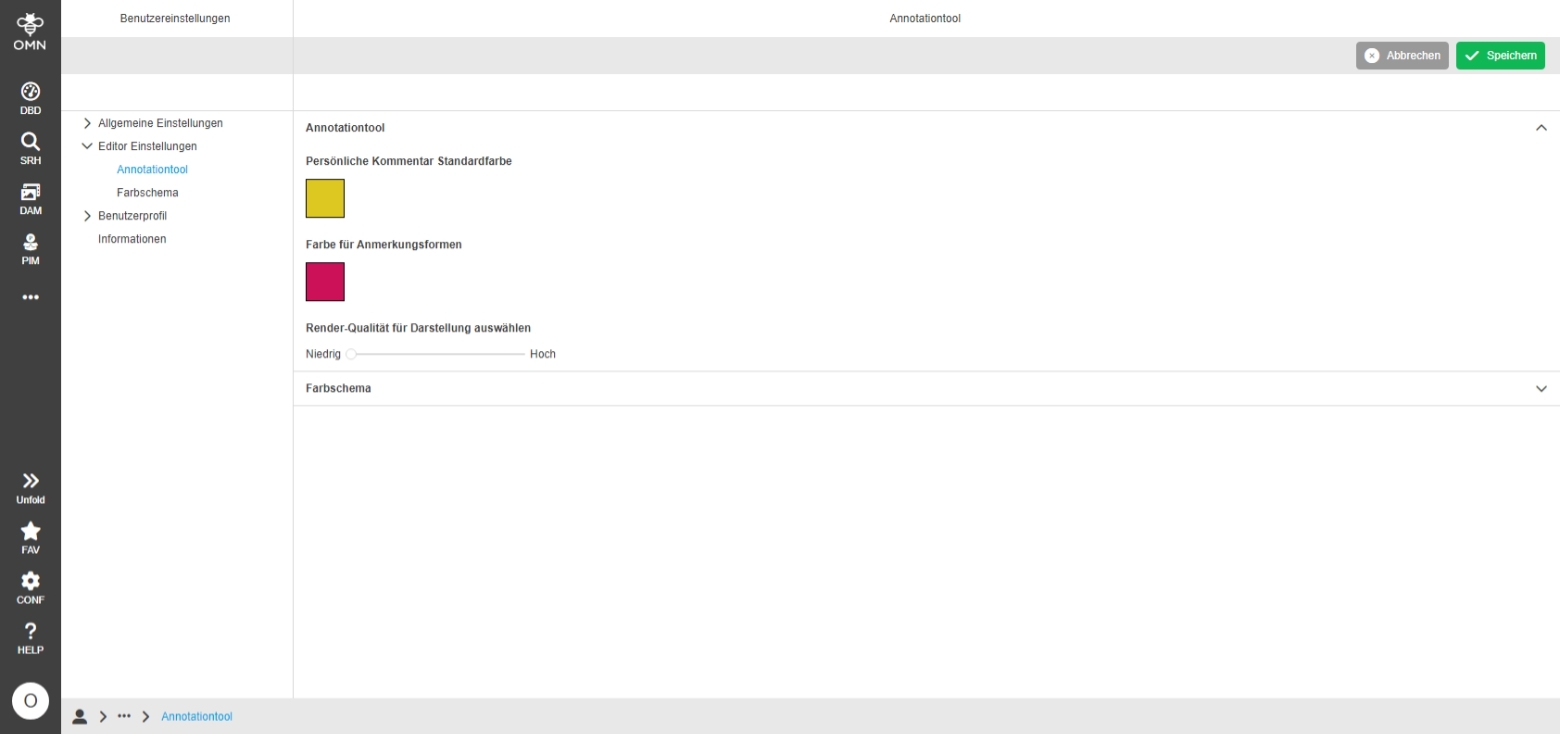
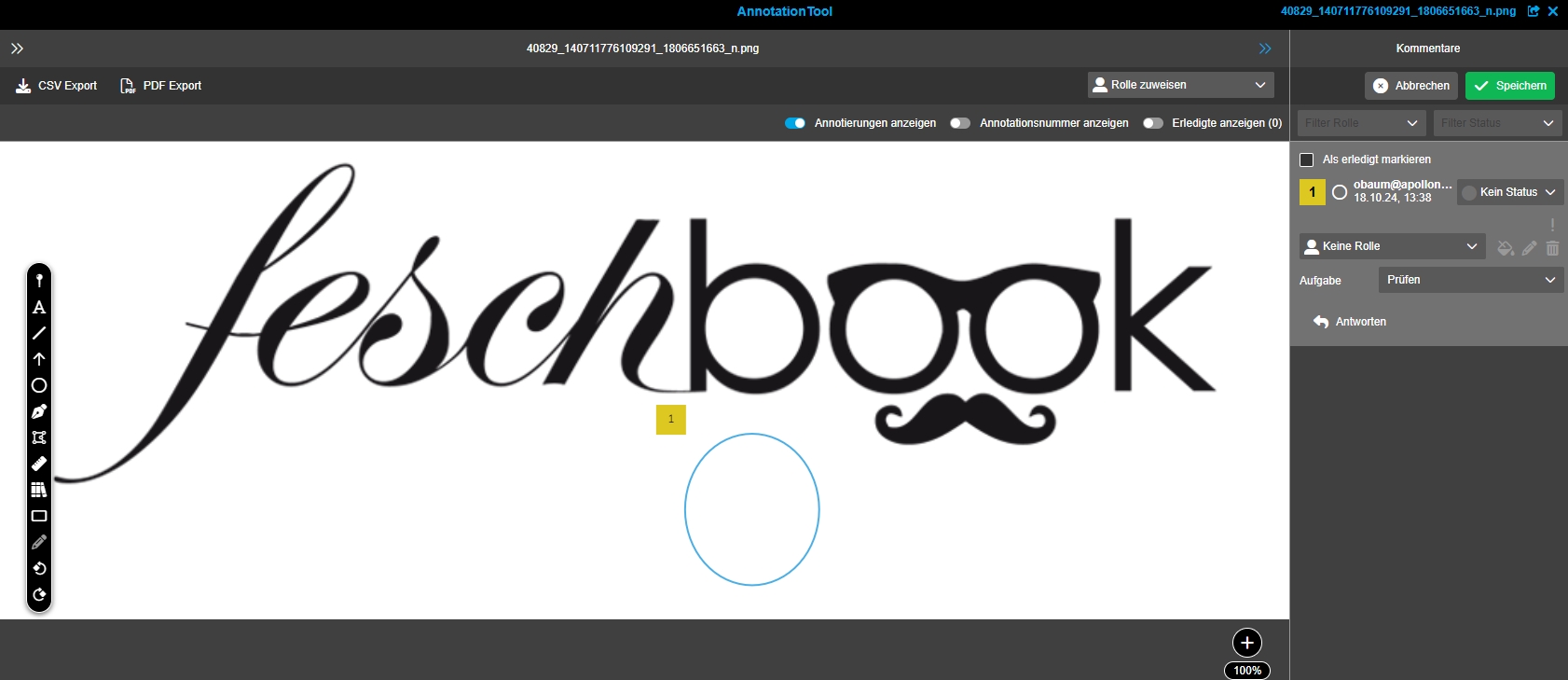
Possibility to change the color of the Annotation numeration, to highlight or differentiate certain Annotations
User Settings
-
user can select Annotation Color in User Settings
Annotation-Tool
-
Annotation-Tool shows user-defined colors
Precondition
-
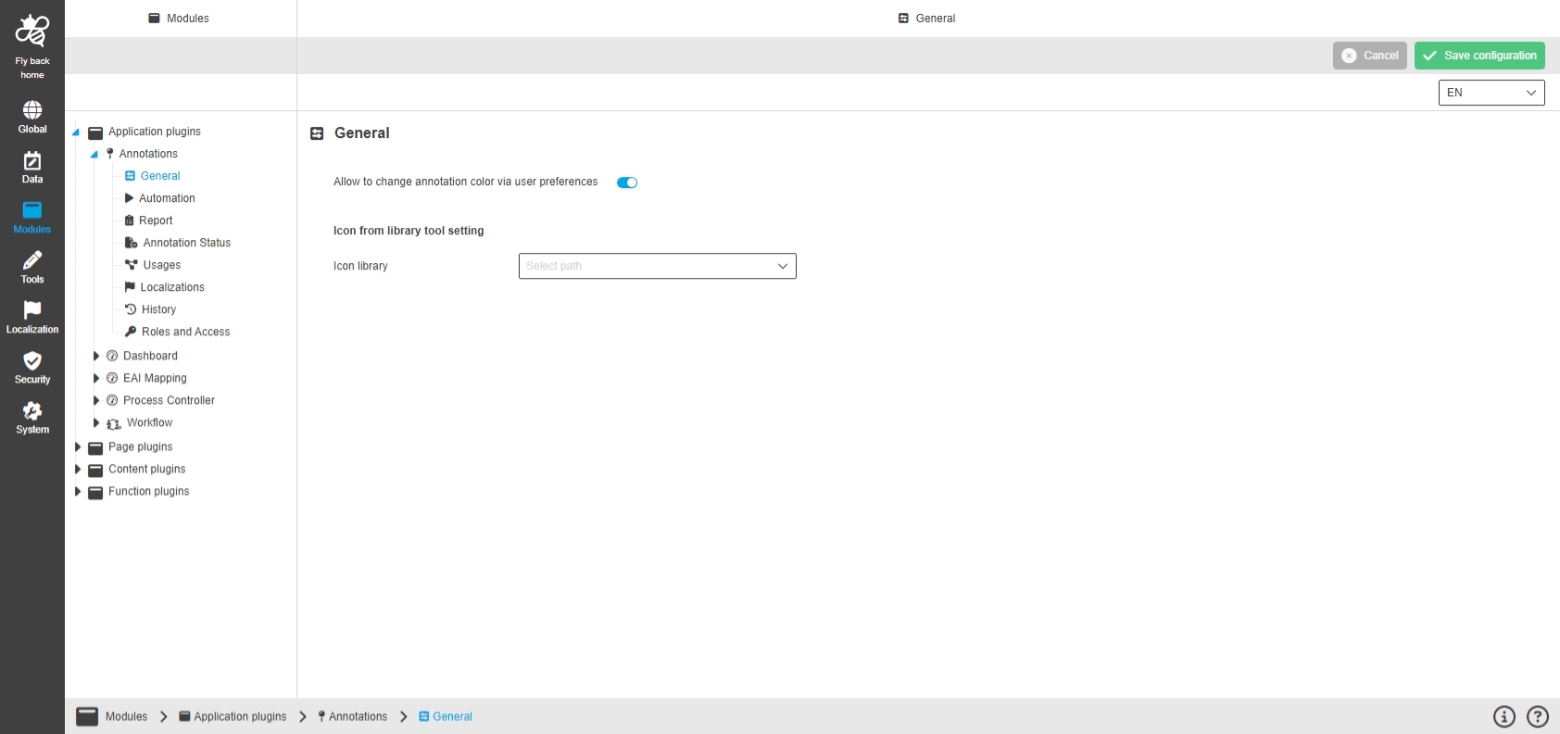
Setting to "Change Annotation Color" is enabled in configuration of Annotation-Tool plugin
Improve localization import process
General Tags |
OMNA-1736 |
The localization procedure in case of adding new system languages to OMN Accelerator is improved, so setting up an ACC instance on base of Accelerator with additional languages will take 50% less time
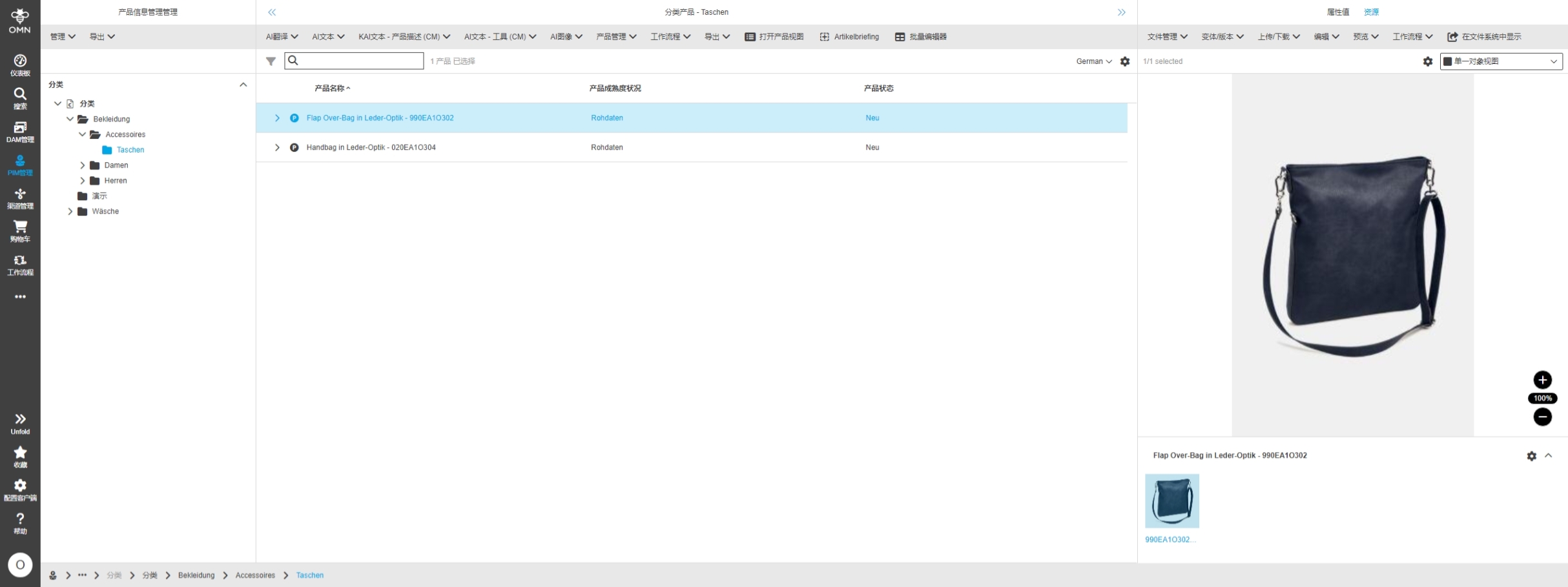
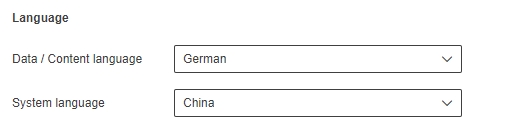
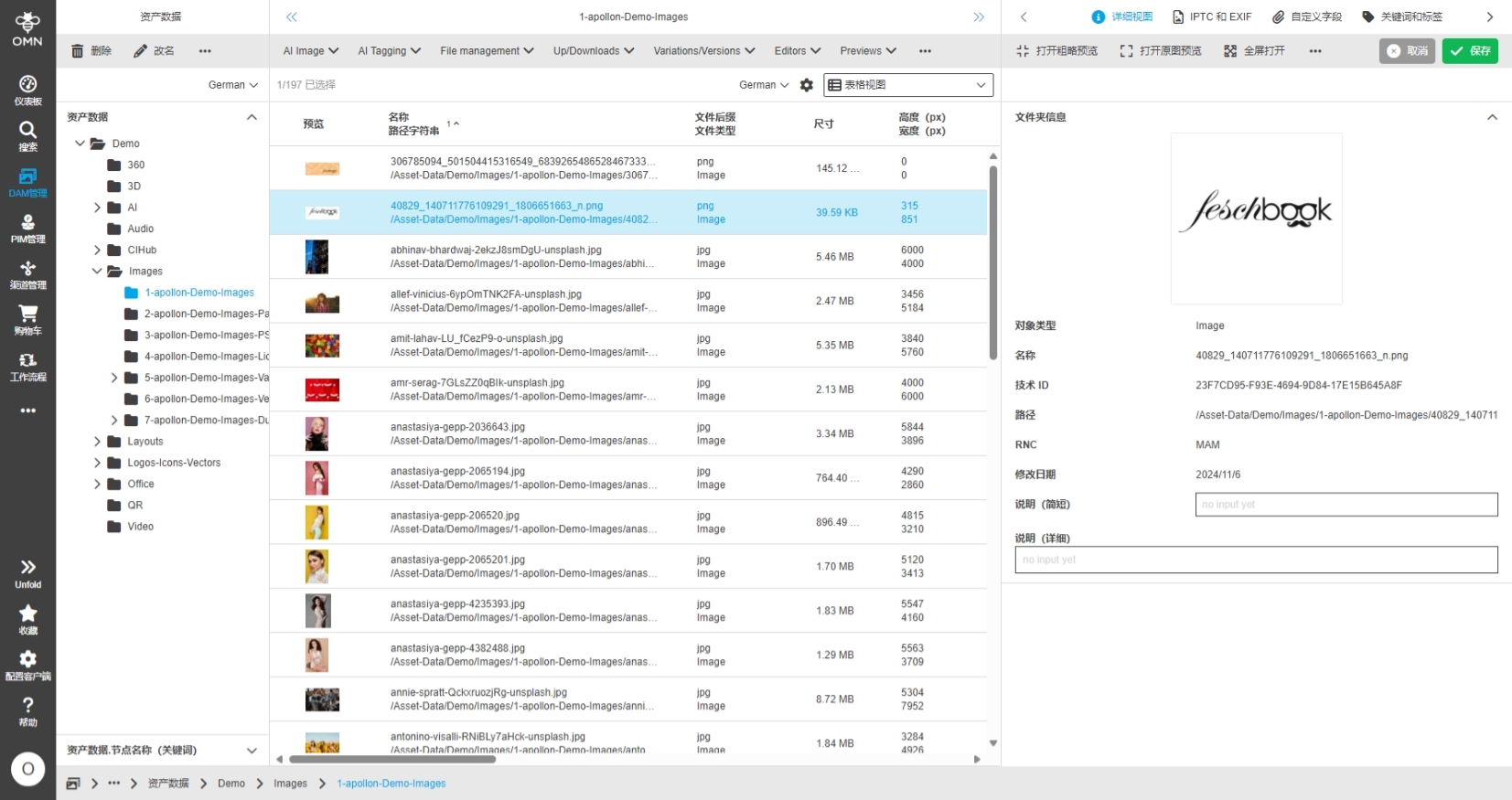
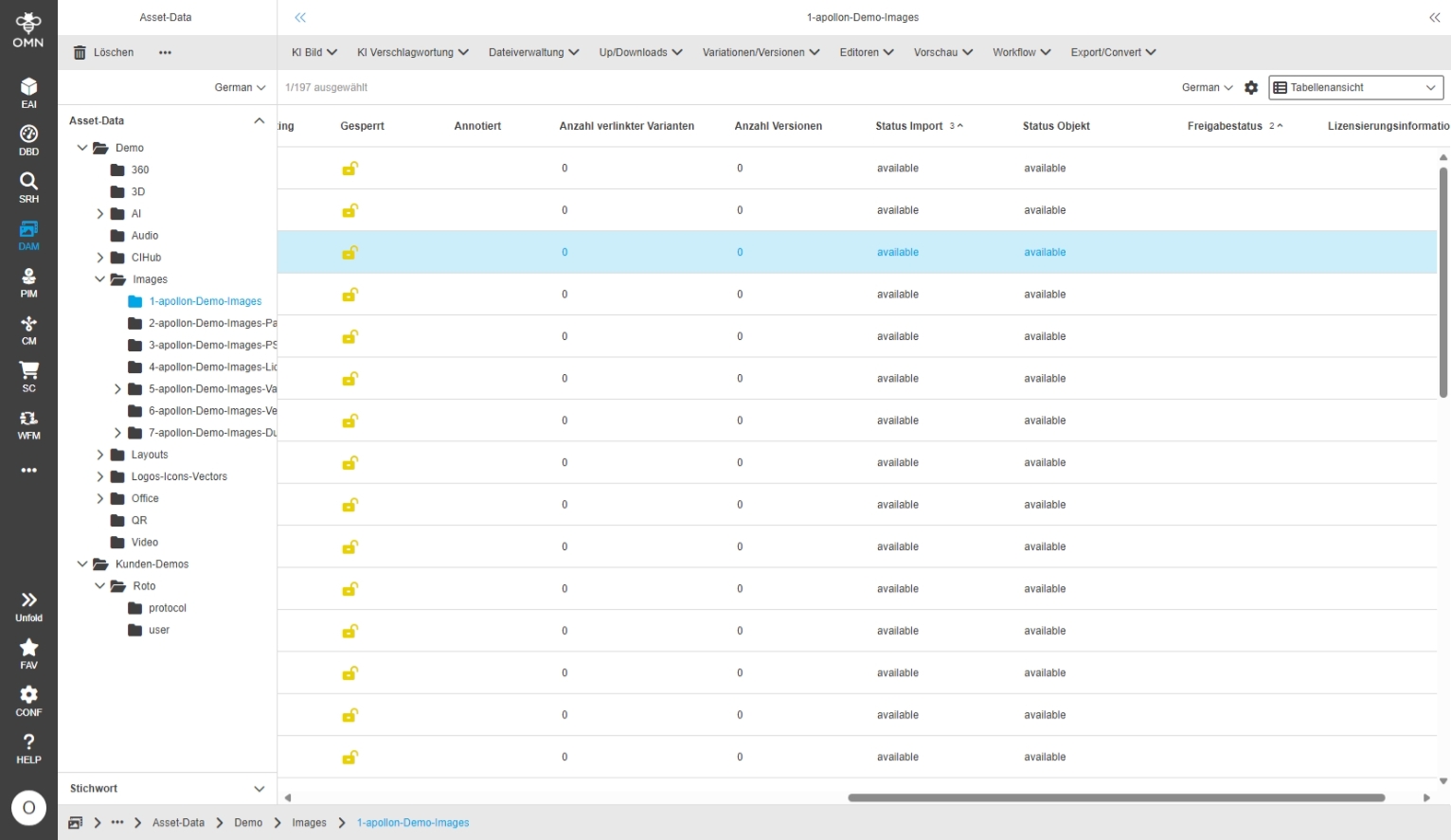
DAM
AI
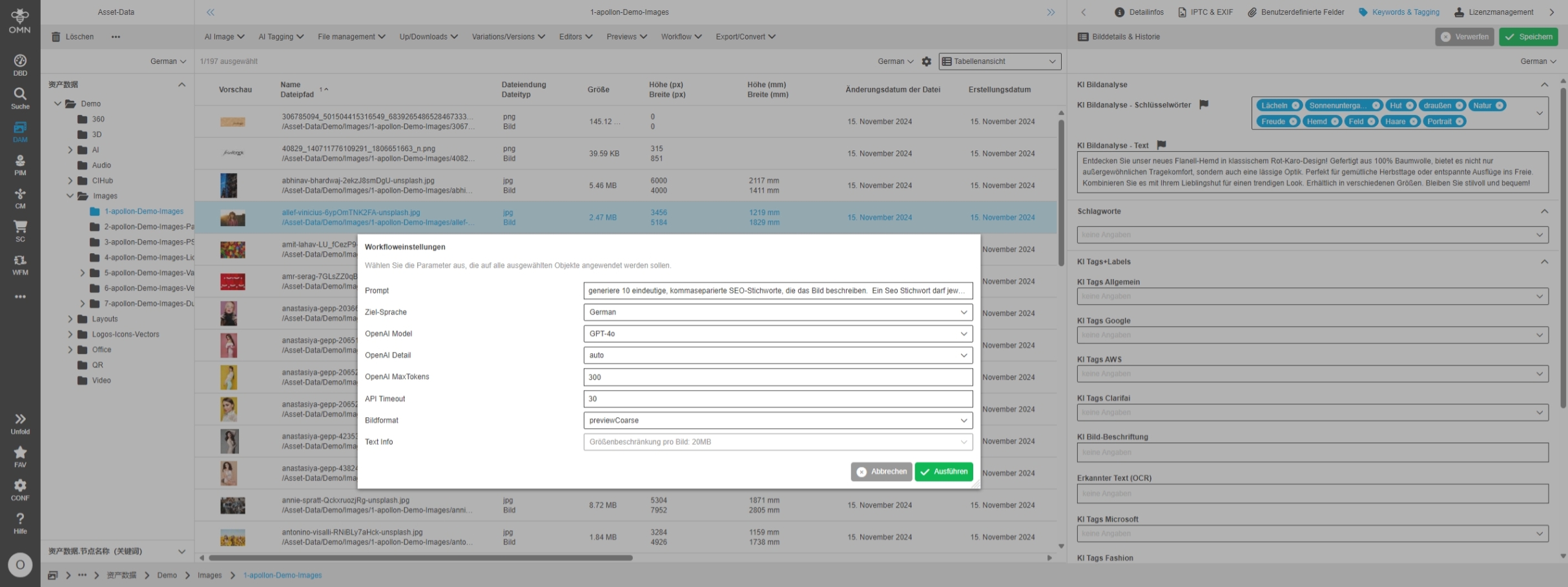
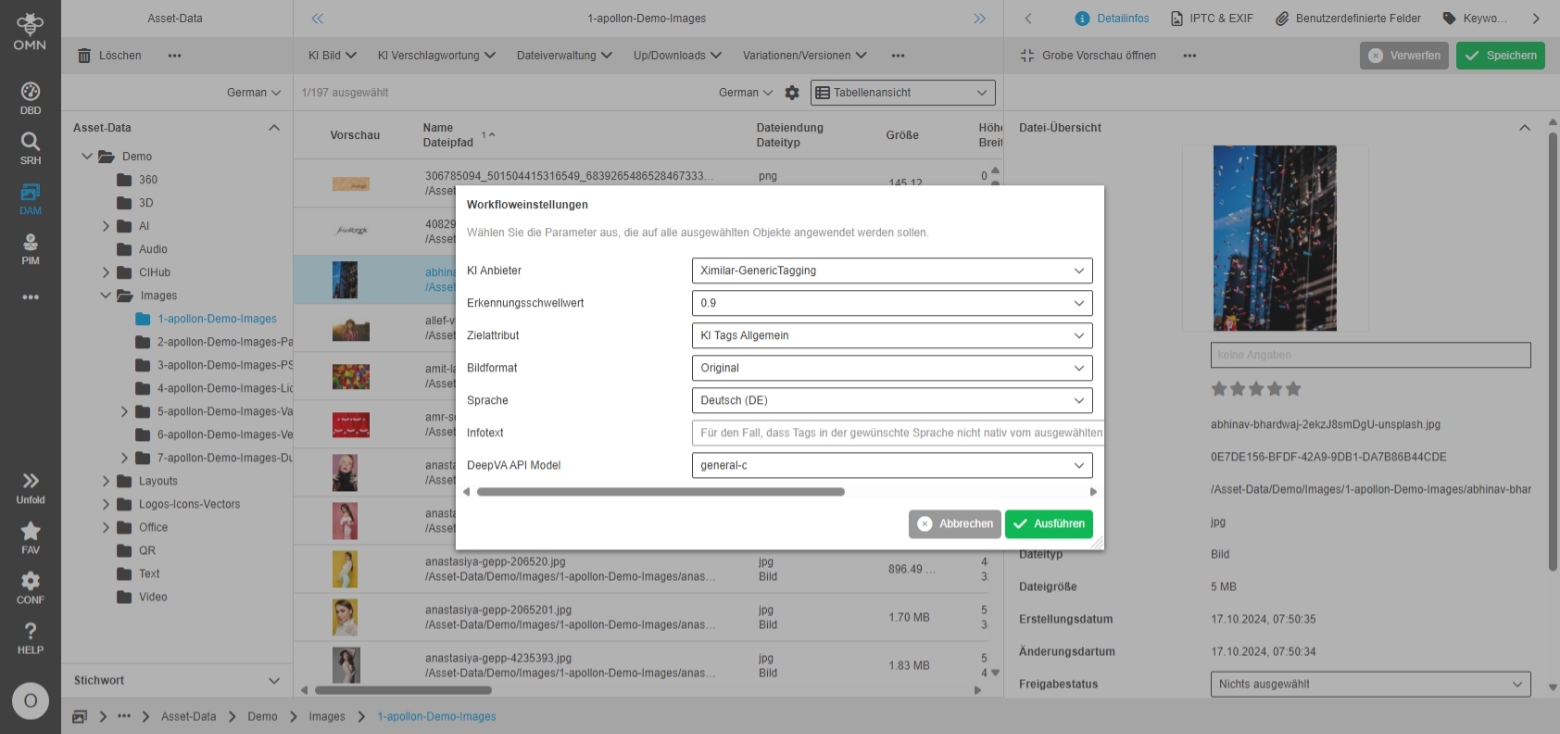
Remove "gpt-4-vision-preview" model from AI Image Analysis
General Tags |
OMNA-1715 |
The old model “gpt-4-vision-preview“ which is used for Image Analysis is replaced by new Models GPT-4o
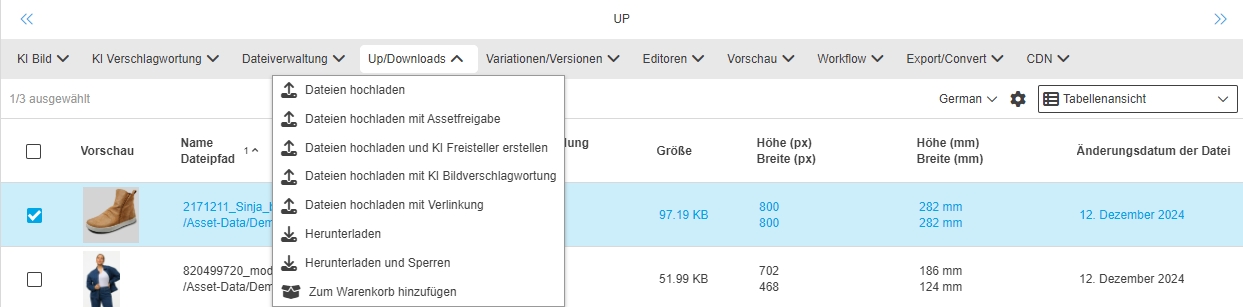
Example configuration of upload with workflow in fashion profile
General Tags |
OMNA-1500 |
New variants for advanced upload functionality is provided in ACC profile
-
Upload: Standard-Upload
-
Upload with Asset approval: starts asset approval process on uploaded asset
-
Upload with AI-image:what-is-new: Creates Photoshop path for uploaded images (API Key must be configured)
-
Upload with AI-Image-Tagging: Creates Tags for uploaded images (API Keys for different providers must be configured)
EAI UI module is now part of ACC fashion profile configuration
General Tags |
OMNA-1664 |
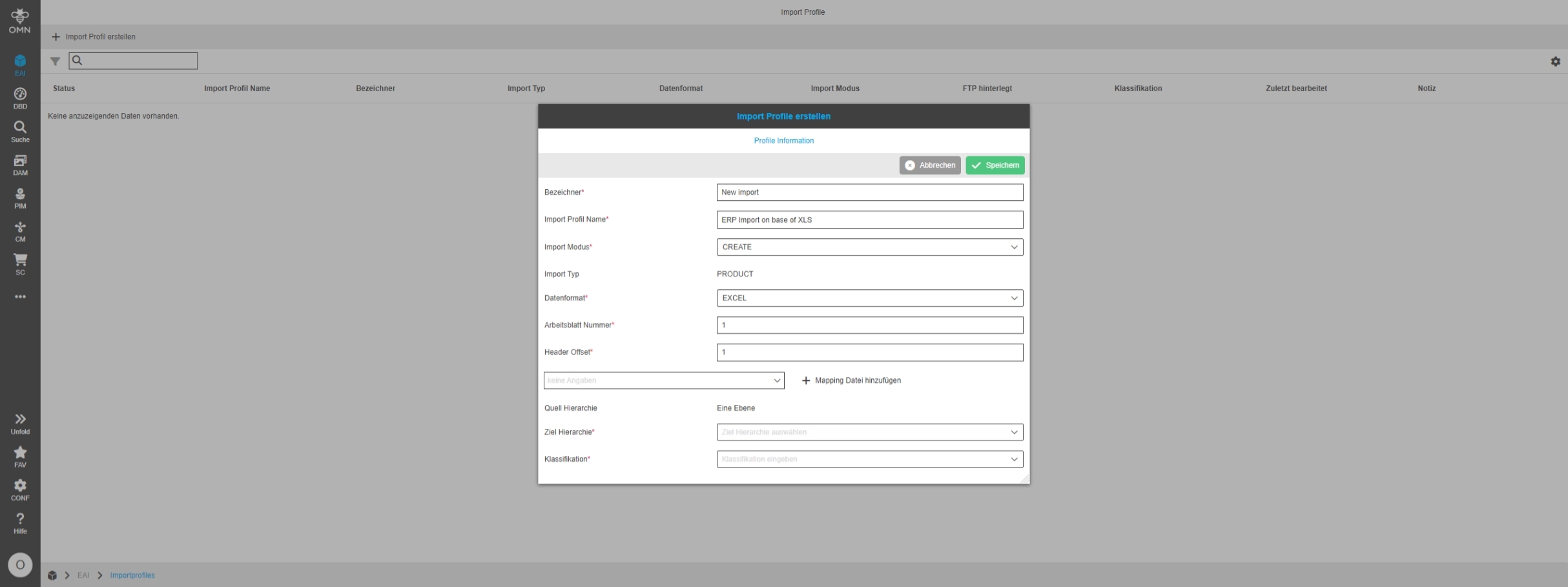
OMN Accelerator Fashion profile now provides EAI UI for Import so that the user can use functionality without need to configure the plugins in ACC fashion systems
The configuration includes:
-
"Import Profiles" functionality to create import profiles for PIM2 imports
-
"Process Controller" to control import processes