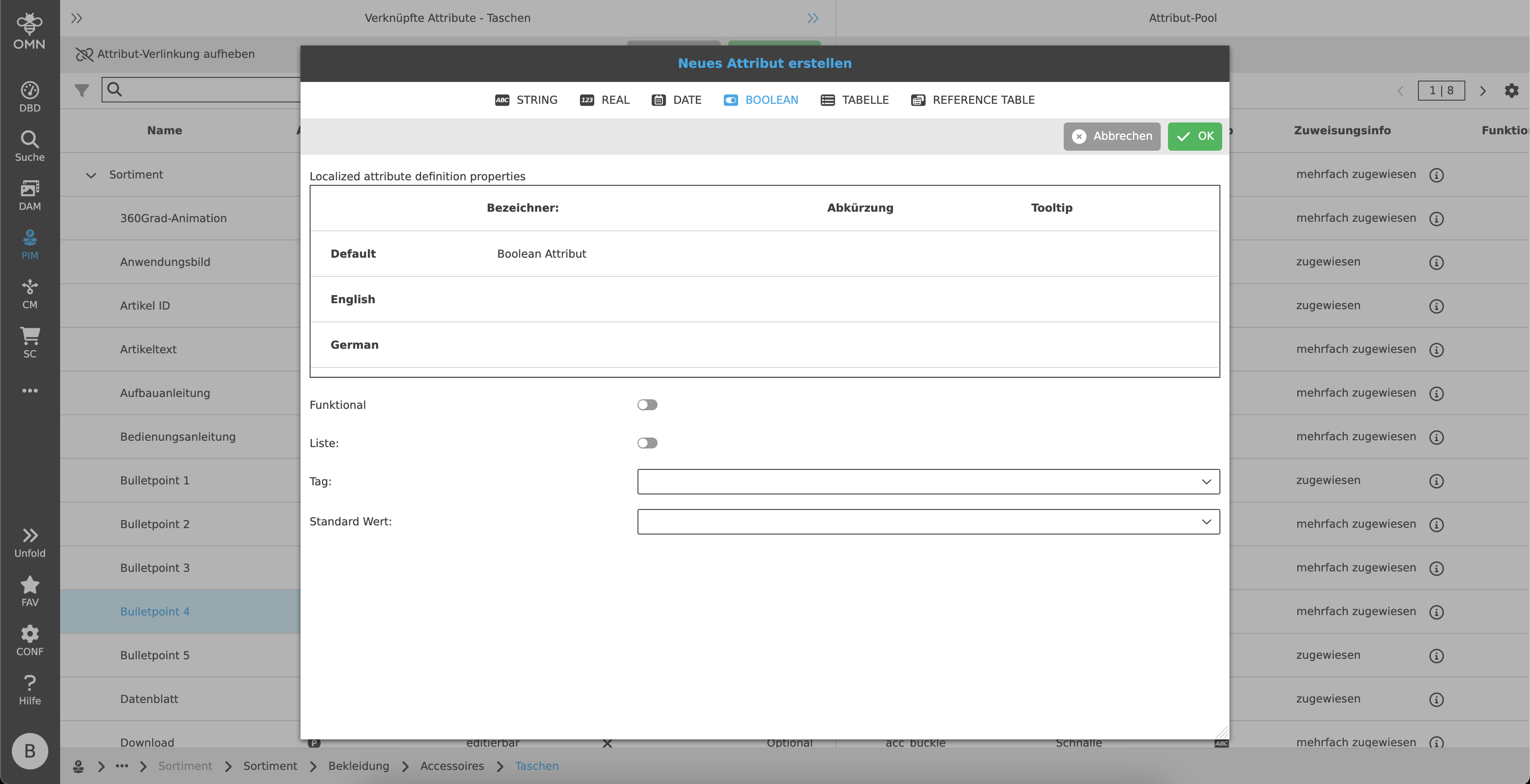
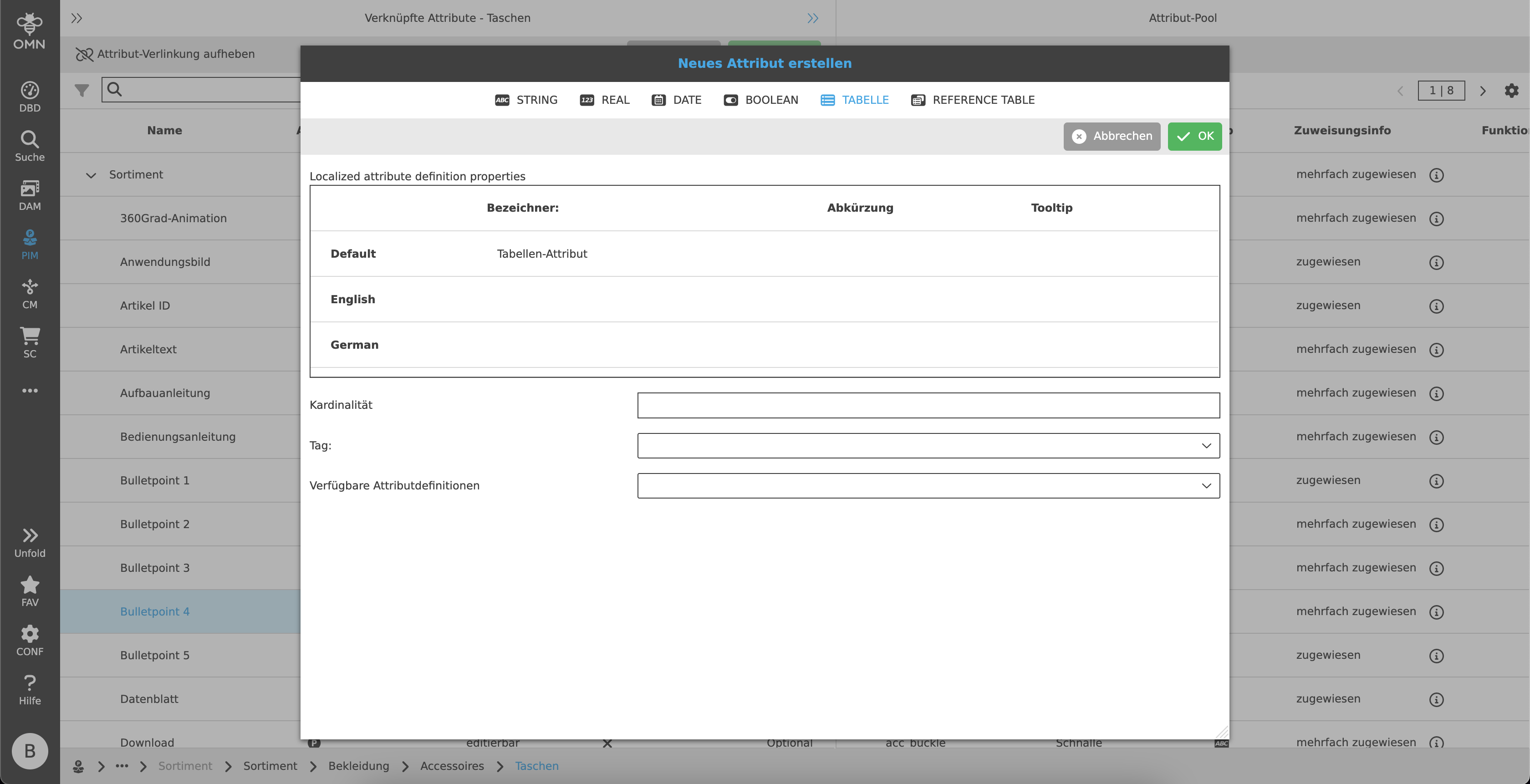
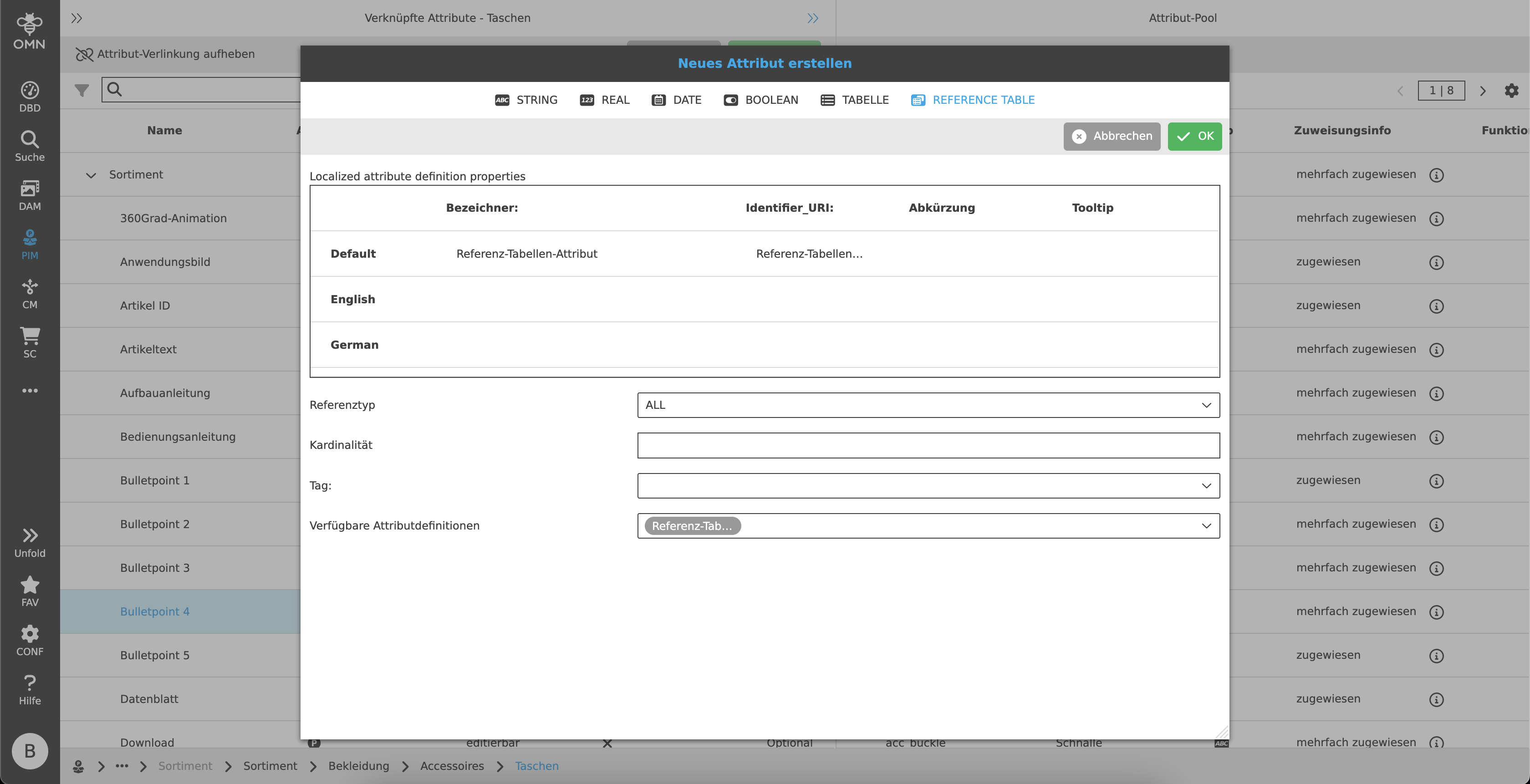
Attribute configuration
The attribute configuration in PIM Configuration View can be opened by two functions:
-
"Add attribute definition" to create a new PIM attribute
-
"Edit attribute definition" to edit the selected PIM attribute
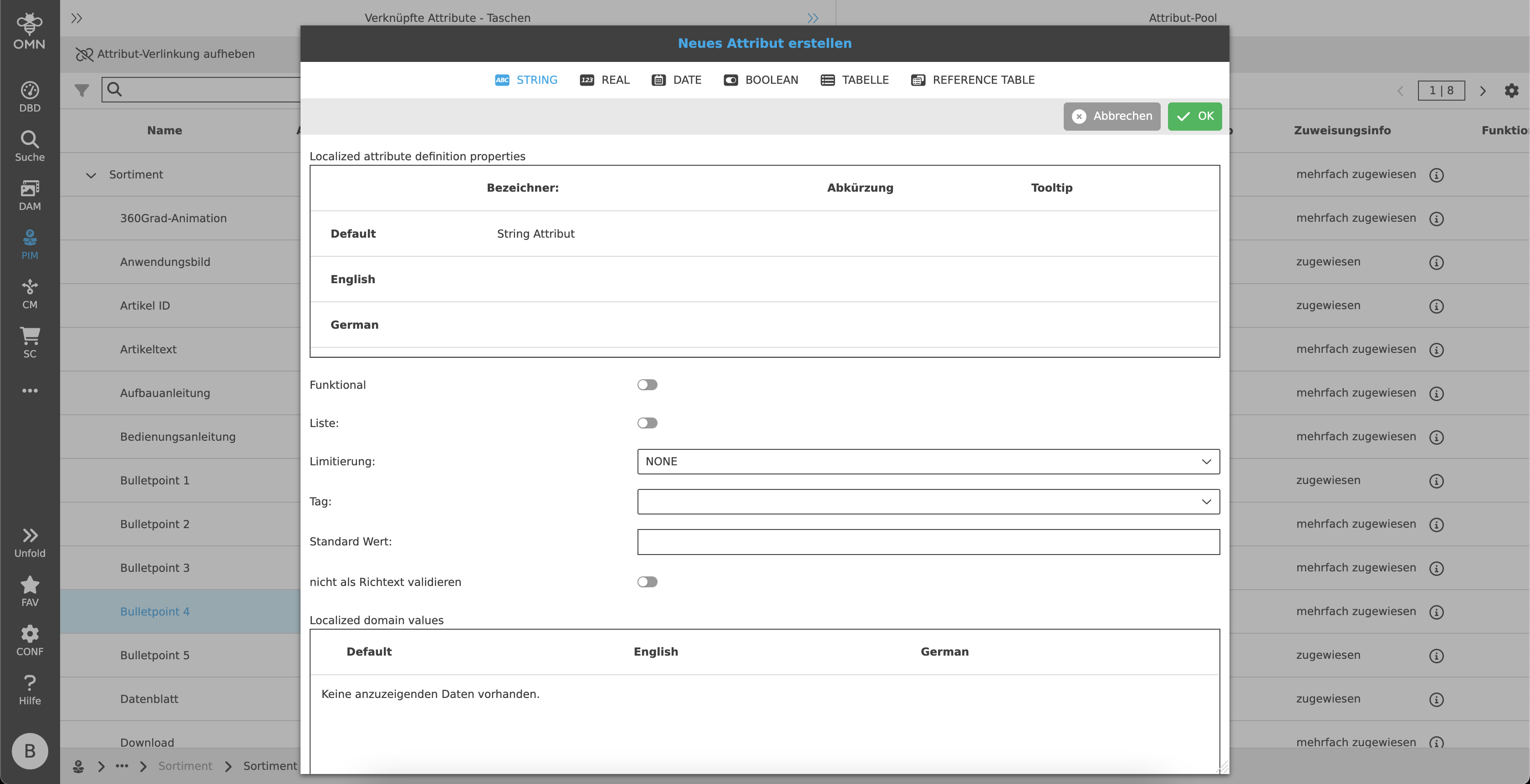
For PIM object type the following data types are supported:
String
For filling text or drop-down fields
-
Localization
-
Functional (see more details: f(x) Attributes - Technical Documentation)
-
Script if necessary
-
-
List
-
Limitation
-
Tag
-
Default value
-
do not validate as rich text
-
localized domain values
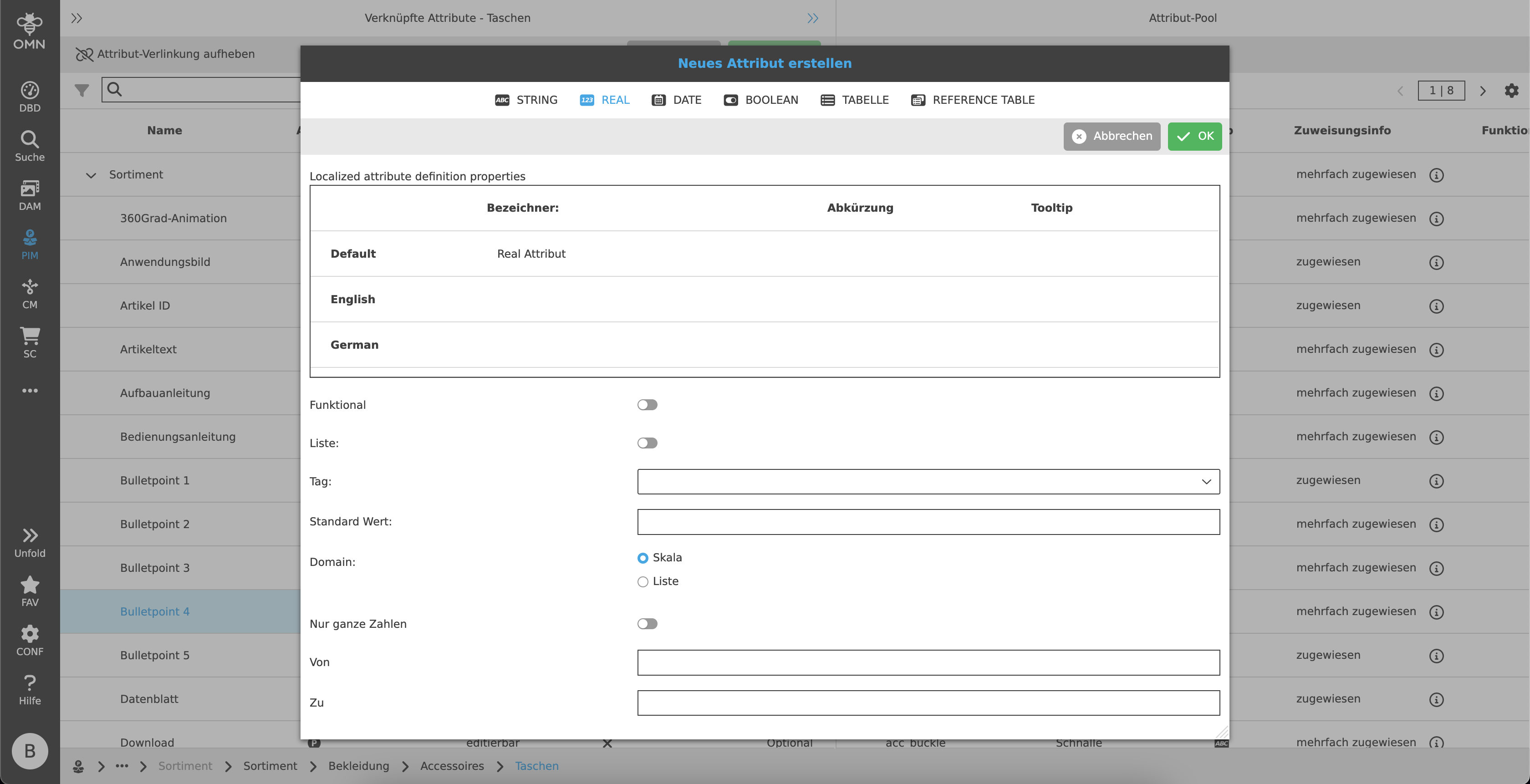
Real
For adding numerical values (integer and decimal numbers)
-
Localization
-
Functional (see more details: f(x) Attributes - Technical Documentation)
-
Script if necessary
-
-
List
-
Tag
-
Default value
-
Domain as range or list
-
Integers only
-
From / To
Date
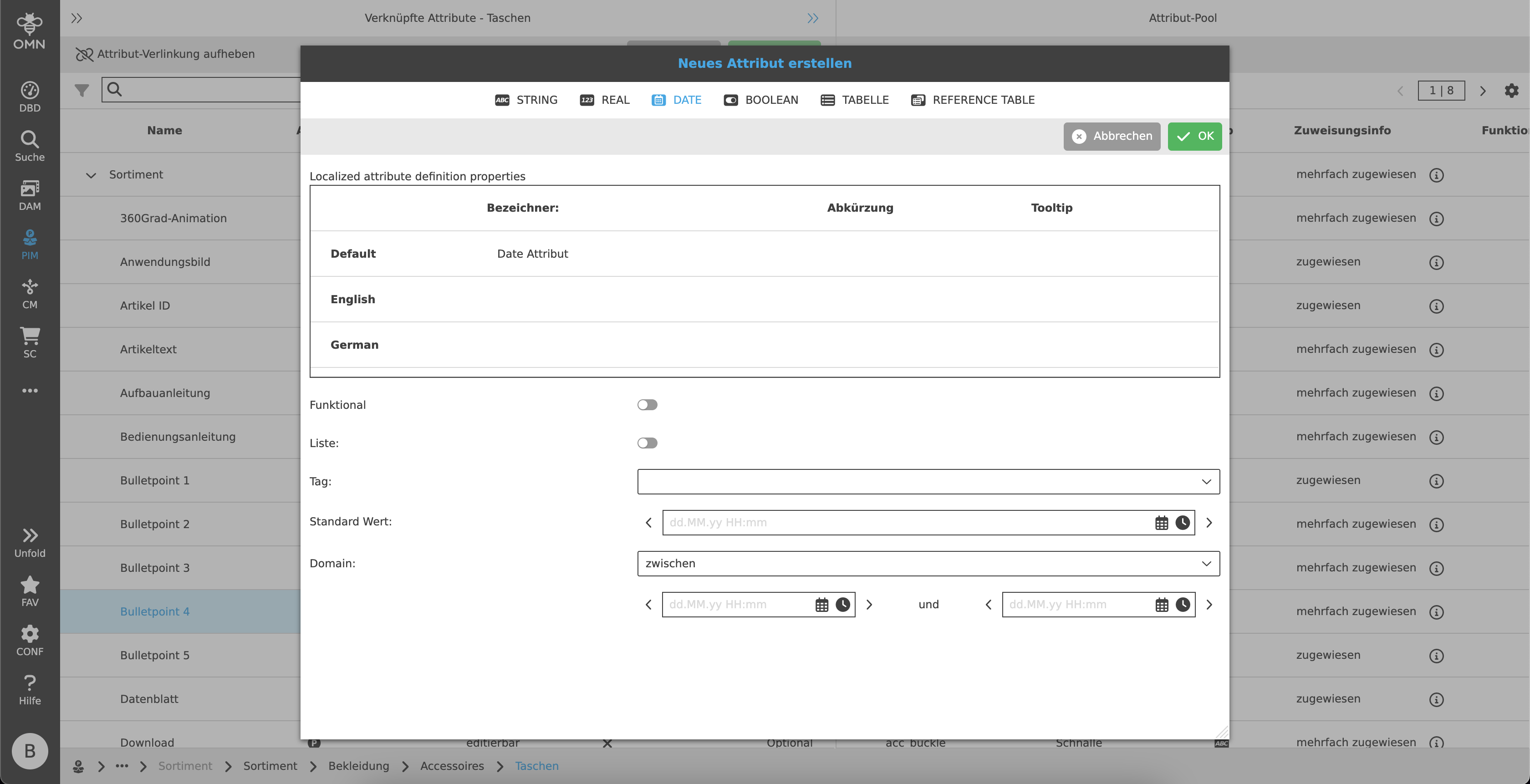
Allows to enter a date
-
Localization
-
Functional (see more details: f(x) Attributes - Technical Documentation)
-
Script if necessary
-
-
List
-
Default value
-
Domain
-
between
-
specific dates
-
Boolean
If there are only two choices, e.g. right or wrong, yes or no, with or without sleeves
-
Localization
-
Functional (see more details: f(x) Attributes - Technical Documentation)
-
Script if applicable
-
-
List
-
Default value