Process Monitor
Purpose of the Plugin
The Process Monitor Plugin gives an overview of processes executed, e.g. Download or upload processes.
All running, finished and failed processes can be set to being visible in the Process Monitor which is a Plugin which is accessible in the enduser UI when configured.
Possible Usage of the Plugin
The plugin can be used as follows:
-
Sidebar menu of the Frontend (see Sidebar configuration)
Preconditions
To configure the Process Monitor plugin, following preconditions should be given
-
Sidebar is configured
General Configuration
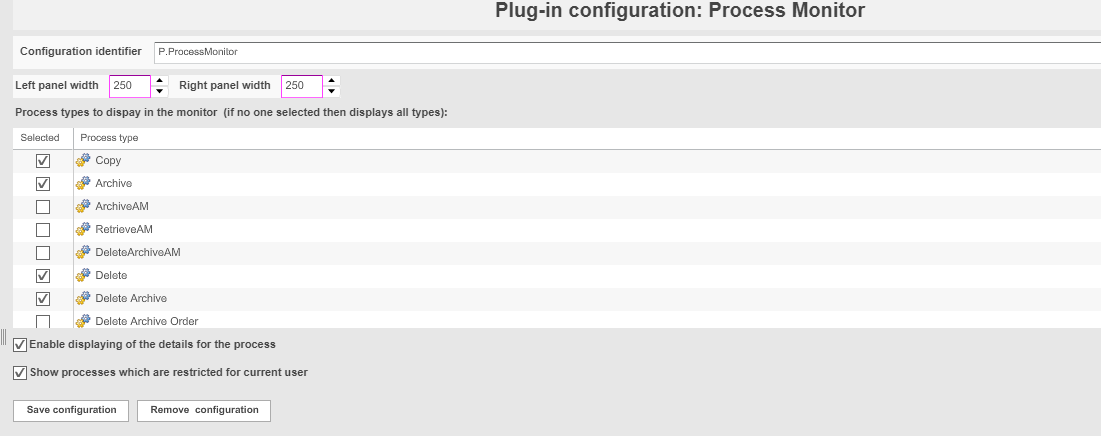
| Tab | Description | Note |
|---|---|---|
Process types to display in the monitor |
Activate all checkboxes in front of the process type which shall be visible in the Frontend. |
If no process type is selected, all types are displayed. |
Enable displaying of the details for the process |
Activate the checkbox to allow users to see the details of a process |
|
Show processes which are restricted for current user |
Activate the checkbox to hide processes from other mandators from the user. |