View
On this page it is possible to select a detail configuration for the process start modal. The detail view configuration provides additional configuration options to visualize the attributes use case confirm (via input field, via dropdown, via radio button group, etc.).
This tab is an optional enhanced configuration possibility. The workflow attributes can also be used directly in the 'Parameter definitions' tab and will be shown autogenerated with predefined visualizations for the different workflow attribute types (text, file, boolean,…).
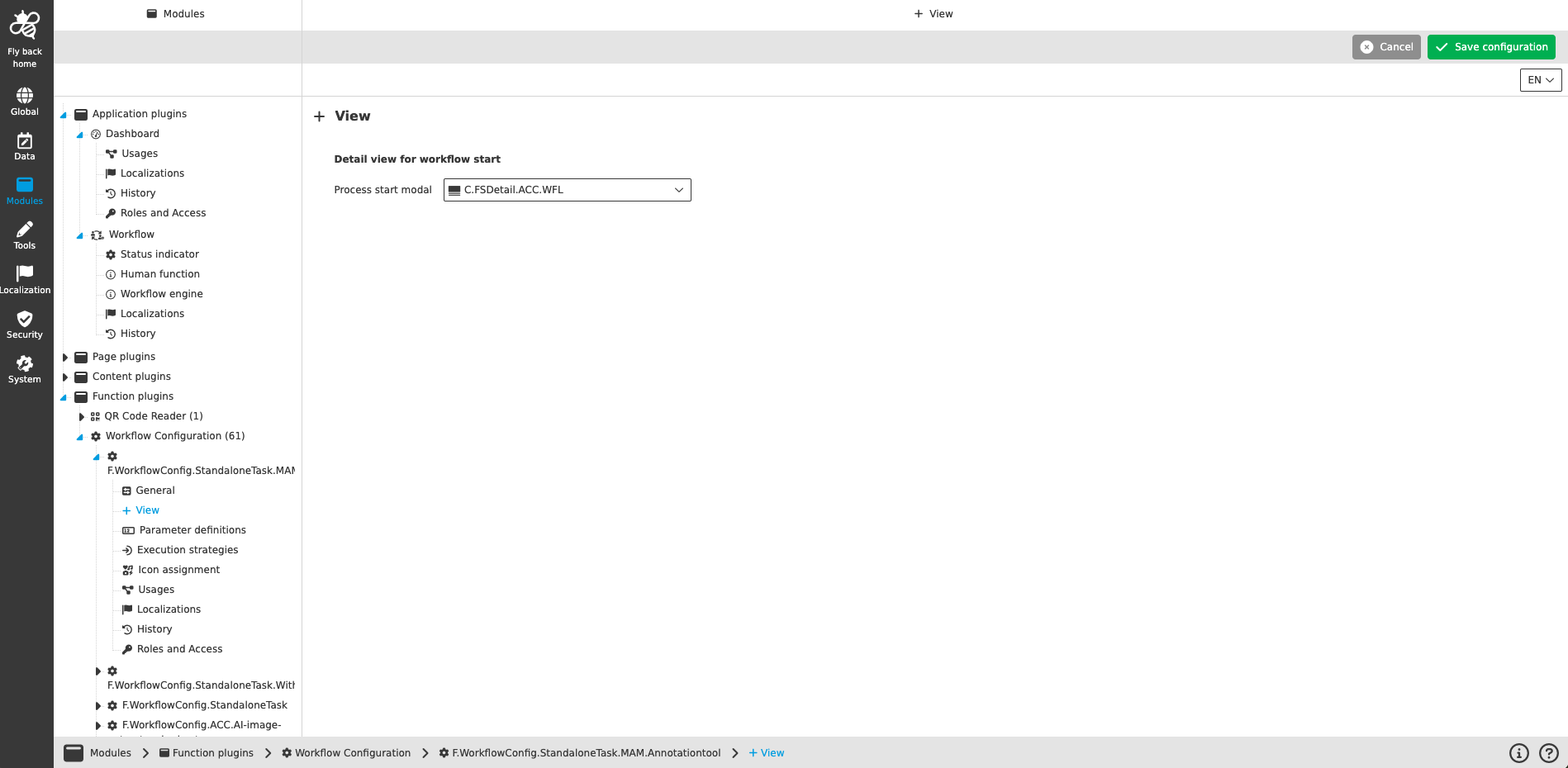
| Name of option | Description | Note |
|---|---|---|
Process start modal |
Dropdown which lists all detail views from object type Workflow. |
This configuration is optional to optimize the visualization of attributes. Within the detail view configuration it is possible to set different so called 'Information types'. This type influences the appearance of an expression / attribute. In this way a workflow attribute from type text can be configured for example one time as a label and another time as an input field. Attributes of the selected detail view are automatically loaded into the process start modal and are visible in the 'Parameter definitions' tab. |
| Detail view configuration has not been migrated to the new Configuration Client yet and needs to be done in the old Configuration Client temporarily. |