BrandManagementImageSelector Configuration
This Content plug-in is needed to display the images of a document in the Preparing client in Frontend.
| This plugin is mandatory for Preparing to function properly |
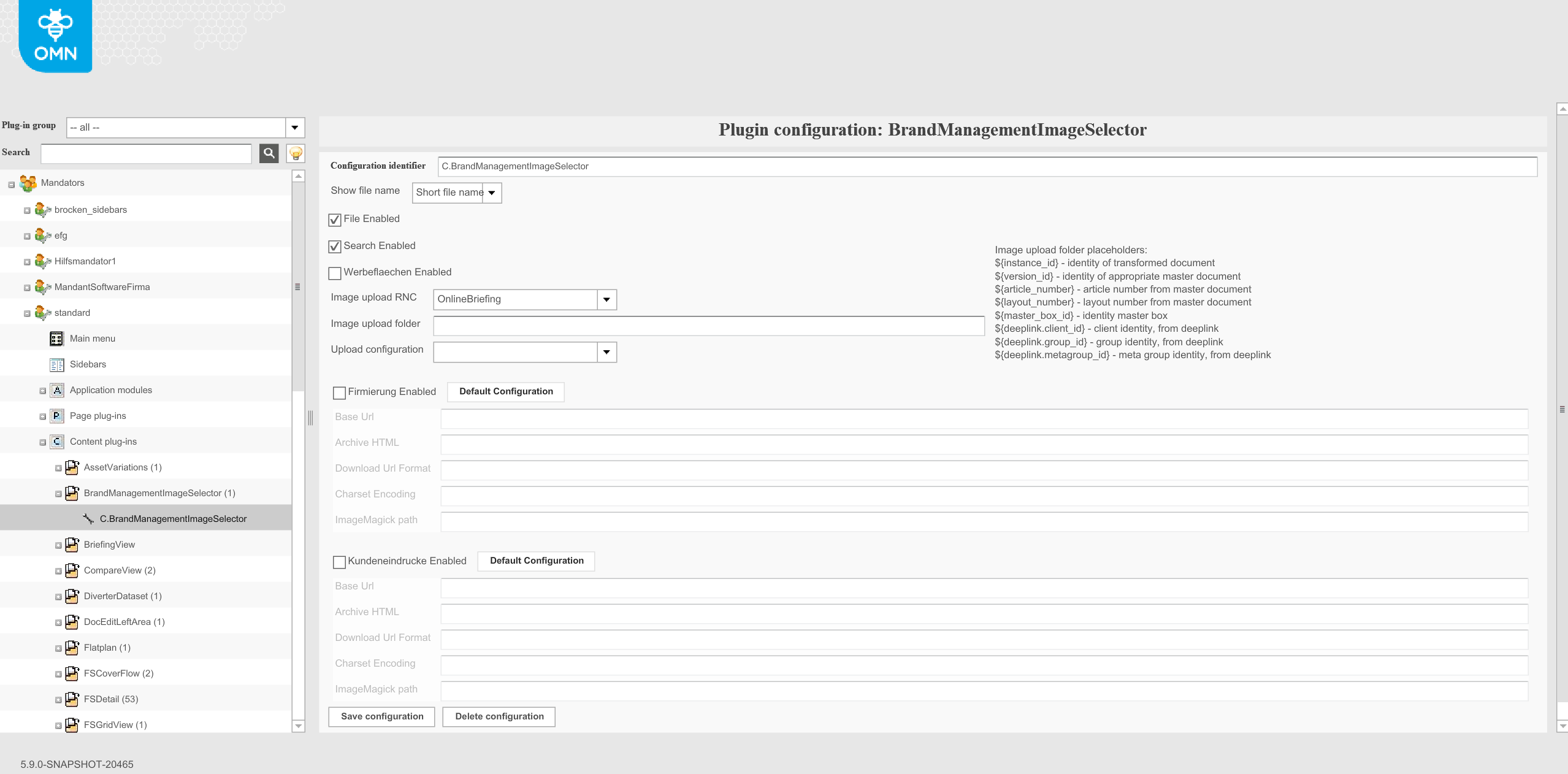
Configuration identifier: The identifier of this ImageSelector. Normally it is not required to change this value.
Show file name: is not supported on the HTML client. It is always shown as a name with an extension.
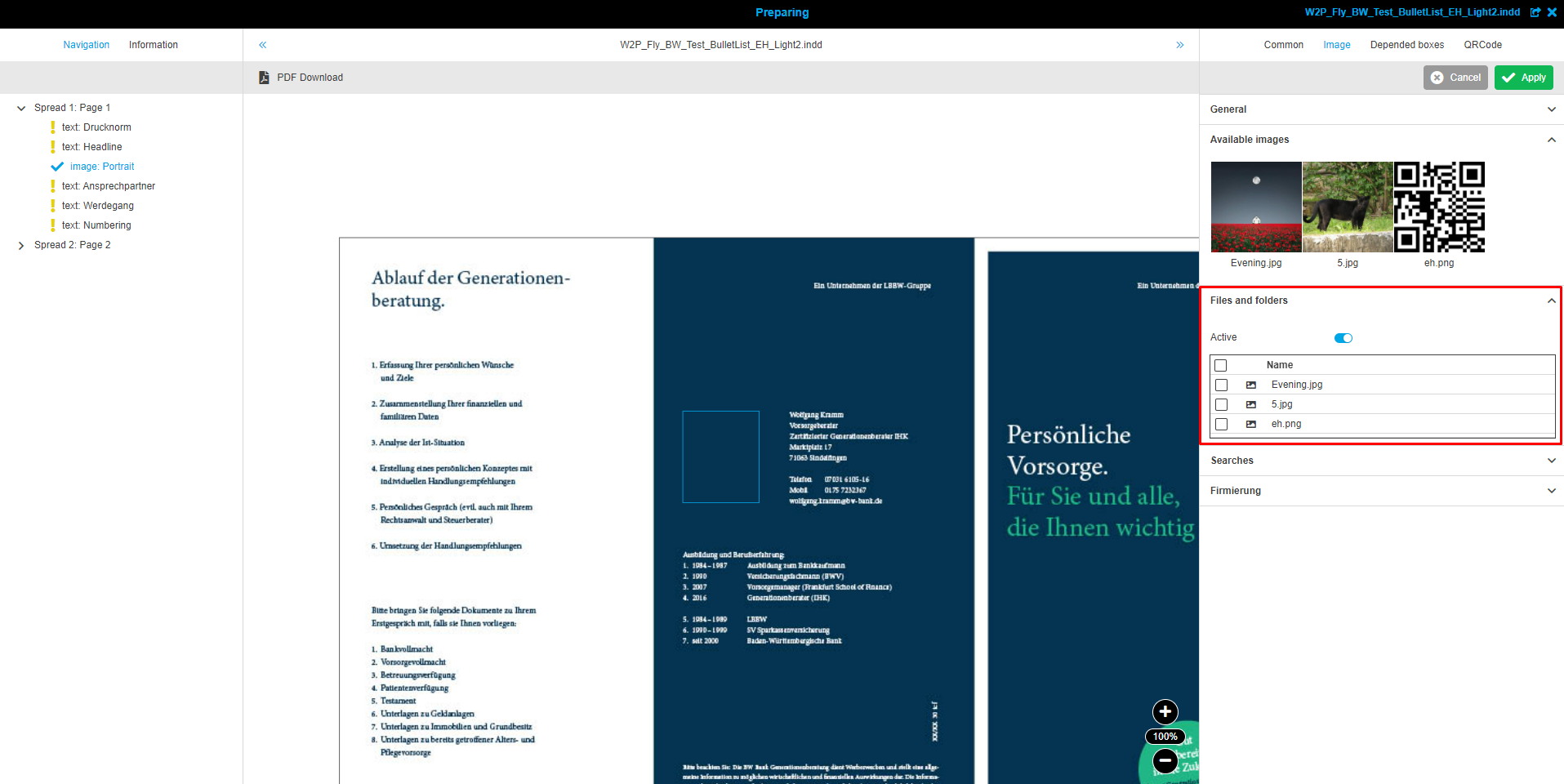
File enabled: When changing images in the Preparing client you can add images or image folders from a file system navigation to be used as possible images for an image box. Therefore, the Files and Folder panel is needed in the Frontend. Mark the checkbox to enable using images from a file system Navigation.
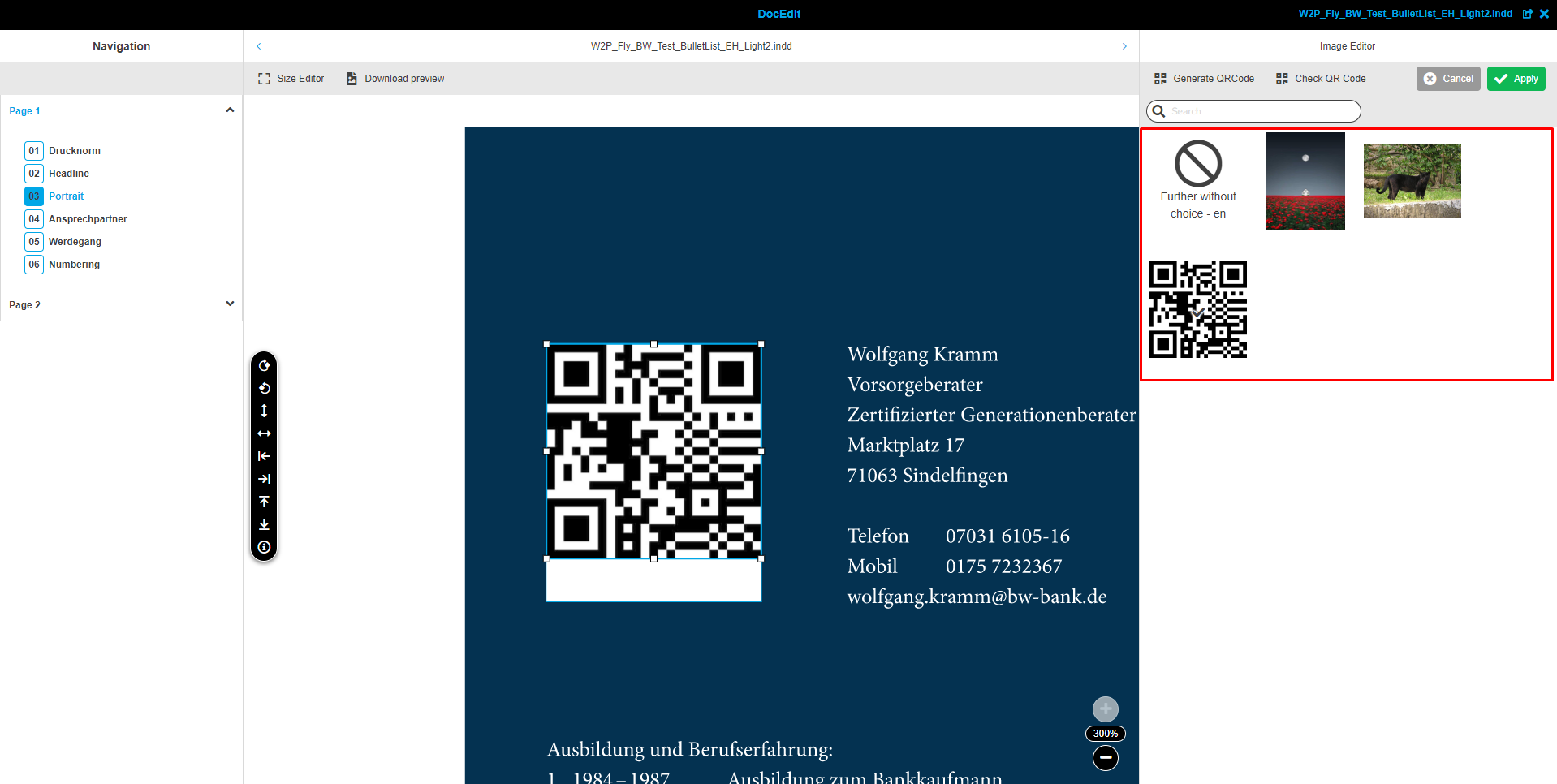
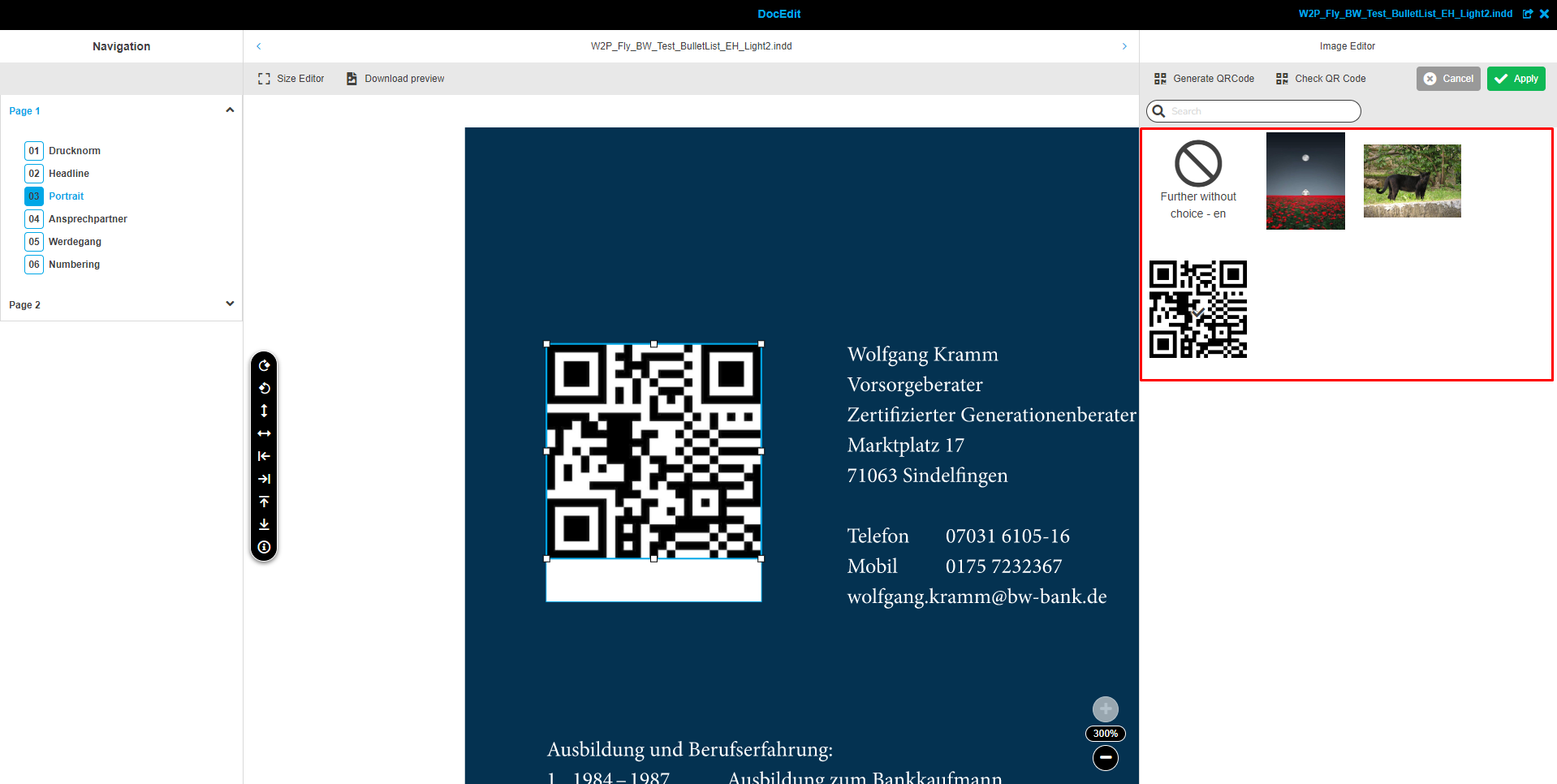
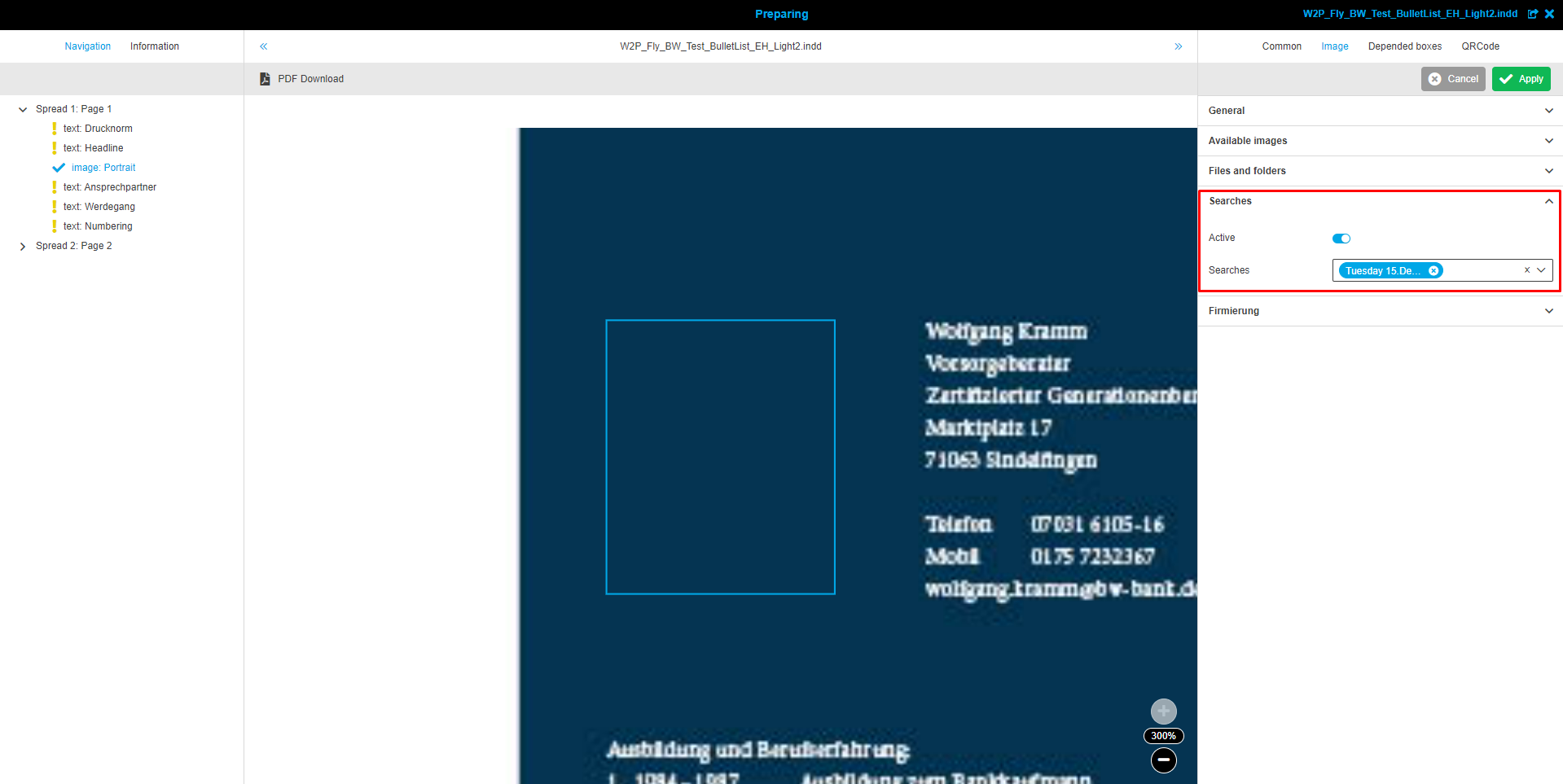
Search enabled: The preparing client allows adding possible images to an image box from the stored search results of the Advanced Search Page Plug-in. Therefore, the "Searches" panel is needed in the Frontend. Activate the checkbox to enable using images from a search result.
Werbeflaechen enabled: is not used on the HTML client-side. It is DGVerlag specific.
"Image upload" settings are necessary for uploading images in DocEdit:
-
Image upload RNC: defines the Root Node Configuration for the path that is used for the location of uploaded files.
-
Image upload folder: defines the path of the folder in which uploaded files are located.
-
Upload configuration: defines the configuration of the Upload plugin that is used for uploading in DocEdit.
Firmierung enabled: settings are used for providing custom logos from an external service. It is DGVerlag specific but HTML client-side supports it.
-
Base Url: ToDo
-
Archive HTML: ToDo
-
Download Url Format: ToDo
-
Charset Encoding: ToDo
-
ImageMagick path: ToDo
Kundeneindrucke enabled: settings are also like "Firmierung" but the HTML client-side doesn’t support it.
-
Base Url: HTML client-side doesn’t support it
-
Archive HTML: HTML client-side doesn’t support it
-
Download Url Format: HTML client-side doesn’t support it
-
Charset Encoding: HTML client-side doesn’t support it
-
ImageMagick path: HTML client-side doesn’t support it