DirectDownload (Function Plugin)
The plug-in allows downloading files as high resolution data.
-
Access the plug-in via Mandators → <Mandator name> → Function plug-ins → DirectDownload
| With this plug-in no conversion is possible. The data is downloaded as it exists on your volume. |
This is how functions look like on frontend client:
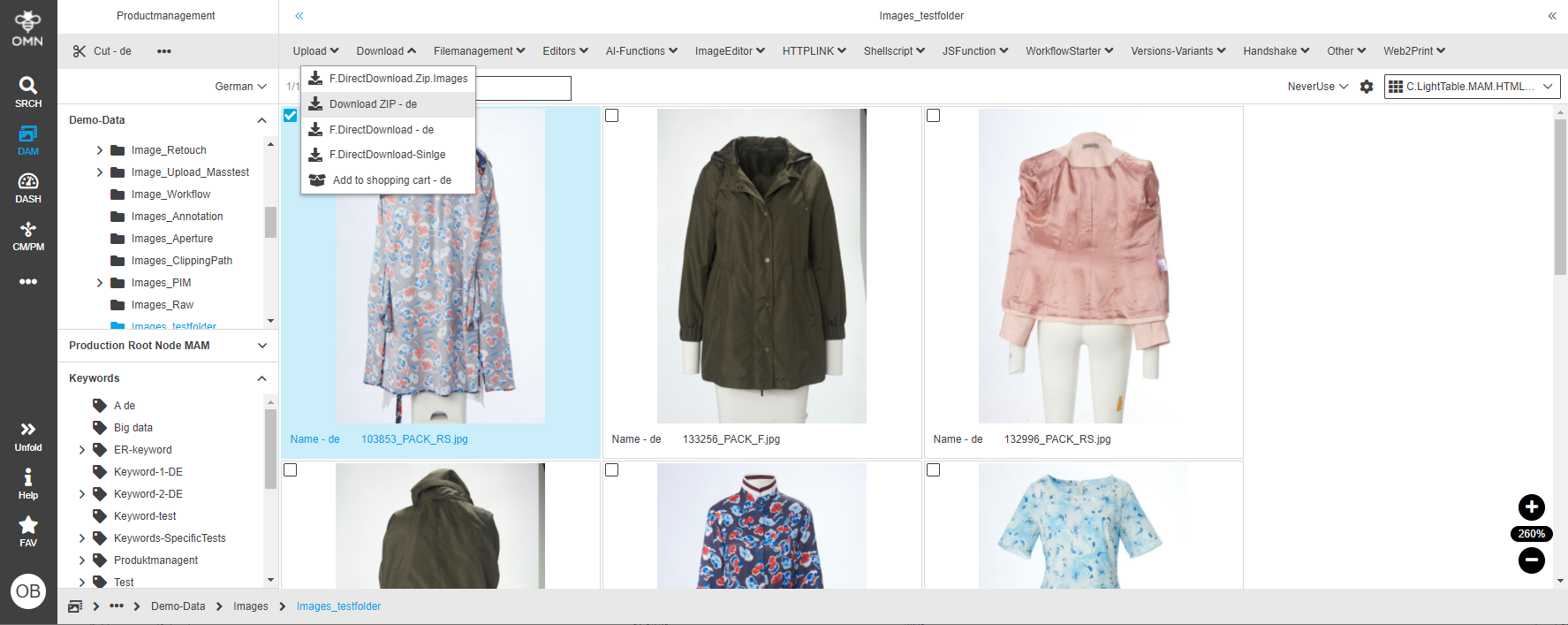
You can use the plug-in as follows:
-
Each view in navigation, search or shopping cart
Here is the example of the configuration of DirectDownload function plugin:

You can find the description of the configuration options in the table below:
| Field | Description | Notice |
|---|---|---|
Use checkout |
>> Activate the checkbox to lock downloaded files for other users until they are checked-in again |
For checking-in of files: Use an upload plugin or upload the data manually. Checkin/checkout functions can be configured in Content plug-ins, e.g. FSTable. |
Provide images in zip archive |
>> Activate the checkbox to collect downloaded images in zip archive |
|
Include missing images as text file |
>> Activate the checkbox to collect missing images in a text file |
This setting is especially for downloading Indesign layout documents where all images contained in the document should be packed into a ZIP archive (see image below the table) Note: >> only works when Indesign Document is saved with OMN Page Preview Plugin for InDesign >> Option provide images in zip archive is activated |
Enable archive creation |
||
Include Mac resource |
>> Activate the checkbox to add resource files for Mac OSX to the download |
|
Restrict file names to ASCII7 |
>> Activate the checkbox to restrict file names to ASCII code |
|
Save execution user |
For choosing a metadata field in which the name of the user who downloaded an object last (with this configuration) is saved |
|
Save execution time |
For choosing a metadata field in which the last download date of an object (downloaded with this configuration) is saved |
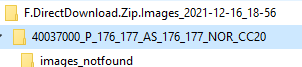
Here is the structure of a ZIP-archive when download document with images:


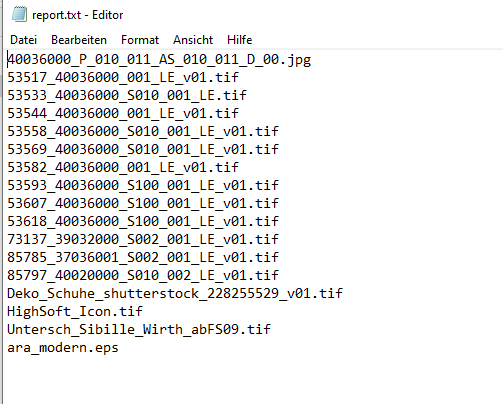
And here you can see the content of the text file with missing images of the document: