Languages
Purpose
The ‘Languages’ page is a part of the 'Mandator settings'. Here it’s possible to choose languages that will be used throughout the whole application.
General configuration
This is how the configuration looks like:
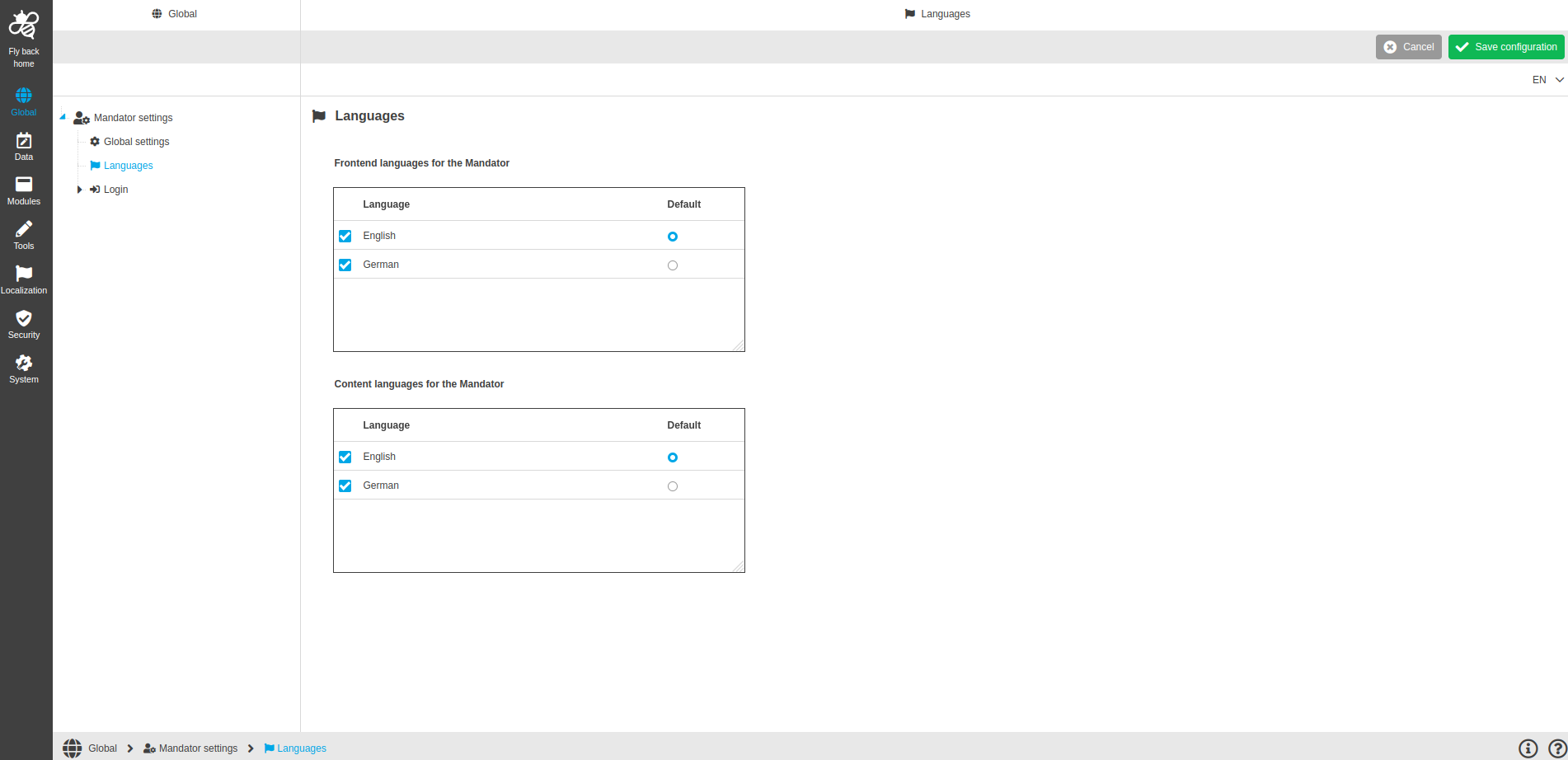
Image 1 Languages page configuration
Language page is divided into two sections:
Name of section |
Description |
Frontend languages |
The languages activated here can be selected by the user as system languages in the user settings (Interface language: e.g. buttons name, views name, Sidebar items, etc.). |
Content languages |
The languages activated here can be selected by the user in the user settings as content languages (e.g. display of values within tables). |
Configuration instructions
Frontend languages for the Mandator
-
Activate languages from the list
-
The list shows all the languages that have been created in ConfigClient → Administration → Languages
-
-
Select default language
-
Selected languages in the ‘Default’ column will be selected by default in the User settings → General settings
-
By default, the first language in the list is selected as default one
-
Only one default language can be selected
-
Content languages for the Mandator
-
Activate languages from the list
-
The list shows all the languages that have been created in ConfigClient → Administration → Languages
-
-
Select default language
-
Selected languages in the ‘Default’ column will be selected by default in the User settings → General settings
-
By default, the first language in the list is selected as default one
-
Only one default language can be selected
-
Appearance in the frontend
Language page in the frontend can be found here.