Generic Configuration overview
Purpose
The ‘Generic Configuration overview’ is a part of the 'Generic Configuration' section. Here it’s possible to overview of all created collections, groups, and key-value definitions of the generic configuration. This configuration allows to search, filter, and sort elements to find specific configurations and jump to them.
General configuration
This is how the configuration looks like:
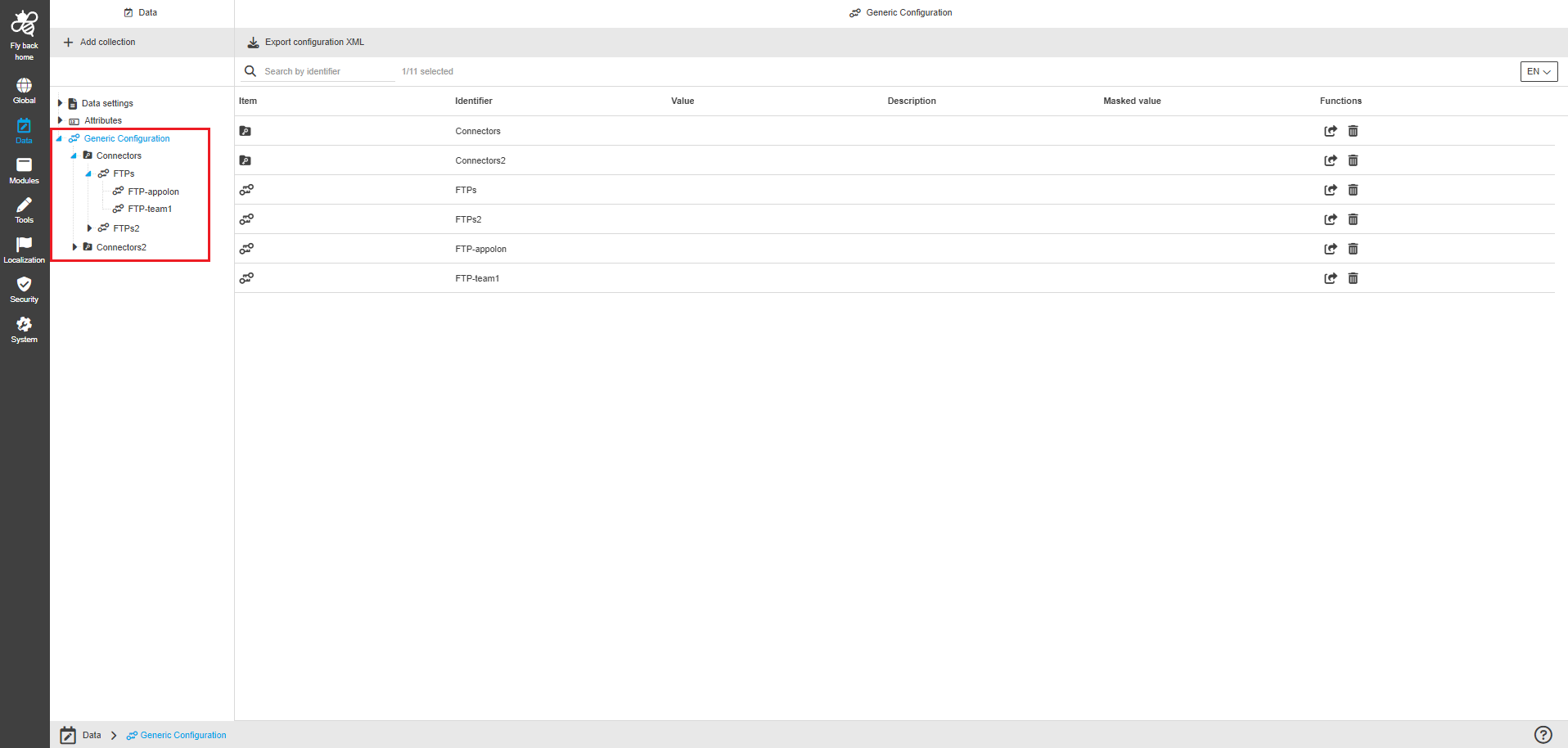
The General configuration page contains the table with the following columns:
| Column name | Description | Note |
|---|---|---|
Item |
The column shows the the icon for the related generic config 'level':
|
|
Identifier |
The column shows the configured identifier of the collection, group, subgroup, key-value definition. |
|
Value |
The column shows the values of the key-value definitions:
|
The column is empty for groups, subgroups and collections. |
Description |
The column shows the description (is optional) for collections, groups, subgroups and key-value definitions, which can be maintained in related configurations. |
The column is empty for groups, subgroups and collections. |
Masked value |
The column shows if the key-value definition is configured as masked or not (masked means that the value is shown with asterisks (*). |
|
Functions |
The next functions are available:
|
| Search in Generic Configuration is done in the same way throughout the whole Configuration Client. The details on this common concept can be found here. |