Management of the mandator
The mandator settings are available in the 'Data' section of the configuration.
The view allows to export the mandator and the mandator settings.
| In the current implementation of mandator settings only one system-created mandator is available. |
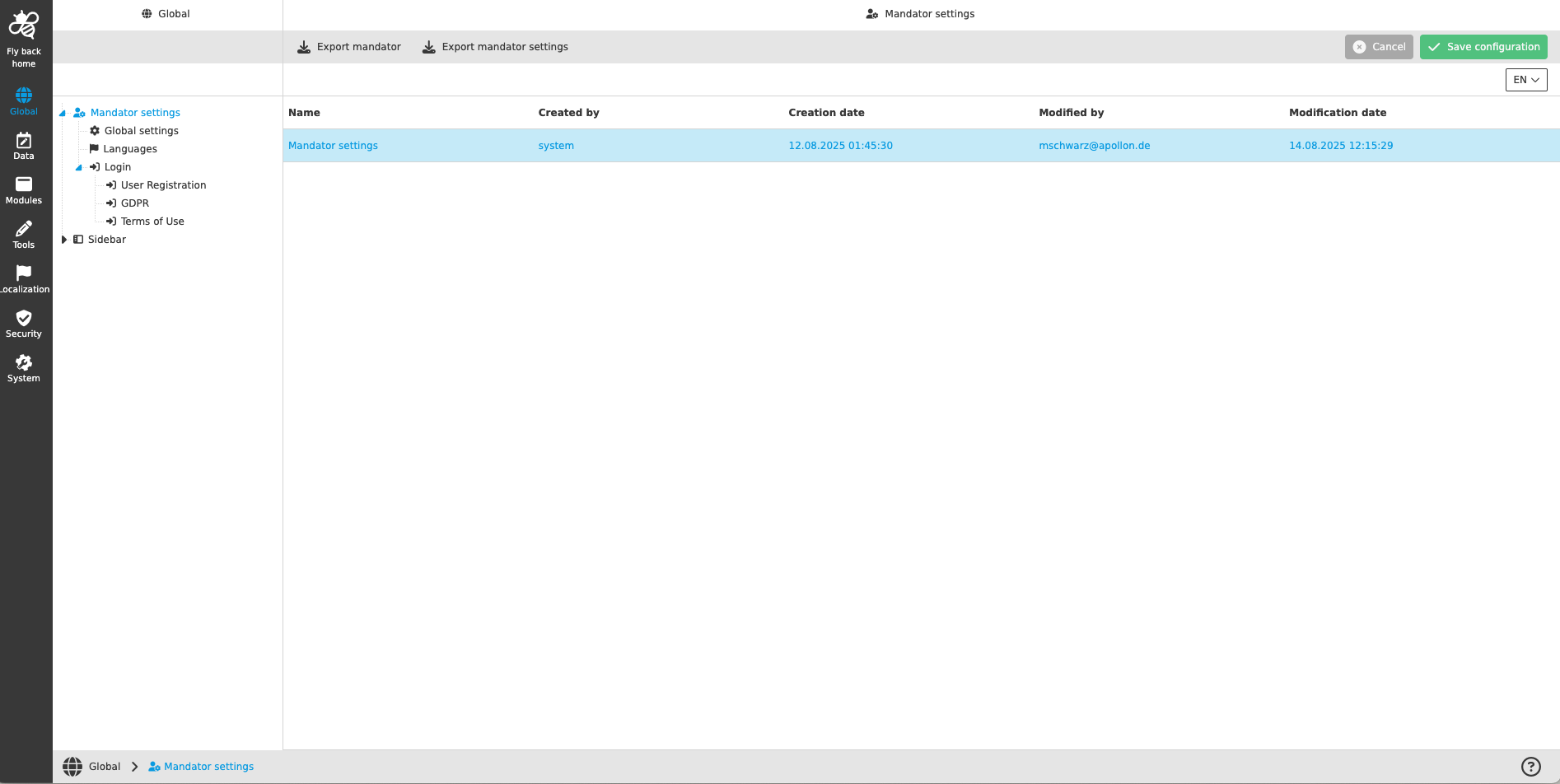
Overview of mandator settings page
When the user selects the 'Data' symbol in the sidebar and clicks on 'Mandator settings', the overview of mandator settings is shown in the center view.
The table lists the following information:
| Column name | Description | Note |
|---|---|---|
Name |
Name of the item shown in the table |
In the current implementation, 'Mandator settings' is always displayed here |
Created by |
Name of the user/system who created the instance |
In the current implementation, 'system' is always displayed here |
Creation date |
Date when the mandator was created |
|
Modified by |
Name of the user who modified the Mandator settings last time |
Shows the user name in case a user has made the latest change; if there are no changes done yet, 'system' is shown |
Modification date |
Date when the last modification in the 'Mandator settings' has been made |
The following functions are available on the page:
| Function name | Description | Note |
|---|---|---|
Export mandator |
For exporting the complete mandator as an XML file |
see 'Export mandator' |
Export mandator settings |
For exporting the Mandator settings as an XML file |
see 'Export mandator settings' |
Update mandator settings |
For updating the Mandator settings by uploading the XML file |
will be supported in later version… |
Export mandator
The function ‘Export mandator’ is available in the toolbar in the table. With this function it is possible to download the mandator as XML file.
-
Select the 'Mandator settings' in the tree in the left view to see the ‘Mandator settings’ table
-
Click 'Export mandator'
-
The start of the download will be confirmed with a toast message
| The download of the XML file will be started automatically. |
Export mandator settings
The function ‘Export mandator settings’ is available in the toolbar in the table. With this function it is possible to download the mandator settings as XML file.
-
Select the 'Mandator settings' in the tree in the left view to see the ‘Mandator settings’ table
-
Click 'Export mandator settings'
-
The start of the download will be confirmed with a toast message
| The download of the XML file will be started automatically. In later version it will be possible to upload the updated mandator settings XML directly in the UI. |