Channel Annotation View
Purpose
The Channel Annotation View is a content plugin for displaying all existing annotations of a channel.
Possible Usage of the plugin
Channel Annotation View plugin can be used in DAM Navigation page plugin.
Supported plugins
The Channel Annotation View plugin supports the following plugin via functions configuration:
-
DAM Navigation page plugin (via 'Show in Navigation' function)
Preconditions
The following configurations need to be done before using the Channel Annotation View:
-
A Channel Navigation page plugin needs to be configured to show the CM structure in the client
-
The Content View needs to be configured within the Channel Views for a certain Channel Type (can be found under Application plugins)
| Both configurations are currently not yet provided in the new HTML5 Config Client and must therefore be made in the old configuration. The structure of the Channel Management may change in the new configuration. |
General configuration
The configuration of Channel Annotation View includes the following parts:
| Tab name | Description | Note |
|---|---|---|
Functions |
On this page the user can configure functions for the Channel Annotation View to use them in the UI. |
See more details "Functions" |
Icon assignment |
On this page the user can assign an icon for the Channel Annotation View plugin to visualize the function buttons appearing in the Frontend. |
See more details here. |
Usages |
On this page the user can see the relations of the Channel Annotation View plugin to other plugins. |
Content coming soon… |
Localization |
On this page the user can localize their own Channel Annotation View plugin to see desired terms in the UI of Channel Annotation. |
See more details Localization tab of the plugin instances |
History |
On this page the user can overview all modifications made in the Channel Annotation View and have an initial state available as a file to understand who, when and what changed within the configuration. |
See more details here. |
Permissions |
On this page the user can restrict the access to the plugin for certain roles. |
Content coming soon… |
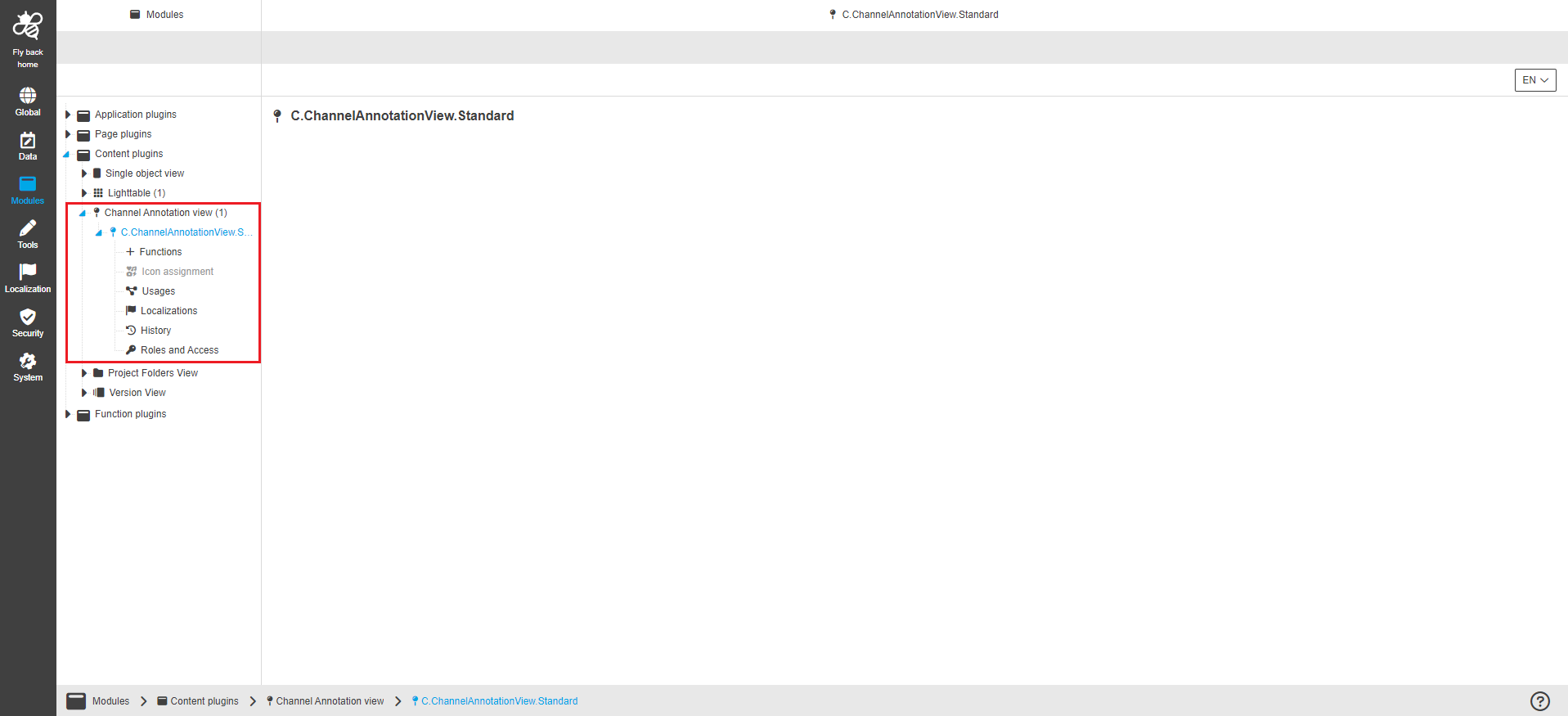
| Management of the plugin instances is done in the same way throughout the whole Configuration Client. The details on this common concept can be found here. |
Appearance in the frontend
All details of the Channel Annotation View plugin in the frontend can be found here.