How to configure Logos and Wallpapers
Introduction
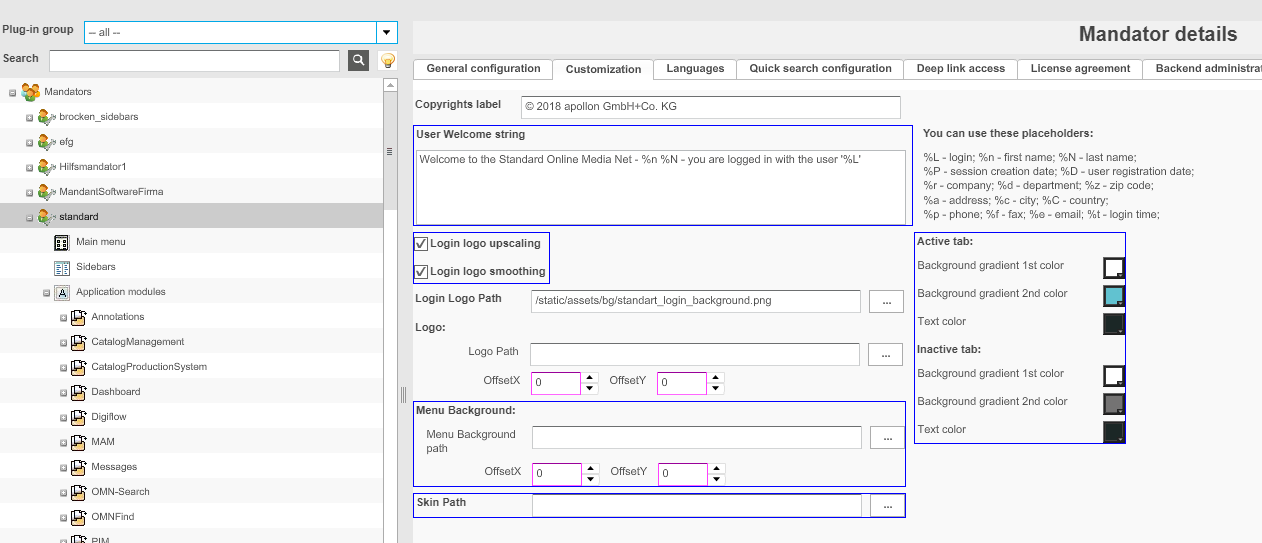
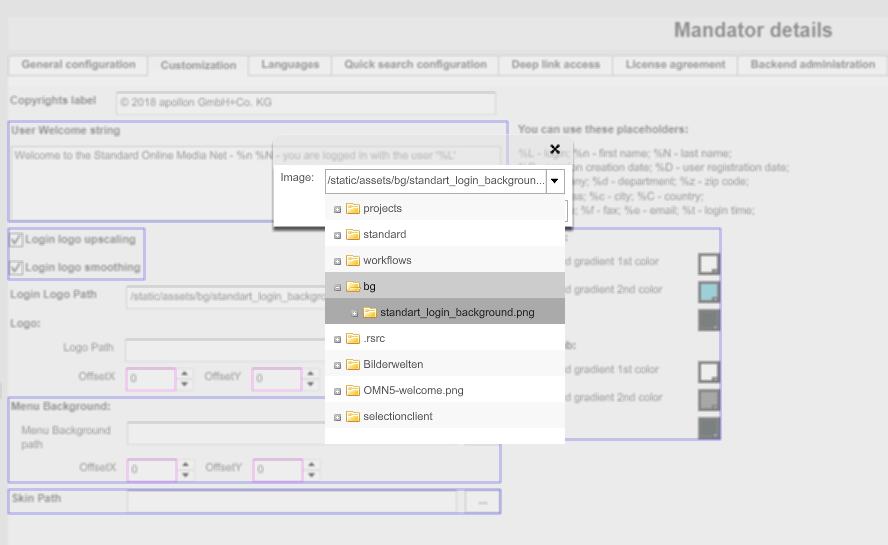
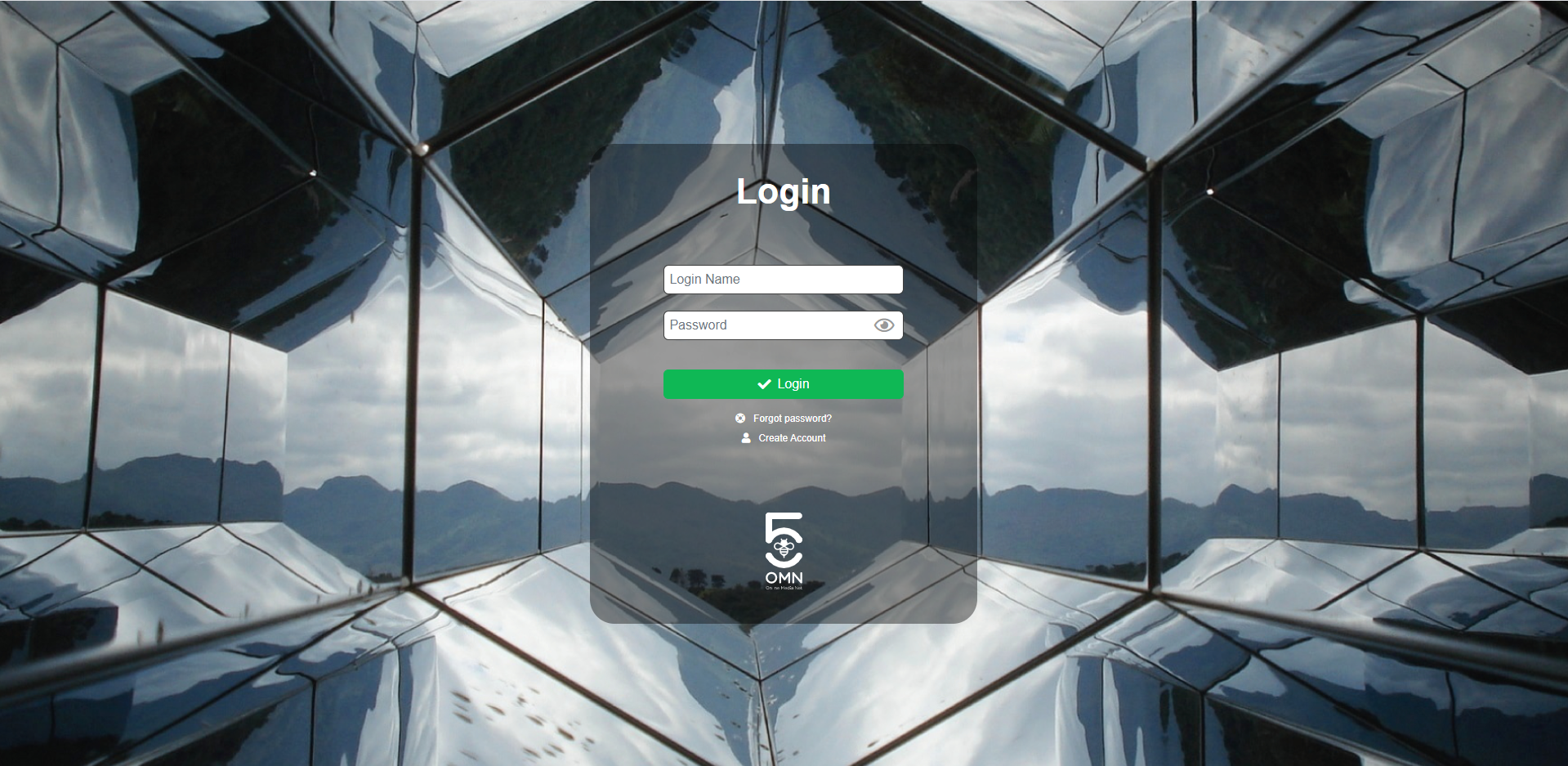
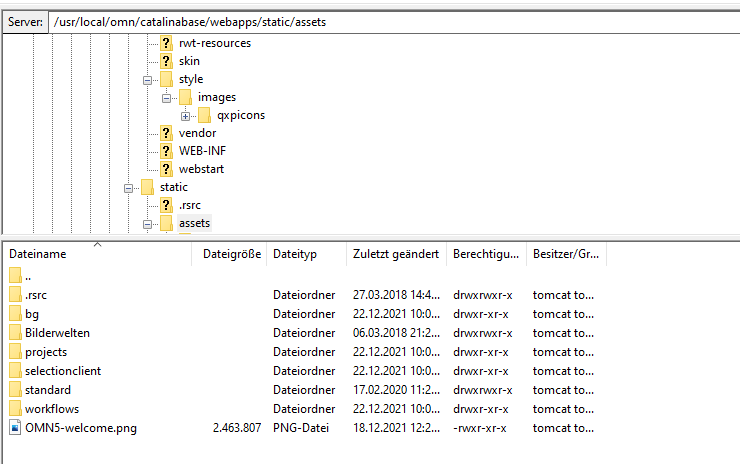
This how-to shows how to configure Logos and Wallpapers and where you can find and add new ones.
Logos
Config Guide
| For practical purposes a FSDetail will be used as an example. |
-
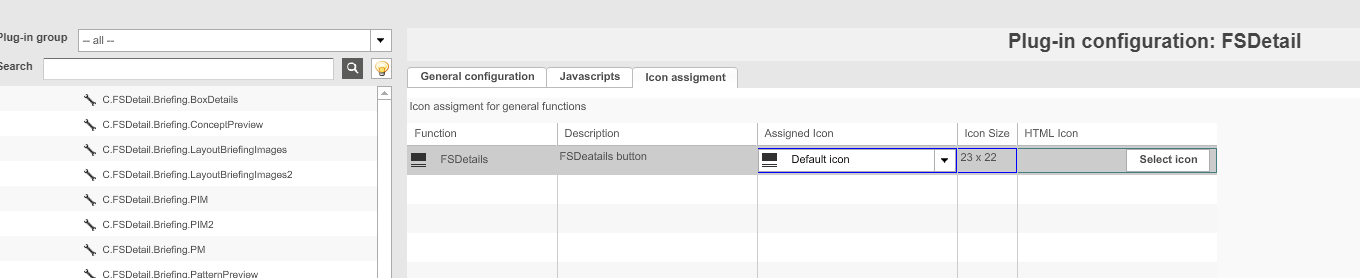
Open FSDetail
-
Change to Icon assignment tab
-
The assigned Icon is for the Flex Client only and can be ignored
-
Click on the button "Select icon" for the HTML Icon
-
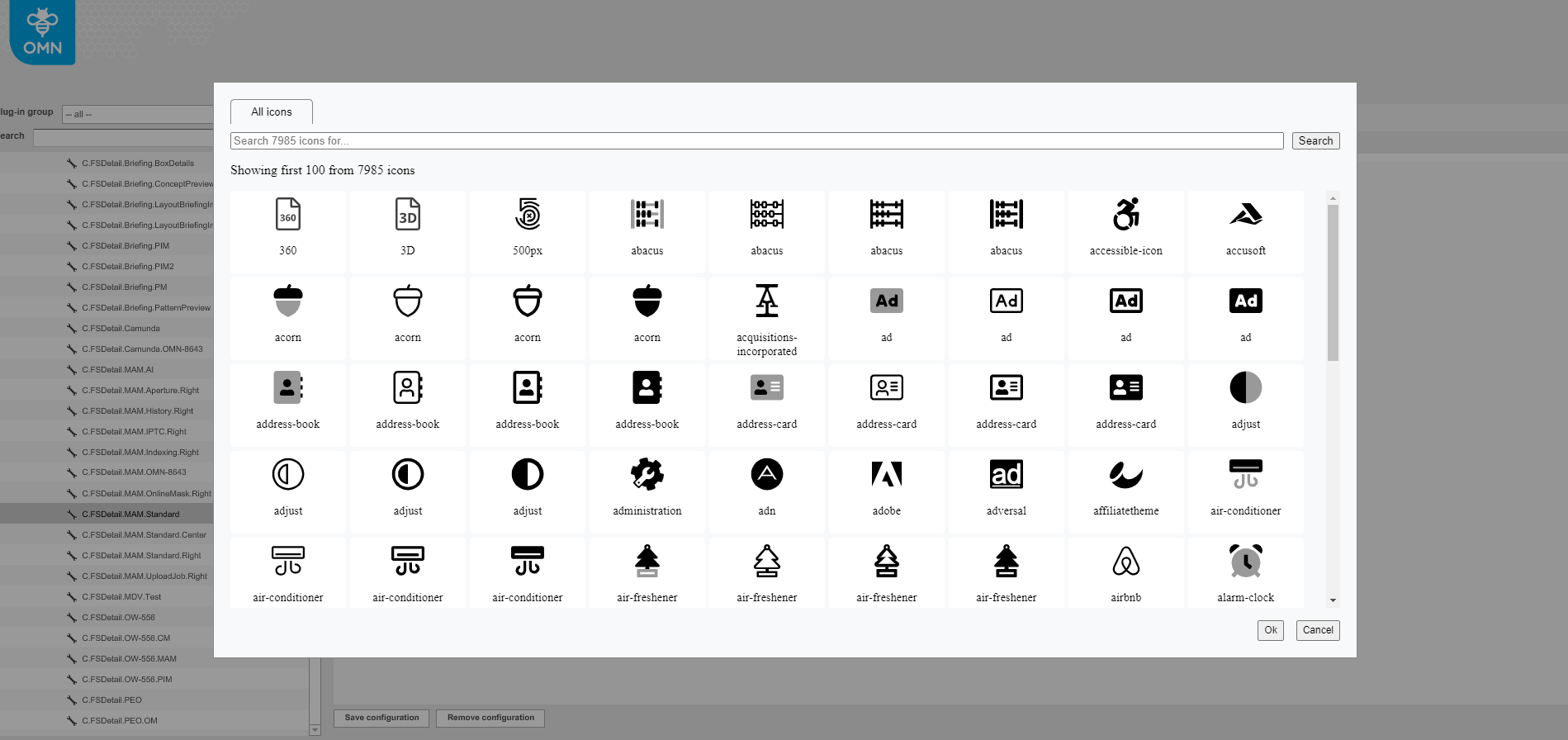
A modal window should open and you can search for specific logos
-
Choose a logo and save
-
The frontend should look like this now. The logos are displayed on the top right side.