Tools
This page provides the possibility to define which tools for different annotation types should be available in the floating toolbar of Annotation Tool.
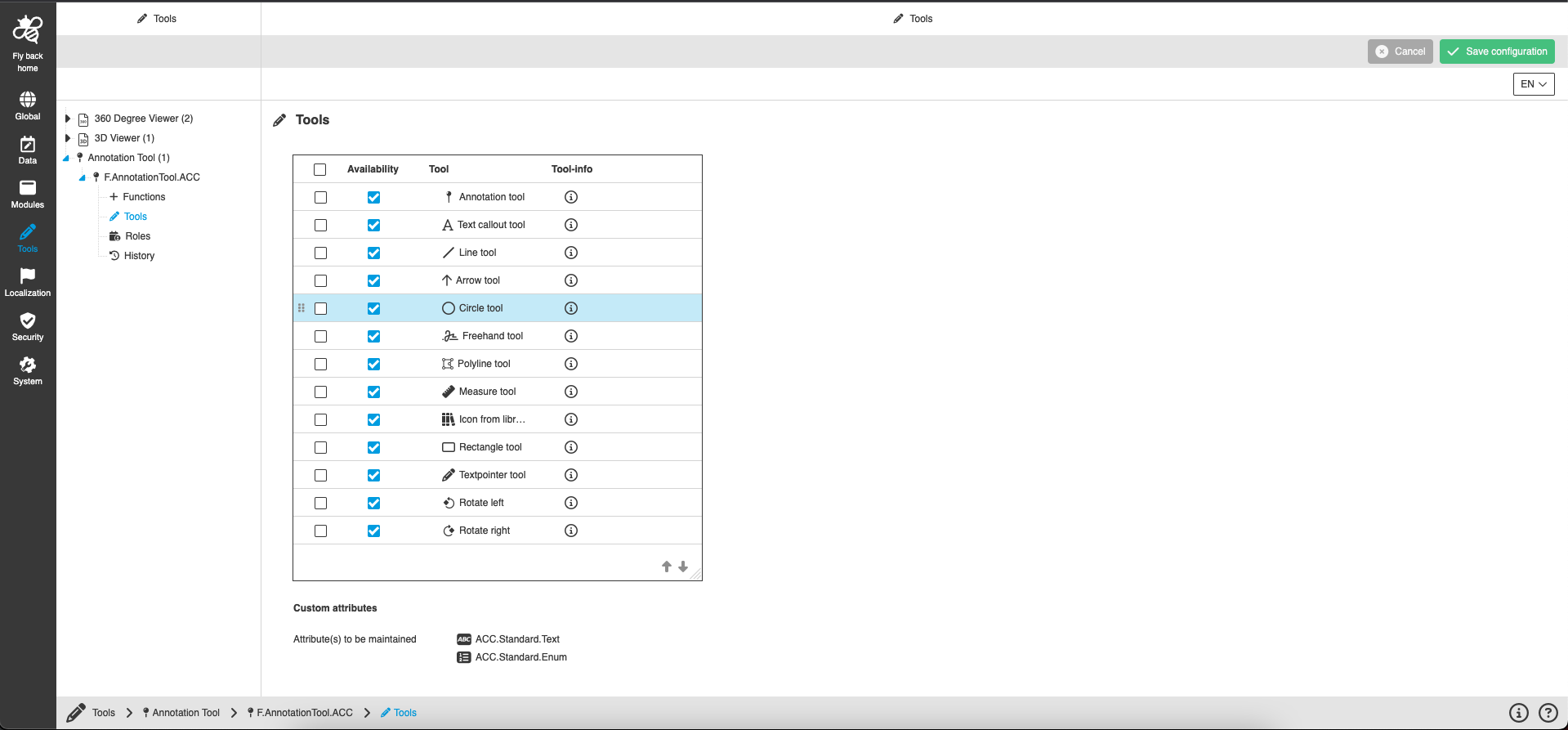
Here you can see two sections with settings:
Tool availability table
The Tool availability table provides the possibility to activate tools for the Annotation Tool.
| Name of option | Description | Note |
|---|---|---|
Availability |
The column contains checkbox:
|
|
Tool |
All configurable tools are listed:
|
Availability checkbox is always checked and disabled for these tools:
|
Tool-info |
Сolumn contains the info icon for every tool. |
|
The table contains buttons to move selected tool up or down. The vertical order of tools represents the order of tools in the UI. |
Custom attributes
This section lists the configured attributes for the Annotation Tool. The custom attributes can be maintained for each made annotation in the comment view.
Appearance in the frontend
All details of the Annotation Tool in the frontend can be found here.