Groups
The page provides the possibility to create and maintain groups for the OMN system and see at a glance if they are assigned to users and roles.
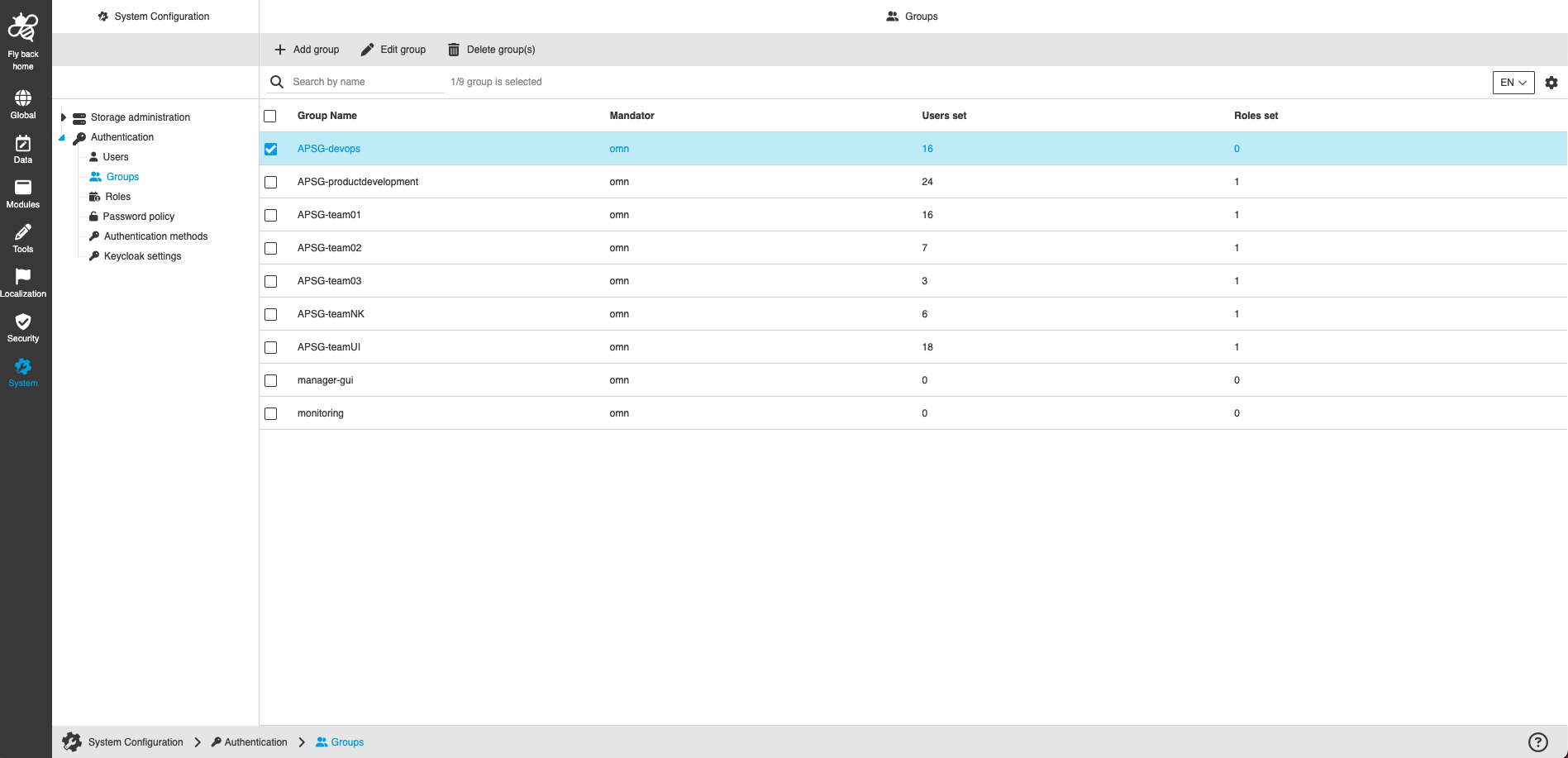
The page contains:
-
the following functions:
| Function name | Description | Note |
|---|---|---|
Add group |
Function creates a new group |
See 'Add group' |
Edit group |
Function edits created group |
See 'Edit group' |
Delete group(s) |
Function deletes selected groups |
See 'Delete group(s)' |
-
the table with the following columns and information about groups:
| Column name | Description | Note |
|---|---|---|
Group Name |
Shows the configured name of the group |
The field must be maintained when the group is created |
Mandator |
Shows in which mandator the group is available |
Only the OMN mandator is currently available here |
Users set |
Shows the amount of users the group is assigned to |
|
Roles set |
Shows the amount of roles the group is assigned to |
Add group
-
Click 'Add group' function
-
Enter group details in the modal and fill in all mandatory fields
-
Click on the 'Add group' button
|