WFLStatus page plugin

Settings:

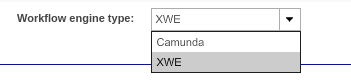
Workflow engine type setting:
wflenginetypesetting

Workflow engine type setting for WorkflowStatus, WorkflowToDoList, ProjectWorkflowsView plugins. Which makes it possible to choose the workflow engine type ('Camunda' or 'XWE').

For creating a plugin to support XWE engine, select XWE.
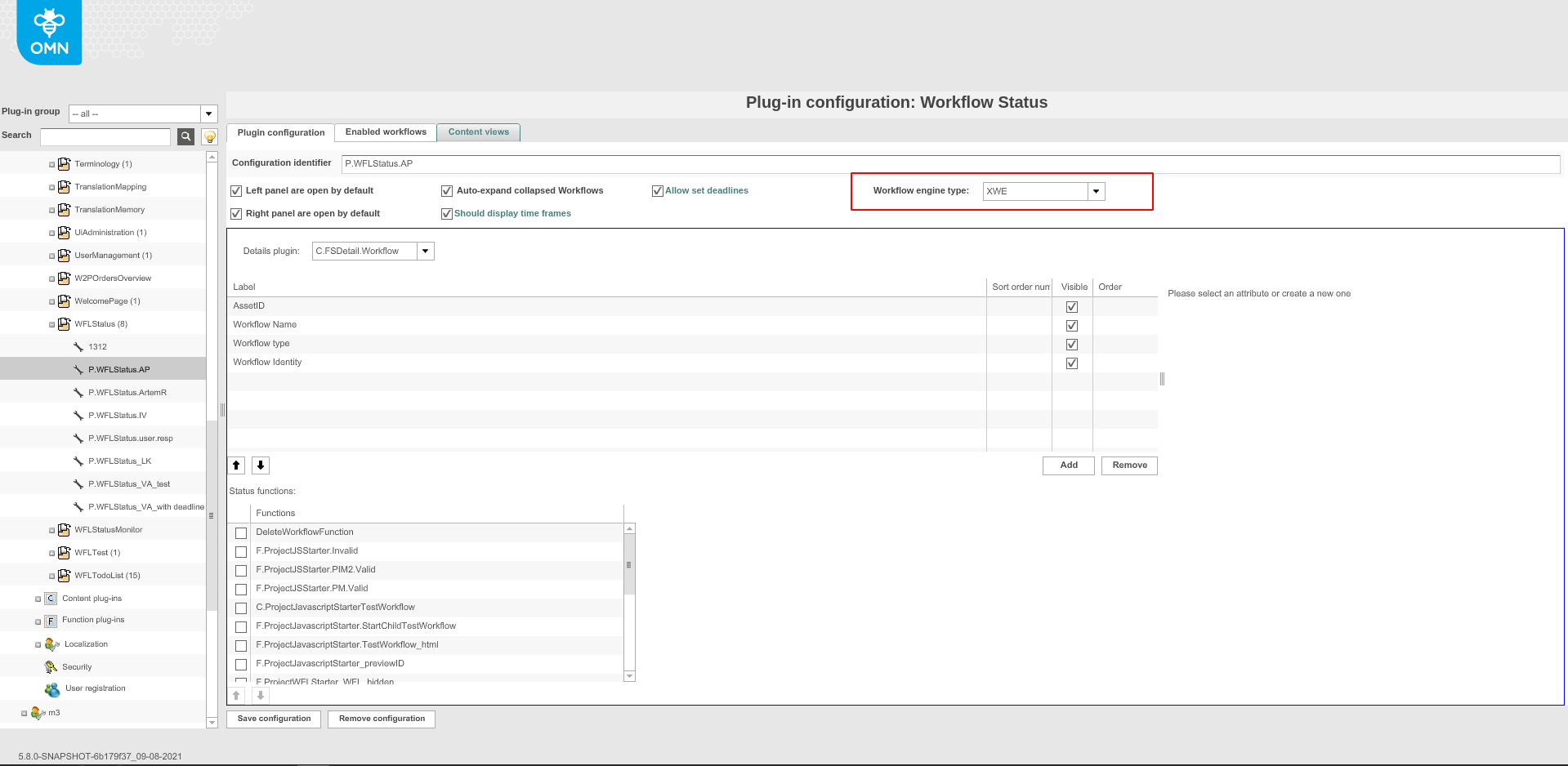
wflenginedropdown

For creating a plugin to support Camunda engine, select Camunda.
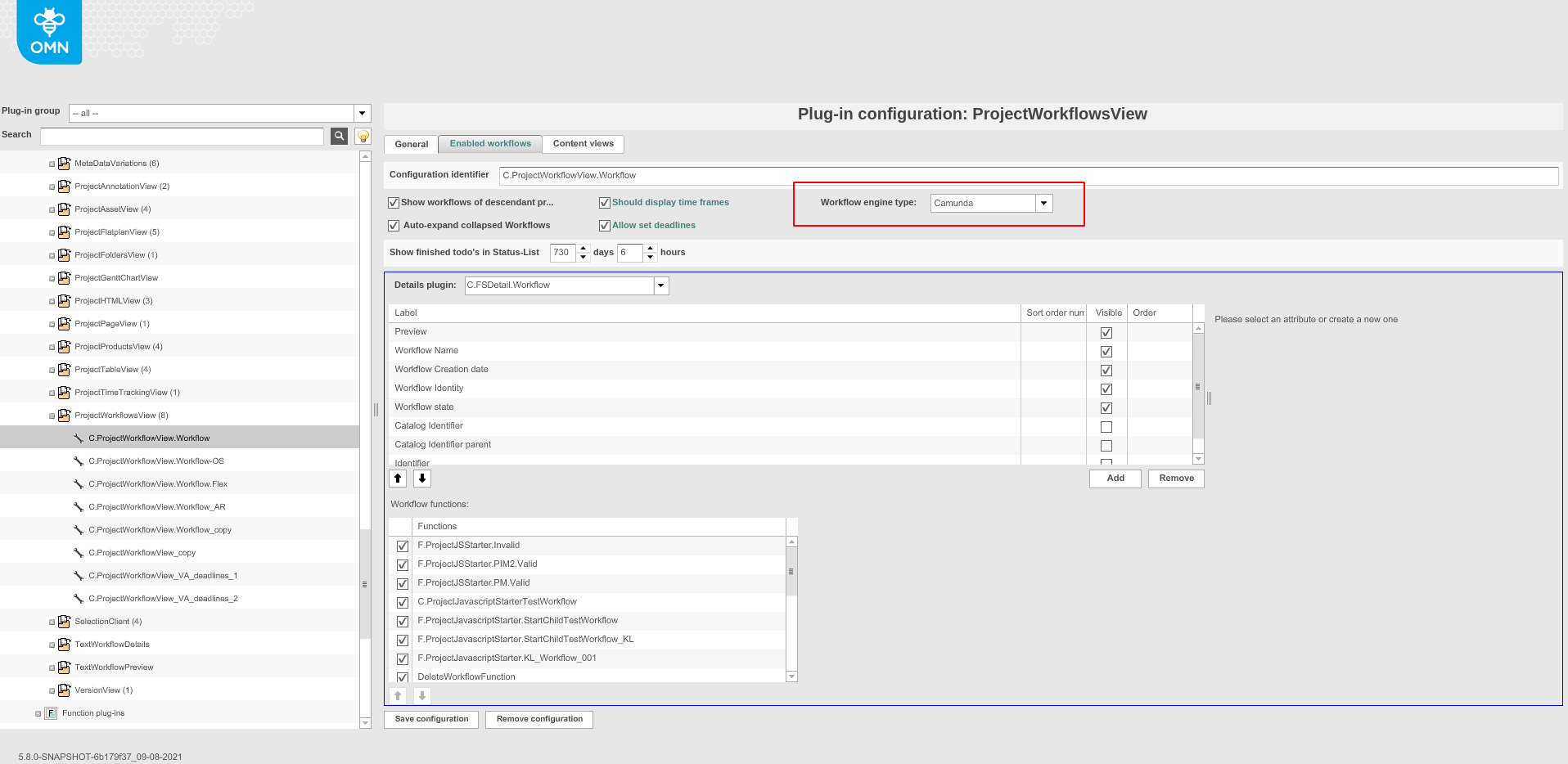
camundadropdown

The default value is 'XWE'.

Need to be careful when adding contentViews, because XWE engine type support com.meylemueller.workflow.persistence.ProcessEntity for object type.

processentitytype

But Camunda engine type support com.meylemueller.workflow.engine.camunda.expressions.Task for object type.

camundaobjecttype

Enabled workflow must match the selected engine type.
Available Functions

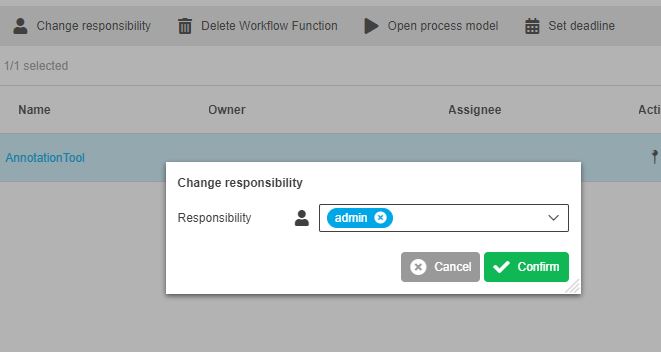
ChangeResponsibilityFunction

Opens up a modal where you can change the responsible User/Role.

change responsibility function

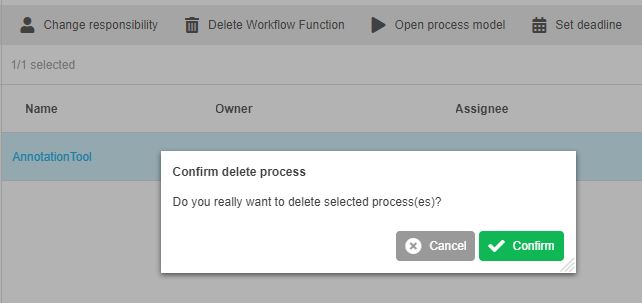
DeleteWorkflowFunction

Deletes the marked Workflow.

delete workflow function

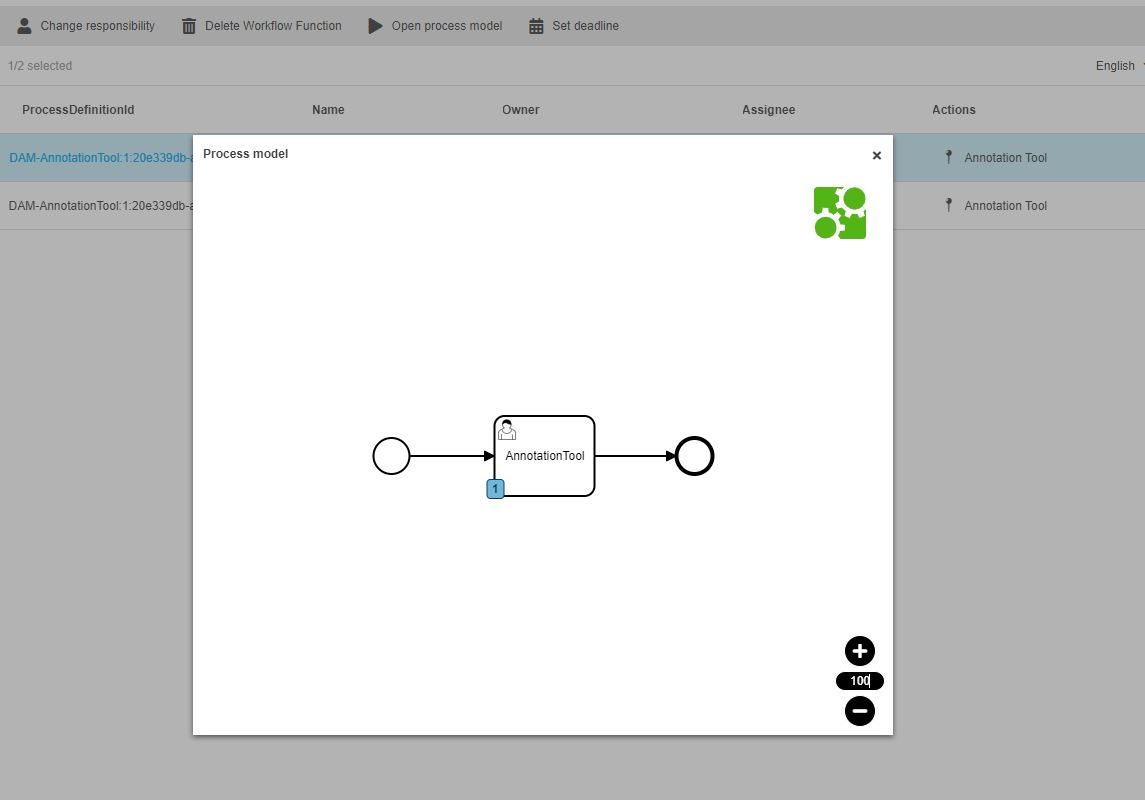
OpenProcessModelFunction

Opens a modal window and visualizes the Camunda Process in it.

The Expression CamundaTask: ProcessDefinitionId needs to be configured into the FSTable so the function works.
process model function

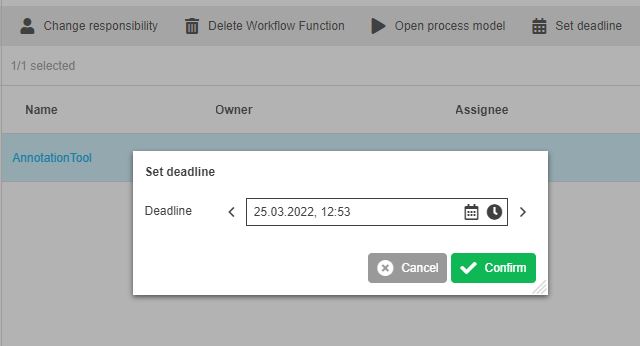
SetDeadlineFunction

Opens up a modal where you can set a Deadline (DATE) for the workflow.

set deadline function

Welcome to the AI Chat!

Write a prompt to get started...