Pagination
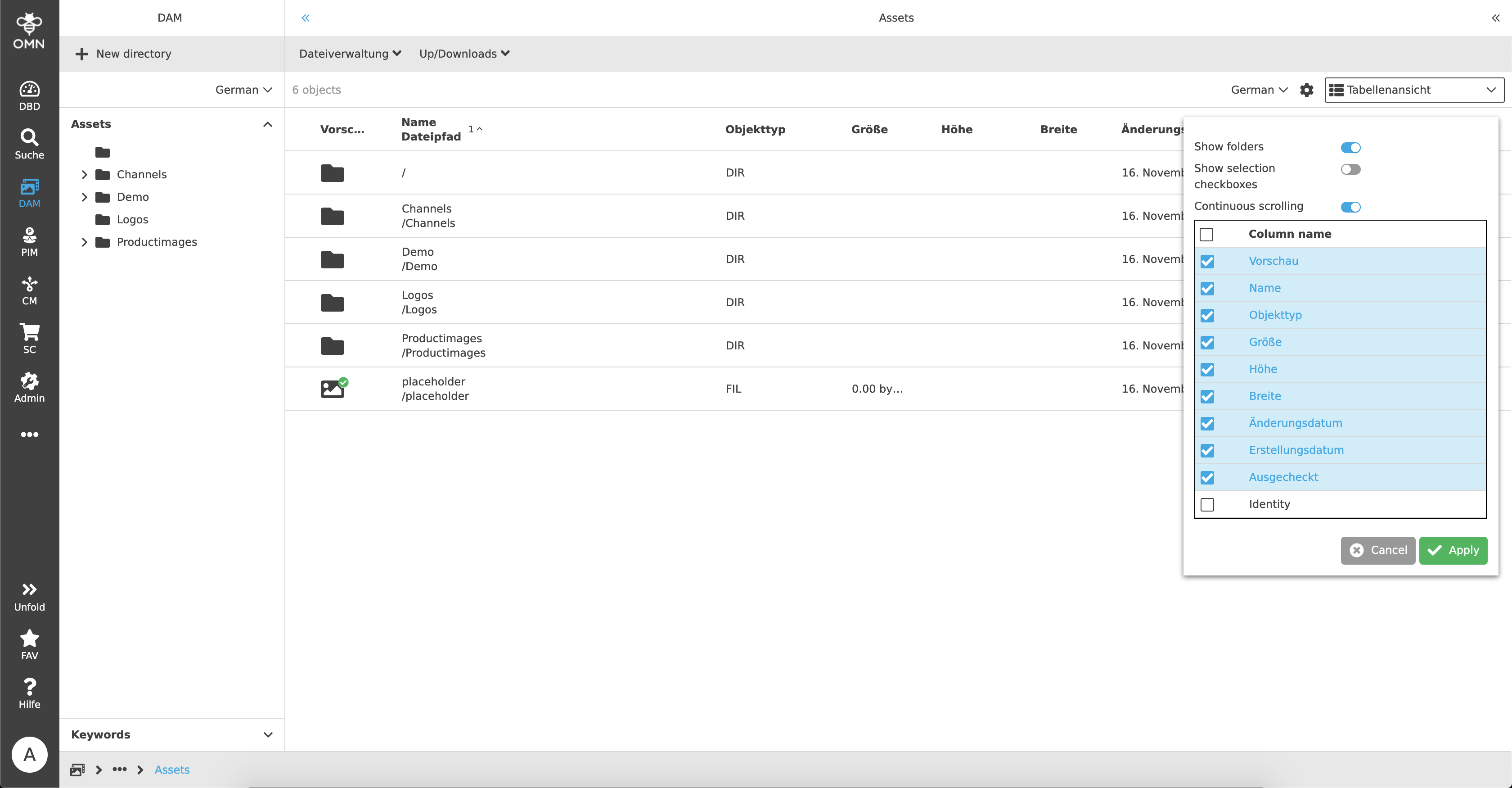
The user gets the option for pagination in OMN. This means that it can be decided individually whether to scroll continuously (on one page) or to work with page numbers. A user can make the settings within the statusbar settings. To do this, the modal is opened and the "Continuous scrolling" setting is activated or deactivated.
If the setting is activated, a user can see all content on a page with the help of continuous scrolling and no pagination element is displayed. Short loading times may occur when scrolling, as the content is loaded gradually.
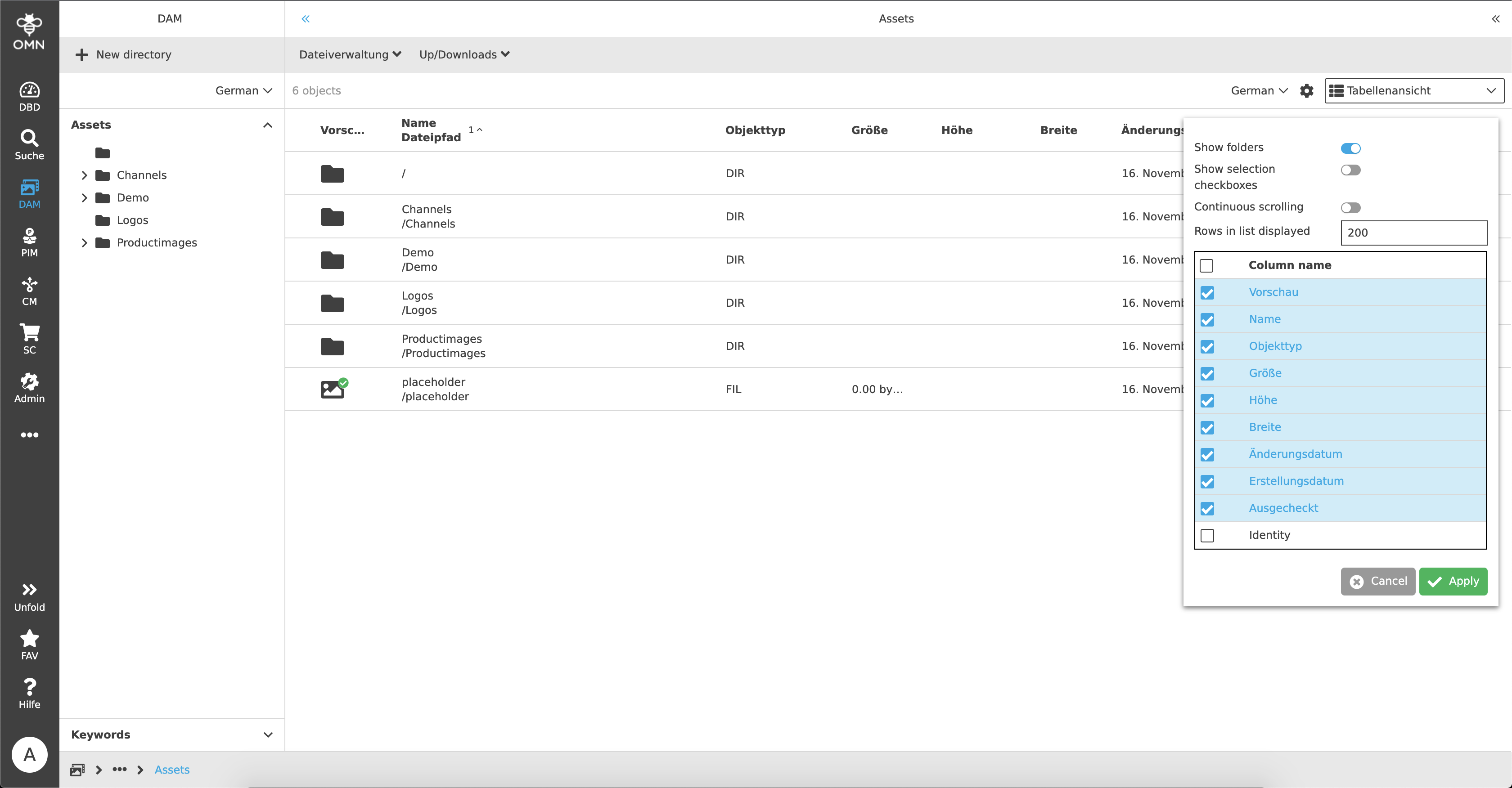
As soon as continuous scrolling is deactivated, a user can use pagination. It can be set how many rows should be displayed on a page. For example, if there are 50 files in a folder and 50 rows are set, all files can be displayed on one page. But if a user would like to have only 10 elements displayed, a 10 is entered in the input field and then only 10 elements are shown.
As soon as there are more files than can or should be displayed, a pagination element is displayed in the statusbar. A user can use this to either navigate to the next or previous page using the arrows or enter the desired page number directly into the input field.