Logging in to OMN
As soon as a user is on the OMN login page, he or she can log in. Name and password can now be entered into the fields "Login Name" and "Password".
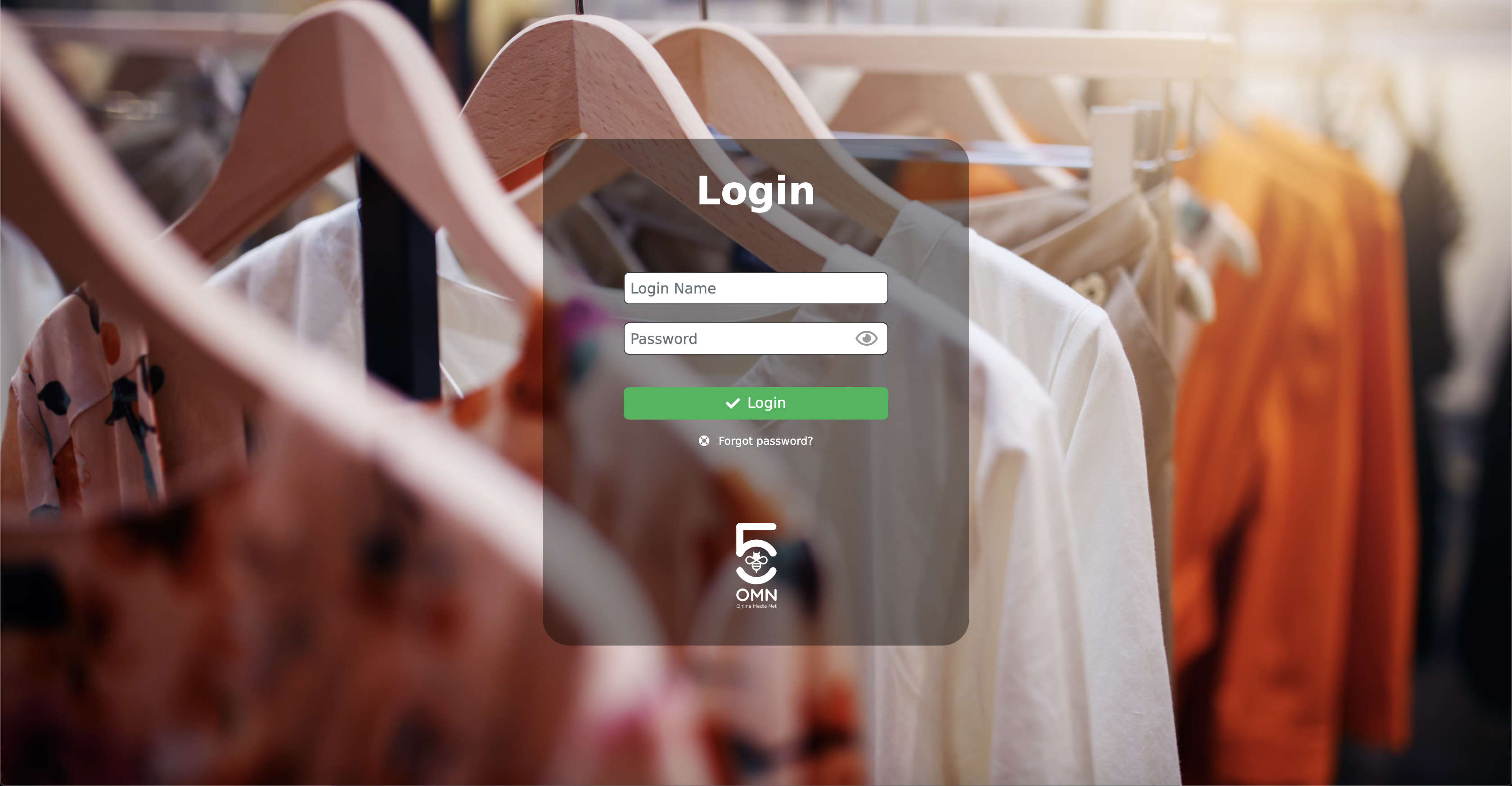
In some cases a license agreement has to be confirmed additionally. To do this, click on the link to open the license agreement page, read through the agreement, then close it and confirm it using the Checkbox.
If the Checkbox was not confirmed, a red notifications is displayed when trying to log in. Likewise, if an incorrect username or password has been entered.
If a user has forgotten her password, a new password can be requested by clicking on "Forgot password".
If available, there is also the option to be redirected to the registration on the login page.
If everything has been entered and followed correctly, the user will be redirected to the home page after clicking on the green login CTA button.