Configure widgets
Widget can be configured by clicking the three dots in the upper right corner of the widget and selecting "Edit" in the dropdown menu.
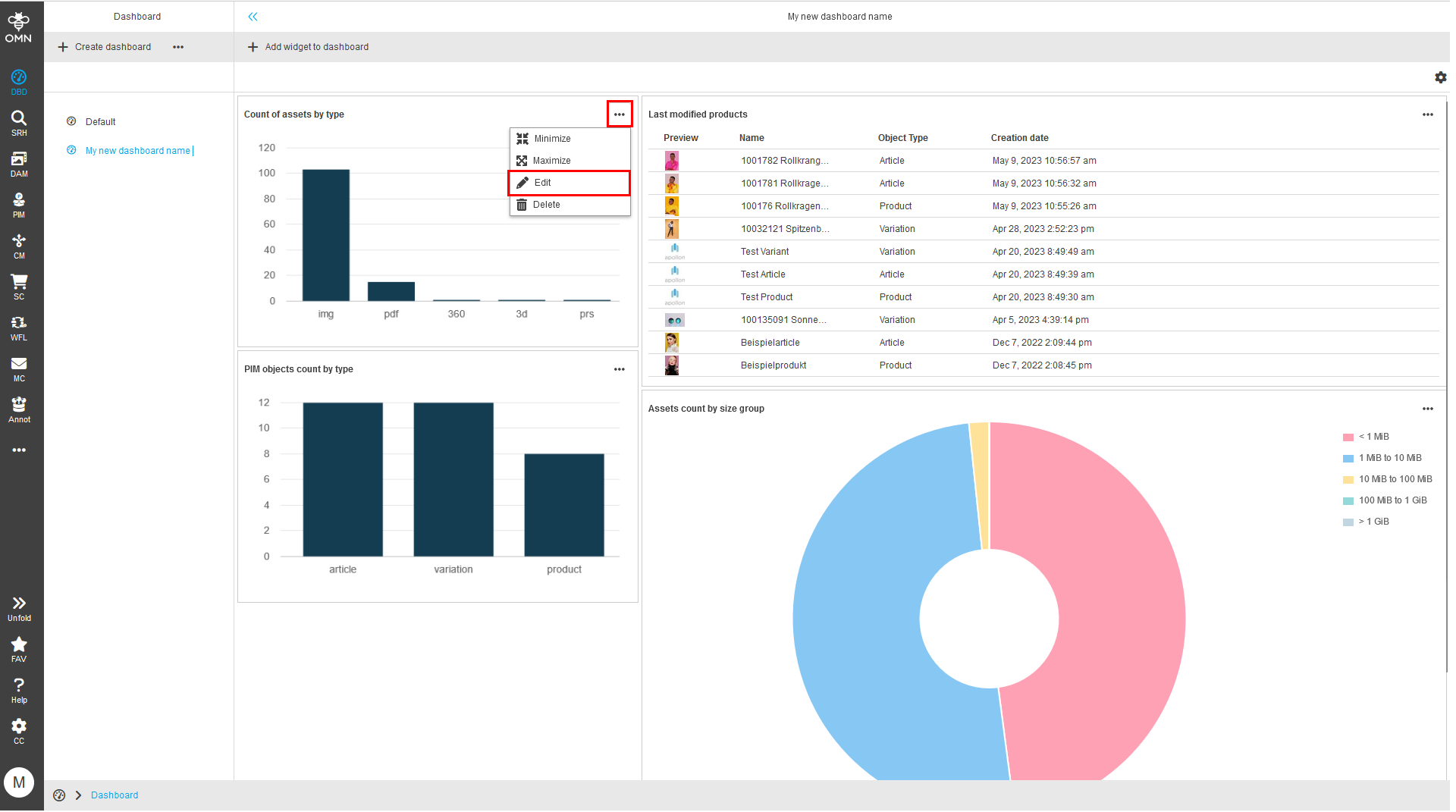
The widget will transform to a configuration panel where you can configure the widget to fit your needs.
Depending on the widget you will have more or less options.
The title/name can be adjusted for every widget.
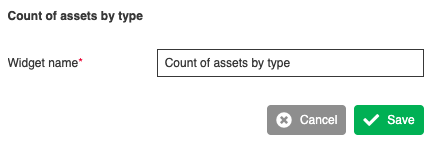
Figure 1. Example: Edit widget title/name
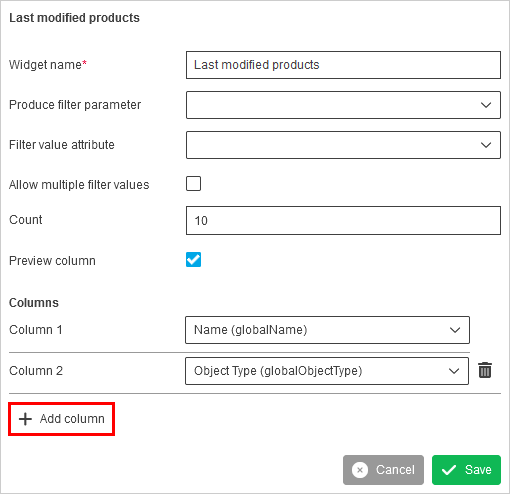
Figure 2. Example: Edit table widget
The table widget allows customizing the displayed columns. Click the "Add column" button at the bottom of the configuration panel and select the desired attribute.