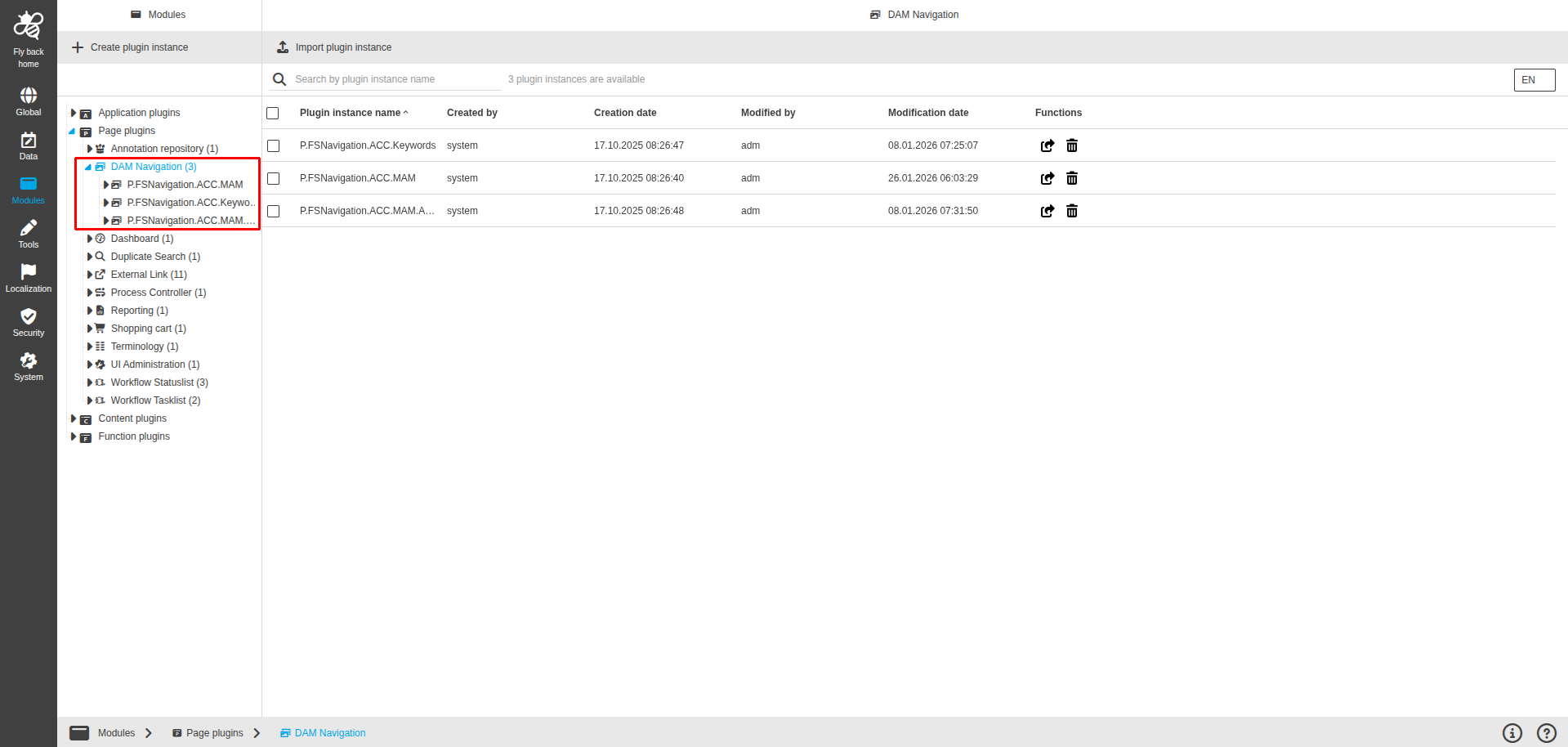
DAM Navigation Page Plugin
Purpose of the plugin
The DAM navigation system provides the user with a possibility to manage and organize assets.
Supported plugins
The DAM Navigation plugin supports plugins such as:
-
3D Viewer tool plugin
-
360 Degree View tool plugin
-
Add to Shopping Cart function plugin
-
Annotation tool plugin
-
Asset View tool plugin
-
Automatic image linking function plugin
-
Checkin function plugin
-
Compare View content plugin
-
Copy function plugin
-
Create variation function plugin
-
Create version function plugin
-
Cut function plugin
-
Delete function plugin
-
Detail content plugin
-
Direct Download function plugin
-
JavaFunction function plugin
-
JSFunction function plugin
-
LightTable View content plugin
-
Object Variations content plugin
-
Open Preview function plugin
-
Product View tool plugin
-
Selection Client content plugin
-
Show In Navigation function plugin
-
Single View content plugin
-
Table View content plugin
-
Upload function plugin
-
Usage History tool plugin
-
Version View content plugin
-
Workflow Config function plugin
General configuration
The configuration of DAM Navigation includes the following parts:
| Tab name | Description | Note |
|---|---|---|
Nodes |
On this page the user can define which nodes (navigation types) should be available in the DAM Navigation. |
See more details Nodes |
Usages |
On this page the user can see the relations of the DAM Navigation plugin to other plugins. |
Content is coming soon… |
Localization |
On this page the user can localize his/her own DAM Navigation plugin to see wished terms in the UI of DAM Navigation. |
See more details Localization tab of the plugin instances |
History |
On this page the user can overview all modifications made in DAM Navigation plugin and have an initial state available as a file to understand who, when and what changes within the configuration. |
See more details History |
Permissions |
On this page the user can restrict the access to the plugin for certain roles. |
Content is coming soon… |