Default page
In general, it is possible to define a default start page in the Configuration Client that is always displayed after logging in.
The "Default Page" area within the user settings allows the user to override this setting and define his or her own start page.
To do this, the user simply has to select the desired page in the "Select default page" dropdown.
The available pages are displayed in alphabetical order and can also be filtered using the dropdown’s search function if desired.
By default, "Default" (start page set in Configuration Client) is selected.
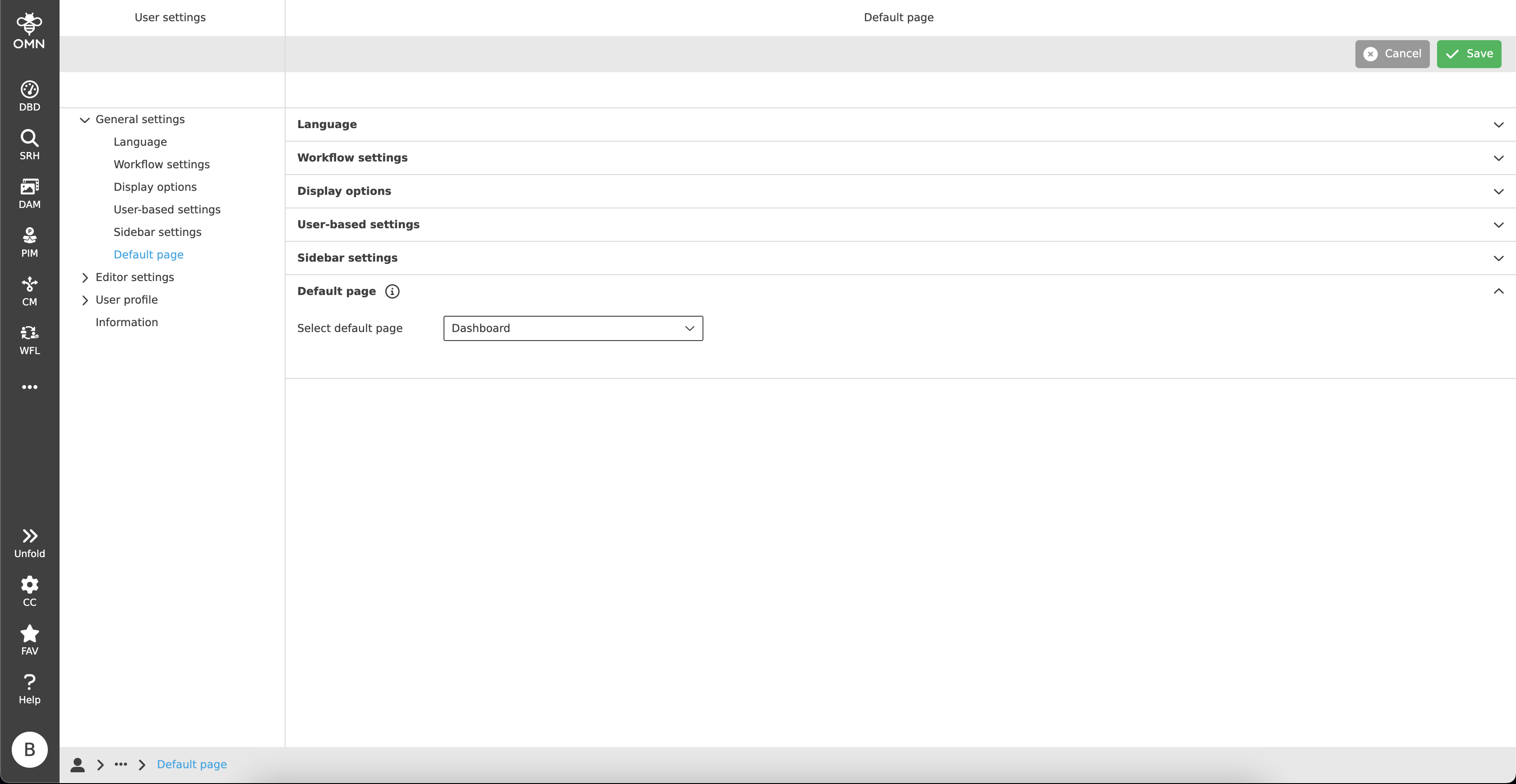
Figure 1. Default page