Checkboxes
Basically, checkboxes are used to indicate an active or inactive status. There are two main use cases for which checkboxes are needed.
Selections
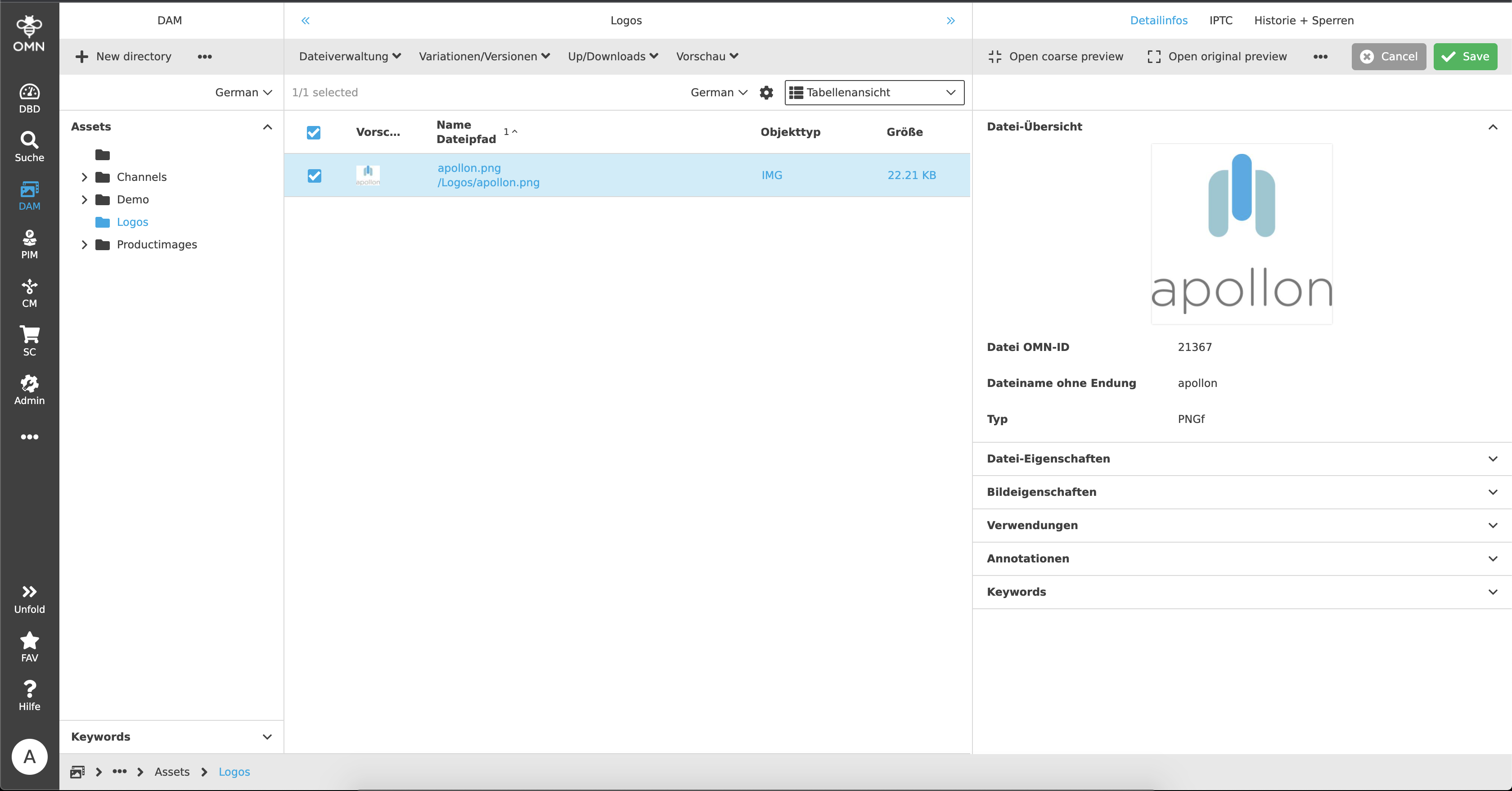
Checkboxes are used in many places, for example within tables, to select specific files. The user can make a single or multiple selection of certain files by clicking on the checkboxes and perform actions on exactly these in the subsequent step. For certain functions, such as downloads, assets must be selected beforehand in order for them to appear in the toolbar in the first place. Also for copy or move actions the files have to be selected before.
"True" or "False"
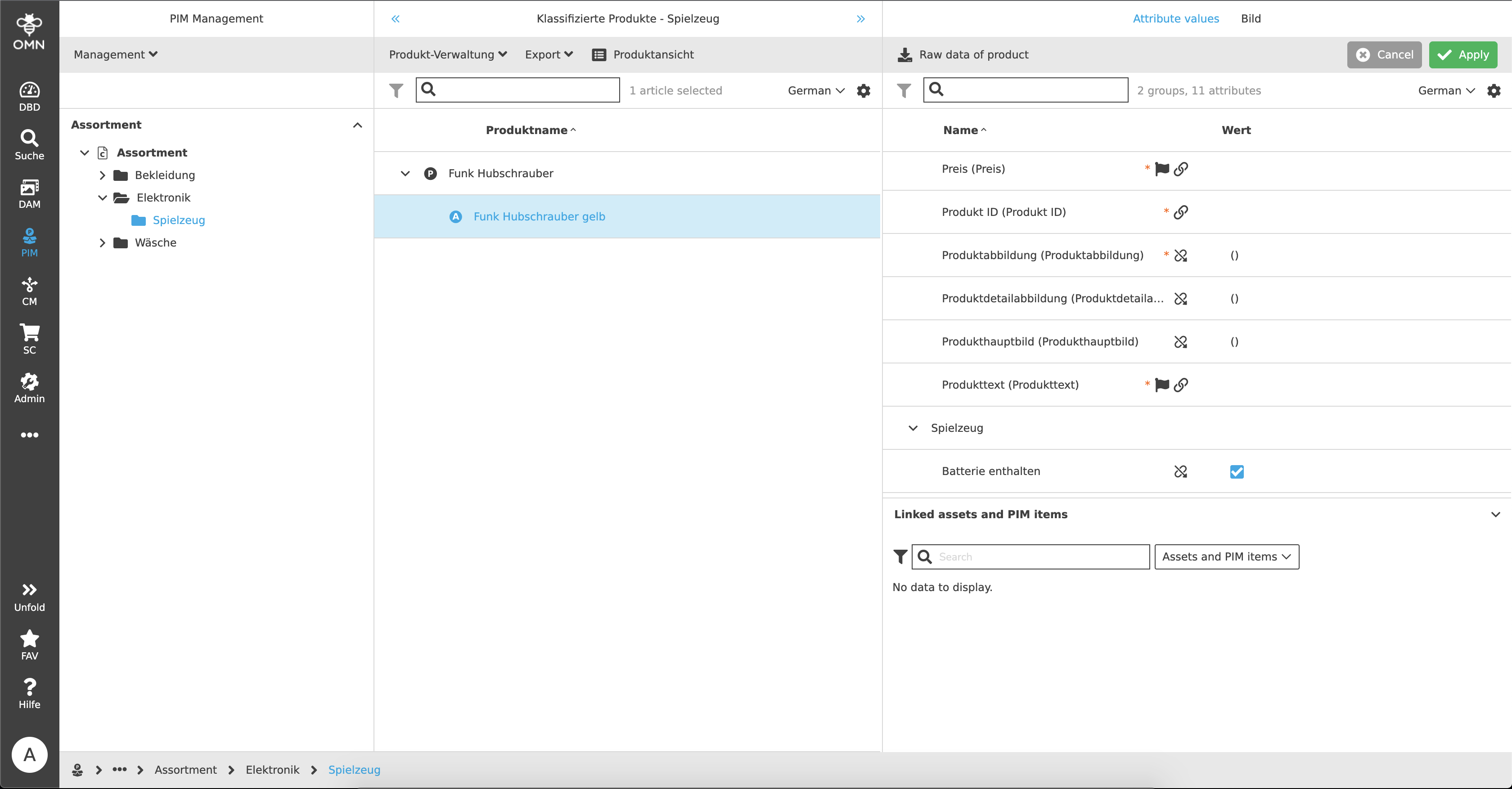
In addition to selections, checkboxes are also used to determine a state. For example, so-called "Boolean" attributes can be created in PIM that can query a "true" or "false" state. An example of this would be the following:
A user maintains whether an item contains batteries or not. A fictitious attribute "Batteries" was created as a Boolean type and shows an empty checkbox (= no batteries included). If this checkbox is now activated by the user, the state changes to "true", which means that the item contains a battery.